

Accidentally deleting data from your phone is one of those heart-dropping moments almost everyone experiences at least once. A rushed cleanup, a mistaken tap, or an unfamiliar setting—and suddenly your photos, videos, documents, or messages are gone. What makes it worse is the immediate panic: Is it gone forever? Did I just lose everything?
The truth is reassuring. In many cases, accidentally deleted data can still be recovered—if the right steps are taken at the right time. Understanding how mobile Data Recovery actually works helps you avoid costly mistakes and gives you the best chance of getting your files back safely.
This guide explains what really happens when data is deleted, how professional Data Recovery works behind the scenes, and when expert help becomes essential.
What Really Happens When You Delete Data from Your Phone
When you delete a photo or file, your phone doesn’t instantly wipe it out of existence. Instead, the operating system simply removes its reference from the visible file system.
In simple terms:
-
The file becomes invisible to you
-
The storage space is marked as “available”
-
The actual data remains until overwritten
This window—before new data replaces the deleted file—is where Data Recovery is possible.
This is also why continued phone usage after accidental deletion is risky. Taking new photos, installing apps, or even updating software can overwrite deleted data permanently.

Why Acting Quickly Improves Data Recovery Success
Time is one of the most critical factors in Data Recovery. The longer you use your phone after deletion, the higher the chance that recoverable storage sectors will be overwritten.
Immediate steps that help recovery include:
-
Stopping phone usage as soon as you notice deletion
-
Turning off mobile data and Wi-Fi
-
Avoiding app installations or updates
-
Seeking professional help early
Quick action doesn’t guarantee recovery—but it dramatically improves the odds.
Types of Accidental Data Deletion
Not all data loss happens the same way. Understanding how deletion occurred helps determine the best Data Recovery approach.
Common scenarios include:
-
Deleting files manually from the gallery or file manager
-
Emptying trash or recently deleted folders
-
Factory reset without backup
-
App crashes that remove stored data
-
Sync errors with cloud services
Each scenario affects storage differently, which is why professional diagnosis matters.

How Mobile Data Recovery Works: Step by Step
Professional Data Recovery is a structured, careful process—not guesswork. While exact methods vary by device and situation, most recoveries follow these key stages.
1. Initial Device Diagnosis
The first step is understanding why the data was lost. Technicians check:
-
Whether deletion was logical (software-based)
-
If storage is still accessible
-
Whether the phone has underlying hardware issues
This step prevents unnecessary risks and helps choose the safest recovery method.
2. Storage-Level Scanning
Unlike basic apps that scan only visible directories, professional Data Recovery tools scan storage sectors directly.
This allows experts to:
-
Locate deleted file fragments
-
Identify recoverable data blocks
-
Bypass damaged file system structures
This deep scan is essential for successful recovery.

3. Secure Data Extraction
Once recoverable data is identified, files are carefully extracted without modifying the original storage.
This step ensures:
-
No additional overwriting
-
Preservation of remaining data
-
Minimal stress on storage components
It’s one of the most delicate stages of Data Recovery.
4. Verification of Recovered Files
Recovered data is then verified to ensure files are usable—not corrupted or incomplete.
Photos, videos, documents, and messages are checked before delivery so you know exactly what was recovered.
5. Safe Transfer to a New Location
Recovered data is securely transferred to:
-
An external drive
-
A computer
-
Cloud storage (if requested)
Your phone remains untouched after extraction, keeping remaining data safe.
What Types of Deleted Data Can Be Recovered?
Professional Data Recovery can often retrieve more than people expect.
Recoverable data may include:
-
Photos and videos
-
Contacts and call logs
-
SMS and chat backups
-
Documents and PDFs
-
App data (in supported cases)
Recovery success depends on how quickly action is taken and whether storage was overwritten.
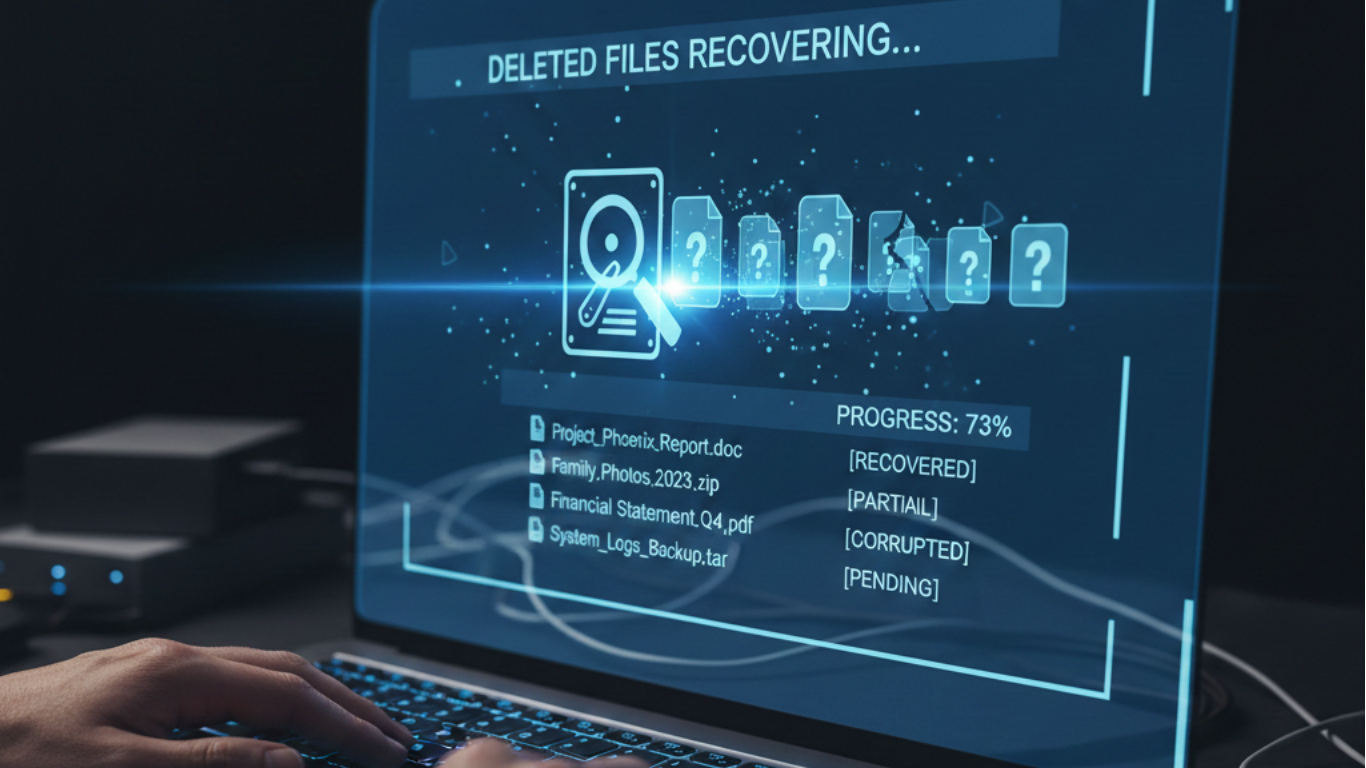
DIY Recovery Apps vs Professional Data Recovery
Recovery apps are often the first thing people try—but they have serious limitations.
Risks of DIY Apps
-
Shallow scans that miss deeper data
-
High chance of overwriting deleted files
-
Limited file type recovery
-
Privacy concerns
In many cases, failed DIY attempts reduce the effectiveness of professional Data Recovery later.
Why Professional Data Recovery Is More Reliable
Expert Data Recovery offers:
-
Deep storage scanning
-
Device-specific recovery techniques
-
Secure handling of personal data
-
Higher success rates for complex cases
Professionals focus on preserving data, not experimenting with it.

Factors That Affect Data Recovery Success
No two recovery cases are identical. Success depends on several factors, including:
-
Time elapsed since deletion
-
Phone usage after data loss
-
Storage type (internal vs external)
-
Phone model and OS version
-
Encryption settings
A proper diagnosis sets realistic expectations before recovery begins.
Common Myths About Deleted Data Recovery
“Deleted means permanently gone”
In many cases, deleted data still exists internally.
“Recovery apps are enough”
Apps have limitations and risks for serious data loss.
“If I can’t see it, it’s lost forever”
Visibility doesn’t determine recoverability.
“Recovery always works”
Recovery is possible—but not guaranteed. Honest assessment matters.
When You Should Choose Professional Data Recovery
You should seek expert Data Recovery when:
-
The deleted data is important or irreplaceable
-
Multiple files or folders are missing
-
Recovery apps failed
-
Business, legal, or personal records are involved
In these cases, professional Data Recovery gives the best chance of success without further loss.
Data Privacy and Security During Recovery
A major concern with Data Recovery is privacy—and rightly so.
Professional services follow strict practices:
-
Data accessed only for recovery
-
No sharing or duplication
-
Secure environments and tools
-
Full confidentiality
Your files remain yours—always.
How to Prevent Future Accidental Data Loss
While Data Recovery can help after deletion, prevention is always better.
Smart habits include:
-
Regular cloud backups
-
Manual backups to external drives
-
Enabling trash or recovery folders
-
Avoiding rushed storage cleanups
These habits reduce the stress of future data loss.
Final Thoughts
Accidentally deleting data doesn’t have to be the end of the story. In many cases, mobile Data Recovery can restore lost photos, files, and memories—especially when action is taken quickly and carefully.
The key is understanding what happens behind the scenes, avoiding risky DIY attempts, and choosing professional help when the data truly matters.
If you’ve accidentally deleted important files, consult a trusted Data Recovery specialist before it’s too late.