

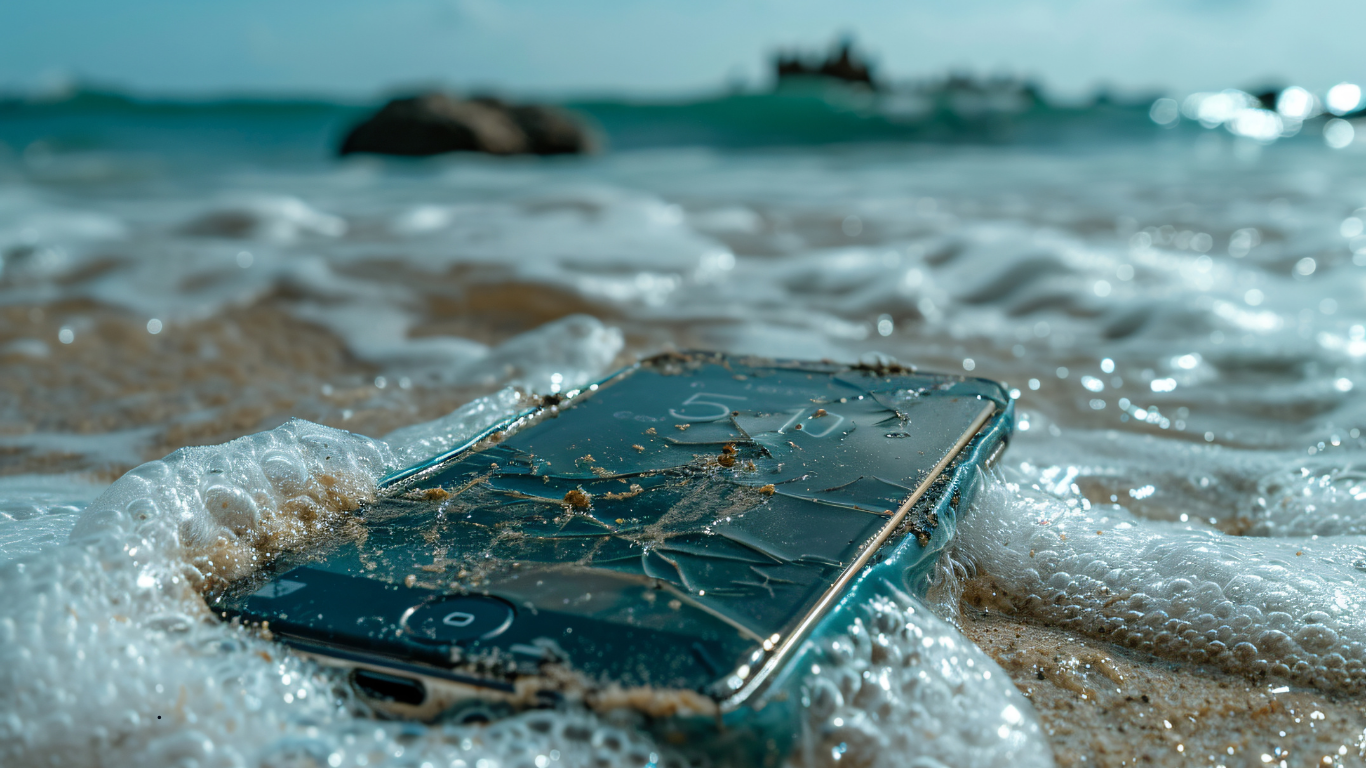
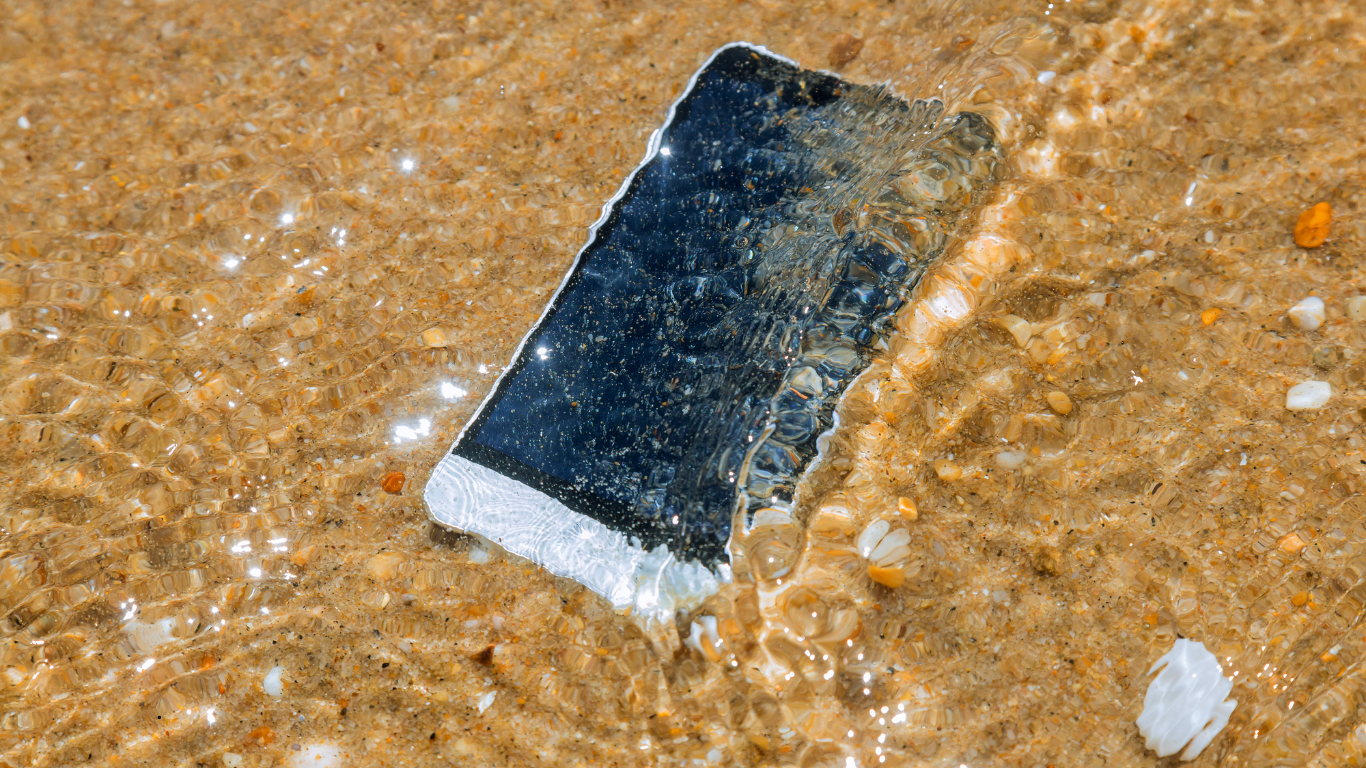
A phone slipping into water is one of the most panic-inducing moments for any user. It’s not just the device you worry about—it’s the photos, videos, messages, documents, and memories stored inside. Whether the phone fell into a sink, got drenched in rain, or was submerged in a pool, water damage feels final.
But the reality is far more hopeful. Water damage does not automatically mean your data is gone forever. With professional data recovery, a surprising amount of information can often be saved—even from phones that refuse to turn on.
This guide explains what happens inside a water-damaged phone, what data can still be recovered, and how data recovery works after liquid exposure.
What Happens Inside a Phone After Water Damage?
Modern smartphones contain tightly packed circuits and micro-components. When water enters the device, it starts causing damage almost instantly.
Common internal effects include:
-
Short circuits on the motherboard
-
Corrosion on connectors and IC chips
-
Damage to power and charging components
-
Screen and touch failure
-
Gradual rusting if moisture remains inside
Turning on or charging a wet phone is one of the biggest mistakes people make—it often worsens the damage and reduces the success rate of data recovery.
Can Data Be Recovered From a Water-Damaged Phone?
In many cases, yes.
Professional data recovery focuses on retrieving information from internal storage, not on making the phone usable again. Even if:
-
The phone is completely dead
-
The screen stays black
-
There is no charging response
…the internal memory may still be intact and readable.
Recovery success depends on factors like:
-
Type of liquid exposure
-
How quickly the phone was powered off
-
Whether it was charged while wet
-
Extent of corrosion on the motherboard
What Data Can Be Saved After Water Damage?
With advanced data recovery techniques, the following data is often retrievable:
Photos & Videos
-
Camera photos and recorded videos
-
WhatsApp images and videos
-
Downloaded media and screenshots
These files are stored in internal memory, which can survive water exposure if handled correctly.
Contacts & Call History
-
Saved contacts
-
Incoming and outgoing call logs
Even when the phone doesn’t power on, this data can often be extracted directly from storage.
Messages & App Data
-
SMS and MMS
-
WhatsApp chats and attachments
-
App data and databases
Professional data recovery tools allow technicians to access this information at a deeper level.
Documents & Important Files
-
PDFs, Word and Excel files
-
Notes and downloads
-
Office and academic documents
This makes water-damaged phone data recovery especially valuable for working professionals and students.
What Usually Cannot Be Recovered?
Although data recovery is highly effective, recovery may not be possible if:
-
The memory chip is physically broken
-
Severe corrosion has destroyed storage pathways
-
The phone was repeatedly powered on while wet
Such cases are less common, but they highlight the importance of acting quickly.
How Professional Data Recovery Works After Water Damage
Unlike standard phone repair, data recovery focuses entirely on saving files, not restoring full phone functionality.
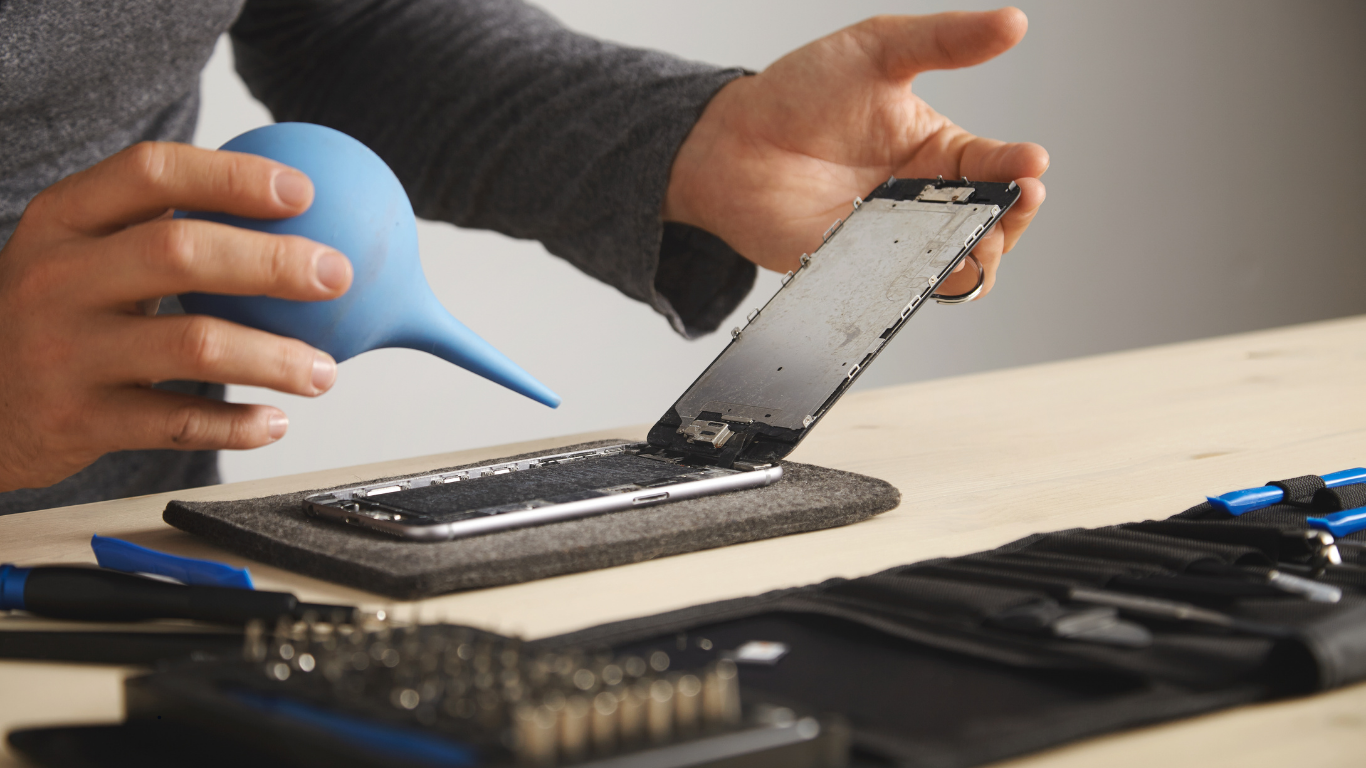
Step 1: Damage Assessment
-
Phone is opened safely
-
Moisture indicators are checked
-
Corrosion is inspected under magnification
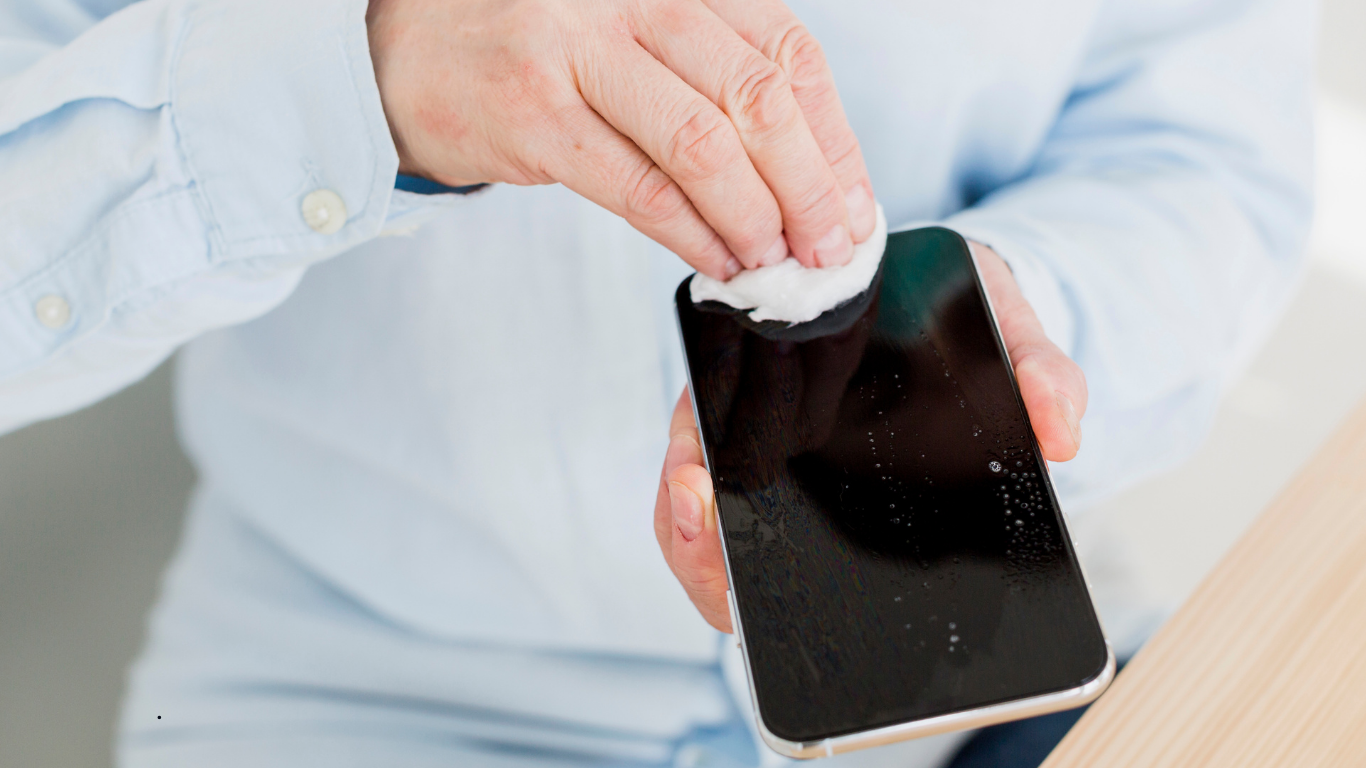
Step 2: Ultrasonic Cleaning
-
The motherboard is cleaned using ultrasonic equipment
-
Corrosion, residue, and moisture are removed
-
Further internal damage is prevented
This step significantly improves data recovery success rates.
Step 3: Temporary Board Stabilization
-
Shorted components are isolated
-
Temporary repairs allow storage access
-
The phone is not fully repaired
 e
e
Step 4: Storage-Level Data Extraction
-
Direct extraction from internal memory
-
Chip-level data recovery if required
This is the most technical and sensitive stage of the process.
Step 5: Data Verification & Delivery
-
Recovered files are checked for integrity
-
Data is organized and securely delivered
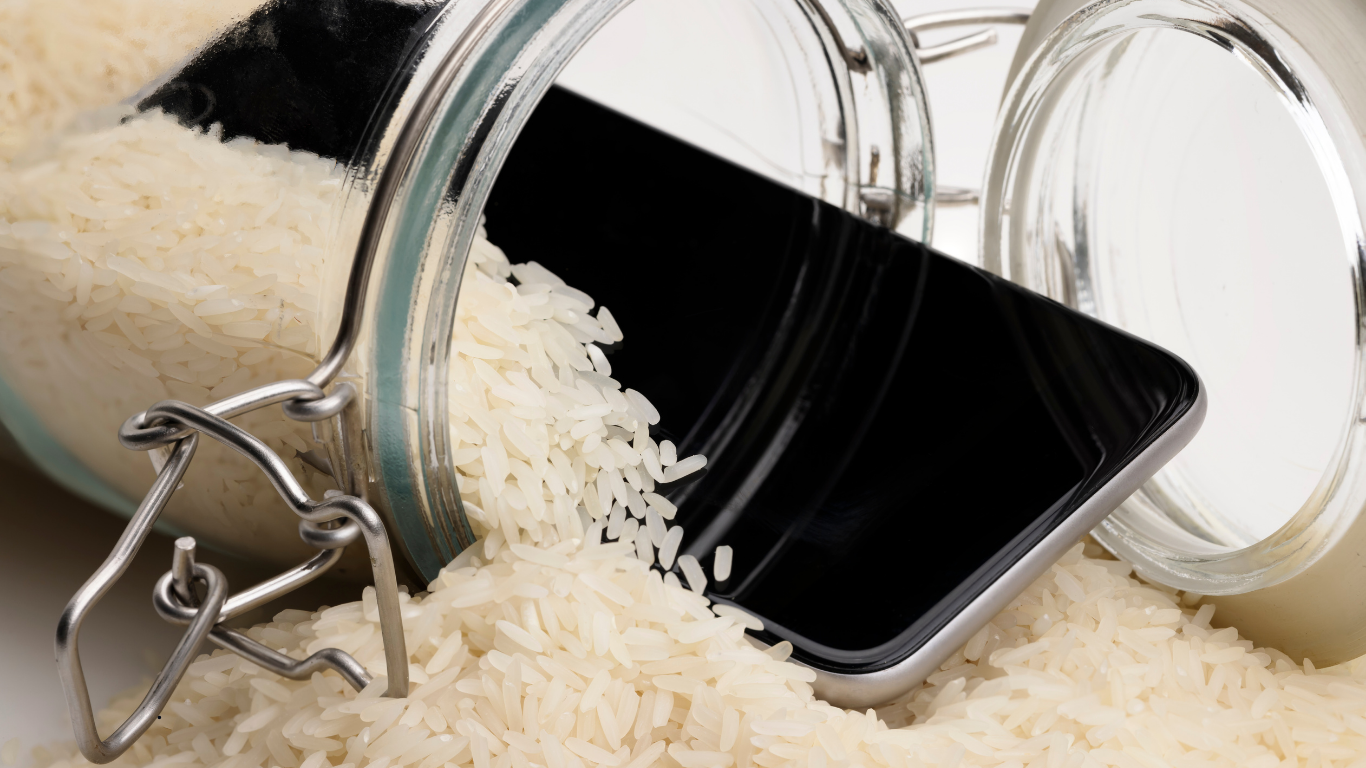
Does Rice Help With Water-Damaged Phones?
No. Putting a phone in rice is a common myth.
Rice:
-
Does not remove internal moisture
-
Does not stop corrosion
-
Delays professional data recovery
-
Often reduces the chances of successful recovery
Immediate professional handling is always the safer option.
How Long Do You Have Before Data Is Lost?
Time plays a critical role in data recovery after water damage.
-
Within 24 hours: Highest success rate
-
2–7 days: Moderate success
-
Several weeks later: Possible, but more complex
The sooner data recovery begins, the better the outcome.
Data Recovery vs Phone Repair
| Phone Repair | Data Recovery |
|---|---|
| Focuses on usability | Focuses on saving data |
| Replaces hardware | Extracts stored files |
| Data may be wiped | Data is preserved |
| Not ideal for liquid damage | Designed for water damage |
If your priority is your photos, files, and memories, data recovery should always come first.
Final Thoughts
A water-damaged phone doesn’t mean the end of your data. Photos, videos, business files, and personal conversations are often far more valuable than the device itself. With professional data recovery, even phones that appear completely dead can still give back what matters most.
Quick action, avoiding DIY mistakes, and choosing the right recovery approach can make all the difference.