

An iPad is no longer just a luxury device. On Vancouver Island, it’s used for work, online learning, creative projects, navigation, video calls, entertainment, and even running businesses. So when the screen cracks or breaks, it’s not just an inconvenience—it interrupts daily life.
Accidental drops, pressure damage, or sudden impacts can leave your iPad with shattered glass, touch issues, or display problems. Thankfully, professional iPad screen repair offers a reliable way to restore your device without the cost of buying a new one.
This detailed guide explains everything you need to know—from understanding screen damage to choosing the right repair solution on Vancouver Island.
Understanding iPad Screen Damage in Everyday Usage
Many people underestimate how sensitive an iPad screen truly is. Even though Apple uses strengthened glass, the screen is still exposed to everyday risks. Using your device on couches, beds, café tables, ferries, or during travel increases the chances of accidental drops.
When people search for iPad screen repair, it’s usually after:
-
A sudden drop on tile or concrete
-
Pressure damage inside a backpack
-
A child or pet knocking the device over
-
Slipping from hands while multitasking
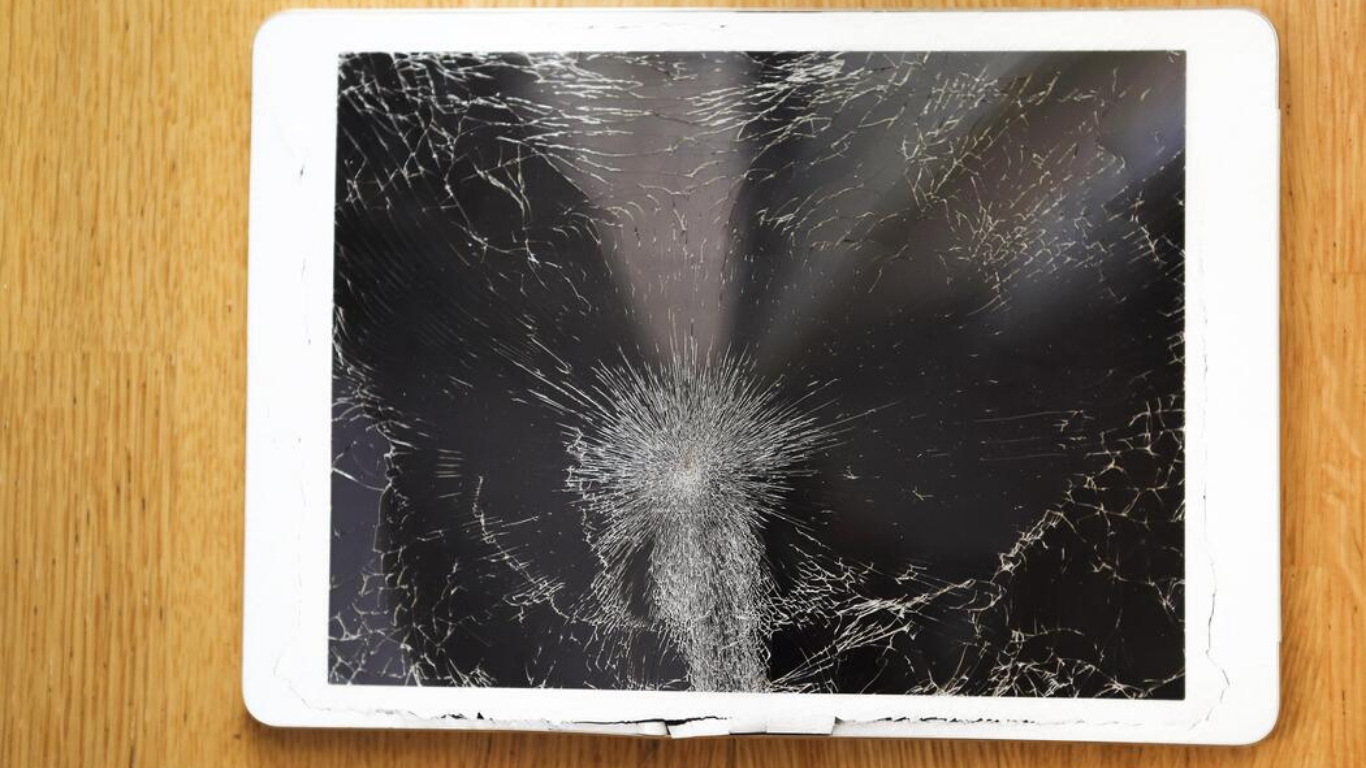
What starts as a minor crack can quickly spread across the screen, affecting both usability and safety.
Why iPad Screens Crack So Easily Despite Premium Glass Technology
Apple’s glass is designed to resist scratches, not impacts. That’s why even a single fall can cause serious damage. Some of the most common reasons screens crack include:
-
Hard surface impact that transfers shock directly to the glass
-
Uneven pressure that weakens internal layers
-
Temperature changes that create micro-fractures
-
Repeated minor stress that slowly compromises screen strength
Once the glass integrity is compromised, the screen becomes far more vulnerable to further damage—making early iPad screen repair essential.
Different Types of iPad Screen Damage and What They Indicate
Not all damage looks dramatic. During professional iPad screen repair assessments, technicians commonly identify:
Hairline Cracks That Spread Over Time
These tiny cracks may seem harmless, but they often grow rapidly with continued use, especially near the edges.
Shattered or Broken Glass
This is the most visible form of damage and poses safety risks due to sharp edges.
Black or Blank Screens
The iPad powers on, but nothing appears—often pointing to display panel failure.
Lines, Flickering, or Discoloration
Vertical lines, yellow tinting, or uneven brightness indicate LCD or Retina damage.
Touch Sensitivity Problems
Dead zones, delayed responses, or ghost touches suggest digitizer issues.
Each of these problems requires a specific iPad screen repair approach.
Why Ignoring a Cracked iPad Screen Leads to Bigger Problems
Delaying repair is one of the most expensive mistakes iPad owners make. Continuing to use a cracked screen can result in:
-
Cuts and injuries from sharp glass
-
Moisture and dust entering internal components
-
Touch sensors failing completely
-
Damage spreading to the display and motherboard
-
Higher repair costs later
Early iPad screen repair protects both your device and your wallet.
Why Professional iPad Screen Repair Is Always Safer Than DIY Fixes
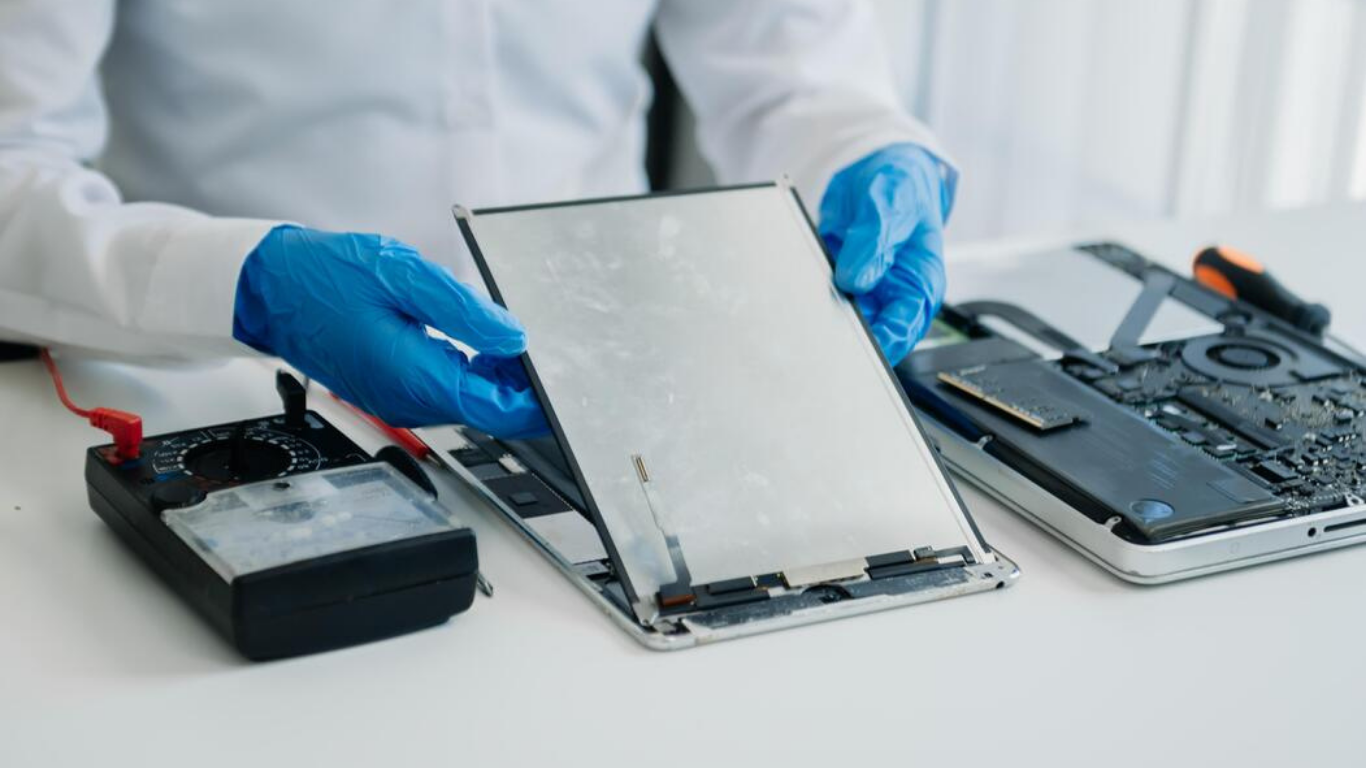
DIY repair kits may seem affordable, but they often create irreversible damage. Without professional tools and experience, people commonly face:
-
Poor screen alignment
-
Touch sensitivity loss
-
Torn internal cables
-
Face ID or Touch ID malfunction
-
Display discoloration
Professional iPad screen repair ensures correct installation, proper calibration, and full functionality testing.
iPad Models That Commonly Need Screen Repair on Vancouver Island
Technicians regularly perform iPad screen repair on:
-
Standard iPad (all generations)
-
iPad Mini
-
iPad Air
-
iPad Pro (11-inch and 12.9-inch models)
Each model has a unique screen structure, which is why experience matters.
Step-by-Step iPad Screen Repair Process Explained Clearly
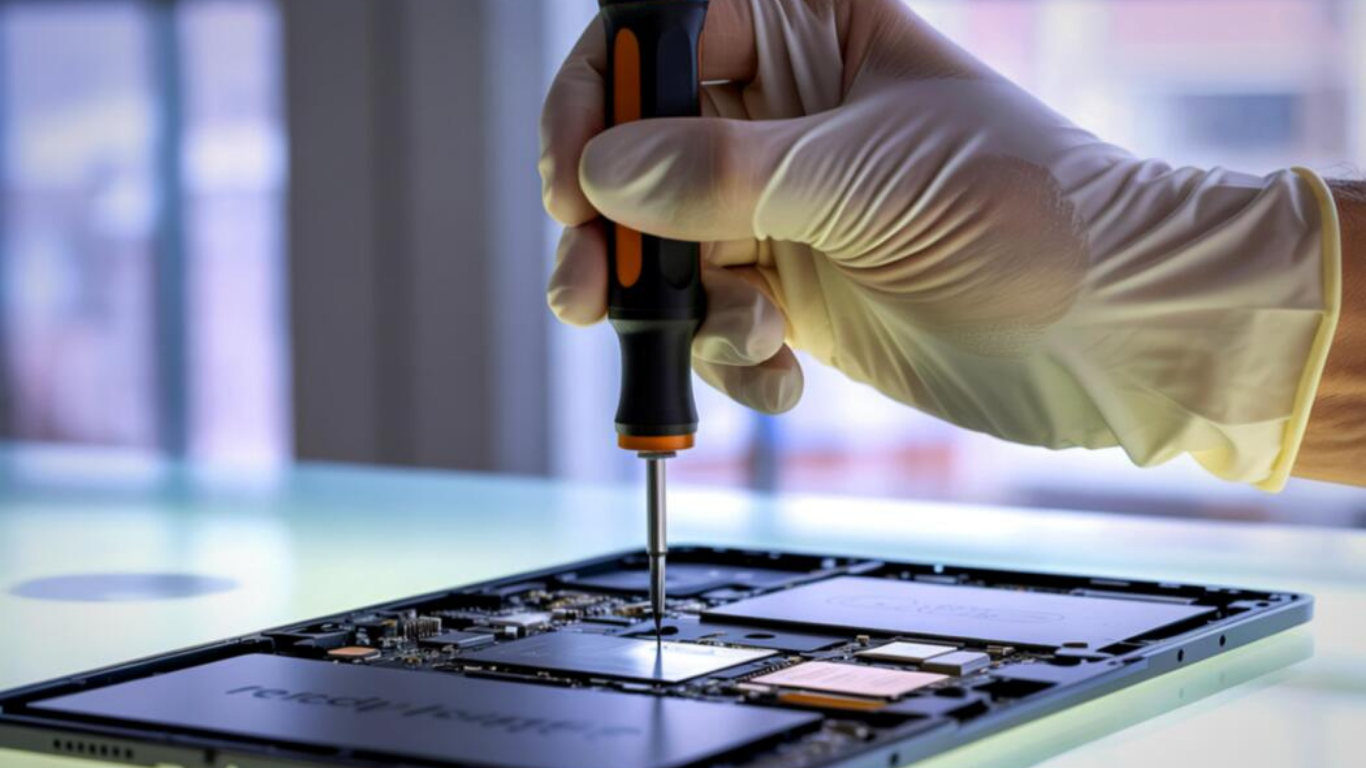
A professional repair process typically includes:
-
Detailed diagnostics and damage assessment
-
Safe removal of the damaged screen
-
Internal inspection and cleaning
-
Installation of the replacement screen
-
Touch calibration and sensitivity testing
-
Display brightness and color calibration
-
Final quality and safety checks
Throughout the iPad screen repair, your data remains completely secure.
How Long iPad Screen Repair Takes in Vancouver Island
In most cases, iPad screen repair is completed the same day. Repair time depends on:
-
iPad model
-
Severity of damage
-
Screen availability
More complex repairs may take slightly longer, but delays are rare.
Cost of iPad Screen Repair in Vancouver Island: What to Expect
Repair costs vary based on:
-
Screen size
-
iPad generation
-
Type of damage
However, iPad screen repair is almost always significantly cheaper than replacing the device—and far more sustainable.
Why Choosing Local iPad Screen Repair Services Makes a Difference
Opting for local repair on Vancouver Island provides:
-
Faster turnaround times
-
Personalized customer support
-
Warranty-backed repairs
-
Transparent pricing
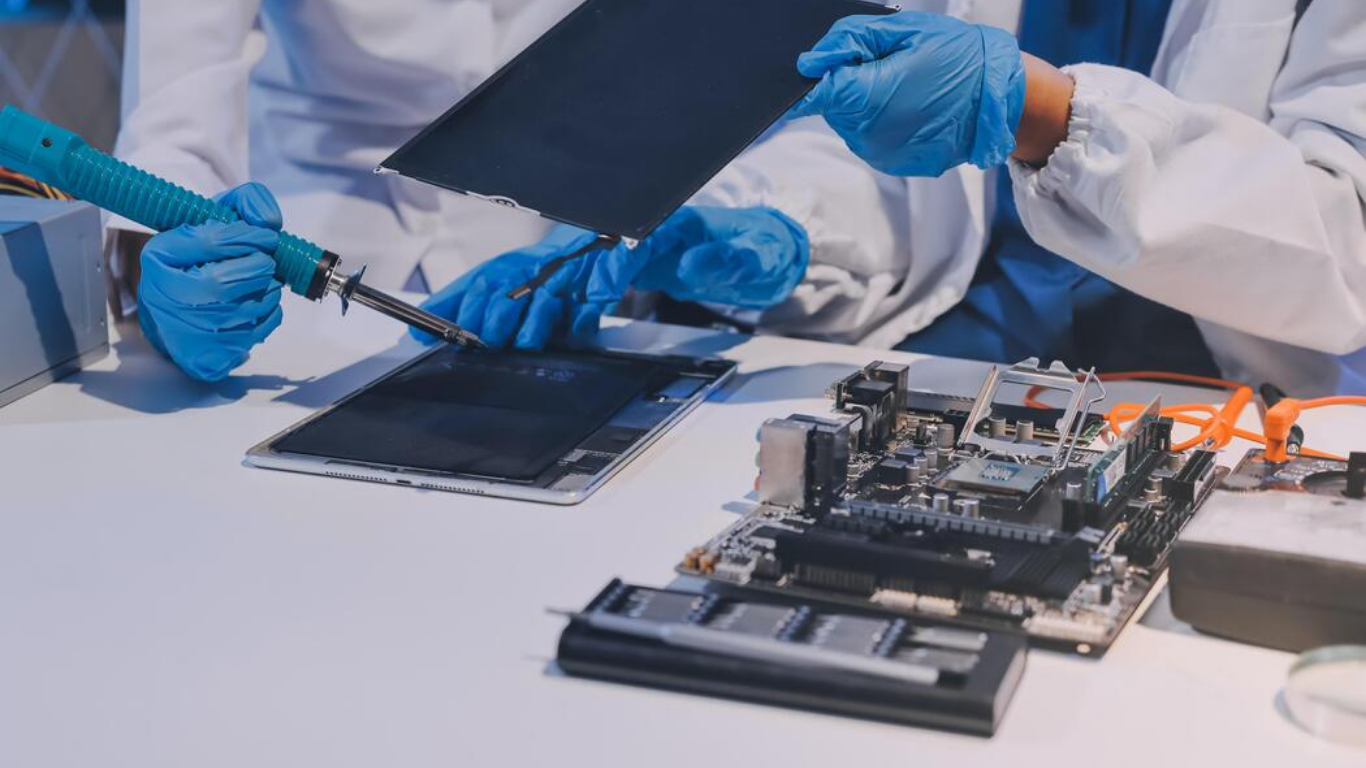
Local technicians understand common damage patterns and models used in the region.
How Screen Repair Helps Maintain iPad Performance and Value
A repaired screen:
-
Restores full touch accuracy
-
Improves display clarity
-
Prevents internal damage
-
Maintains resale value
Timely iPad screen repair keeps your device functional for years.
Final Thoughts
A cracked or broken screen doesn’t mean your iPad is done. With professional iPad screen repair, you can restore safety, performance, and appearance—without replacing your device.
Act early, repair smartly, and keep your iPad running like new.
Frequently Asked Questions
1. Can I still use my iPad if the screen is cracked?
Yes, you can use it, but it’s not recommended. A cracked screen can worsen quickly, cause touch issues, and even lead to injuries from sharp glass. Delaying iPad screen repair often results in more expensive damage later.
2. Will a cracked iPad screen affect touch sensitivity?
In many cases, yes. Even small cracks can interfere with the digitizer, leading to dead zones, delayed responses, or ghost touches. Professional iPad screen repair restores full touch accuracy.
3. How do I know if I need a full screen replacement or just glass repair?
If only the outer glass is cracked and the display works perfectly, a glass replacement may be possible. However, issues like black screens, lines, flickering, or color distortion usually require complete iPad screen repair.
4. How long does iPad screen repair usually take on Vancouver Island?
Most standard repairs are completed the same day, often within a few hours. Repair time depends on the iPad model and severity of damage, but long delays are uncommon.
5. Is my data safe during iPad screen repair?
Yes. Screen repair does not affect internal storage or data. Your photos, apps, and files remain completely safe throughout the repair process.
6. Is iPad screen repair cheaper than buying a new iPad?
Absolutely. In almost all cases, iPad screen repair costs significantly less than replacing the device, making it the most cost-effective and sustainable solution.
7. Does a cracked screen get worse over time?
Yes. Cracks tend to spread due to pressure, temperature changes, and everyday handling. Early iPad screen repair prevents the damage from reaching internal components.