

You charge your iPad to 100%.
You barely use it.
And somehow, by the time you check again, the battery is already down to 40%.
Sound familiar?
Fast battery drain is one of the most common complaints among iPad users today. And while many people blame apps, updates, or settings, the truth is often much simpler — and more frustrating.
In most cases, rapid battery drain is a sign of battery degradation, not user error.
In this guide, we’ll break down why your iPad battery drains so fast, what fixes don’t actually work, and when ipad battery replacement is the real solution that restores normal usage and performance.
Why iPad Batteries Start Draining Faster Over Time
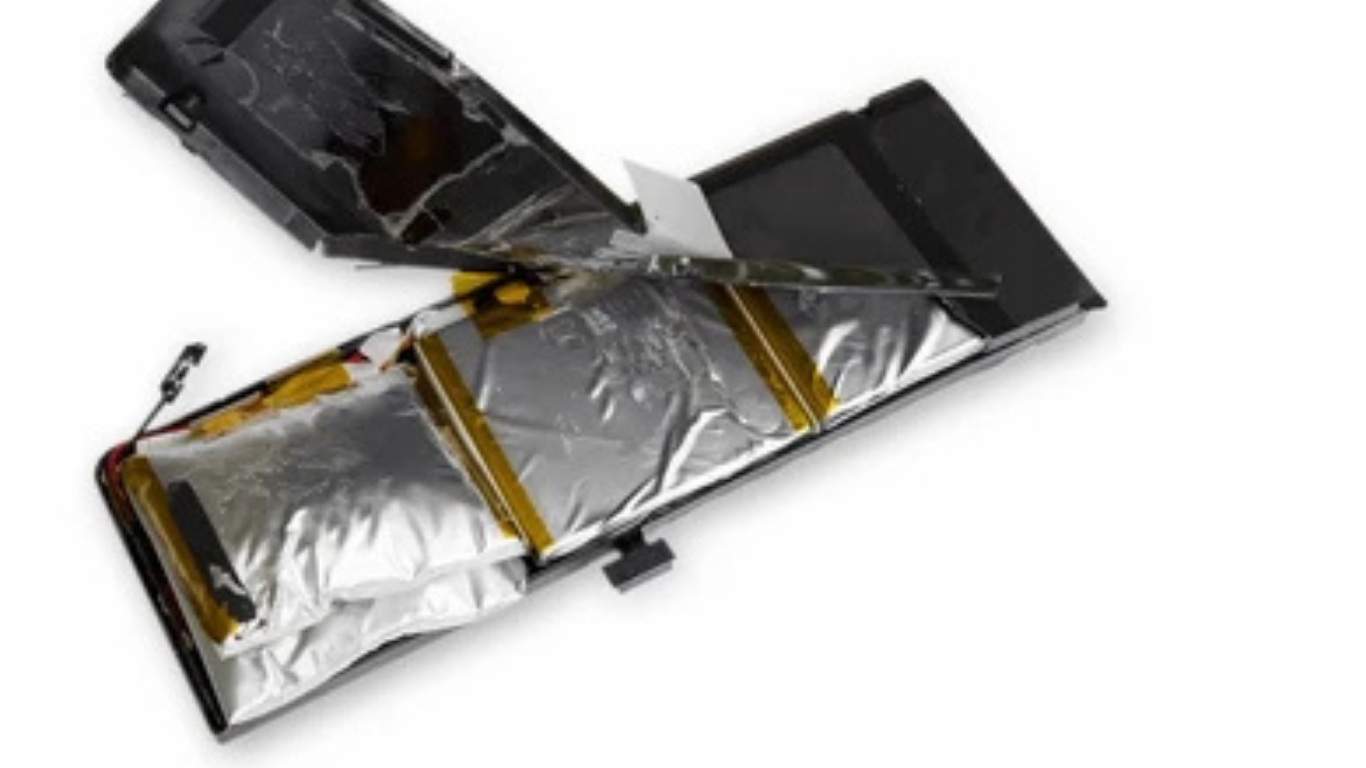
Every iPad battery is designed to wear out gradually. This isn’t a flaw — it’s how lithium-ion batteries work.
Each charging cycle slightly reduces the battery’s maximum capacity. Over months and years, this adds up.
What actually happens inside the battery:
-
Chemical capacity decreases
-
Voltage delivery becomes unstable
-
The battery struggles under load
-
The iPad compensates by limiting performance
The result?
Your battery percentage drops faster even when your usage habits haven’t changed.
This is why many users say, “My iPad was fine last year — I didn’t suddenly start using it differently.”
They’re right.
Common Reasons Your iPad Battery Drains Quickly
Fast battery drain isn’t caused by one single issue. It’s usually a combination of factors — with battery aging being the biggest one.
1. Aging Battery Cells
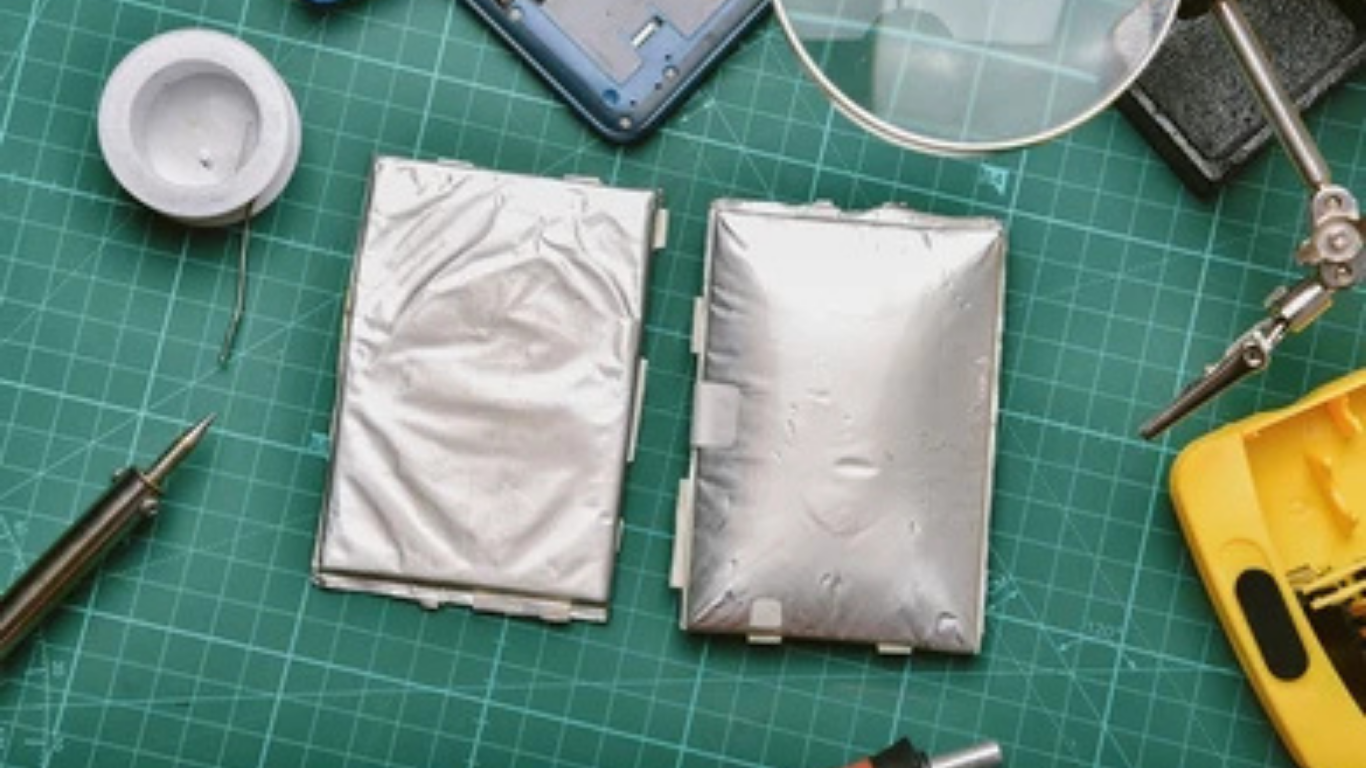
Once a battery drops below optimal health, it can’t hold power efficiently. Even light tasks start draining it rapidly.
2. Background Activity
Apps refreshing in the background can increase drain — but on a healthy battery, this impact is minor.
3. iPadOS Updates vs Old Batteries
New updates are optimized for newer batteries. Older batteries struggle to keep up, leading to faster drain.
4. Screen & Performance Demands
High brightness, multitasking, video calls, and gaming all demand consistent power — something degraded batteries can’t provide.
This is why settings tweaks often don’t solve the problem for long.
How to Tell If Battery Drain Is Software or Hardware Related
Many users spend weeks changing settings, closing apps, or resetting their iPad — only to see no real improvement.
Here’s how to tell the difference.
Signs it’s a software issue:
-
Battery drain improves temporarily after restart
-
One specific app shows unusually high usage
-
Drain started immediately after an update
Signs it’s a battery issue:
-
Battery drops rapidly regardless of usage
-
Percentage jumps (e.g., 60% → 35%)
-
iPad shuts down before reaching 0%
-
Performance slows when battery is low
If the issue persists across updates and resets, ipad battery replacement is usually the only lasting fix.
Temporary Fixes That Don’t Actually Solve the Problem
You’ve probably tried some of these already:
-
Lowering screen brightness
-
Turning off background refresh
-
Closing apps aggressively
-
Enabling low power mode
-
Restarting daily
While these steps can slightly reduce drain, they do not repair a degraded battery.
Think of it like driving a car with a worn-out fuel tank. Driving slower helps a bit — but the tank still leaks.
This is why many users feel stuck in a loop of constant charging.
Why iPad Battery Replacement Is the Real Fix
When battery drain becomes constant and unpredictable, the issue is no longer about optimization — it’s about capacity.
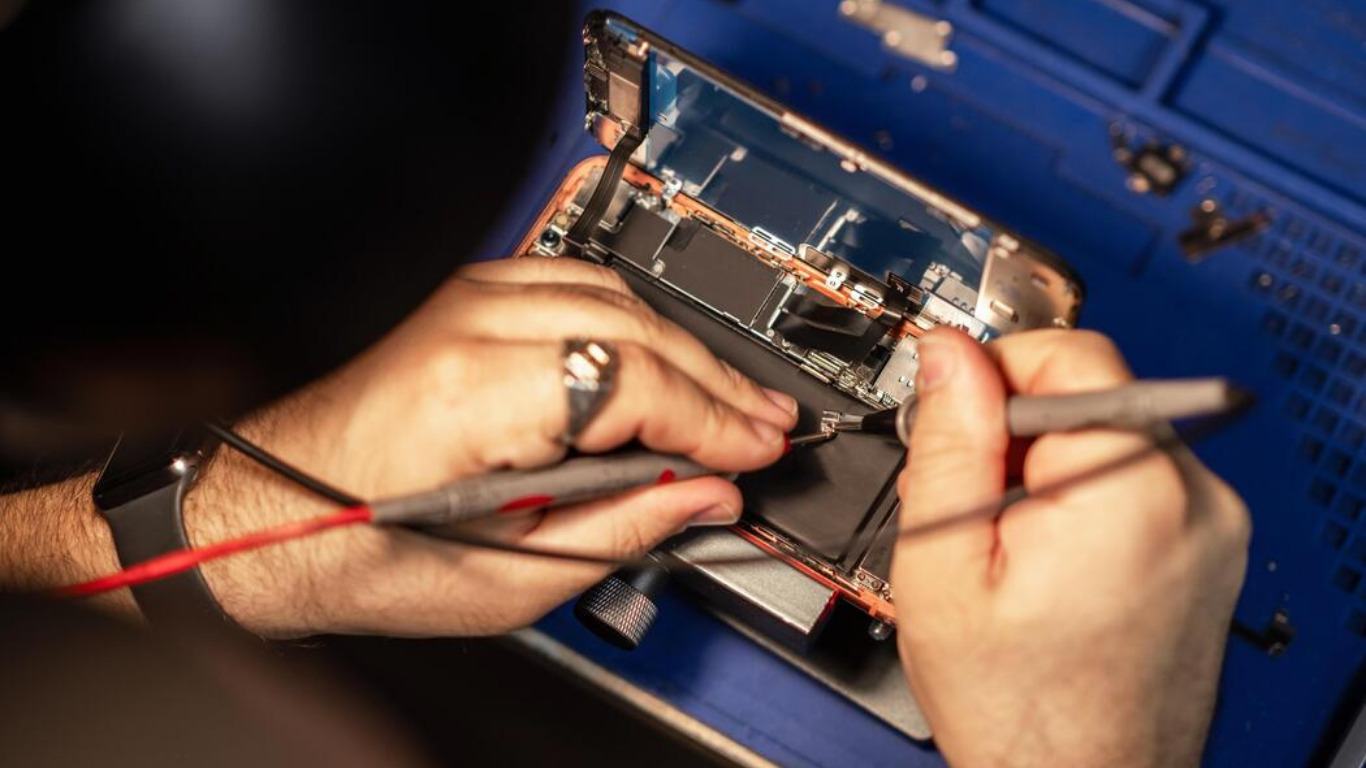
ipad battery replacement restores the battery’s ability to:
-
Hold a full charge
-
Deliver stable voltage
-
Support normal processor speeds
Once replaced, the iPad no longer needs to limit performance or shut down unexpectedly.
Users typically notice:
-
Battery lasting hours longer
-
No more sudden drops
-
Stable percentages
-
Smoother performance
It’s not just about backup — it’s about reliability.
Fast Battery Drain by iPad Model
Some iPad models are more prone to noticeable battery drain due to how they’re used.
iPad Pro
High-performance chips demand more power. When the battery weakens, drain becomes obvious very quickly.
iPad Air
Thin design + frequent daily use = faster battery wear over time.
iPad Mini
Smaller batteries mean less room for degradation before drain becomes noticeable.
Regardless of model, once degradation crosses a threshold, ipad battery replacement becomes unavoidable.
What Happens After iPad Battery Replacement
One of the biggest surprises users report is how normal their iPad feels again.
After replacement, you can expect:
-
Consistent all-day usage
-
Accurate battery percentages
-
No unexpected shutdowns
-
Reduced heat during charging
-
Faster overall performance
Apps stop crashing. Multitasking feels smooth again. And you’re no longer hunting for a charger every few hours.
Battery Health vs Real-World Performance
Many users are told their battery is “still okay” because diagnostics show 80% health.
Here’s the truth:
80% battery health does not mean 80% real-world usability.
At this level:
-
Voltage delivery becomes inconsistent
-
Performance throttling increases
-
Drain accelerates under load
This is why people with “acceptable” battery health still experience severe drain.
Real-world usage matters more than numbers — and ipad battery replacement fixes the actual problem, not just the metric.
When Fast Battery Drain Means Immediate Replacement
Some battery symptoms should never be ignored.
Replace immediately if you notice:
-
iPad shutting down suddenly
-
Battery swelling or screen lifting
-
Device overheating abnormally
-
Charging stuck at certain percentages
Continuing to use a failing battery can damage other components.
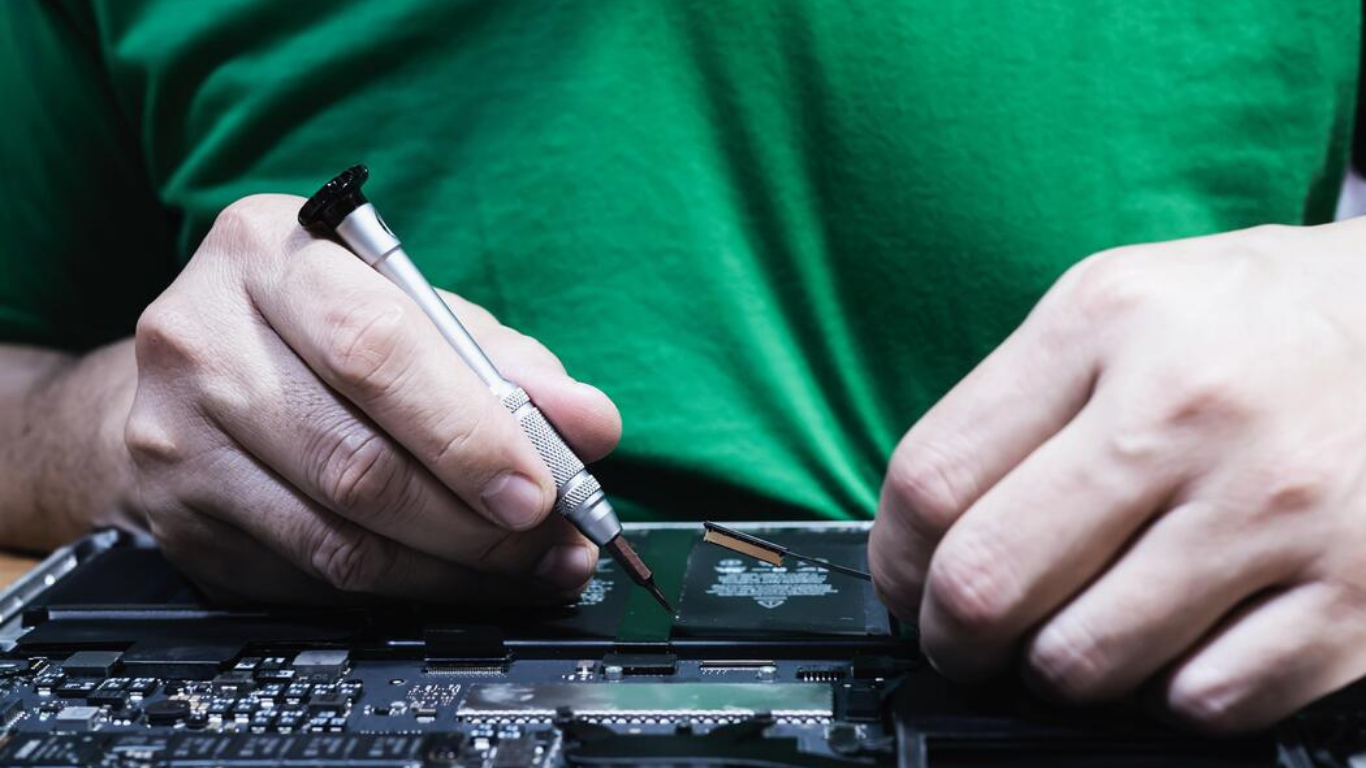
Is Battery Replacement Better Than Buying a New iPad?
In most cases — yes.
If your iPad:
-
Still meets your daily needs
-
Has no major physical damage
-
Supports current iPadOS versions
Then ipad battery replacement extends its life by 2–3 years at a fraction of the cost of a new device.
Upgrading only makes sense if your usage needs have changed — not just because the battery is failing.
FAQs: Fast iPad Battery Drain
Why does my iPad battery drop from 50% to 10% suddenly?
This happens when degraded batteries can’t deliver stable voltage.
Can software updates cause fast battery drain?
They can reveal battery weakness, but they don’t cause degradation.
Is fast battery drain dangerous?
Yes, if caused by swelling or overheating.
Will battery replacement fix overheating?
In many cases, yes — unstable batteries generate excess heat.
How long will a new iPad battery last?
Typically 2–3 years with normal use.
Final Thoughts: Stop Fighting the Battery
If you’re constantly adjusting settings, carrying chargers, or worrying about shutdowns, the issue isn’t your usage — it’s the battery.
Fast battery drain is your iPad telling you it can’t keep up anymore.
Instead of living with compromises, ipad battery replacement restores normal performance, predictable backup, and peace of mind.
It’s not a temporary fix — it’s the solution.