

Dealing with a broken charging port can be frustrating, especially when your device suddenly stops powering up. Many users face this issue and assume the device is completely unusable. But the reality is, even if your iPad not charging properly, there are still a few practical ways to keep it running until you fix the issue.
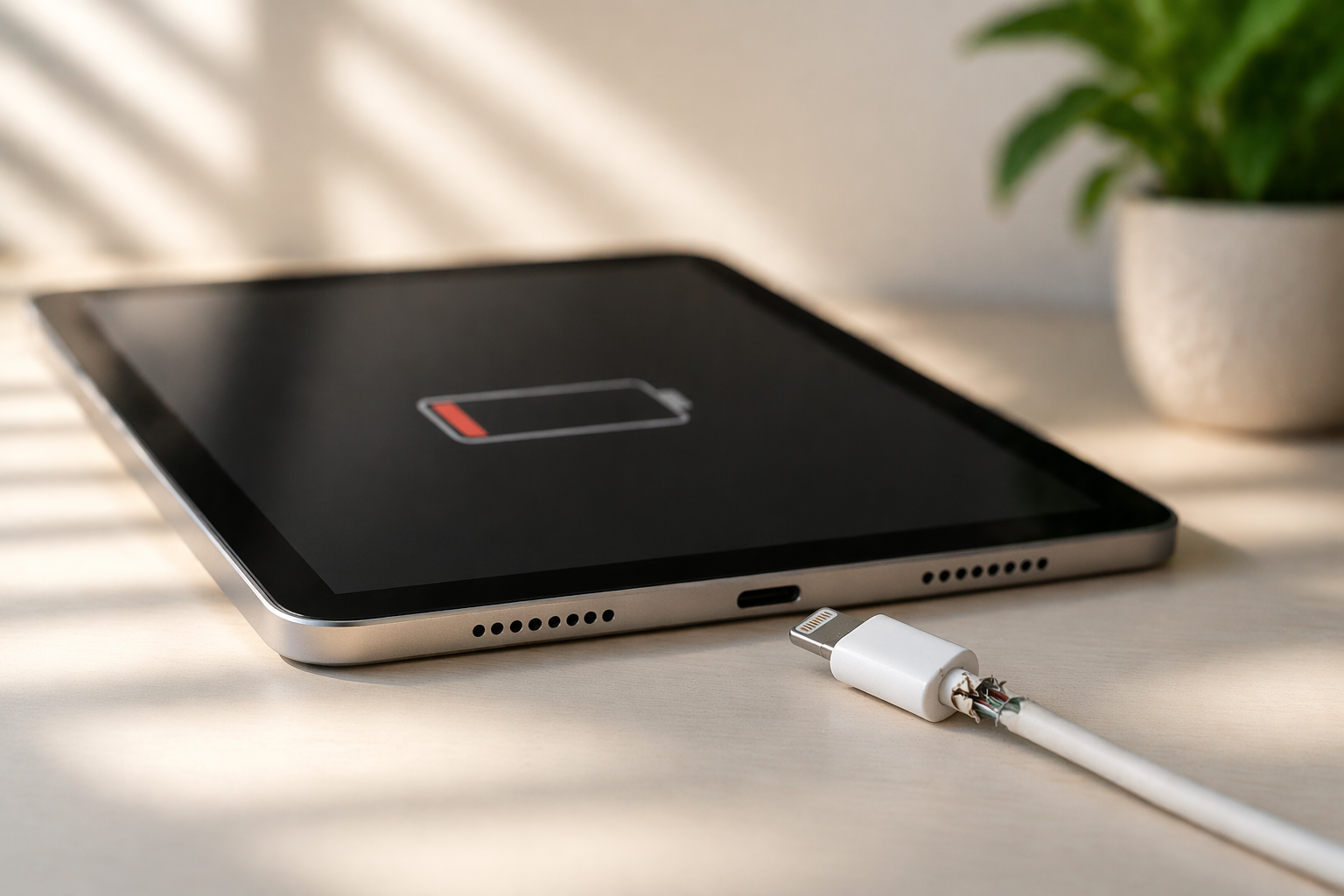
How to Charge an iPad If the Port Is Broken?
Temporary Charging Solutions
If the port is damaged, you can still try a few workarounds:
- Adjust the cable slightly to find a working angle
- Use a different charging cable or adapter
- Clean the port carefully to remove dust or debris
Sometimes what looks like a major iPad charging problem is just a minor blockage.
Will Wireless Charging Work If the Charging Port Is Broken?
Understanding iPad Charging Limitations
Unlike many smartphones, most iPads don’t support wireless charging. So if you have a broken charging port, this option usually won’t work unless you’re using special external accessories.
How to Force an iPad to Charge?
Simple Fixes That Might Help
If your iPad not charging, try these steps:
- Restart the device
- Check for software updates
- Try charging from a different power source
Sometimes the issue isn’t hardware it can be a temporary system glitch.
How to Charge an iPad Without Charging Port?
Alternative Methods
While options are limited, you can try:
- Using a docking station (if compatible)
- Professional battery charging (through a repair technician)
These methods can help you manage a broken charging port situation temporarily.
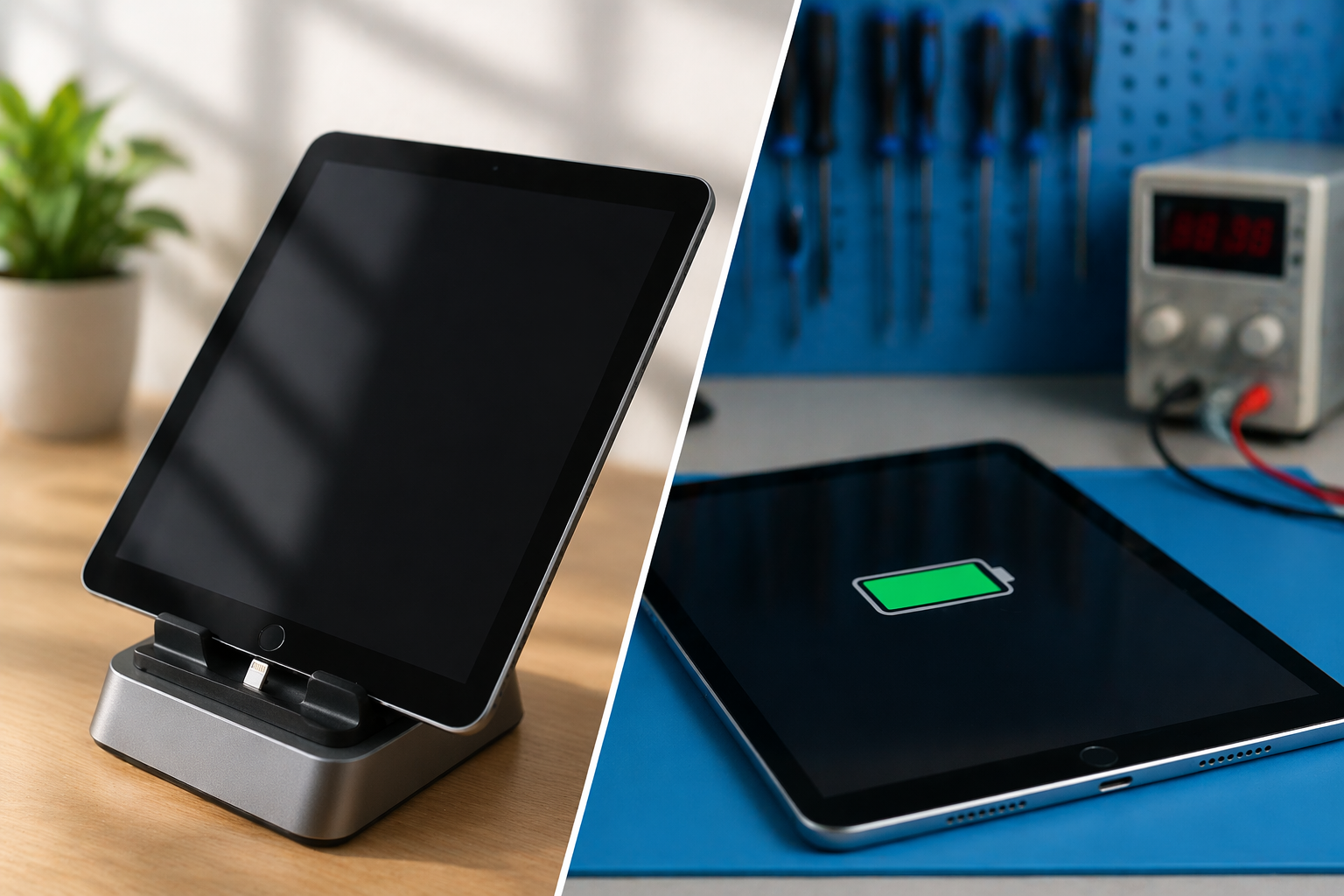
How Much Does It Cost to Fix a Charging Port on an iPad?
Average Repair Cost
Fixing an iPad charging problem usually costs:
| Repair Type | Estimated Cost |
|---|---|
| Cleaning / minor repair | $50 – $100 |
| Standard repair | $100 – $200 |
| Full replacement | $150 – $300+ |
When Should You Repair It?
- Device not charging at all
- Charging is inconsistent
- Cable feels loose
If these signs appear, it’s best to fix the broken charging port early.
5 Smart Solutions That Actually Work
1. Clean the Charging Port
Dust and lint can block proper connection.
2. Change Charging Accessories
Sometimes the cable or adapter is the real issue.
3. Restart Your Device
A simple reboot can resolve temporary charging bugs.
4. Use a Different Power Source
Wall adapters work better than laptops in many cases.
5. Visit a Repair Expert
If nothing works, professional help is the safest option.
For long-term reliability, it’s important to rely on services that focus on trusted mobile phone repair.
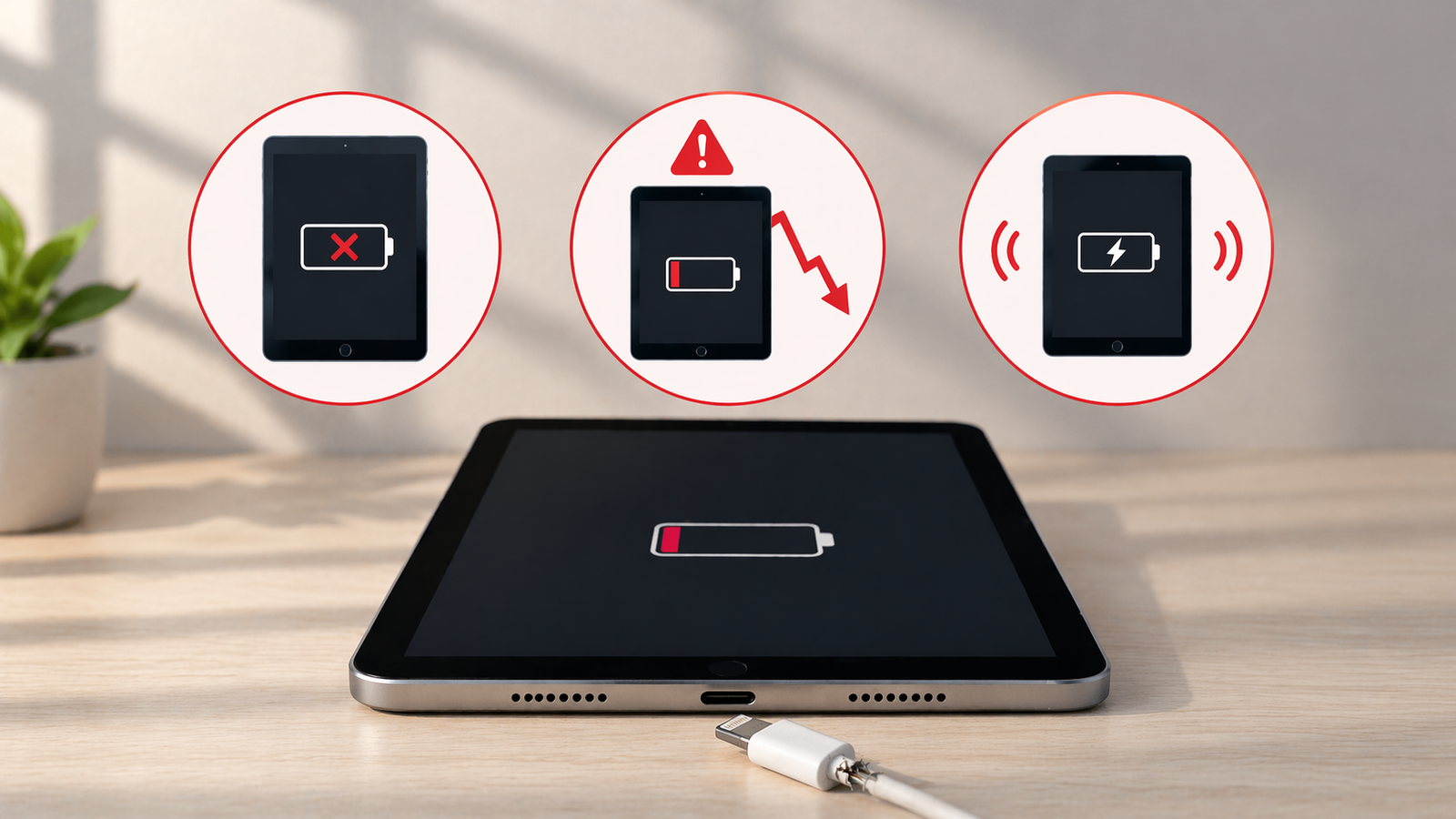
Signs You Should Fix the Charging Port Immediately
- Device not charging at all
- Battery draining quickly
- Charging stops randomly
Ignoring these signs can worsen the iPad charging problem over time.
Final Thoughts: What’s the Best Solution?
A broken charging port doesn’t always mean your device is beyond repair. In many cases, small fixes or professional help can bring your device back to life without spending too much. If your iPad not charging, it’s important to act early rather than waiting for the problem to get worse.
Trying simple solutions can help in the short term, but for a long-lasting fix, getting it checked by a professional is usually the best option. Addressing the issue on time not only saves money but also helps extend the life of your device and ensures it continues to perform smoothly.
FAQs
1. Can I use my iPad with a broken charging port?
Yes, but charging will be difficult without temporary solutions or repair.
2. Why is my iPad not charging even with a working cable?
It could be due to port damage, debris, or a software issue.
3. Can a broken charging port be repaired?
Yes, most charging port issues can be fixed by professionals.
4. Is it expensive to fix a charging port?
No, it is usually affordable compared to buying a new device.
5. What causes charging port damage?
Dust, rough usage, and frequent plugging/unplugging are common causes.