

Recycling your phone might seem like a simple step just hand it over or drop it off. But there’s more to it than that. Your device likely holds personal data, accounts, and sensitive information that shouldn’t end up in the wrong hands.
Before you recycle phone safely, it’s important to take a few precautions. Doing it the right way not only protects your privacy but also ensures your device is handled responsibly by a proper mobile recycling center.
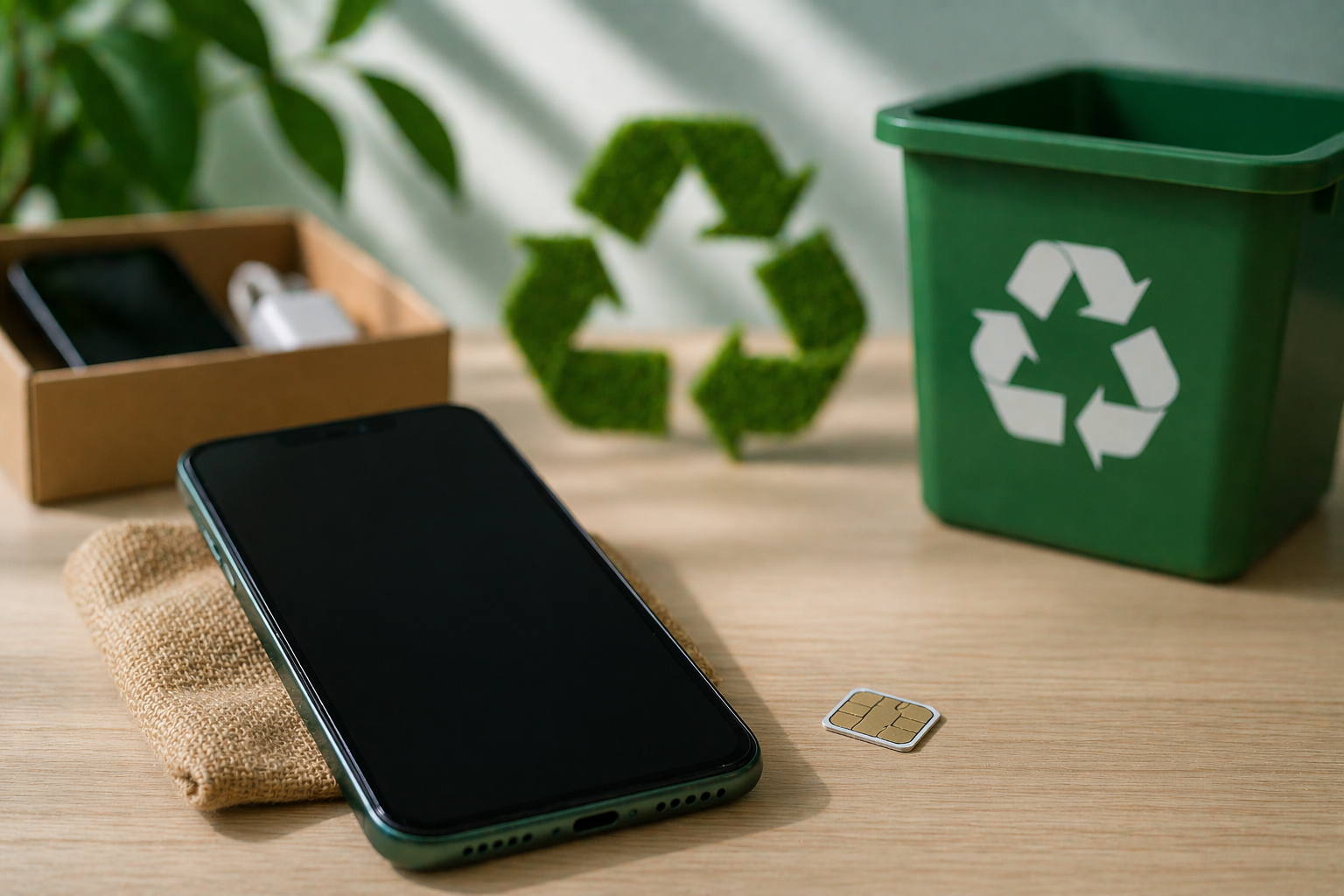
Should I Remove the SIM Card Before Recycling My Cell Phone?
Yes, absolutely. Removing your SIM card is one of the first things you should do.
Your SIM card contains:
- Contact information (in some cases)
- Carrier details
- Personal identification linked to your network
Leaving it inside your phone can expose your data unnecessarily. So before recycling your phone, always take out the SIM card and keep it safe or dispose of it properly.
Does Removing a SIM Card Remove All Data from a Phone?
No, it doesn’t.
This is a common misunderstanding. Removing the SIM card only disconnects your network it does not erase your personal data stored on the device.
Your phone may still contain:
- Photos and videos
- Apps and login details
- Messages and emails
- Saved passwords
To recycle phone safely, you need to go beyond just removing the SIM card.
Many people also look at how similar situations are handled in real user discussions and practical device handling experiences to better understand what actually works.
Can I Just Throw Away Old SIM Cards?
It’s not recommended to simply throw them away.
SIM cards may still hold small amounts of data, and improper disposal can pose a risk. A better approach is:
- Cut the SIM card into pieces
- Use a designated e-waste disposal method
- Drop it off at a mobile recycling center
Taking these steps ensures your information stays protected even after disposal.
How to Clear a Phone Before Recycling?
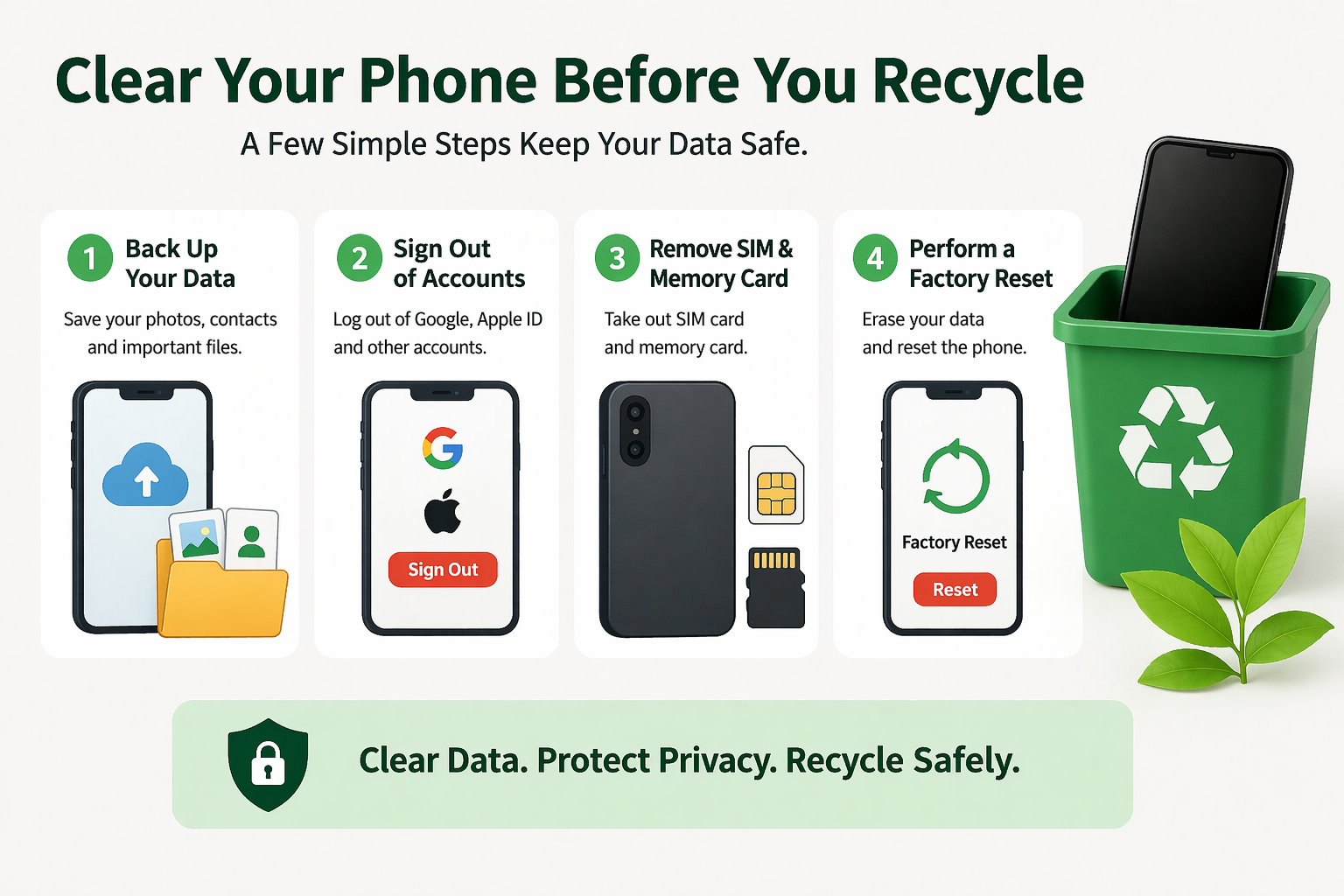
Before recycling your phone, clearing your data is the most important step.
Follow these steps:
- Back up your important data (photos, contacts, files)
- Sign out of all accounts (Google, Apple ID, etc.)
- Remove SIM and memory cards
- Perform a factory reset
A factory reset wipes most of your data and restores the device to its original settings. This is essential if you want to recycle phone safely without risking your personal information.
Will Removing a SIM Card Delete Everything?
No, removing the SIM card alone does not delete anything from your phone’s internal storage.
It only affects:
- Network connectivity
- SIM-based data
Your files, apps, and settings remain intact. That’s why a proper reset is necessary before recycling your phone.
When Selling a Phone, How Do I Delete Everything?
If you’re planning to sell instead of recycle, the process is similar but even more important.
Here’s what you should do:
- Back up your data
- Log out of all accounts
- Disable tracking features (like Find My iPhone)
- Perform a factory reset
- Double check that no data remains
These steps help ensure your personal data is completely removed and your device is ready for the next user.
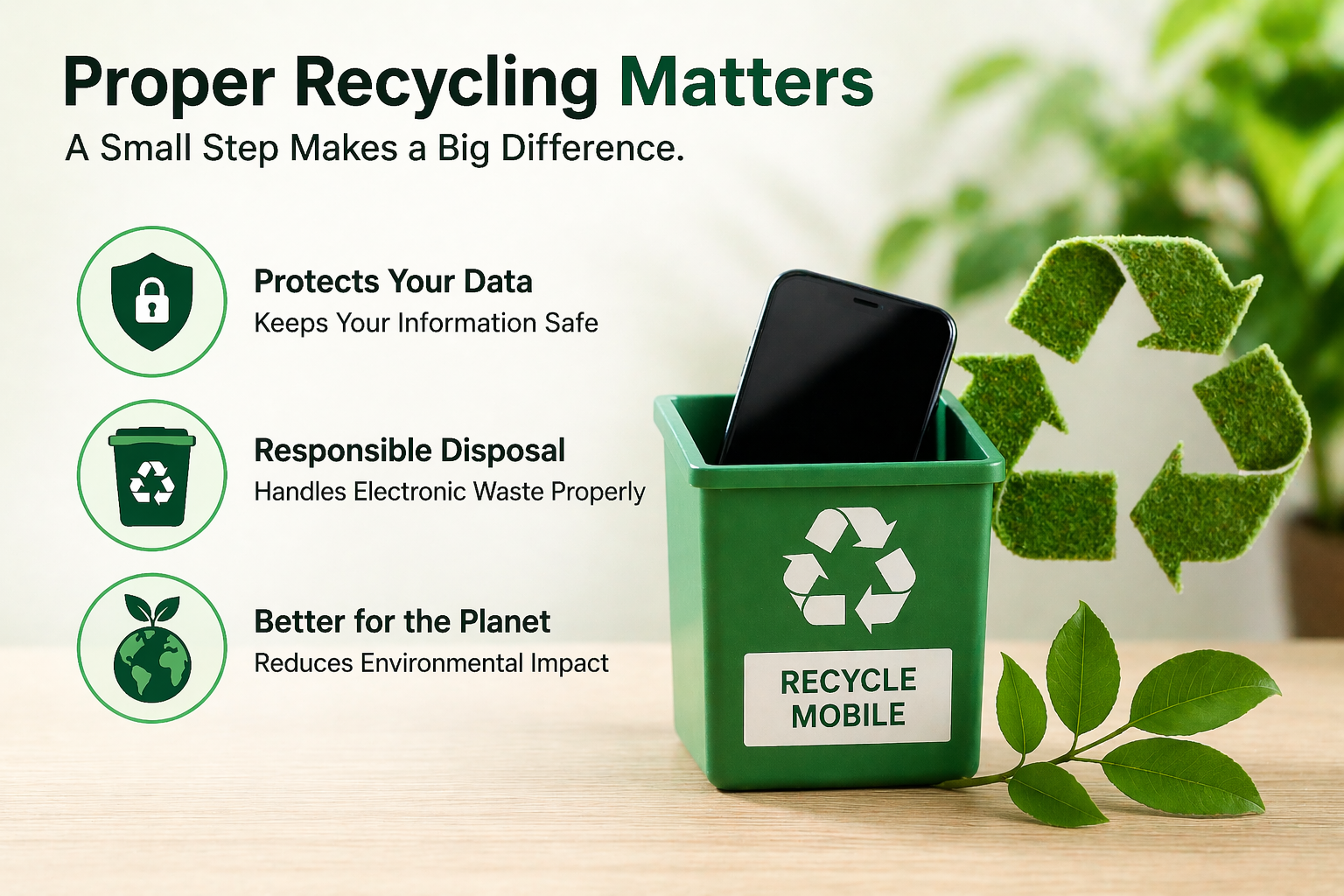
Why Proper Recycling Matters
Taking shortcuts when recycling your phone can lead to privacy risks and environmental issues. Devices that are not properly handled can end up causing harm due to electronic waste.
Choosing to recycle phone safely through a trusted mobile recycling center ensures:
- Secure data handling
- Responsible disposal of components
- Reduced environmental impact
It’s a small effort that makes a big difference.
Final Thoughts: Don’t Skip the Important Steps
Recycling your phone is a smart and responsible decision but only if done correctly. Simply handing over your device without preparing it can put your personal data at risk.
Taking a few extra minutes to remove your SIM card, wipe your data, and choose a reliable mobile recycling center can protect your privacy and ensure your device is handled properly.
When you recycle phone safely, you’re not just protecting yourself you’re also contributing to a more secure and sustainable environment.
FAQs
1. Should I remove my SIM card before recycling my phone?
Yes, always remove your SIM card to protect your personal information.
2. Does removing a SIM card delete data?
No, it only disconnects your network. Your data remains on the device.
3. How do I completely erase my phone?
Perform a factory reset after backing up your data and logging out of accounts.
4. Can I throw away my SIM card?
It’s better to destroy it or dispose of it through proper recycling methods.
5. Where should I recycle my phone?
Use a trusted mobile recycling center for safe and secure disposal.