

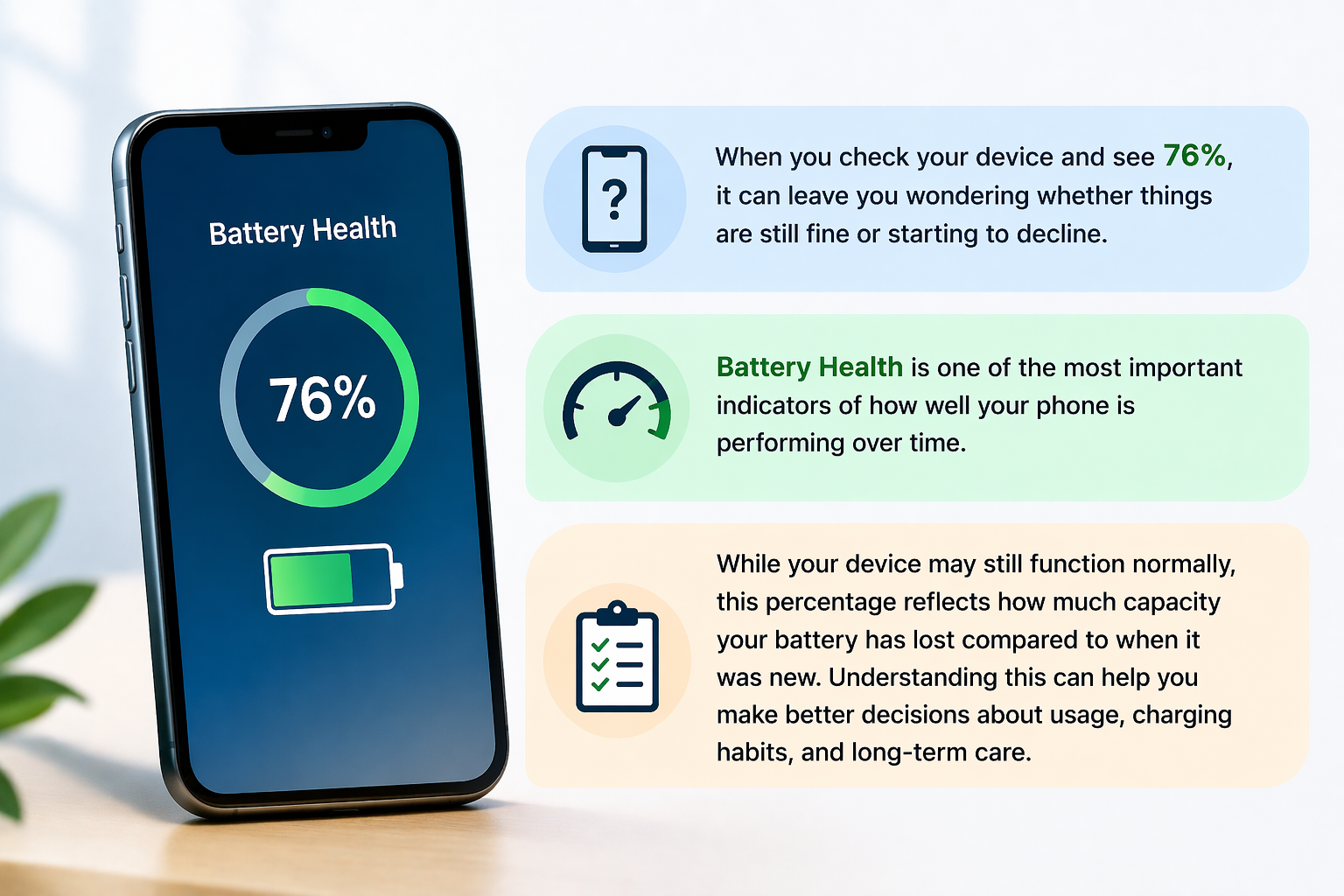
When you check your device and see 76%, it can leave you wondering whether things are still fine or starting to decline. Battery Health is one of the most important indicators of how well your phone is performing over time.
While your device may still function normally, this percentage reflects how much capacity your battery has lost compared to when it was new. Understanding this can help you make better decisions about usage, charging habits, and long term care.
Is 70% Battery Health OK?
Once your phone battery health drops to around 70%, the performance impact becomes more noticeable. At this stage, the battery has already lost a significant portion of its original capacity.
Here’s what users typically experience:
- Faster drain even with light usage
- Reduced screen-on time
- More frequent need to charge
While the device will still work, it may not deliver the same reliability as before. This is usually the point where people begin to consider replacement to maintain a stable experience.
Should I Charge My Phone to 80% or 90%?
Charging habits play a big role in maintaining your battery lifespan.
Experts generally recommend keeping your charge between 20% and 80% for daily use. Charging up to 90% occasionally is fine, but consistently going to 100% can slightly increase wear over time.
Here’s a simple guideline:
- 20%–80% → Ideal for long-term health
- 80%–90% → Safe for occasional use
- 100% → Fine sometimes, but avoid doing it every time
By following these habits, you can slow down the natural decline of your Battery Health and keep your device running efficiently for longer.
How to Make Battery Health 100% Again?
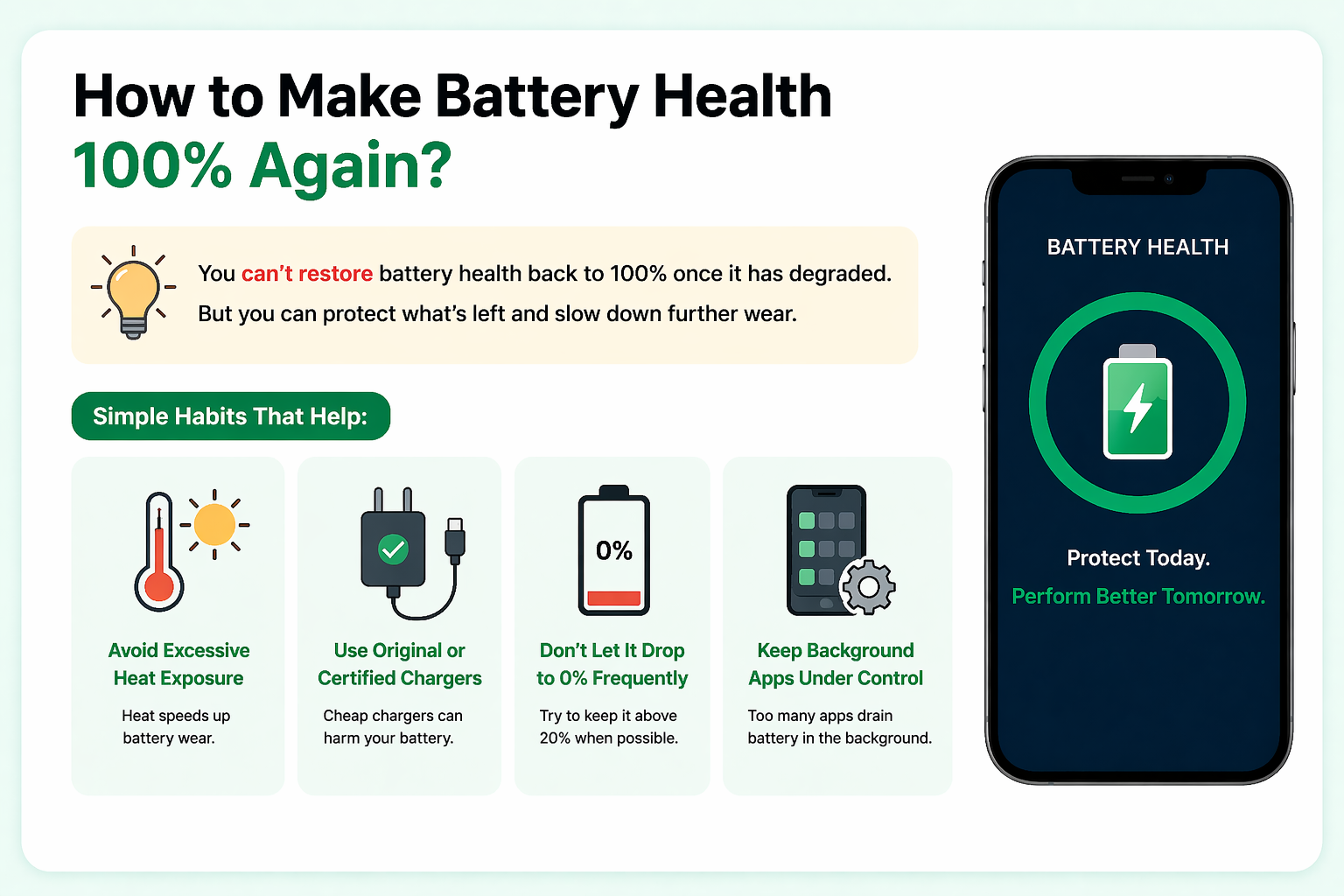
This is one of the most common questions but the honest answer is: you can’t restore it back to 100% once it has degraded.
Lithium batteries naturally wear out over time due to charging cycles and usage. While you can’t reverse this process, you can take steps to maintain and protect what’s left:
- Avoid excessive heat exposure
- Use original or certified chargers
- Don’t let the battery drop to 0% frequently
- Keep background apps under control
These habits help preserve your phone battery health, even though they won’t reset it to its original condition.
What Affects Battery Health Over Time?
Several everyday factors influence how quickly your battery degrades:
- Frequent full charging cycles
- High temperatures
- Heavy usage like gaming or streaming
- Overnight charging habits
Over time, these factors gradually reduce your battery lifespan, which is why performance changes become noticeable after a couple of years.
These patterns are also commonly observed in broader discussions around smartphone repair standards and technician practices, where long-term battery performance is closely linked to usage habits.
When Should You Start Worrying?
Seeing 76% doesn’t mean immediate trouble but it does signal that your battery is no longer at peak performance.
You should start paying attention when:
- Your phone doesn’t last a full day
- Charging becomes more frequent
- Performance feels inconsistent
At this stage, your device is still usable, but planning ahead for replacement can save you from sudden inconvenience later.
Should You Replace the Battery or Keep Using It?
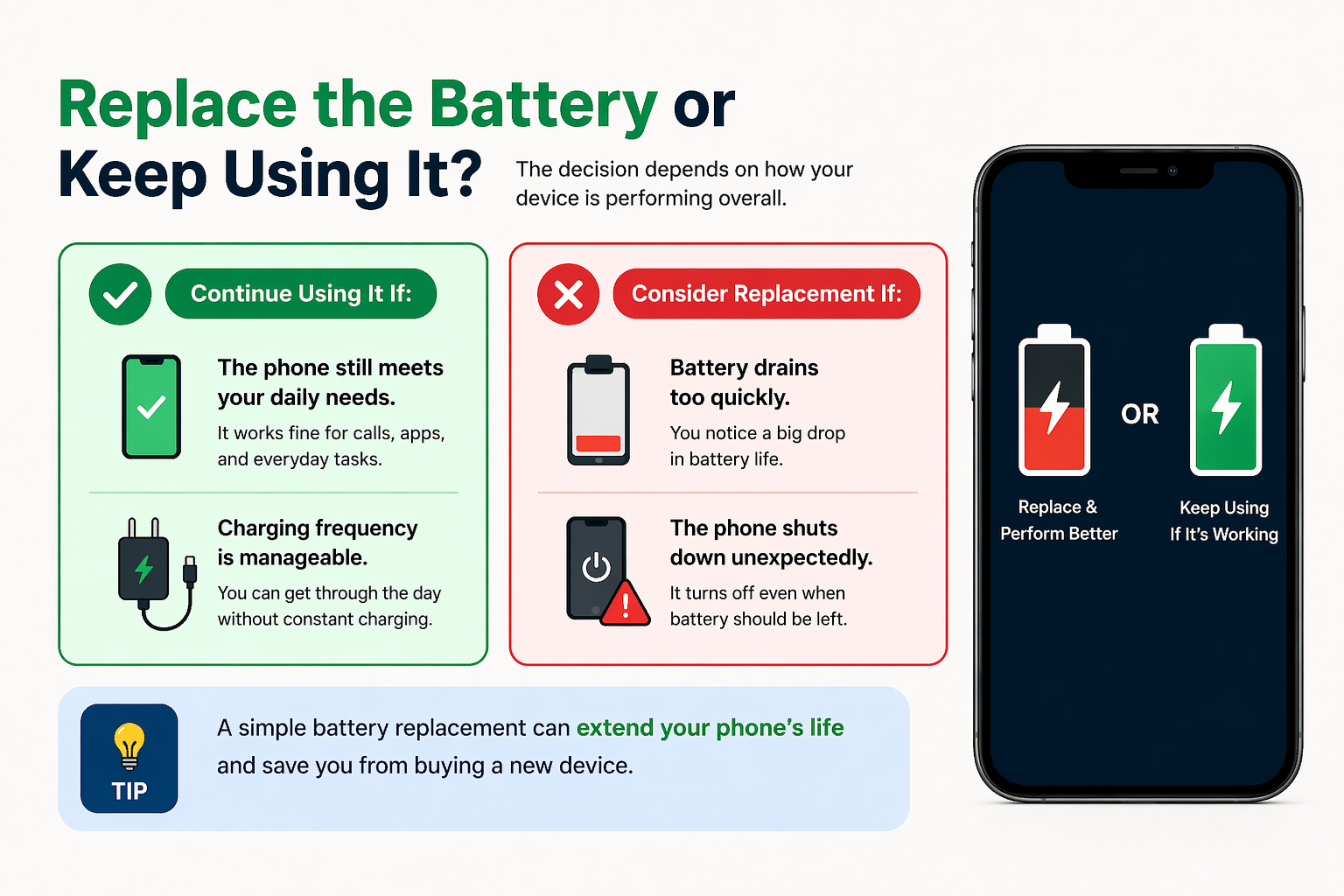
The decision depends on how your device is performing overall.
Continue using it if:
- The phone still meets your daily needs
- Charging frequency is manageable
Consider replacement if:
- Battery drains too quickly
- The phone shuts down unexpectedly
- Performance affects your daily usage
Replacing the battery is often a simple way to extend your device’s usability without investing in a new phone.
Final Thoughts: Understanding Your Device Better
Battery Health isn’t just a number it’s a reflection of how your device has been used over time. Seeing 76% means your phone is still functional, but it’s also a sign to start paying attention.
By following better charging habits and being aware of usage patterns, you can extend your battery lifespan and avoid unnecessary expenses. A little care goes a long way in keeping your device running smoothly.
FAQs
1. Is 76% battery health good?
It’s still usable, but performance may start declining below 80%.
2. Is 70% battery health OK?
It works, but you’ll likely notice faster draining and reduced performance.
3. Can battery health go back to 100%?
No, it cannot be restored once it declines.
4. What is the best charging range?
Keeping your battery between 20% and 80% is ideal.
5. How long does a battery usually last?
Most smartphone batteries last around 2–3 years.