

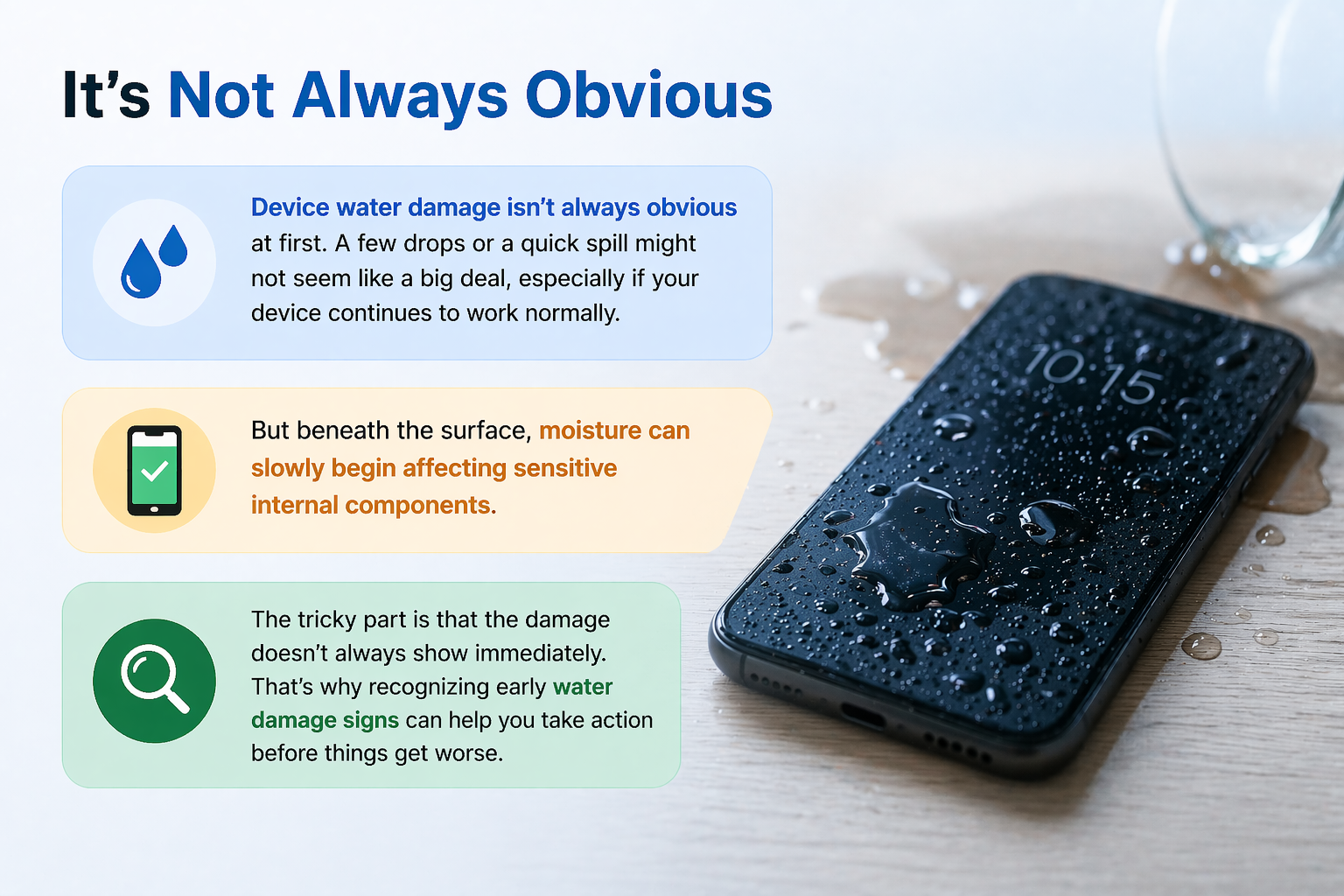
Device water damage isn’t always obvious at first. A few drops of water or a quick spill might not seem like a big deal, especially if your device continues to work normally. But beneath the surface, moisture can slowly begin affecting sensitive internal components.
The tricky part is that the damage doesn’t always show immediately. That’s why recognizing early water damage signs can help you take action before things get worse.
How to Know If Water Damage Is Severe?
Not every case of device water damage is the same. Some are minor, while others can lead to serious issues if ignored.
Here are a few indicators that the damage may be severe:
- The device doesn’t turn on
- Screen flickering or touch not responding
- Overheating without heavy use
- Charging issues or battery instability
When these symptoms appear, it often means the internal components have been affected more deeply.
What Does Bad Water Damage Look Like?
Severe damage often shows both physical and performance related changes.
You might notice:
- Moisture or fog under the display
- Corrosion around charging ports
- Display discoloration or glitches
- Random restarts or lag
These are clear water damage signs that shouldn’t be ignored. Even if the device is still functioning, the condition can gradually worsen.
In many cases, visible signs appear after exposure in everyday scenarios where devices come into contact with water unexpectedly.
Can Water Damage Be Fixed on Its Own?
No, it doesn’t fix itself.
Many people assume that once a device dries, everything goes back to normal. However, device water damage can continue affecting internal parts even after the surface looks dry.
Drying may help prevent further exposure, but it doesn’t reverse existing damage. That’s why taking proper action is always important.
Does Water Damage Show Immediately?
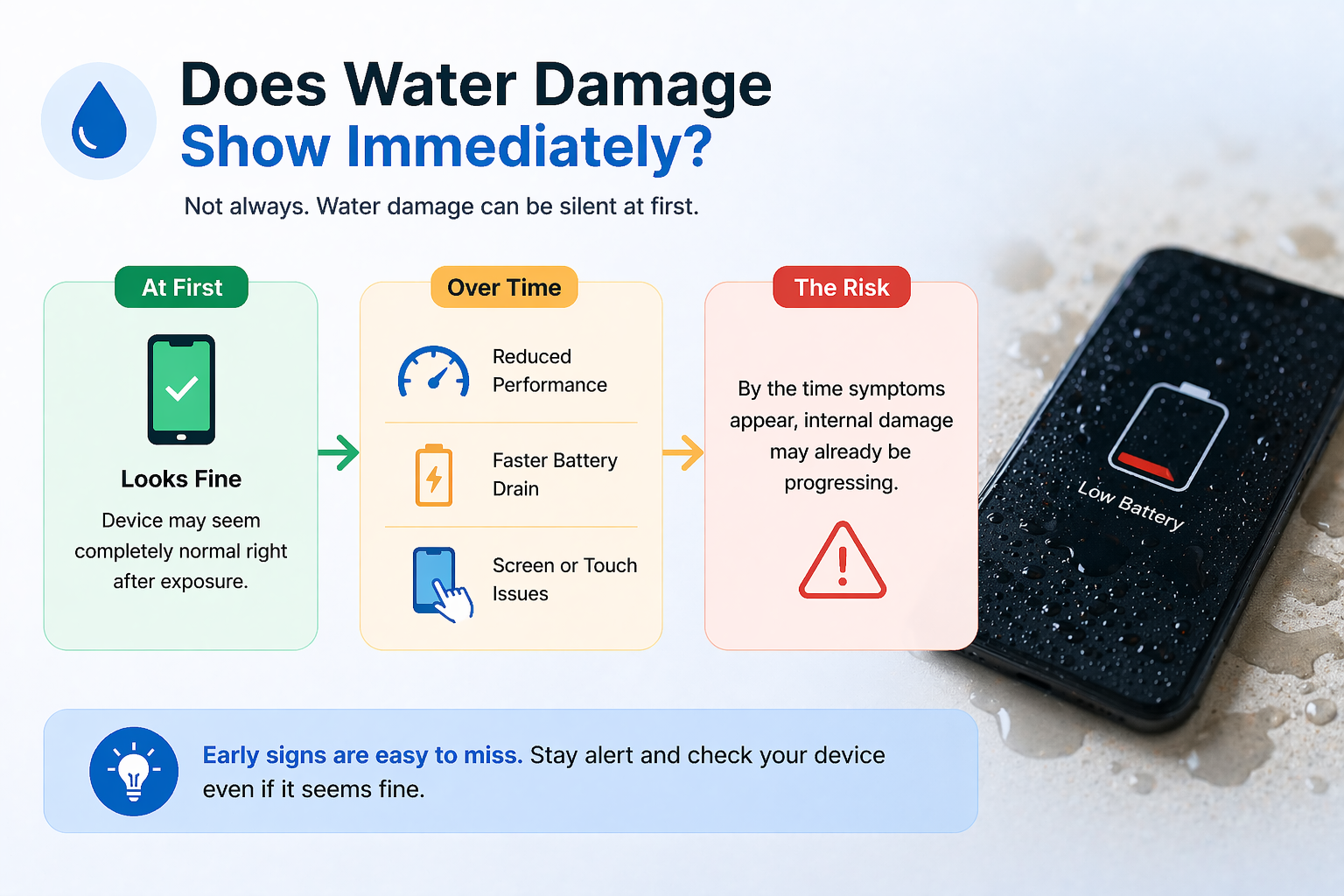
In many cases, it doesn’t show right away.
A device might appear fine immediately after exposure, but over time you may notice:
- Reduced performance
- Faster battery drain
- Screen or touch issues
This delayed effect is what makes device water damage difficult to detect early. By the time symptoms appear, internal damage may already be progressing.
What Are the Three Types of Water Damage?
Understanding the type of exposure helps assess the severity.
1. Clean Water Damage
Caused by fresh water like rain or spills. Usually less harmful if handled quickly.
2. Dirty Water Damage
Involves liquids like beverages that may leave residue inside the device.
3. Contaminated Water Damage
The most serious type, caused by saltwater or polluted liquids, leading to rapid corrosion.
Each type increases the level of risk and requires proper attention.
How to Prevent Water Damage
It’s always better to stay cautious than deal with repairs later. To prevent water damage, simple habits can make a big difference.
You can:
- Keep devices away from liquids
- Use protective or water-resistant cases
- Avoid using devices in high humidity
- Act quickly if exposure happens
These small steps can significantly reduce the chances of device water damage in daily life.
Why Early Action Makes a Difference
One of the biggest mistakes people make is delaying action.
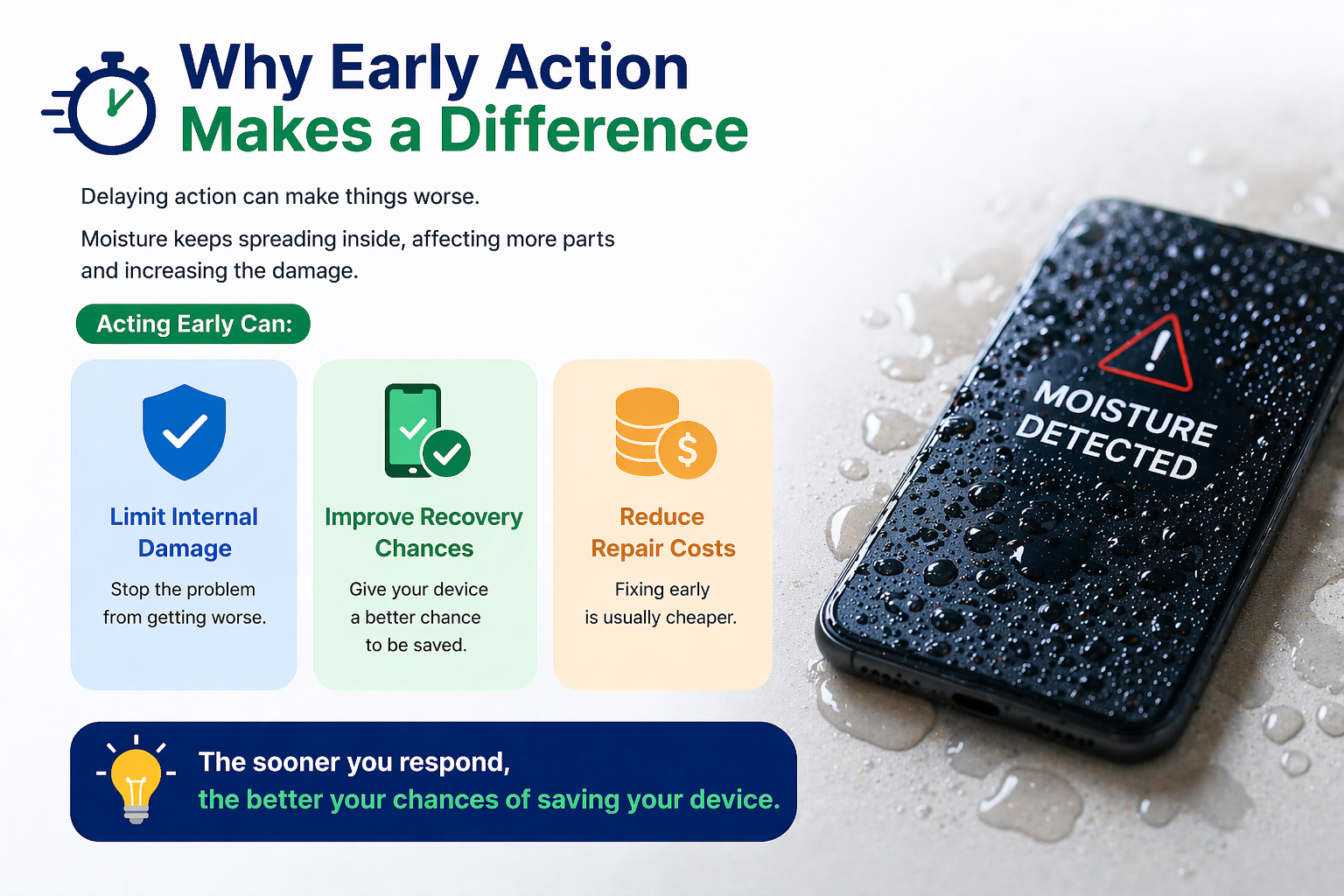
Moisture continues to spread internally, affecting more components over time. Acting early can:
- Limit internal damage
- Improve recovery chances
- Reduce repair costs
The sooner you respond, the better your chances of saving the device.
Final Thoughts: Don’t Ignore the Warning Signs
Device water damage may start small, but it can quickly turn into a serious problem if ignored. Paying attention to early water damage signs and taking quick action can help prevent long-term issues.
Even if your device seems fine at first, it’s important to stay cautious. With the right awareness and habits, you can protect your device and extend its lifespan without unnecessary stress.
FAQs
1. How do I know if water damage is severe?
Look for issues like screen problems, overheating, or the device not turning on.
2. Does water damage show immediately?
Not always—it can appear gradually over time.
3. Can water damage fix itself?
No, it usually worsens if ignored.
4. What are the types of water damage?
Clean, dirty, and contaminated water exposure.
5. How can I prevent water damage?
Avoid moisture exposure and act quickly if your device gets wet.