

A dying smartphone battery can quickly become frustrating, especially when your phone starts shutting down unexpectedly, charging slowly, or refusing to turn on at all. Since smartphones are used constantly throughout the day for work, communication, entertainment, and navigation, battery problems can seriously affect daily life. Many users start searching for professional phone battery repair solutions as soon as they notice major Phone battery issues because replacing the entire phone may not always be necessary.
In many situations, a weak or unresponsive battery can still be revived depending on the condition of the device and the cause of the problem. Sometimes the issue is related to charging accessories, software glitches, overheating, or deep battery discharge rather than permanent battery failure. However, if the battery has reached the end of its lifespan, professional phone battery repair or the decision to replace a phone battery may become the safest and most effective solution. Understanding the warning signs and knowing what steps to take can help extend the life of your smartphone and prevent further damage.
Can a Dead Phone Battery Be Revived?
Yes, in some cases, a dead phone battery can be revived, especially if the issue is caused by deep discharge or temporary charging problems. Smartphone batteries sometimes enter a state where the battery becomes so drained that the phone no longer responds immediately when plugged into a charger. This does not always mean the battery is permanently damaged.
A simple charging reset may help bring the device back to life. Leaving the phone connected to a reliable charger for at least 30 minutes can sometimes allow the battery to recover enough power to restart. However, if the battery has suffered severe wear, overheating damage, or swelling, professional phone battery repair may be necessary.
Signs Your Battery May Still Be Recoverable
- Phone vibrates but does not turn on
- Charging icon appears briefly
- Device responds after long charging time
- Phone powers on occasionally
- Battery drains extremely fast but still charges
If the phone remains completely unresponsive after multiple charging attempts, it may be time to replace a phone battery completely.
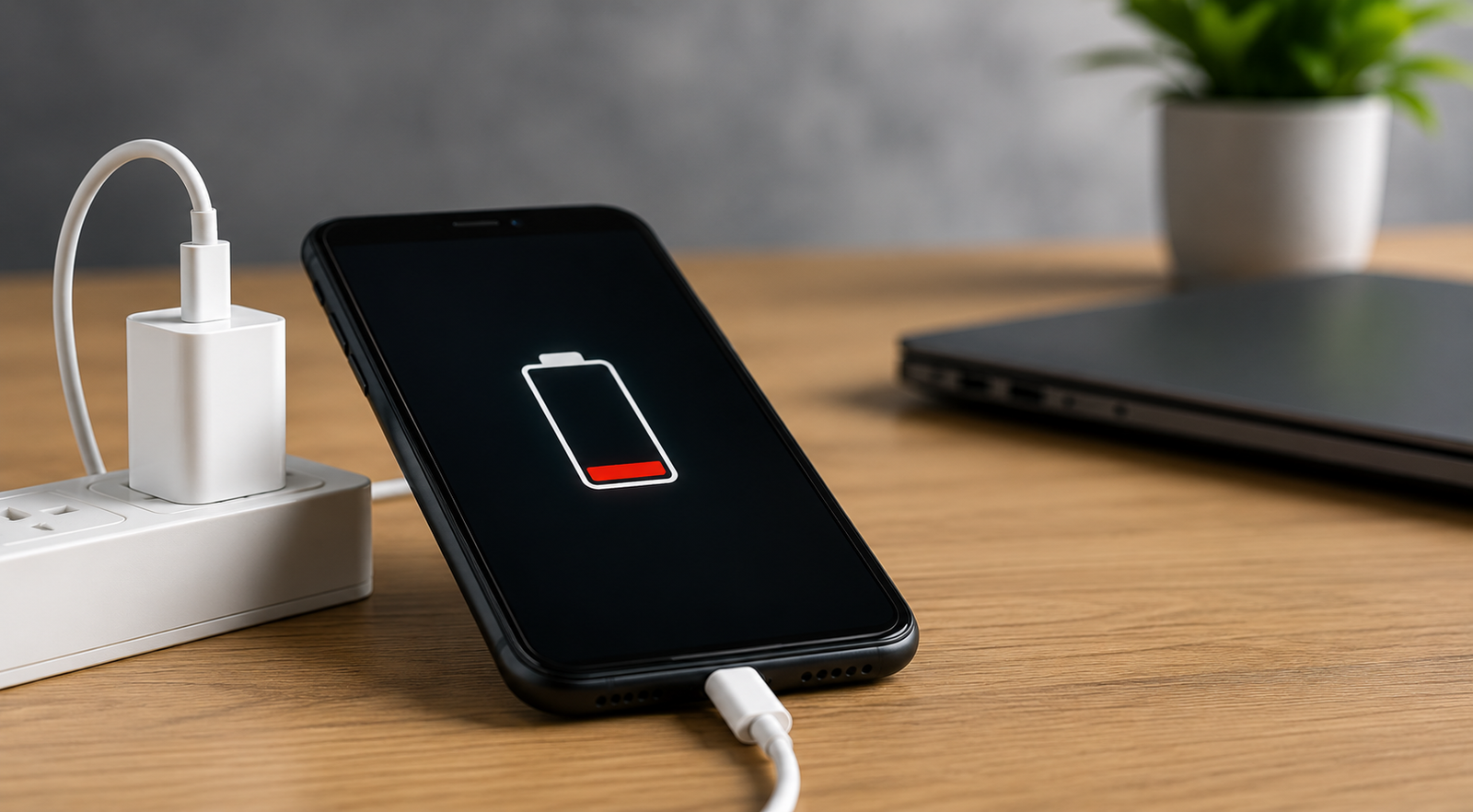
How Do You Bring a Dead Phone Back to Life?
When a smartphone refuses to turn on, many users assume the device is permanently damaged. However, several troubleshooting steps can sometimes restore power and solve common Phone battery issues without needing immediate replacement.
The first step is checking the charger and charging cable. Faulty accessories are one of the most overlooked causes of charging failure. Dirt or dust inside the charging port can also prevent proper charging connection. In some situations, forcing a restart can help reboot a frozen device that appears dead.
Steps to Revive a Dead Phone
- Use an original or high-quality charger
- Leave the phone charging for at least 30 minutes
- Clean the charging port carefully
- Force restart the phone
- Remove the case if overheating occurs
- Try another charging cable or adapter
- Test wireless charging if supported
If none of these steps work, professional phone battery repair technicians can inspect the battery and internal power components more thoroughly.
How to Wake a Dead Cell Phone Battery?
Sometimes a battery enters what technicians call a “deep discharge state,” where the battery voltage becomes extremely low. In these cases, the battery may appear completely dead even though it still has some recovery potential. This situation commonly happens when phones are left unused for long periods or repeatedly drained to 0%.
Allowing the phone to remain connected to a stable charger for an extended period may slowly reactivate the battery. However, forcing repeated charging attempts or using low-quality chargers can sometimes make the situation worse. Overheating during charging is another warning sign that should not be ignored.
Warning Signs of Serious Battery Problems
| Problem | Possible Cause |
|---|---|
| Phone overheats while charging | Battery damage |
| Battery swelling | Unsafe battery condition |
| Random shutdowns | Battery wear |
| Charging stuck at low percentage | Faulty battery cells |
| Device only works while plugged in | Battery failure |
If these symptoms continue, it is often safer to replace a phone battery rather than continue using a damaged one.
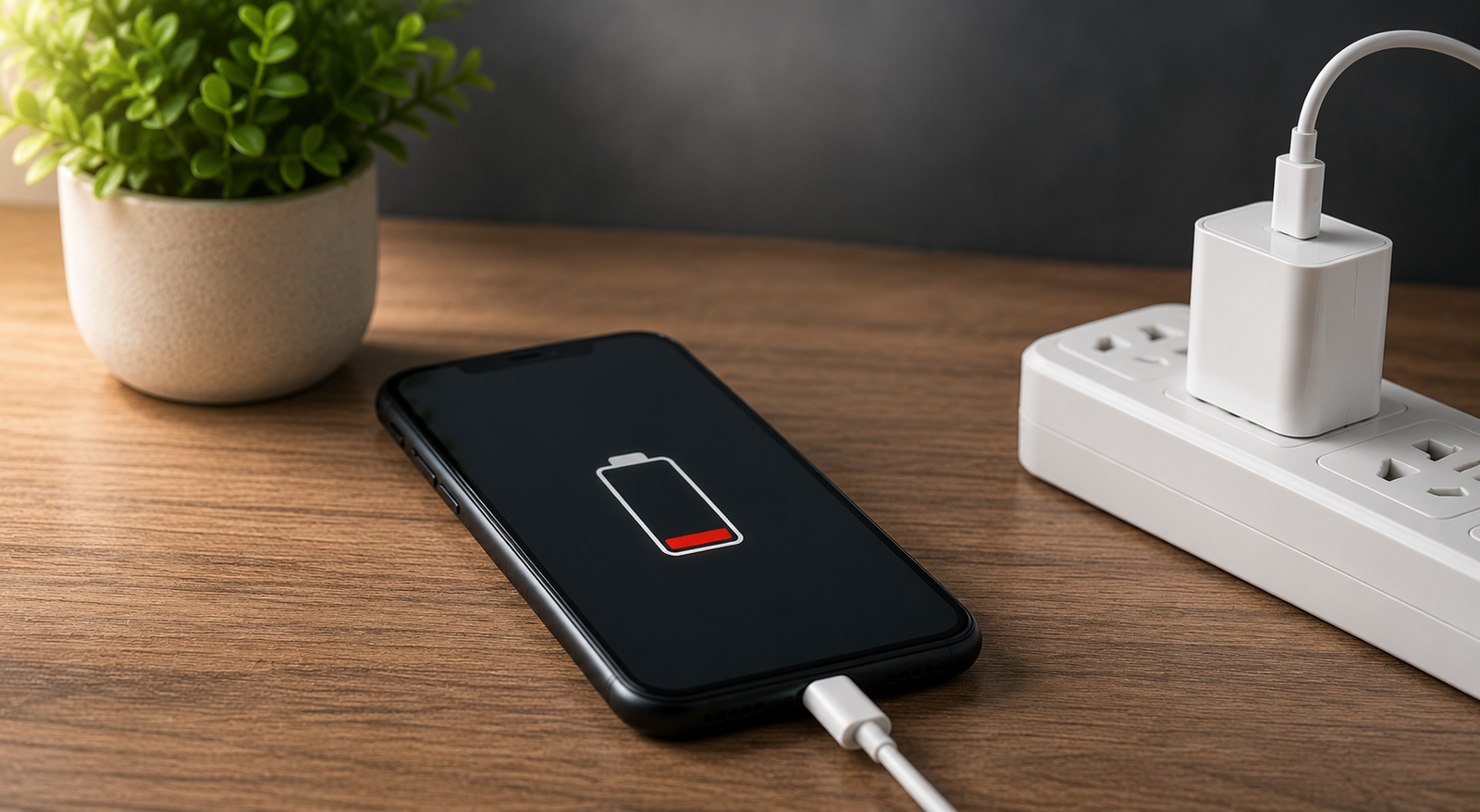
How to Revive a Phone Battery That Won’t Charge?
A phone battery that refuses to charge can happen for several reasons, including battery wear, charging port damage, software glitches, or faulty charging accessories. Before assuming the battery is completely dead, it is important to rule out simpler problems first.
Start by inspecting the charging cable, adapter, and charging port carefully. Dirt or lint buildup inside the charging port is extremely common and can prevent proper charging contact. Restarting the device or updating the software may also solve temporary charging problems.
Quick Fixes for Charging Problems
- Try a different charging cable
- Clean the charging port gently
- Restart the phone
- Avoid charging while overheating
- Remove recently installed problematic apps
- Update the phone software
If the battery still refuses to charge properly, professional phone battery repair services can diagnose whether the issue involves the battery, charging port, or internal motherboard components.
Common Causes of Phone Battery Issues
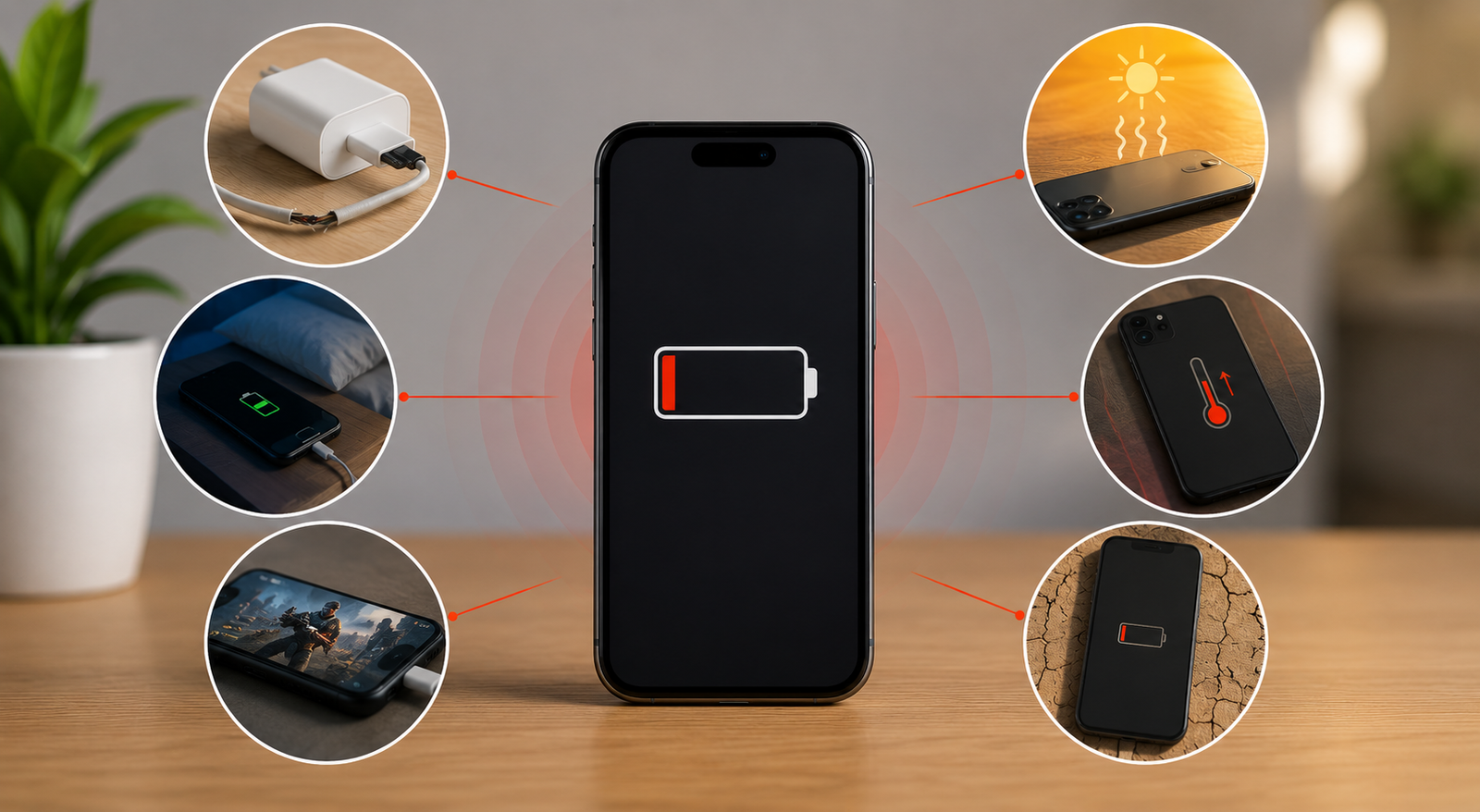
Many daily habits can slowly damage smartphone batteries over time. Heat, overcharging, cheap accessories, and heavy usage all contribute to declining battery performance. Understanding these causes can help reduce future Phone battery issues and extend battery lifespan.
Common Battery-Damaging Habits
- Using low-quality chargers
- Constant overnight charging
- Heavy gaming while charging
- Frequent overheating
- Letting the battery drain completely often
- Exposure to extreme temperatures
Healthy charging habits play a major role in keeping smartphone batteries functioning properly for longer periods.
Why Professional Phone Battery Repair Matters
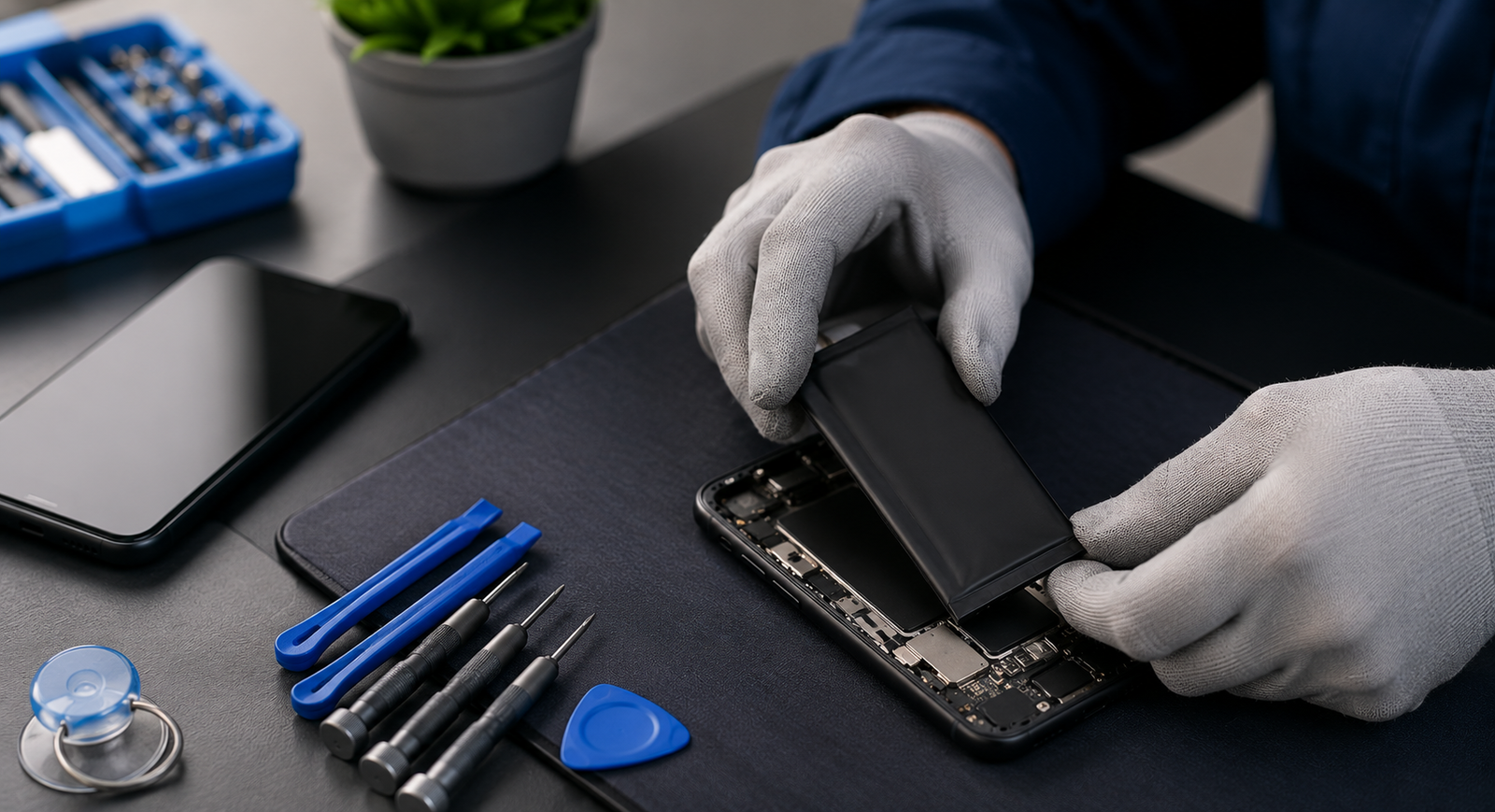
Modern smartphones are designed with tightly sealed batteries and delicate internal components. Attempting DIY battery repairs without proper tools can damage the display, charging system, or motherboard. Professional phone battery repair services ensure that the battery is replaced safely using quality replacement parts and proper installation methods.
At Blackapple Cellular, experienced technicians diagnose battery problems carefully and provide reliable solutions for smartphones experiencing charging failures, overheating, or severe battery drain. Whether your phone requires repair or you need to replace a phone battery, professional service helps improve safety, performance, and long-term reliability.
Benefits of Professional Battery Service
- Safe battery installation
- Accurate battery diagnostics
- Improved phone performance
- Reduced overheating risks
- Reliable charging performance
- High-quality replacement batteries
Professional service can often restore your phone’s usability without the cost of purchasing a brand-new device.
Final Thoughts
A dying phone battery does not always mean your smartphone is beyond repair. Many common Phone battery issues can be solved through proper troubleshooting, charging adjustments, or professional repair services. In some situations, a deeply discharged battery simply needs time and the right charging conditions to recover. However, severe battery wear, overheating, or swelling often indicates that it is time to replace a phone battery completely.
Understanding the early warning signs and taking quick action can help prevent more serious problems later. Professional phone battery repair services provide safe and effective solutions that can restore your phone’s performance and extend its lifespan significantly. Taking care of your battery today can help you avoid costly replacements and frustrating breakdowns in the future.
FAQs
1. Can a completely dead phone battery be revived?
Yes, sometimes a deeply discharged battery can recover after extended charging, but severely damaged batteries may need replacement.
2. Why is my phone battery draining so fast?
Fast battery drain is one of the most common Phone battery issues and may be caused by aging batteries, overheating, or background apps.
3. Is it safe to keep charging a phone that overheats?
No, overheating can indicate serious battery damage and should be inspected professionally.
4. When should I replace a phone battery?
You should replace a phone battery if it drains rapidly, overheats, swells, or shuts down unexpectedly.
5. Can a faulty charger damage my battery?
Yes, low-quality chargers can reduce battery lifespan and create charging problems over time.
6. Is professional phone battery repair worth it?
Yes, professional phone battery repair is often far more affordable than replacing the entire smartphone.