

Quick Summary
Your smartphone may be getting damaged without you even realizing it. The habits that damage your smartphone often include using low-quality chargers, exposing your phone to heat, skipping protective accessories, and following poor charging practices. These everyday mistakes can reduce battery life and lead to expensive repairs. This guide explains the most common habits and how simple changes can help keep your smartphone safe and performing at its best.
In this guide, you’ll learn:
- 8 everyday habits that could be damaging your smartphone
- Why heat, moisture, and dust can shorten your phone’s lifespan
- How charging mistakes affect battery health and performance
- The importance of using quality chargers and protective accessories
- Simple tips to prevent costly smartphone damage
- When it’s time to seek professional mobile phone repair services
Introduction
Smartphones have become an important part of our daily lives. Whether you’re checking emails, managing online banking, staying in touch with family, or capturing memorable moments, your phone is always within reach. However, the habits that damage your smartphone are often easy to overlook. Simple actions that seem harmless can gradually affect your phone’s battery, performance, and overall lifespan without you noticing.
Simple actions like using poor-quality chargers, exposing your phone to excessive heat, letting dust build up inside charging ports, or ignoring software updates can gradually reduce your device’s performance. These habits may seem harmless at first, but over weeks and months, they place unnecessary stress on the battery, charging system, processor, and other internal components. By the time symptoms become noticeable, what could have been prevented with a few simple changes may now require professional repairs.
At Blackapple Cellular, we provide Expert Repairs for Phones for customers dealing with everything from charging issues and battery problems to software faults and hardware damage. Many of these repairs could have been avoided if early warning signs had been recognised and daily smartphone habits had been adjusted.
Whether you’re searching for phone repair near you in Victoria or looking for reliable Mobile Phone repair in Langford BC, understanding what damages your smartphone is the first step toward protecting your investment. In this guide, we’ll explore eight common habits that quietly shorten your phone’s lifespan and explain how simple maintenance can keep your device running smoothly for years.
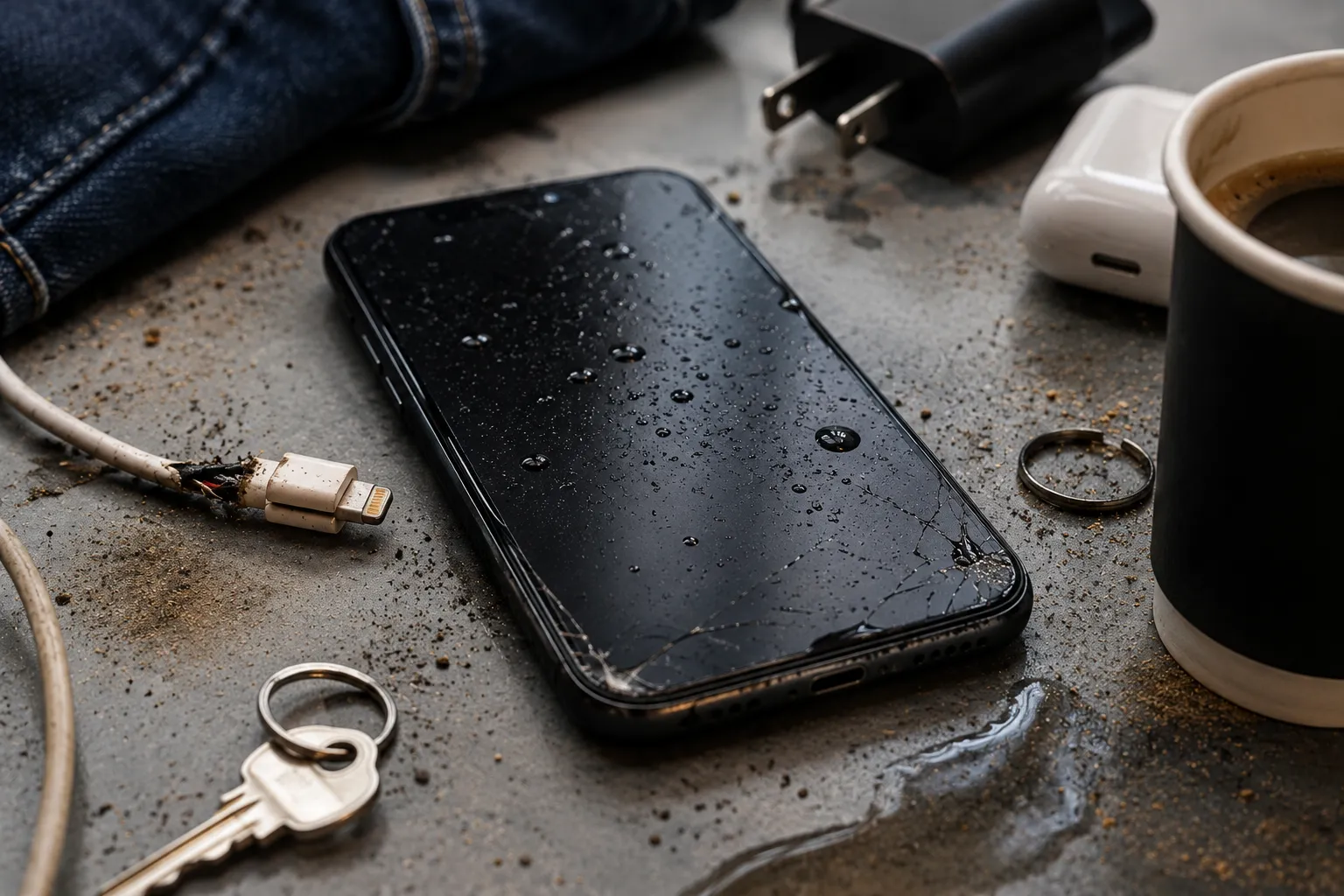
Small Daily Habits That Can Shorten Your Phone’s Lifespan
Most smartphone users take good care of their devices by using a protective case or screen protector. While these accessories certainly help reduce physical damage, they don’t prevent the hidden wear caused by everyday habits. In reality, many of the repairs technicians perform every day are linked to long-term usage patterns rather than sudden accidents.
Understanding these habits allows you to make small adjustments that can significantly improve your phone’s performance and extend its lifespan.
Running Heavy Apps for Hours Without a Break
Modern smartphones are designed to handle demanding applications such as gaming, video editing, streaming, and navigation. However, using these apps continuously for long periods forces the processor, graphics chip, and battery to work at maximum capacity.
As internal temperatures rise, your phone has to work harder to maintain performance. Repeated exposure to high operating temperatures gradually affects battery efficiency and may even reduce processor performance over time.
Giving your phone occasional breaks during heavy usage helps maintain lower operating temperatures and reduces unnecessary wear.
Ignoring Software Updates
Many users postpone software updates because they don’t want interruptions or worry about interface changes. However, manufacturers regularly release updates that improve system stability, optimise battery performance, fix security vulnerabilities, and resolve software bugs.
Running outdated software for extended periods can lead to slower performance, reduced battery efficiency, and compatibility issues with newer applications.
Keeping your operating system updated is one of the easiest ways to maintain long-term smartphone health.
Keeping Storage Completely Full
Every smartphone needs available storage to perform efficiently. Temporary files, system processes, app updates, and background services all require free space.
When storage becomes nearly full, users often notice:
- Slower app launches
- Camera delays
- Reduced multitasking performance
- Random freezing
- Longer loading times
Regularly removing unnecessary files or moving photos to cloud storage keeps your device operating smoothly.
Using Your Phone While It’s Charging
Scrolling through social media, watching movies, or playing games while charging has become a common habit.
However, charging already generates heat inside the battery. Using demanding applications simultaneously forces the processor to work harder, creating additional heat.
This combination increases stress on the battery and may accelerate long-term battery wear.
Whenever possible, allow your phone to charge without heavy usage.
Never Restarting Your Device
Many smartphones remain switched on for weeks without being restarted.
Restarting clears temporary memory, refreshes background processes, and resolves minor software conflicts that naturally develop during daily use.
Simply restarting your phone once every few days can noticeably improve responsiveness and overall performance.
Keeping Your Phone in Tight Pockets
Tight jeans or crowded bags may expose smartphones to continuous pressure, friction, and excessive body heat.
Over time, this can contribute to:
- Minor screen pressure
- Camera lens scratches
- Frame wear
- Heat buildup
Using a dedicated pocket or protective carrying case provides much better protection during daily travel.
Ignoring Small Warning Signs
Most serious phone failures don’t happen suddenly.
Instead, users often notice subtle symptoms first:
- Battery draining faster
- Phone getting warmer
- Charging becoming slower
- Apps freezing occasionally
Ignoring these early warning signs allows small issues to become larger and more expensive repairs later.
Why Cheap Chargers and Cables Can Damage Your Device
Charging accessories are often overlooked when discussing smartphone care, yet they have a direct impact on your device’s long-term reliability. While inexpensive chargers may seem like a smart way to save money, poor-quality accessories can introduce unstable power delivery that affects both battery performance and charging components.
At Blackapple Cellular, many customers who visit us for Mobile Phone repair in Victoria BC experience charging-related issues that begin with low-quality accessories. Using certified products is one of the simplest ways to reduce unnecessary wear on your smartphone.
Poor Power Regulation
Quality chargers regulate voltage and current carefully to match your smartphone’s charging requirements.
Cheap alternatives often provide inconsistent power, forcing your battery to work harder during charging. Over time, this additional stress contributes to reduced battery lifespan and slower charging performance.
Excessive Heat During Charging
Low-quality charging accessories frequently generate more heat than certified products.
This heat doesn’t simply stay inside the charger it transfers into your smartphone, increasing battery temperature and accelerating battery wear.
Repeated exposure to elevated temperatures gradually reduces overall battery capacity.
Weak Cable Construction
Charging cables experience constant bending, twisting, and movement throughout daily use.
Poor-quality cables often contain:
- Thin internal wiring
- Weak connectors
- Low-grade insulation
As these cables deteriorate, users may experience intermittent charging, slow charging, or complete charging failure.
Replacing worn cables early helps prevent damage to the charging port.
Safety Risks
Certified chargers include multiple layers of protection against overheating, overcharging, and electrical faults.
Cheap chargers often lack these safeguards, increasing the risk of electrical damage to both the charger and your smartphone.
Investing in quality charging accessories is far less expensive than paying for unnecessary repairs later.
Quality Accessories Protect Your Investment
Your smartphone is likely one of the most valuable devices you use every day. Spending slightly more on reliable charging accessories helps protect your battery, charging system, and overall device performance for years to come.
Whether you’re looking for Expert Repairs for Android Phones or searching for phone repair near you in Langford, preventing damage is always more affordable than repairing it.
The Truth About Overnight Charging and Battery Health
One of the biggest myths surrounding smartphones is that charging your device overnight will instantly ruin the battery. While modern smartphones are much smarter than older models, overnight charging can still influence long-term battery health if it becomes a daily habit without following proper charging practices.
Today’s smartphones use advanced battery management systems that automatically stop charging when the battery reaches full capacity. Instead of continuously forcing power into the battery, the charging system intelligently manages power flow to prevent immediate overcharging.
However, this doesn’t mean your battery experiences zero stress.
When your phone remains connected to the charger for several extra hours, the battery naturally drops a few percentage points and then charges back to 100% repeatedly. This process, often called maintenance charging or trickle charging, increases charging cycles over time.
Another important factor is heat.
Many people charge their phones:
- Under pillows
- On mattresses
- Inside thick blankets
- On couches
These soft surfaces trap heat around the device.
Even if the charging system is working correctly, excessive heat remains one of the biggest reasons batteries lose capacity faster than expected.
Fortunately, many smartphones now include Optimized Battery Charging, which learns your charging habits and delays charging beyond 80% until shortly before you usually unplug your device.
To protect your battery:
- Charge your phone on a hard surface.
- Avoid covering the phone while charging.
- Use certified charging accessories.
- Enable battery optimization settings whenever available.
These small habits can significantly reduce battery stress and help extend your smartphone’s lifespan.
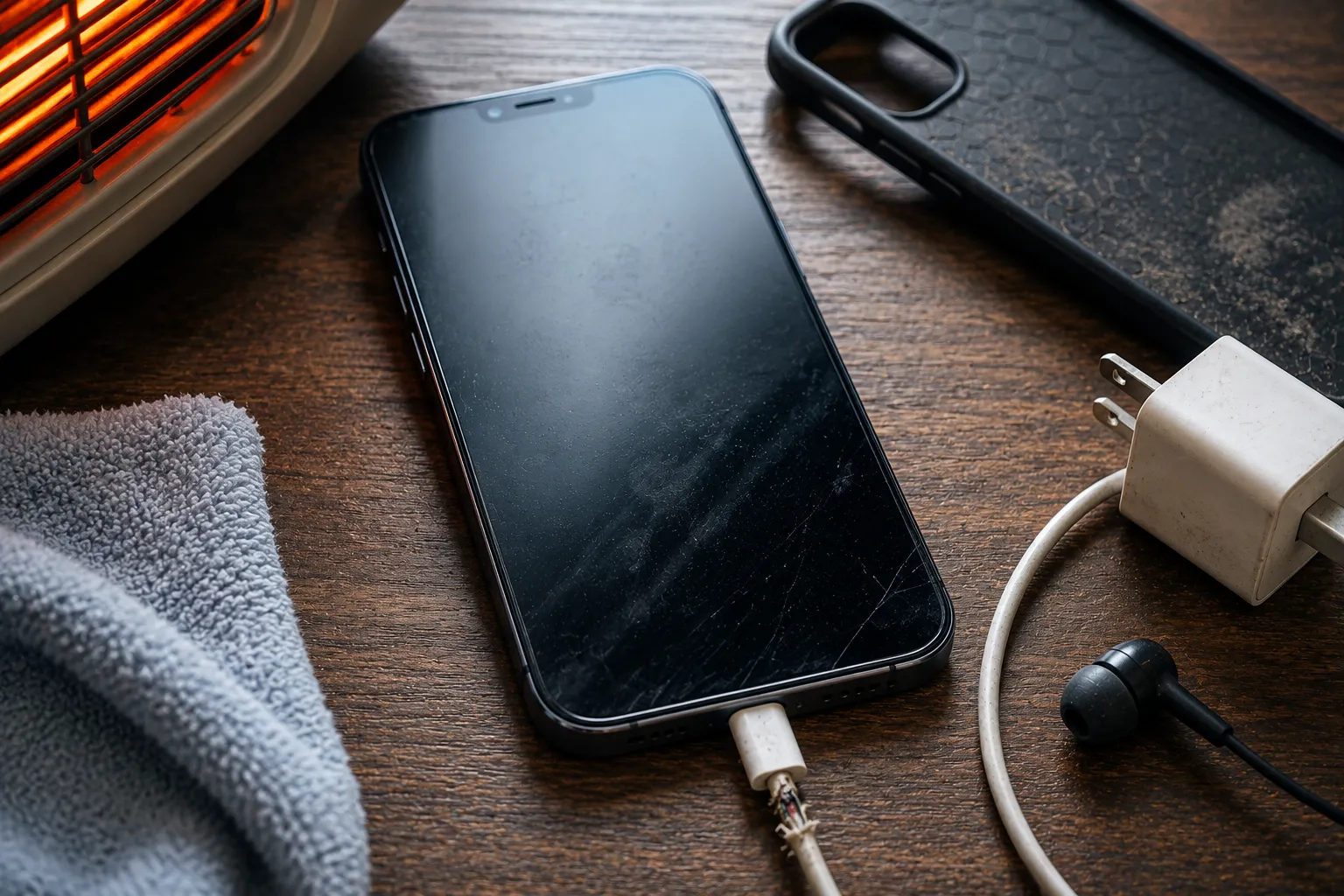
How Heat, Moisture and Dust Slowly Damage Your Smartphone
Most smartphone users pay attention to obvious accidents like cracked screens or water spills. However, the real damage often happens gradually through everyday environmental exposure.
Heat, moisture, and dust silently affect your smartphone long before visible symptoms appear.
Heat
Heat is one of the most damaging environmental factors for smartphones.
Leaving your phone:
- Inside a parked car
- On a dashboard
- Under direct sunlight
- Near heaters
can raise internal temperatures dramatically.
High temperatures accelerate battery aging, reduce processor efficiency, and increase wear on sensitive electronic components.
If your phone frequently becomes hot during normal use, it’s worth having it professionally inspected before permanent damage develops.
Moisture
Although many smartphones advertise water resistance, no phone remains completely waterproof forever.
Water-resistant seals naturally weaken with age, daily wear, and previous repairs.
Moisture entering the device can damage:
- Charging connectors
- Speakers
- Cameras
- Internal circuits
- Display connectors
One of the biggest concerns is corrosion.
Unlike visible water damage, corrosion often continues spreading long after the phone appears dry.
Early inspection greatly improves the chances of preventing permanent internal damage.
Dust
Dust may appear harmless, but over months of daily use it gradually accumulates inside:
- Charging ports
- Speaker grills
- Microphones
- SIM tray openings
Dust buildup often causes:
- Charging interruptions
- Loose cable connections
- Poor speaker performance
- Muffled microphones
Regular cleaning helps prevent these problems before repairs become necessary.
Common Mistakes That Lead to Screen, Battery and Charging Problems
Many smartphone problems develop because of habits that seem harmless in everyday life.
Recognising these mistakes early can help reduce repair costs and keep your device performing at its best.
Ignoring Small Screen Cracks
A tiny crack may seem cosmetic, but it weakens the structural strength of the display.
With continued pressure or another accidental drop, that small crack can quickly spread across the entire screen.
Cracks also make it easier for dust and moisture to enter the device.
Using Damaged Charging Cables
Many users continue using cables with bent connectors or exposed wiring.
Damaged cables may:
- Charge slowly
- Disconnect randomly
- Generate additional heat
- Damage charging ports
Replacing worn charging cables is much less expensive than repairing damaged charging components.
Forcing Charging Connectors
If your charging cable doesn’t fit properly, never force it into the charging port.
Lint and pocket debris are often the real problem.
Cleaning the port carefully is much safer than applying pressure that may bend internal connectors.
Ignoring Battery Warning Signs
Many people continue using phones that:
- Drain rapidly
- Overheat frequently
- Restart unexpectedly
Ignoring these symptoms allows battery wear to become progressively worse.
Professional inspection identifies the problem before additional components become affected.
Delaying Professional Repairs
Small issues rarely remain small.
What begins as occasional overheating or slow charging often develops into:
- Battery failure
- Charging circuit damage
- Logic board problems
- More expensive repairs
Seeking help early usually reduces both repair costs and repair time.
Easy Maintenance Tips to Keep Your Phone Running Like New
Looking after your smartphone doesn’t require technical knowledge.
Simple maintenance habits can dramatically improve reliability while helping your device last much longer.
Keep Your Software Updated
Software updates contain:
- Performance improvements
- Security patches
- Battery optimisation
- Bug fixes
Installing updates promptly helps your smartphone perform efficiently.
Use Certified Accessories
Certified chargers and cables provide stable power while protecting the battery and charging system.
Although they may cost slightly more initially, they reduce long-term repair risks considerably.
Clean Your Phone Regularly
Use a soft microfiber cloth to clean:
- Display
- Camera lenses
- Charging port area
- Speaker openings
Avoid sharp tools that could damage internal components.
Protect Against Heat
Avoid exposing your smartphone to prolonged sunlight or extremely hot environments.
Keeping your phone cool helps preserve battery performance and processor efficiency.
Free Up Storage
Maintaining sufficient free storage allows:
- Faster app performance
- Better multitasking
- Improved camera speed
- Smoother software updates
Deleting unnecessary files regularly keeps your device operating smoothly.
Restart Your Phone Weekly
Restarting clears temporary memory, refreshes background services, and helps resolve minor software issues before they affect performance.
Listen to Early Warning Signs
Your phone often tells you something is wrong long before complete failure occurs.
If you notice:
- Slower charging
- Increased heat
- Poor battery life
- Random restarts
- Reduced performance
don’t ignore these symptoms.
Early diagnosis often prevents significantly larger repairs.
Whether you need Mobile Phone repair in Victoria BC or Mobile Phone repair in Langford BC, addressing problems early usually saves both time and money.
Conclusion
Your smartphone is much more than a communication device—it’s an essential part of your daily routine. While accidental drops and liquid spills often receive the most attention, the habits that damage your smartphone are usually the small actions repeated every day. Charging with poor-quality accessories, exposing your phone to excessive heat, ignoring software updates, or delaying minor repairs can gradually reduce your device’s reliability, performance, and lifespan.
The good news is that most of these problems are preventable. Simple maintenance habits such as using certified chargers, keeping your device clean, managing storage wisely, installing updates, and paying attention to early warning signs can significantly improve your smartphone’s performance for years to come.
If you begin noticing unusual battery drain, charging issues, overheating, or reduced performance, don’t wait until the problem becomes more expensive to fix. At Blackapple Cellular, we provide Expert Repairs for Phones with professional diagnostics and reliable solutions for all major smartphone brands. Whether you’re searching for phone repair near you in Victoria or dependable Mobile Phone repair in Langford BC, our experienced technicians are ready to help restore your device quickly and professionally.
People Also Ask
1. What daily habits ruin a smartphone battery?
Using low-quality chargers, running heavy apps while charging, leaving the phone in direct sunlight, keeping storage 100% full, and letting the phone repeatedly overheat during daily use.
2. Is it bad to use your phone while it is charging?
Yes. Playing games or streaming video while plugged in forces the processor and battery to generate excess heat simultaneously, accelerating long-term battery degradation.
3. Does overnight charging damage smartphone batteries?
Modern phones stop charging at 100%, but keeping them plugged in overnight generates extra heat—especially on soft surfaces like beds—which can shorten overall battery lifespan over time.
4. How do cheap chargers damage phones?
Uncertified or cheap chargers deliver unstable voltage, lack over-current safeguards, and generate high heat, which stresses the battery, degrades charging ICs, and damages the charging port.
5. How do I know if my charging port is dirty or broken?
If your cable feels loose, falls out easily, or charges intermittently, dust or lint is likely trapped inside. If cleaning it gently doesn’t help, internal pins or port hardware may be damaged.
6. Can heat permanently ruin a smartphone?
Yes. High internal temperatures accelerate chemical aging in lithium-ion batteries, cause thermal throttling, and can damage sensitive power management chips on the logic board.
7. When should I bring my phone to Blackapple Cellular for repair?
Visit our Victoria or Langford locations if your phone drains rapidly, gets uncomfortably hot, charges inconsistently, or has a loose charging port.
Frequently Asked Questions About Smartphone Care
How often should I restart my smartphone?
Restarting your phone once every few days or at least once a week helps refresh memory, improve performance, and clear temporary background processes.
Does overnight charging damage the battery?
Modern smartphones manage charging intelligently, but charging in cool environments with certified accessories helps reduce long-term battery wear.
Can heat permanently damage my smartphone?
Yes. Prolonged exposure to excessive heat accelerates battery aging and may affect other internal components over time.
Why is my phone charging slower than before?
Slow charging can result from battery wear, poor-quality charging accessories, dust inside the charging port, or charging component issues.
How often should I clean my charging port?
Checking and gently cleaning your charging port every few months helps prevent dust buildup that may interfere with charging.
When should I seek professional phone repair?
If your phone regularly overheats, charges inconsistently, drains unusually fast, or develops hardware issues, it’s best to have it inspected before the problem becomes more serious.