

Dropping an iPad is one of those moments where time slows down. You hear the sound, feel the impact, and instantly know something might be wrong. Sometimes the damage is obvious—cracked glass, shattered corners, or a flickering screen. Other times, the iPad looks fine at first but starts acting strangely days later.
For many people on Vancouver Island, an iPad is essential for work, school, or daily life. Knowing when iPad screen repair is the right solution—and when it’s absolutely necessary—can save you money, stress, and further damage.
This guide will help you understand what happens when an iPad is dropped, how to assess the damage properly, and why screen repair is often the smartest choice.
What Happens Internally When an iPad Is Dropped
Even a short fall can send shockwaves through an iPad’s internal structure. While the outer glass may absorb some impact, the force often reaches:
-
The touch digitizer
-
The display panel
-
Internal connectors
-
The frame holding the screen in place
This is why people frequently search for iPad screen repair even when the damage doesn’t look severe at first glance.
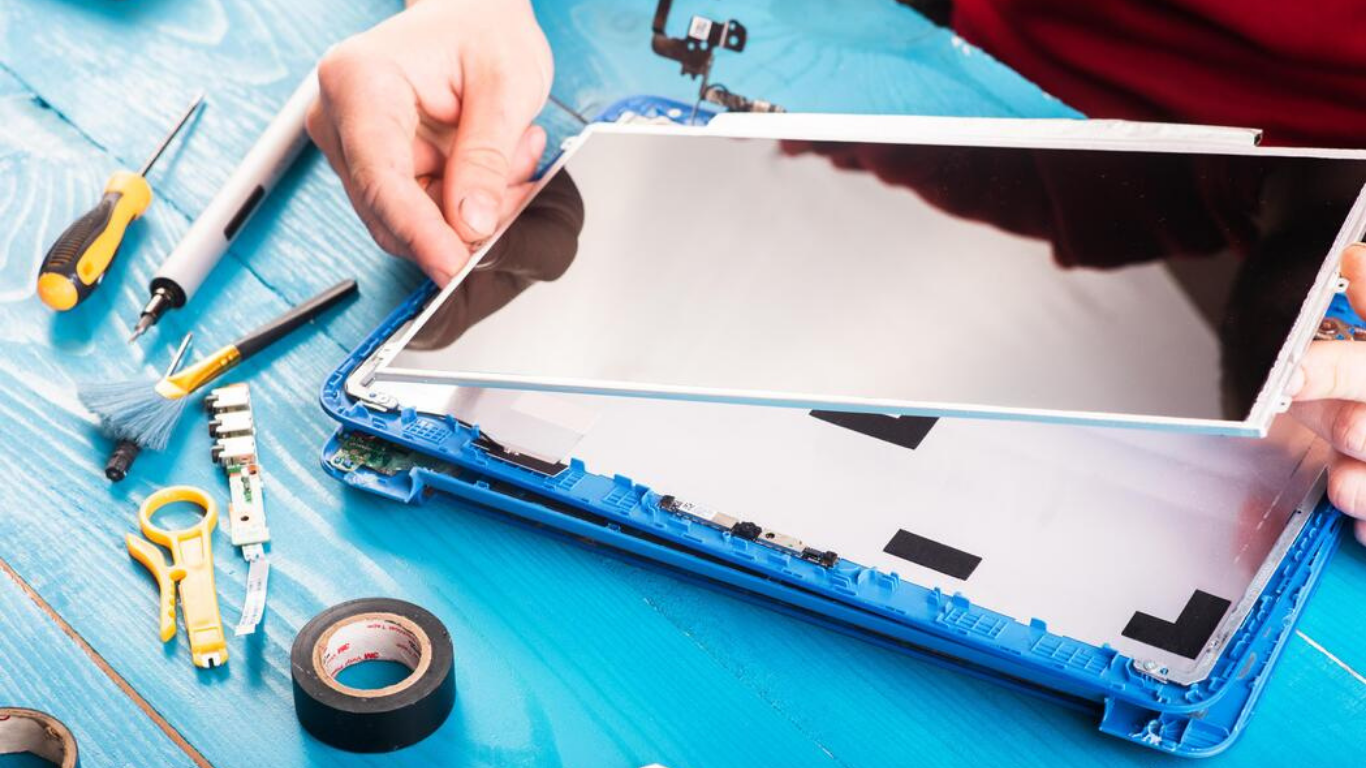
First Things You Should Check After Dropping Your iPad
Before deciding what to do next, it’s important to assess the damage carefully. After a drop, check for:
-
Visible cracks or chipped glass
-
Touch responsiveness across the entire screen
-
Display clarity, brightness, and color consistency
-
Random screen movements or ghost touches
-
Unusual heating or battery drain
If any of these issues appear, professional iPad screen repair should be considered immediately.
When iPad Screen Repair Is the Best and Most Cost-Effective Option
Screen repair is often the ideal solution when:
-
The display still turns on
-
Touch mostly works, even if imperfect
-
Cracks are limited to the glass
-
No major internal damage is detected
In these situations, iPad screen repair restores full functionality at a fraction of the cost of replacing the device.
When Screen Replacement Becomes Necessary After a Drop
Some drops cause deeper damage that cannot be ignored. Full screen replacement is usually required when:
-
The screen stays black despite the device powering on
-
Large dead zones appear where touch does not respond
-
The display shows bleeding, flickering, or heavy lines
-
The glass is shattered to the point of exposing internals
A professional diagnosis ensures the correct repair path is chosen.
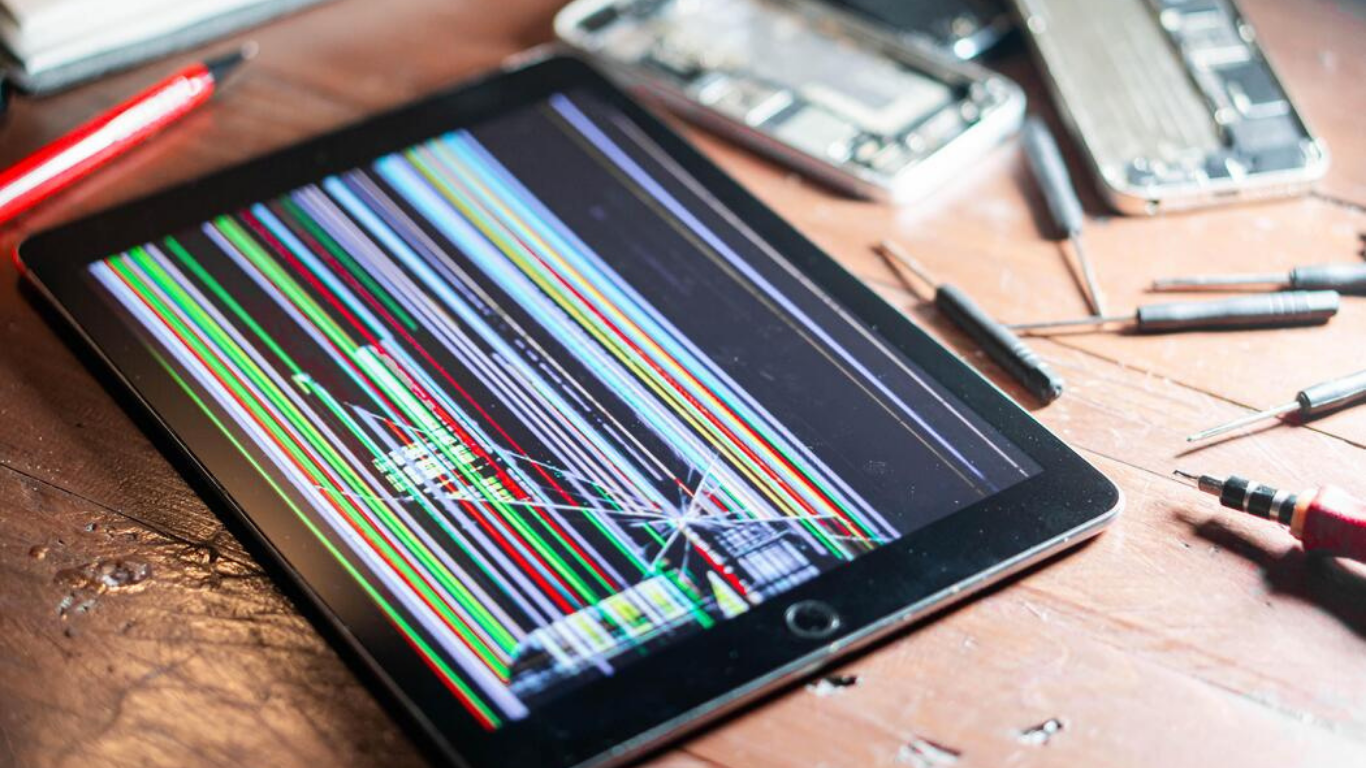
Why Continuing to Use a Cracked Screen Is a Risky Decision
Many people continue using their iPad despite visible cracks, assuming it’s harmless. Unfortunately, this often leads to:
-
Cuts from sharp glass edges
-
Moisture entering through cracks
-
Dust buildup on internal components
-
Touch sensors failing completely
-
Higher repair costs later
Early iPad screen repair prevents these problems before they escalate.
How Small Cracks Turn Into Big Repair Problems
A small crack weakens the entire screen structure. Over time:
-
Pressure from typing spreads the crack
-
Temperature changes expand the damage
-
Moisture causes corrosion under the screen
What could have been a simple iPad screen repair may turn into a more complex replacement if delayed.
Repair vs Replacement: Why Buying a New iPad Is Often Unnecessary
Replacing an iPad may seem tempting, but it usually comes with:
-
Significantly higher costs
-
Data transfer hassles
-
App reinstallation and setup time
-
Learning a new device layout
In comparison, iPad screen repair:
-
Preserves your data
-
Saves money
-
Extends device lifespan
-
Reduces electronic waste
For most users, repair is the smarter option.
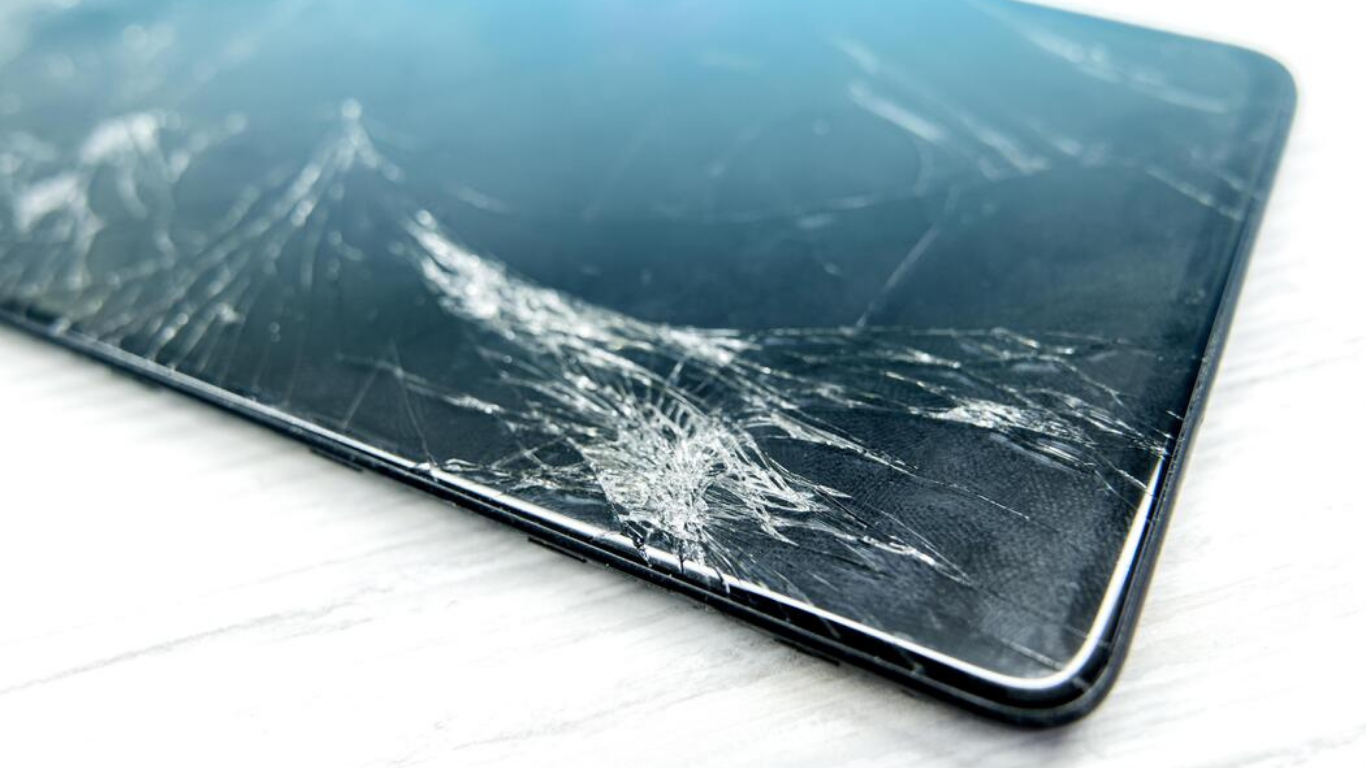
How Fast Screen Repair Prevents Internal Damage
Time matters after a drop. Prompt iPad screen repair helps:
-
Seal the device from moisture
-
Protect the battery and motherboard
-
Prevent connector loosening
-
Maintain screen alignment
Quick action often means simpler, cheaper repairs.
What a Professional iPad Screen Repair Assessment Includes
A proper assessment goes far beyond a quick look. It usually includes:
-
Full screen inspection
-
Touch sensitivity testing
-
Display and brightness checks
-
Frame alignment evaluation
-
Internal diagnostics
This ensures no hidden damage is missed.
Why DIY Fixes After a Drop Usually Make Things Worse
DIY repairs are especially risky after drop damage. Common problems include:
-
Cracked replacement screens during installation
-
Improper sealing that allows dust inside
-
Damaged connectors and cables
-
Touch and display calibration issues
Professional iPad screen repair avoids these risks completely.
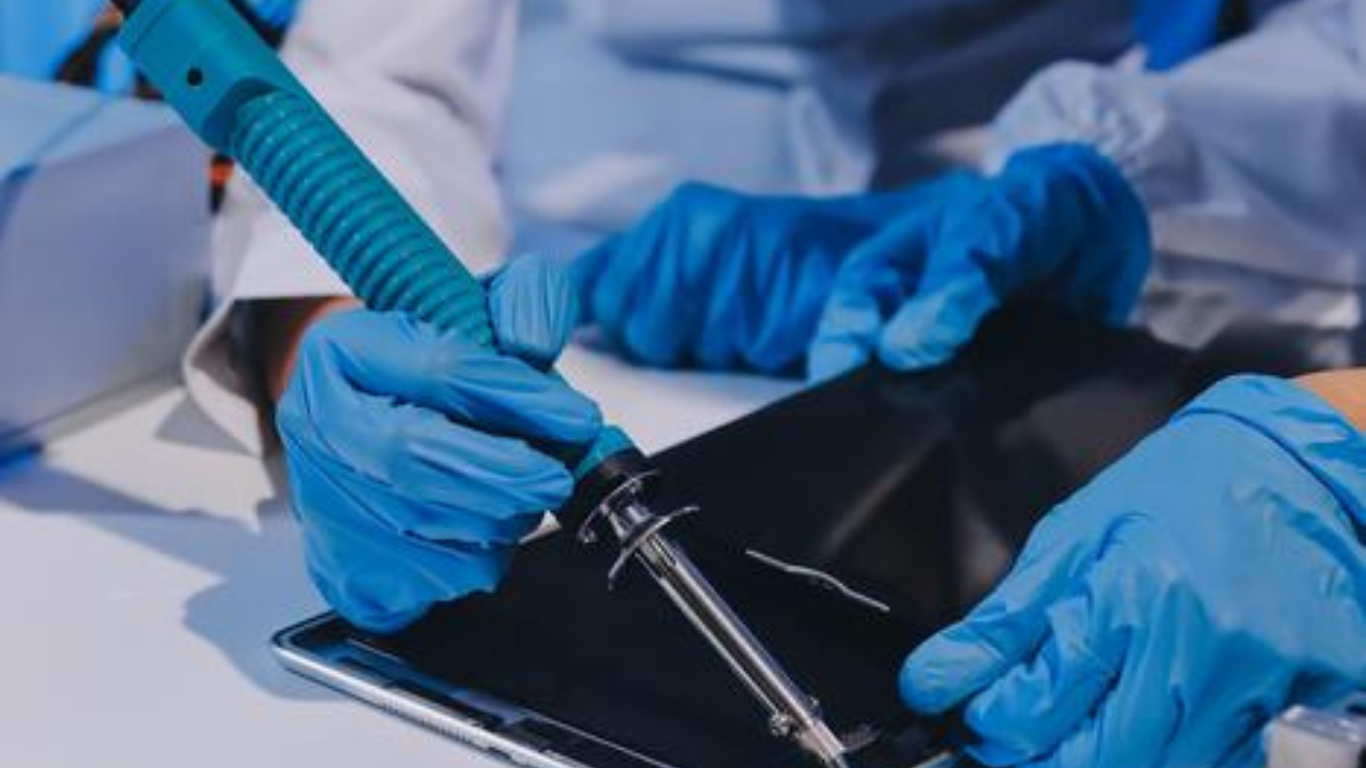
How Screen Repair Helps Maintain Long-Term iPad Performance
A properly repaired screen:
-
Restores smooth scrolling and typing
-
Improves display comfort
-
Reduces eye strain
-
Prevents secondary hardware issues
Your iPad doesn’t just look better—it works better.
How Screen Repair Protects Your iPad’s Resale and Trade-In Value
An iPad with a damaged screen loses value quickly. Professional iPad screen repair:
-
Improves cosmetic condition
-
Restores full functionality
-
Makes resale or trade-in easier
A repaired device is far more appealing to buyers.
How to Protect Your iPad After Screen Repair
Once repaired, taking preventive steps is crucial:
-
Use a tempered glass screen protector
-
Choose a shock-resistant case
-
Avoid placing heavy items on the device
-
Handle carefully during travel
These steps significantly extend the life of your repair.
Why Local iPad Screen Repair Services Are the Smart Choice
Local repair services on Vancouver Island offer:
-
Faster turnaround times
-
Personalized service
-
Warranty-backed repairs
-
Better accountability
Choosing local expertise ensures quality and peace of mind.
Final Thoughts
A dropped iPad can be stressful, but it doesn’t have to be expensive. In most cases, professional iPad screen repair restores your device fully—saving money, protecting your data, and extending usability.
The key is acting early. The sooner you repair, the better the outcome.
Frequently Asked Questions
1. My iPad still turns on after a drop—do I really need screen repair?
Yes, you might. Even if the screen powers on, internal damage to the digitizer or display layers can cause delayed issues like touch failure, flickering, or dead zones. Early iPad screen repair prevents hidden damage from getting worse.
2. How soon should I get iPad screen repair after dropping my device?
As soon as possible. Cracks allow moisture, dust, and pressure to affect internal components. Prompt iPad screen repair reduces the risk of additional damage and keeps repair costs lower.
3. Can a small crack really cause serious problems later?
Absolutely. Small cracks often spread due to daily pressure, temperature changes, and regular use. What starts as a minor issue can quickly turn into full screen failure without timely iPad screen repair.
4. How do I know if I need screen repair or full screen replacement?
If the display works but has cracks or touch issues, repair may be enough. If the screen is black, flickering heavily, bleeding colors, or unresponsive in large areas, full replacement is usually required. A professional assessment ensures the right solution.
5. Is it safe to keep using my iPad with a cracked screen?
It’s not recommended. Cracked screens can cause cuts, allow moisture inside, and damage internal components. Continued use often leads to more expensive iPad screen repair later.
6. Will iPad screen repair delete my data?
No. Screen repair does not affect your data, apps, or files. Your information remains completely intact throughout the iPad screen repair process.
7. Is repairing a dropped iPad cheaper than buying a new one?
In most cases, yes. iPad screen repair costs significantly less than replacing the device and saves you the hassle of setting up a new iPad.