

If your iPad doesn’t last the way it used to, you’re not imagining things. What once powered through a full workday now begs for a charger by mid-afternoon. Apps feel slower, the screen dims unexpectedly, and sometimes the battery percentage drops faster than common sense allows.
For many iPad users across Vancouver, this isn’t a software glitch or an update issue. It’s a battery problem — and one that’s far more common than people realize.
This guide explains why battery degradation affects performance, how ipad battery replacement restores both backup and speed, and when replacing the battery makes far more sense than buying a new device.
Why iPad Battery Performance Drops Over Time
Every iPad uses a lithium-ion battery. These batteries are powerful, lightweight, and efficient — but they are not permanent.
Each time your iPad charges from 0% to 100%, it completes a charging cycle. Over time, these cycles reduce the battery’s ability to hold a full charge. Most iPad batteries are designed to retain optimal performance for about 500–700 cycles, after which degradation becomes noticeable.
But cycles aren’t the only factor.
Other contributors to battery wear include:
-
Daily fast charging
-
Overnight charging habits
-
Heat exposure (especially in cars or near windows)
-
Heavy multitasking or gaming
-
Long video calls or streaming sessions
As the battery ages, it can no longer deliver stable power to the processor. When that happens, the iPad compensates by reducing performance — leading to lag, stutters, and sudden shutdowns.
This is where ipad battery replacement becomes more than just a power fix — it becomes a performance upgrade.

Signs Your iPad Battery Needs Replacement
Battery issues often build slowly, which makes them easy to ignore at first. Many users assume their iPad is “just getting old” when, in reality, the battery is the real problem.
Common warning signs include:
-
Rapid battery drain, even with light use
-
Sudden shutdowns at 20–30% battery
-
iPad overheating during charging or normal use
-
Slower app launches and multitasking lag
-
Battery percentage jumping unpredictably
-
Needing to charge the iPad multiple times a day
If you’ve tried software updates, resets, or battery-saving settings with little improvement, chances are the issue is hardware-related.
At this stage, ipad battery replacement is often the most effective and economical solution.
How iPad Battery Replacement Improves Performance
Most people think battery replacement only affects how long a device lasts on a charge. In reality, it impacts how the entire system behaves.
When a battery degrades, it struggles to supply consistent voltage. To prevent crashes, the iPad automatically limits processor speed. This leads to:
-
Slower animations
-
Delayed touch response
-
Apps closing unexpectedly
-
Reduced brightness and performance under load
After ipad battery replacement, the iPad receives stable power again — allowing the processor, display, and memory to function as originally intended.
Users typically notice:
-
Faster startup times
-
Smoother scrolling
-
Better multitasking
-
Improved responsiveness during gaming, editing, or drawing
Many users describe their iPad as “feeling new again” — not because the hardware changed, but because the power source was restored.
Battery Backup After Replacement: What to Expect
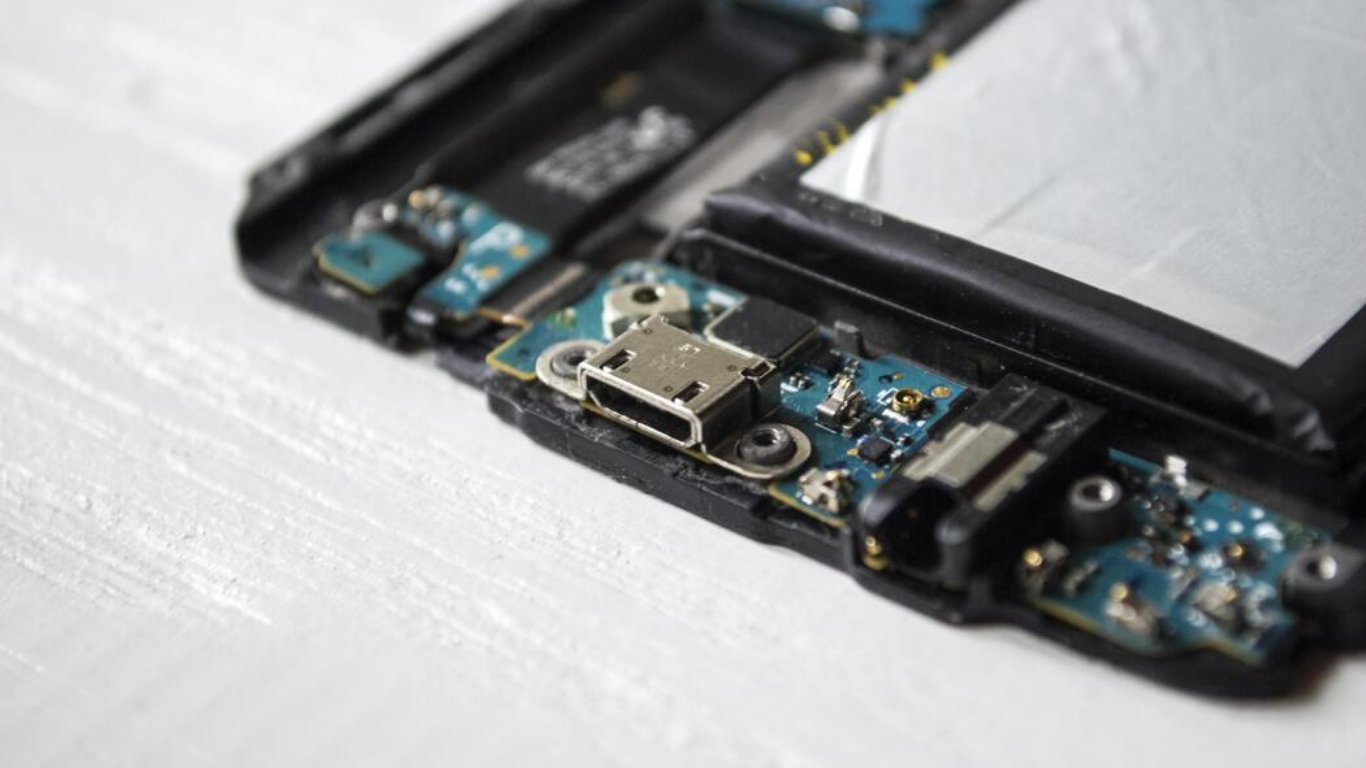
One of the most immediate improvements after ipad battery replacement is battery backup.
Typical improvements include:
-
Full-day usage for casual tasks
-
8–10 hours of screen-on time for browsing and streaming
-
Stable standby time without overnight drain
-
Consistent and accurate battery percentage readings
Backup depends on usage, of course — but compared to a worn battery, the difference is dramatic.
iPad Models That Commonly Need Battery Replacement
Battery replacement isn’t limited to old or outdated models. Even newer iPads can experience battery wear depending on usage patterns.
Models that often require battery replacement:
-
iPad Pro (older generations with heavy workloads)
-
iPad Air (2nd, 3rd & 4th Gen)
-
iPad Mini (compact battery, frequent charging cycles)
-
Standard iPads used for work, school, or content creation
If your iPad is more than 2–3 years old and heavily used, battery degradation is almost inevitable.
The iPad Battery Replacement Process Explained
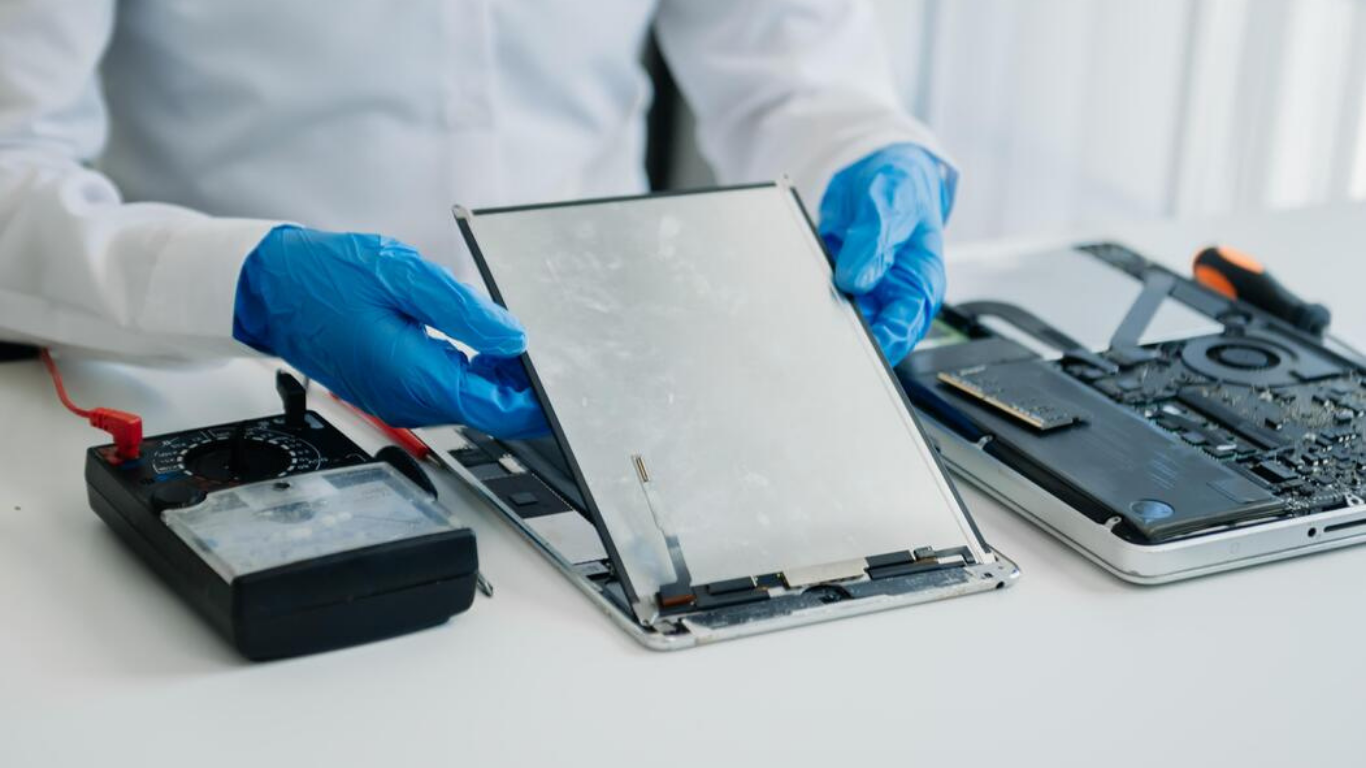
Many people hesitate to replace their iPad battery because they imagine a risky or complicated procedure. In reality, professional battery replacement is a structured, safe process.
What typically happens:
-
Battery health diagnostics
-
Careful screen separation using controlled heat
-
Safe removal of the degraded battery
-
Installation of a high-quality replacement battery
-
Charging, performance, and safety testing
-
Final inspection before return
When done correctly, ipad battery replacement does not affect:
-
Your data
-
Face ID or Touch ID
-
Display quality
-
Internal storage
Your information remains completely safe.
Is Battery Replacement Better Than Buying a New iPad?
This is one of the most common questions iPad users ask — and for good reason.
Consider this:
-
A new iPad costs significantly more than a battery replacement
-
Most users don’t use features exclusive to the latest models
-
Performance issues are often battery-related, not hardware-related
If your iPad:
-
Still receives iPadOS updates
-
Has no screen or logic board damage
-
Meets your daily usage needs
Then ipad battery replacement is usually the smarter choice.
It can extend your device’s usable life by two to three years at a fraction of the cost of replacement.
How Long Does iPad Battery Replacement Take?
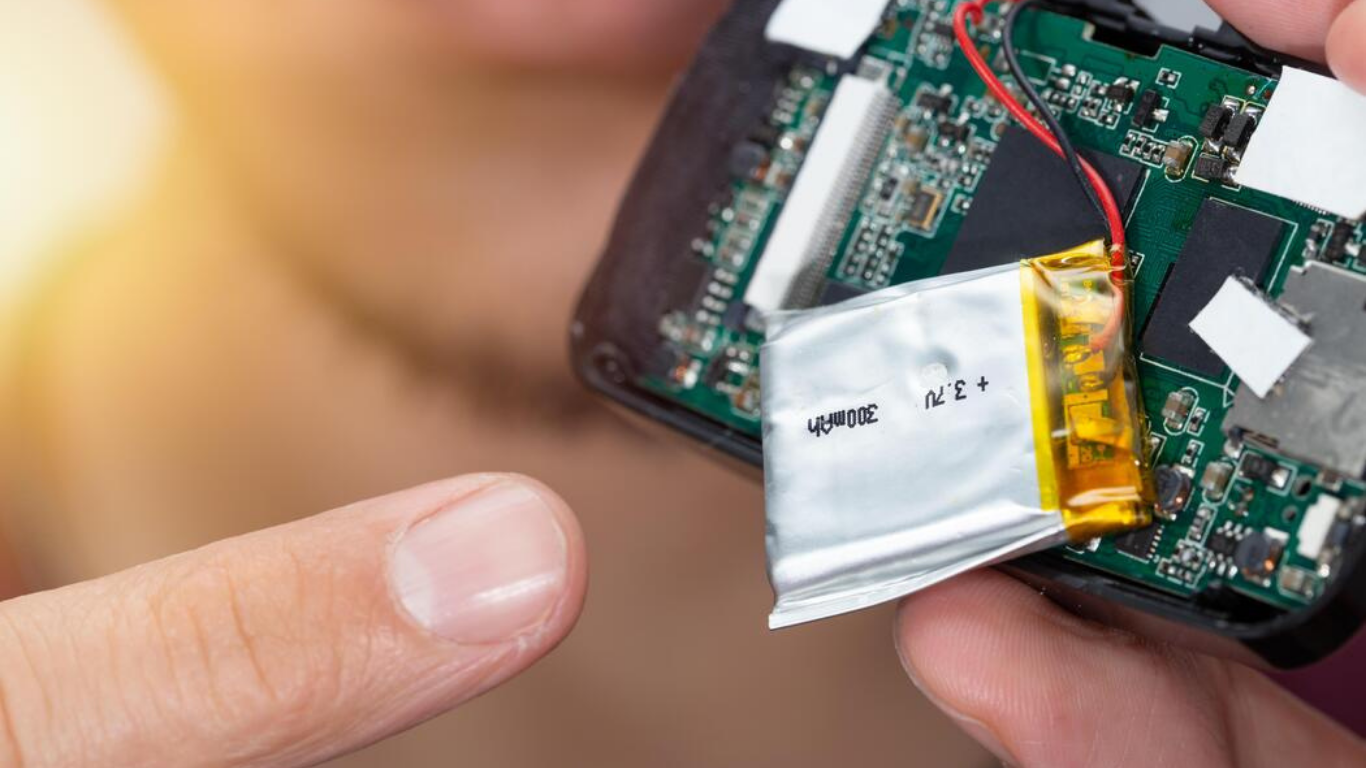
Timeframes depend on the model and device condition, but in most cases:
-
Diagnostics take 15–30 minutes
-
Replacement takes 1–2 hours
-
Testing and quality checks take another 30 minutes
Many users can have their iPad back the same day, fully functional.
Aftercare Tips to Maximize Your New Battery Life
Once your iPad has undergone ipad battery replacement, good habits help preserve battery health.
Best practices include:
-
Avoid keeping the iPad plugged in overnight daily
-
Maintain battery levels between 20%–80% when possible
-
Avoid extreme heat exposure
-
Use certified charging accessories
-
Keep iPadOS up to date
These habits significantly reduce long-term battery stress.
FAQs
How long does an iPad battery last before replacement is needed?
Usually 2–3 years, depending on usage and charging habits.
Will battery replacement delete my data?
No. Data remains untouched.
Can replacing the battery fix slow performance?
Yes. Battery-related throttling is often reversed.
Is battery replacement safe?
Yes, when done professionally.
How much improvement will I notice?
Most users report better speed, stability, and battery backup.
Does battery replacement affect Face ID or Touch ID?
No, biometric features remain fully functional.
Final Thoughts
If your iPad drains quickly, slows down, or shuts off unexpectedly, the battery is often the hidden cause. Instead of replacing a perfectly usable device, ipad battery replacement restores performance, reliability, and peace of mind.
For iPad users in Vancouver, it’s one of the smartest, most cost-effective upgrades you can make.