

iPad Charging Port
iPad Charging Port Repair in Victoria, BC, Langford & Campbell River
Expert iPad Charging Port Repair
Plugged your iPad in overnight and woke up to a dead battery? Does the cable only work at a certain angle, or keep falling out? These are classic signs of a charging port problem. Blackapple Cellular offers professional iPad charging port repair in Victoria, with stores in Langford and Campbell River too.
Our technicians have been repairing iPads on Vancouver Island since 2011. We repair both Lightning and USB-C iPad charging ports, from a simple professional cleaning to a full port replacement.
Why Is My iPad Not Charging?
If your iPad is not charging when plugged in, the problem is usually one of these:
- Lint and dust in the port. Pocket and bag debris packs into the port, so the cable can’t click in fully. This is the most common cause, and the easiest to fix.
- A worn or damaged port. Years of plugging in loosen the port, or a drop bends the pins inside.
- A faulty cable or adapter. Cables wear out, especially near the ends.
- A low-power charger. Some computer USB ports and small adapters can’t supply enough power for an iPad.
- A worn-out battery. Sometimes the port is fine but the battery can no longer hold a charge.
- Liquid damage or corrosion. Moisture inside the port can corrode the contacts.
Our technicians test each possibility, so you only pay for the fix your iPad actually needs.
iPad Not Charging? Try This First
A few quick checks can tell you whether you need iPad charging port repair:
| Quick check | If it helps | If it doesn't |
|---|---|---|
| Try a different cable | Your old cable was faulty | Likely the port, adapter or battery |
| Use the wall adapter, not a computer | The power source was too weak | Keep checking below |
| Look inside the port with a light | You may see lint or corrosion | Pins may be worn or damaged |
| Restart the iPad while plugged in | It was a software glitch | Likely a hardware problem |
| Check if the cable feels loose | — | A loose fit usually means the port needs cleaning or repair |
Don't push pins, paper clips or anything metal into the port. Bring it in for a safe professional cleaning.
Signs Your iPad Charging Port Needs Repair
- The cable feels loose or falls out easily
- Charging only works at a certain angle
- The iPad shows it’s charging, then stops and starts
- Nothing happens when you plug it in, even with a different cable
- The iPad won’t connect to a computer
- You can see dirt, bent pins or green or white corrosion inside the port
Cleaning, Repair or iPad Charging Port Replacement
We always start with the simplest fix:
- Professional port cleaning. Safely removes packed lint and debris without damaging the pins. Often fixes the problem in minutes.
- Port repair. For corrosion or minor damage.
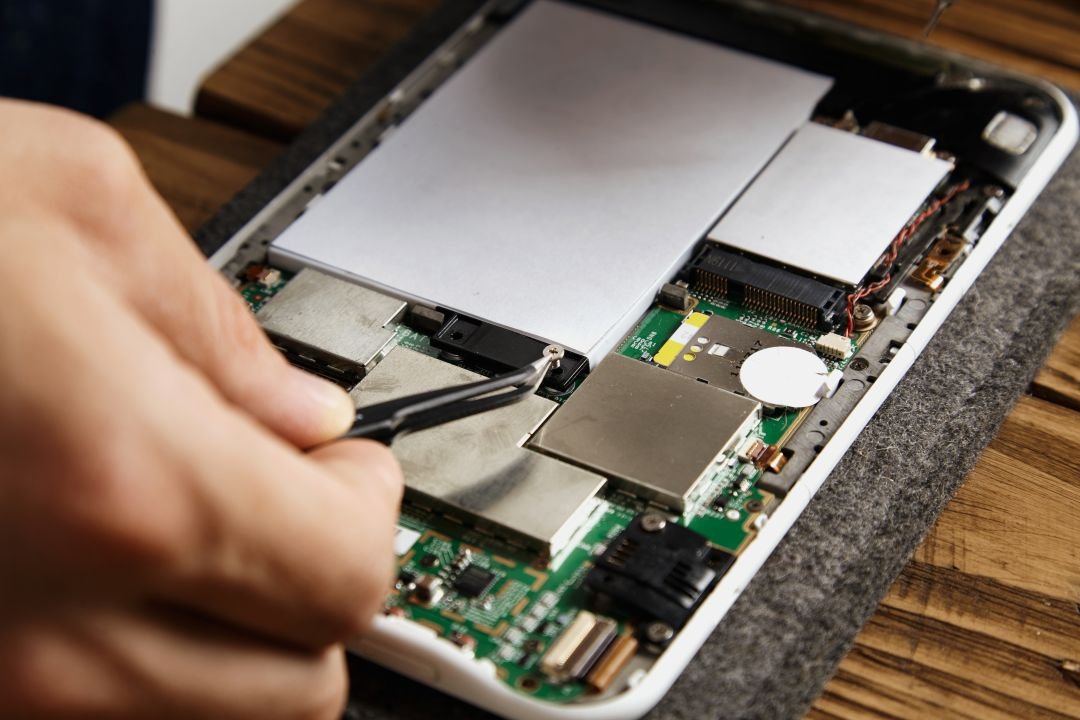
- Change iPad charging port. If the port is worn out or broken, we replace it. On most iPads the screen must be carefully removed to reach the port, so this is a skilled repair that needs proper tools.
Why Choose Blackapple Cellular?

Simplest Fix First
We clean before we replace
Full Charging Test
Cable, adapter, port and battery all checked
Lightning & USB-C
Every iPad model covered

Careful Screen Handling
Removed and resealed properly when needed

Clear Pricing
Your quote before we start, no surprises

Warranty Included
Every iPad charging repair is guaranteed
Book your iPad Charging Port Repair at Blackapple Cellular
Stop struggling with your charging cable — visit Blackapple Cellular for expert iPad charging port repair in Victoria, Langford & Campbell River. Walk in or book online today!
Payment Question
Most Popular Questions
The most common cause is lint or dust packed inside the charging port. Other causes include a worn port, a faulty cable or adapter, a low-power charger, or a worn battery. We test each one to find the real cause.
This often appears when the iPad is connected to a power source that’s too weak, such as some computer USB ports. Try the wall adapter that came with your iPad. If it still won’t charge, bring it in.
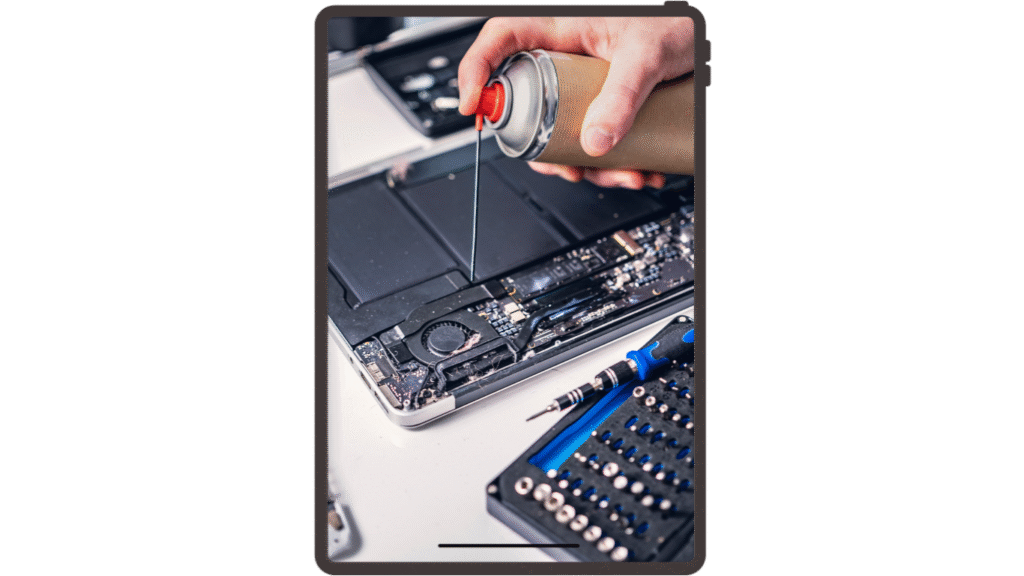
We don’t recommend it. Metal objects, pins or compressed air can damage the delicate contacts inside. A professional cleaning is quick and safe.
It depends on your iPad model and whether it needs cleaning, repair or replacement. Cleaning costs much less. You’ll get a clear quote before we start.
Port cleaning often takes minutes. A full iPad charging port replacement takes [time], because the screen usually needs to be removed and resealed.
Yes. A loose port is often caused by packed debris and can be fixed with cleaning. If the port itself is worn, we replace it.
Sometimes. If your iPad charges normally but dies quickly, the battery is more likely the problem. Our charging test checks the port, cable, adapter and battery.
No. A charging port repair doesn’t erase your apps, photos or files. We still recommend backing up your iPad before any repair.
Yes. Every iPad charging port repair comes with our [add warranty length] warranty.
No. Walk-ins are welcome at all three stores. You can also book online to save time.