

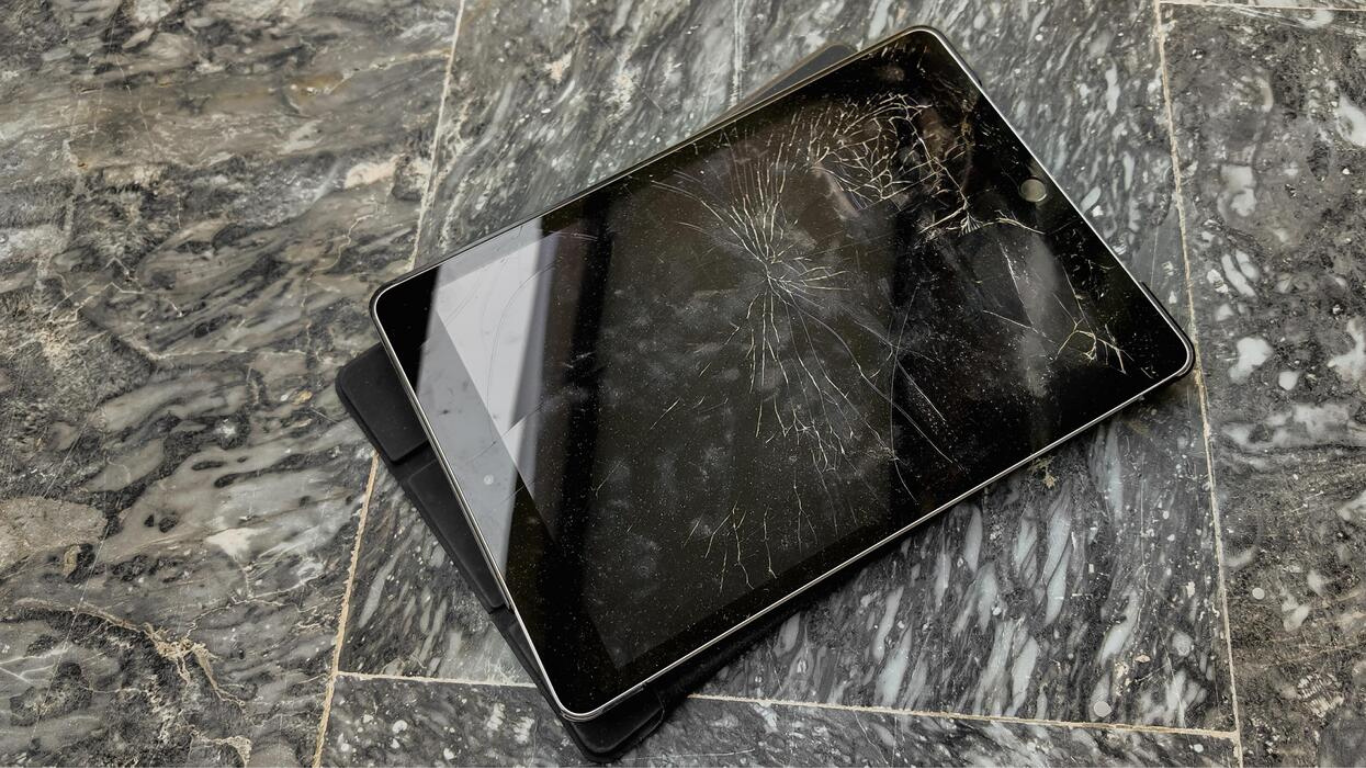
When an iPad screen gets damaged, most people focus on what they can see—cracks, shattered glass, or visible lines. But what many users don’t realize is that screen damage affects much more than appearance. It impacts how your iPad responds to touch, how clearly content is displayed, and how comfortable the device is to use every day.
This is where professional iPad screen repair plays a critical role. A properly repaired or replaced screen doesn’t just make your iPad look new again—it restores performance, responsiveness, and overall usability.
In this detailed guide, we’ll break down how screen replacement works, why touch and display quality degrade after damage, and how expert repair brings everything back to normal.
Understanding How iPad Screens Are Designed to Work Together
An iPad screen is not a single piece of glass. It is a layered system designed for precision. These layers work together seamlessly until damage disrupts them.
The main layers include:
-
The outer protective glass
-
The touch digitizer that detects finger movement
-
The LCD or Retina display that produces visuals
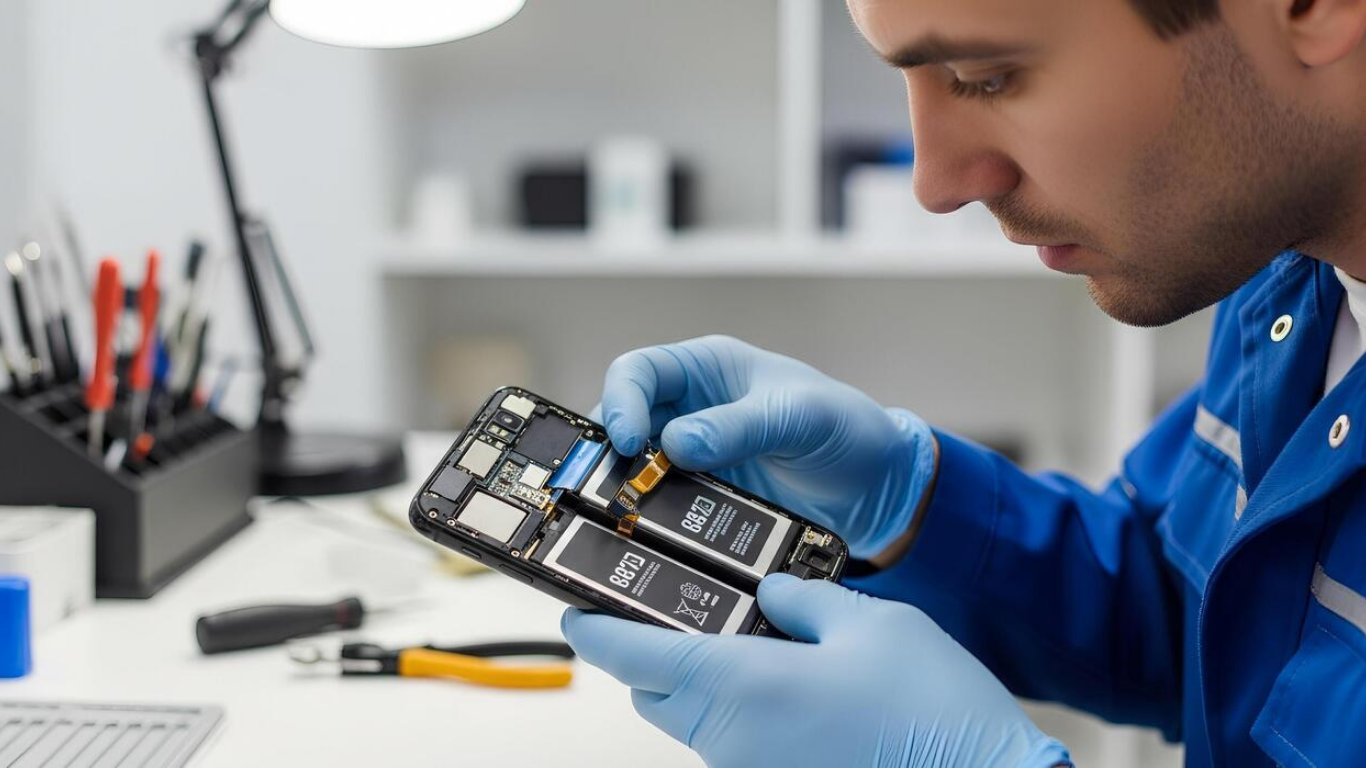
When people search for iPad screen repair, it’s often because one or more of these layers has stopped functioning properly—even if the damage isn’t immediately visible.
Why Touch Sensitivity Changes After Screen Damage
One of the earliest signs that screen replacement is needed is poor touch response. This can show up as:
-
Delayed taps
-
Missed touches
-
Areas of the screen that don’t respond
-
Random scrolling or typing
The touch digitizer is extremely sensitive. Even small cracks or pressure damage can interrupt how signals are transmitted. Professional iPad screen repair restores this connection by replacing damaged layers and recalibrating touch sensitivity.
Common Display Problems Caused by Screen Damage
Beyond touch issues, display quality often declines after damage. Users commonly notice:
-
Dull or washed-out colors
-
Uneven brightness
-
Vertical or horizontal lines
-
Flickering screens
-
Black spots or bleeding
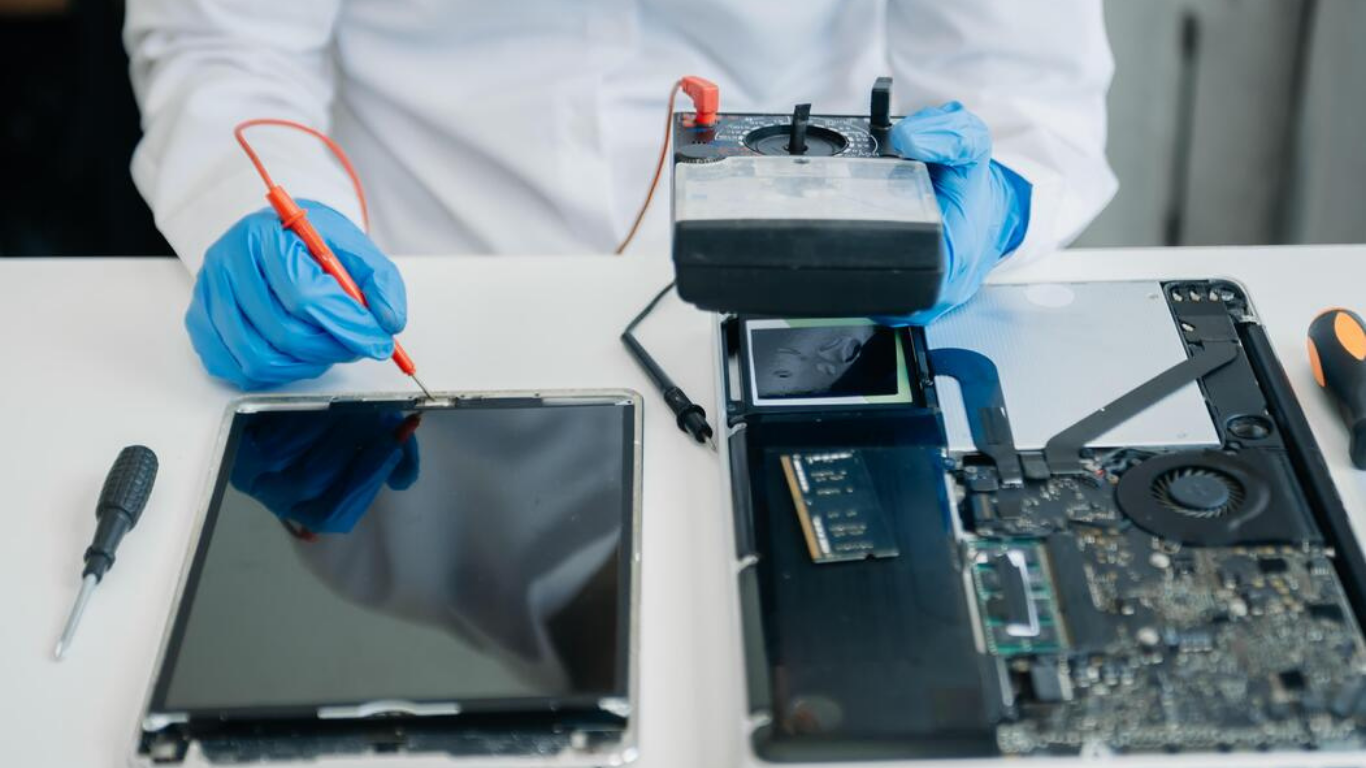
These issues indicate that the display layer itself has been compromised. In such cases, full iPad screen repair involving replacement is the only reliable solution.
Why Screen Repair and Screen Replacement Are Not the Same Thing
A common misconception is that cracked glass always requires full replacement. In reality:
-
Minor cracks with fully functional touch and display may only need surface repair
-
Touch issues or display distortion usually require full screen replacement
A professional assessment ensures the correct repair method is chosen, preventing unnecessary costs or incomplete fixes.
How Screen Replacement Restores Smooth Touch Performance
When a damaged screen is replaced correctly:
-
Touch accuracy is restored across the entire surface
-
Typing becomes smooth and error-free
-
Multi-touch gestures work properly
-
Lag and ghost touches disappear
This is why expert iPad screen repair feels instantly noticeable after the repair is complete.
How Display Replacement Brings Back Visual Clarity
A new screen restores the original viewing experience by:
-
Returning true color accuracy
-
Restoring balanced brightness
-
Improving sharpness and resolution
-
Reducing eye strain during long usage
After professional iPad screen repair, many users say their device looks better than it did before the damage.
Why Quality Replacement Screens Matter More Than You Think
Not all replacement screens are equal. Low-quality parts can cause:
-
Reduced brightness
-
Poor color reproduction
-
Faster battery drain
-
Touch inconsistencies over time
High-quality iPad screen repair uses premium-grade replacement screens that match original performance standards.
How iPad Screen Repair Protects Internal Components
A damaged screen doesn’t just affect the surface—it exposes the inside of your iPad. Cracks allow:
-
Moisture to seep in
-
Dust to settle on internal parts
-
Corrosion to develop over time
Timely iPad screen repair seals the device again, protecting sensitive internal components like the battery, connectors, and motherboard.
The Testing Process After Professional Screen Repair
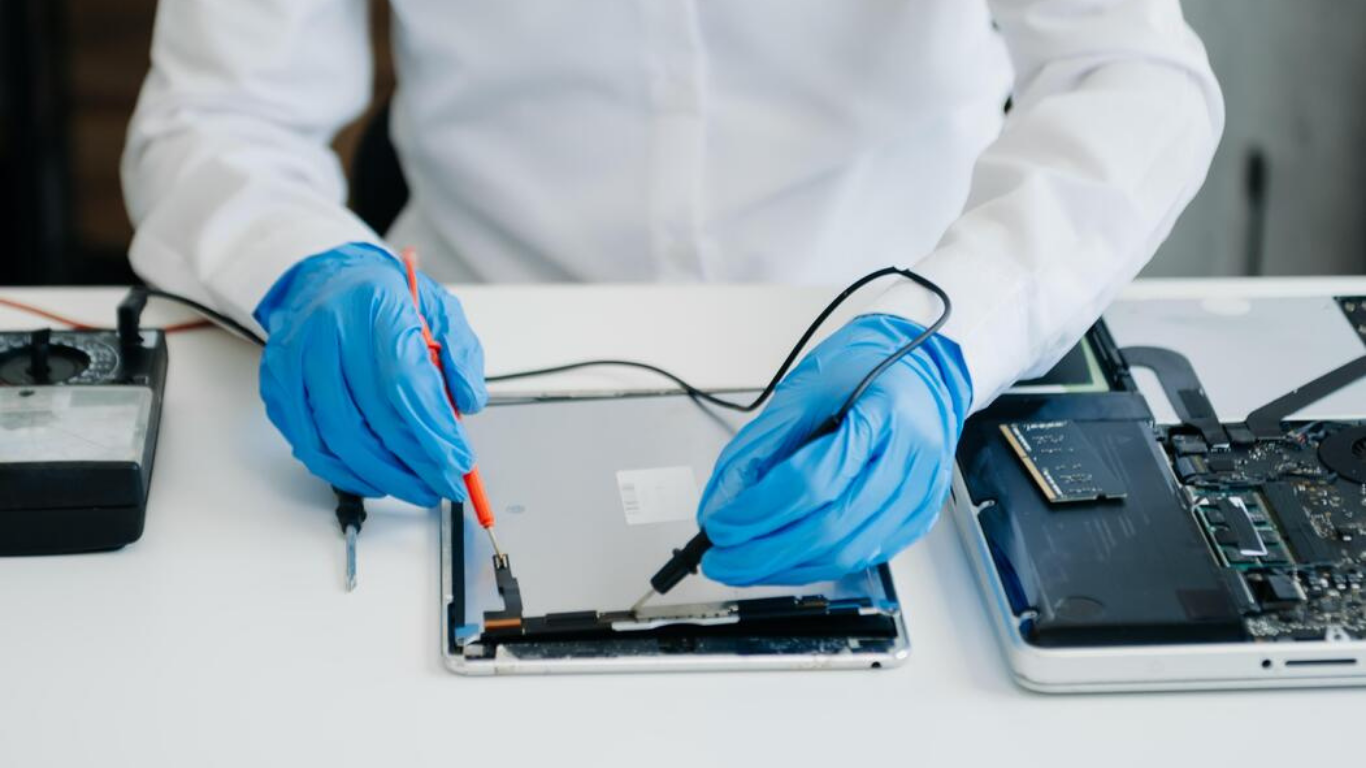
Before an iPad is returned, technicians perform multiple checks, including:
-
Full touch responsiveness testing
-
Display calibration for brightness and color
-
Face ID or Touch ID functionality tests
-
Camera and sensor checks
This ensures the iPad screen repair delivers long-term reliability—not just a temporary fix.

How Long a Replaced iPad Screen Typically Lasts
With proper care, a professionally replaced screen can last just as long as the original. Longevity depends on:
-
Screen quality
-
Installation precision
-
Daily handling habits
Using screen protectors and shock-resistant cases further extends the life of your repair.
Why Delaying Screen Replacement Makes Problems Worse
Many users continue using damaged screens, assuming they’ll “deal with it later.” Unfortunately, this often leads to:
-
Complete touch failure
-
Display blackout
-
Internal damage
-
Higher repair costs
Early iPad screen repair prevents these escalations.
How Screen Repair Improves Productivity and Comfort
A fully restored screen:
-
Reduces eye strain
-
Improves typing accuracy
-
Makes creative work smoother
-
Enhances video streaming quality
Whether you use your iPad for work or leisure, professional iPad screen repair dramatically improves the experience.
Repair vs Device Replacement: Why Screen Repair Makes Sense
Replacing an iPad entirely means:
-
Higher cost
-
Data migration
-
Learning a new device setup
Screen repair:
-
Saves money
-
Preserves data
-
Extends device lifespan
-
Reduces electronic waste
For most users, iPad screen repair is the smarter decision.
How Screen Repair Helps Maintain Resale Value
A repaired screen:
-
Improves cosmetic condition
-
Restores functionality
-
Makes resale or trade-in easier
Devices with damaged screens lose value quickly, while repaired ones remain marketable.
Final Thoughts
Screen replacement isn’t cosmetic—it’s functional. Professional iPad screen repair restores touch precision, display clarity, comfort, and reliability, allowing your device to perform the way it was designed to.
If your iPad feels off, looks dull, or responds poorly, screen repair isn’t optional—it’s essential.
FAQs
1. How does iPad screen repair improve touch responsiveness?
iPad screen repair restores the damaged touch digitizer, which allows the screen to accurately detect taps, swipes, and multi-touch gestures again without lag or dead zones.
2. Why does my iPad touch feel delayed after the screen is cracked?
Cracks disrupt the digitizer layer beneath the glass, causing delayed or missed inputs. Professional iPad screen repair replaces this damaged layer to restore normal touch performance.
3. Will screen replacement fix ghost touch issues on my iPad?
Yes. Ghost touches are commonly caused by digitizer damage, and proper iPad screen repair eliminates these random touch responses.
4. Can iPad screen repair fix display lines or flickering?
Yes. Display lines, flickering, or uneven brightness usually indicate display panel damage, which is resolved through full iPad screen repair or screen replacement.
5. Does replacing the iPad screen affect display quality?
No. When done professionally, iPad screen repair restores original brightness, sharpness, and color accuracy, making the display look and feel like new.
6. Will Face ID or Touch ID work after screen replacement?
Yes. A properly performed iPad screen repair ensures biometric features such as Face ID and Touch ID continue to function normally.
7. How long does a replaced iPad screen usually last?
With quality parts and proper care, a replaced screen can last just as long as the original after professional iPad screen repair.
8. Is screen replacement better than buying a new iPad?
In most cases, iPad screen repair is far more cost-effective than purchasing a new device and allows you to keep your data and familiar setup.