

Your smartphone camera isn’t just a feature—it’s how you capture everyday moments, work documents, social content, and memories that matter. From quick snaps on the go to video calls with loved ones, a working camera is essential. But what happens when photos suddenly turn blurry, the camera app won’t open, or the lens cracks after a drop?
Across Vancouver Island, phone users face these problems daily. The good news is that many camera issues are repairable, often quickly and cost-effectively. With the right Camera Repair, your phone can be restored to near-new photo quality—without the cost or hassle of replacing the device.
This in-depth guide explains what causes phone camera problems, what can be fixed, and how professional Camera Repair brings clarity back to your photos.
Why Phone Camera Problems Are So Common
Modern smartphone cameras are powerful—but delicate. High-resolution sensors, optical image stabilization, and ultra-thin lens assemblies mean even small issues can impact performance.
Here’s why camera faults are increasingly common:
-
Phones are used constantly, everywhere
-
Camera modules are exposed to dust, moisture, and impact
-
Advanced software relies on precise calibration
-
A single cracked lens can ruin every photo
Understanding the root cause is the first step toward effective Camera Repair.
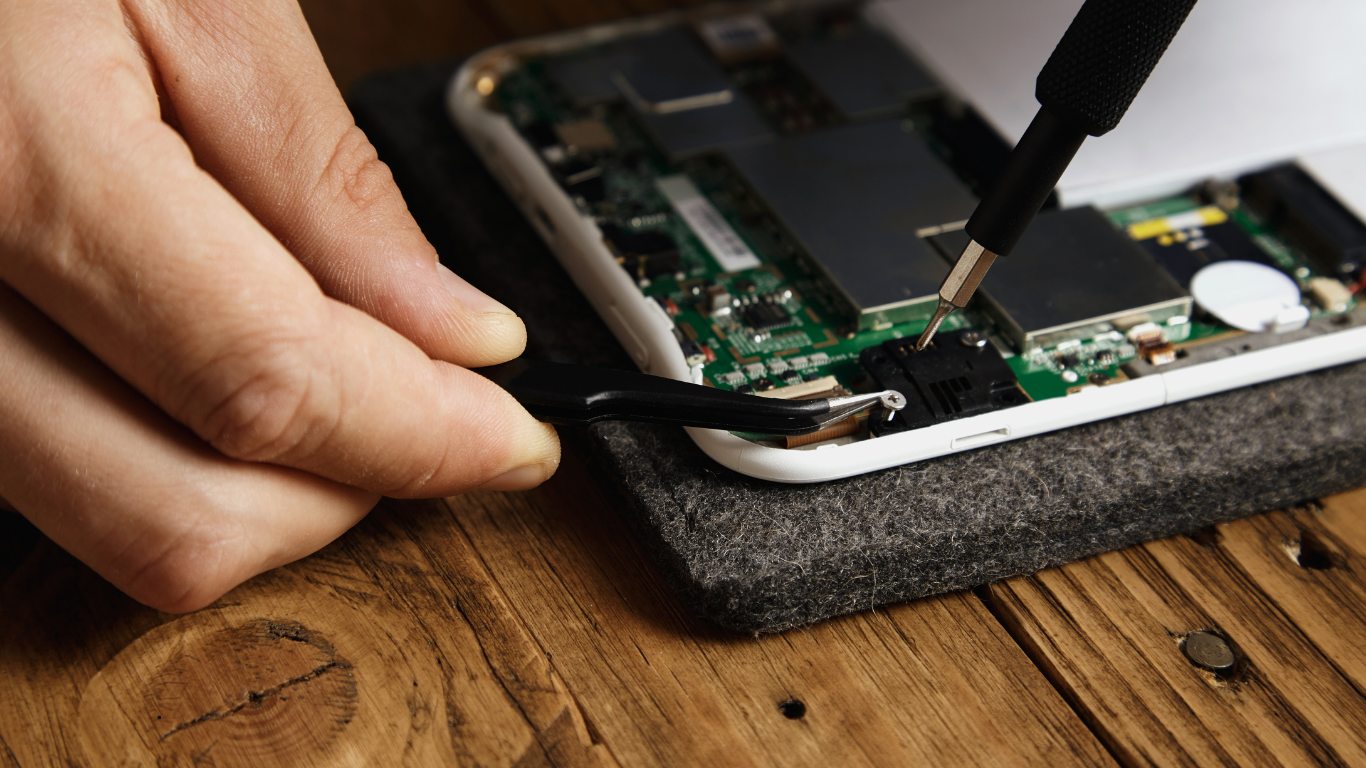
Common Phone Camera Problems We See Daily
Blurry or Out-of-Focus Photos
Photos look hazy, smeared, or can’t focus—especially noticeable in bright light or close-ups.
Likely causes:
-
Scratched or cracked lens glass
-
Dust or debris inside the camera housing
-
Misaligned sensor after a drop
Camera App Shows a Black Screen
You open the camera app, but nothing appears—or the app crashes.
Likely causes:
-
Faulty camera module
-
Damaged internal connectors
-
Software conflicts after updates
Cracked or Shattered Camera Lens
A visible crack on the lens glass often leads to glare, light streaks, and permanent blur.
Why it matters:
Even a small crack lets dust and moisture in, causing deeper damage over time.
Front or Rear Camera Not Working
One camera works while the other doesn’t.
Possible reasons:
-
Separate camera modules (each can fail independently)
-
Loose connectors
-
Component-specific damage
Flash Not Syncing With the Camera
Photos are dark even with flash on.
Often linked to:
-
Camera module faults
-
Power distribution issues
-
Software errors
What Causes Phone Cameras to Stop Working?
Accidental Drops & Impact Damage
A single drop can shift the camera sensor by millimeters—enough to ruin focus. Even if the screen survives, internal camera damage is common.
Water & Moisture Exposure
Vancouver Island’s coastal climate increases the risk of humidity-related damage. Condensation can form inside the lens, leading to foggy images and corrosion.
Dust, Sand & Pocket Debris
Fine particles sneak into lens edges over time, especially with cracked glass. Once inside, they scatter light and blur photos.
Software Glitches & OS Updates
Not all camera problems are hardware-related. App corruption, permission issues, or buggy updates can disable the camera entirely.
Aging Camera Components
Over time, image sensors and stabilization motors wear out—especially in heavily used phones.
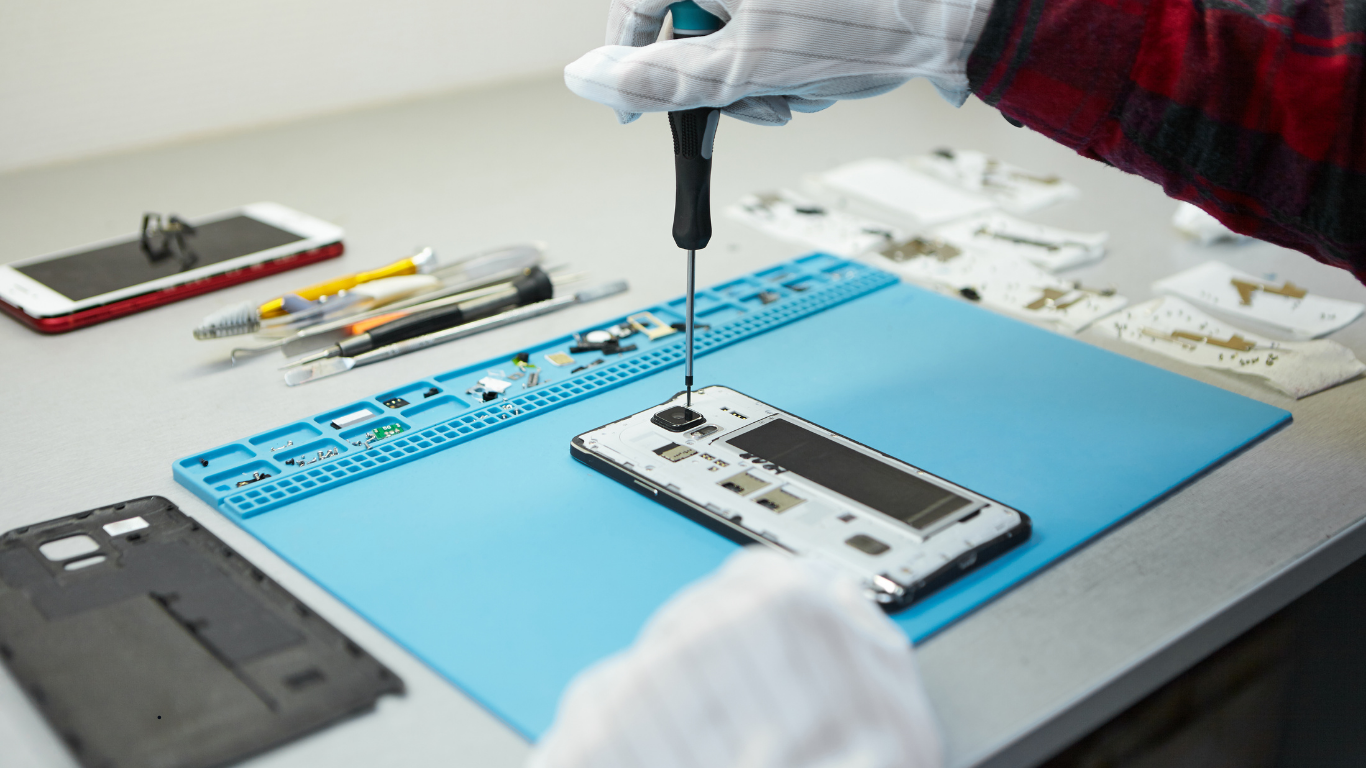
Blurry Camera Issues: Hardware vs Software
Before jumping to conclusions, it’s important to identify whether blur is caused by hardware or software.
Software-Related Blur
-
Camera app cache issues
-
Incorrect focus settings
-
Conflicting third-party apps
Quick checks you can try:
-
Restart the phone
-
Update the OS
-
Clear the camera app cache
If blur persists, hardware is likely involved—and professional Camera Repair is recommended.
Hardware-Related Blur
-
Scratched lens glass
-
Internal dust
-
Misaligned sensor
These issues cannot be fixed with apps or settings and require physical repair.
Broken Camera Lens: Can It Be Fixed?
Yes—often without replacing the entire camera.
When Lens-Only Replacement Works
-
Cracks limited to outer glass
-
No internal sensor damage
-
Camera still functions but photos are distorted
When Full Camera Module Replacement Is Needed
-
Lens crack damaged the sensor
-
Camera doesn’t open at all
-
Severe impact damage
A proper diagnostic ensures you only pay for what’s necessary.
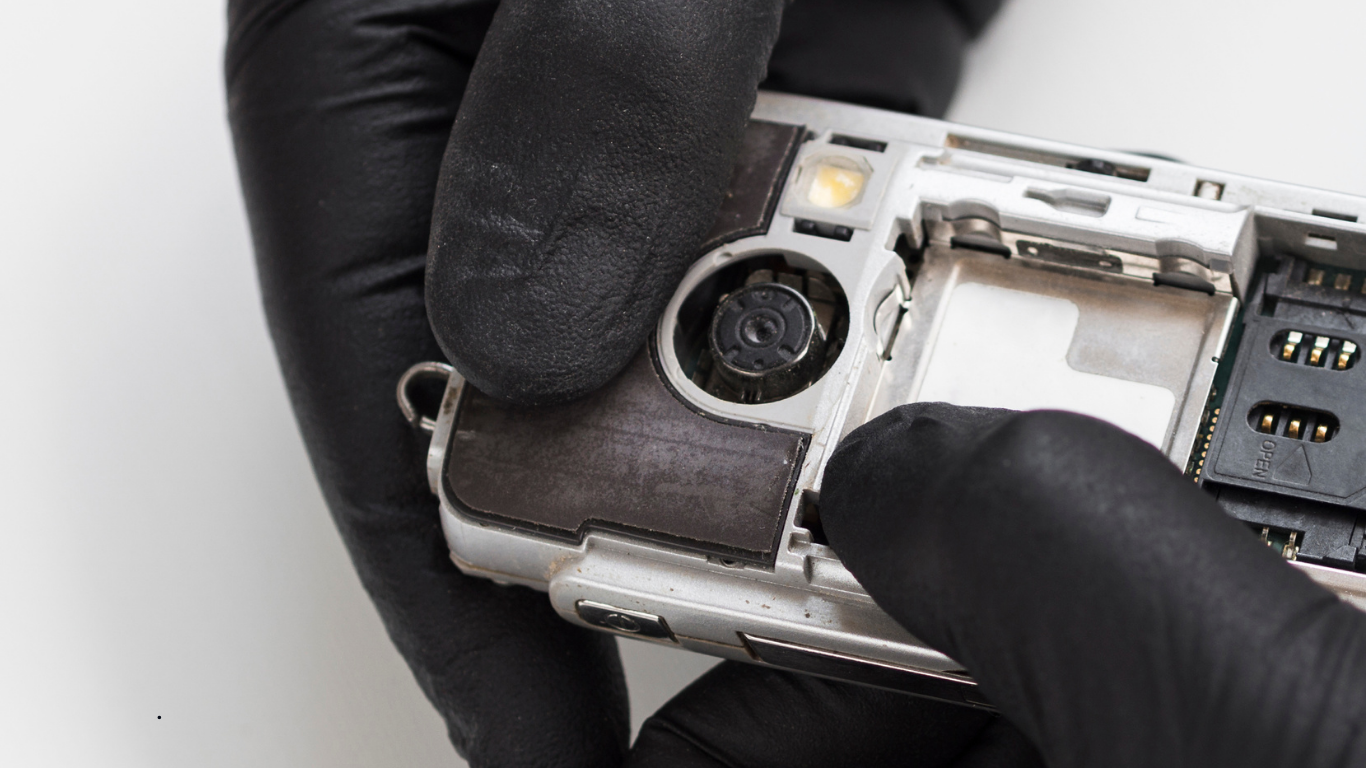
The Professional Camera Repair Process
Wondering what actually happens during Camera Repair? Here’s a clear breakdown.
Step 1: Diagnostic Assessment
Technicians test:
-
Front and rear cameras
-
Focus accuracy
-
Flash synchronization
-
App behavior and error logs
Step 2: Identifying the Exact Fault
This step prevents unnecessary replacements and keeps repair costs reasonable.
Step 3: Precision Repair or Replacement
Depending on the issue:
-
Lens glass replacement
-
Camera module replacement
-
Connector reseating or cleaning
Step 4: Calibration & Testing
After repair, the camera is recalibrated for:
-
Sharp focus
-
Accurate colors
-
Stable image stabilization
Step 5: Final Quality Check
Photos and videos are tested in different lighting conditions to ensure consistent performance.
DIY Fixes vs Professional Camera Repair
What You Can Safely Try at Home
-
Cleaning the exterior lens with a microfiber cloth
-
Restarting the phone
-
Checking app permissions
What You Should Avoid
-
Opening the phone without tools
-
Using compressed air inside the lens
-
Attempting lens removal without experience
Why DIY Often Backfires:
Modern phones are sealed tightly. One mistake can damage connectors, void warranties, or make the camera irreparable.
Professional Camera Repair protects both your device and your data.
Front Camera Repair vs Rear Camera Repair
Front Camera Issues
-
Blurry selfies
-
Video call failures
-
Face recognition problems
Rear Camera Issues
-
Shaky or distorted photos
-
Inability to focus
-
Lens glare
Each camera has a different design, which is why targeted Camera Repair matters.

How Long Does Phone Camera Repair Take?
Repair time depends on the issue, but most Camera repair are faster than people expect.
-
Lens replacement: Same day
-
Camera module replacement: 1–2 hours
-
Complex diagnostics: A few hours
You’re usually back to taking photos the same day.
Cost of Camera Repair vs Replacing Your Phone
Replacing a phone can cost hundreds—or thousands—of dollars. In contrast, Camera Repair:
-
Costs significantly less
-
Preserves your data
-
Extends your phone’s lifespan
It’s also a more environmentally responsible choice.
Why Choose Local Camera Repair in Vancouver Island?
Faster Turnaround
No shipping delays or long waits.
Local Expertise
Technicians understand common issues caused by local climate and usage patterns.
Cost-Effective Solutions
You pay for repair—not replacement.
Support for Sustainable Tech
Repairing reduces electronic waste and supports local businesses.
Warning Signs You Shouldn’t Ignore
If you notice any of the following, don’t delay Camera Repair:
-
Camera vibrating or rattling
-
Sudden black screen
-
Moisture visible inside the lens
-
Flash overheating
Early repair prevents more expensive damage later.
Repair or Replace: How to Decide
Choose Camera Repair if:
-
The phone is less than 3–4 years old
-
Everything else works fine
-
Repair costs are reasonable
Consider replacement only if:
-
Multiple major components have failed
-
Repair exceeds device value
How Camera Repair Restores Phone Value
A properly repaired camera:
-
Restores image clarity
-
Improves resale value
-
Makes your phone enjoyable to use again
It’s one of the most impactful repairs you can make.
Final Thoughts: Clear Photos Start With Expert Camera Repair
A faulty phone camera doesn’t mean your device is done. In many cases, professional Camera Repair can fully restore clarity, focus, and reliability—often the same day.
If your photos are blurry, your lens is cracked, or your camera won’t open, don’t settle for poor quality or rush into buying a new phone. With the right Camera Repair in Vancouver Island, your smartphone camera can be back to capturing moments exactly as it should—sharp, clear, and dependable.
Frequently Asked Questions
1. Can a blurry phone camera really be fixed with Camera Repair?
Yes, in most cases a blurry phone camera can be fully fixed with professional Camera Repair. Blurriness is commonly caused by a scratched lens, dust inside the camera, or a misaligned sensor after a drop—all of which are repairable without replacing the phone.
2. Why does my phone camera stop working suddenly without visible damage?
A camera can stop working even if there’s no visible damage. Internal connector issues, moisture exposure, or software conflicts are common causes. A proper Camera Repair diagnosis helps identify whether the issue is hardware or software related.
3. Is it possible to repair a cracked camera lens without changing the whole camera?
Yes. If the damage is limited to the outer lens glass and the camera sensor is intact, Camera Repair can involve replacing only the lens glass. This is a cost-effective solution and restores photo clarity in most cases.
4. How long does phone Camera Repair usually take?
Most phone Camera Repair services are completed the same day. Lens replacements and camera module repairs typically take 1–2 hours, depending on the phone model and the extent of the damage.
5. Can moisture or humidity damage phone cameras on Vancouver Island?
Yes. The coastal climate of Vancouver Island can lead to moisture buildup inside the camera lens over time. Professional Camera Repair can clean internal condensation and prevent long-term corrosion if addressed early.
6. Should I repair my phone camera or replace my phone?
If your phone is otherwise working well, Camera Repair is usually the better option. It costs significantly less than buying a new phone and restores full camera functionality without data loss.
7. Will Camera Repair restore my phone’s original photo quality?
When done professionally, Camera Repair restores proper focus, sharpness, and color accuracy—often making the camera perform close to its original condition.