

Smartphones rarely fail without warning. Long before a phone shuts down completely, it shows clear signs that the battery is struggling. Unfortunately, many users ignore these signals, assuming the issue is temporary or software-related—until the phone becomes unusable.
Recognizing the early signs of battery failure and choosing professional phone battery replacement at the right time can save you from data loss, performance issues, and expensive future repairs. This guide walks you through all the major warning signs, explains why they happen, and shows how expert repair fixes the problem quickly.
Why Smartphone Batteries Fail
Before diving into the signs, it’s important to understand that battery degradation is inevitable.
Lithium-ion batteries:
- Lose capacity with every charge cycle
- Are sensitive to heat
- Degrade faster under heavy usage
Even with perfect care, a battery will weaken over time. The key is knowing when replacement is necessary.
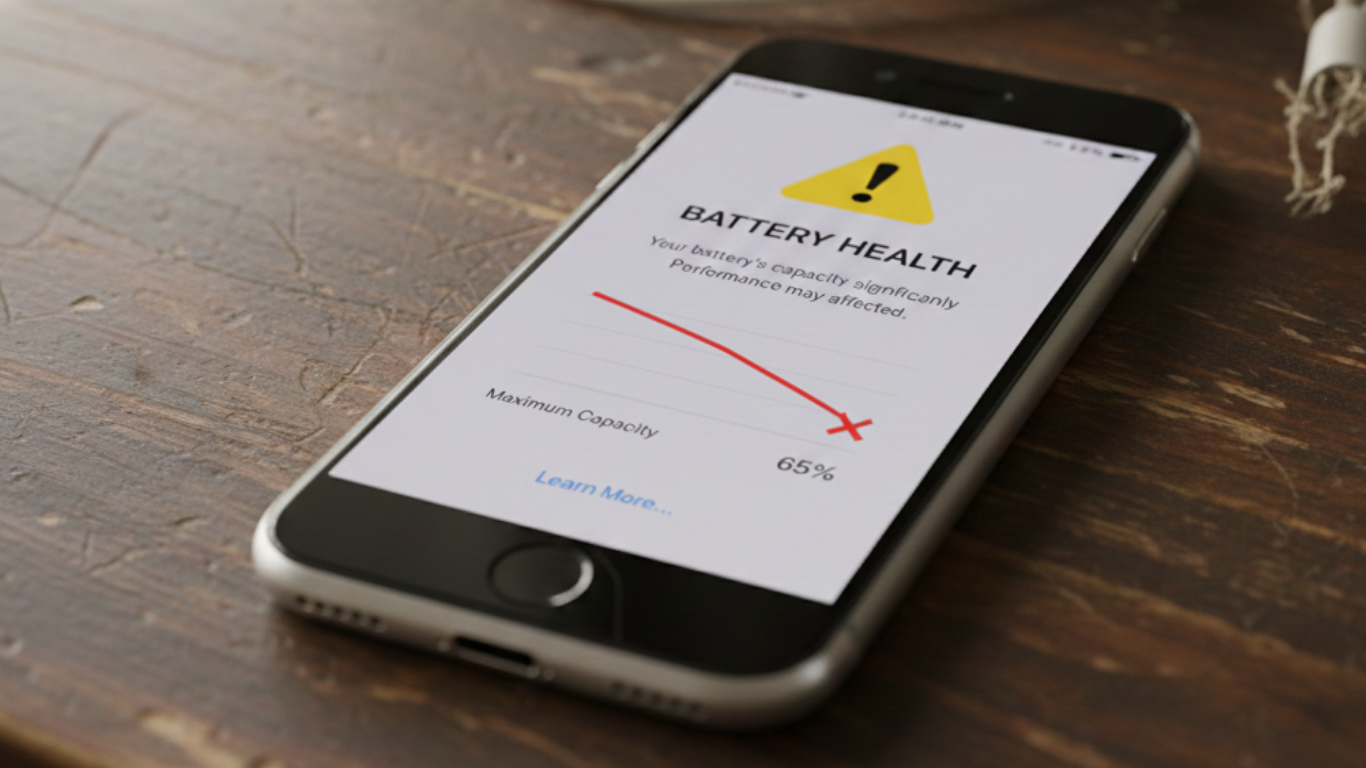
1. Your Phone Battery Drains Unusually Fast
What You Notice
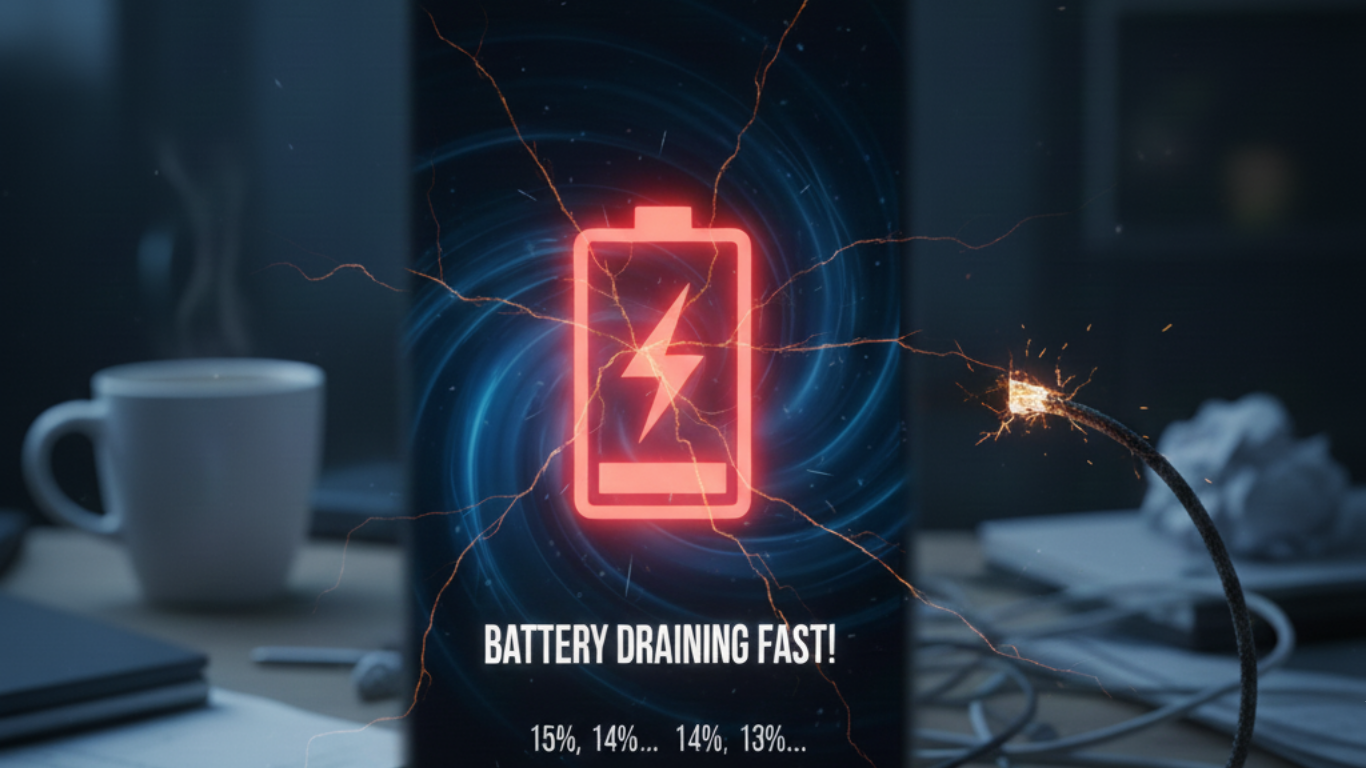
- Battery drops from 100% to 50% within a few hours
- Standby drain even when phone is unused
- Frequent need to recharge during the day
Why It Happens
As batteries age, they lose their ability to hold charge. Internal resistance increases, causing faster energy loss.
How Expert Repair Fixes It
A professional battery replacement restores original capacity, allowing your phone to last through the day again.
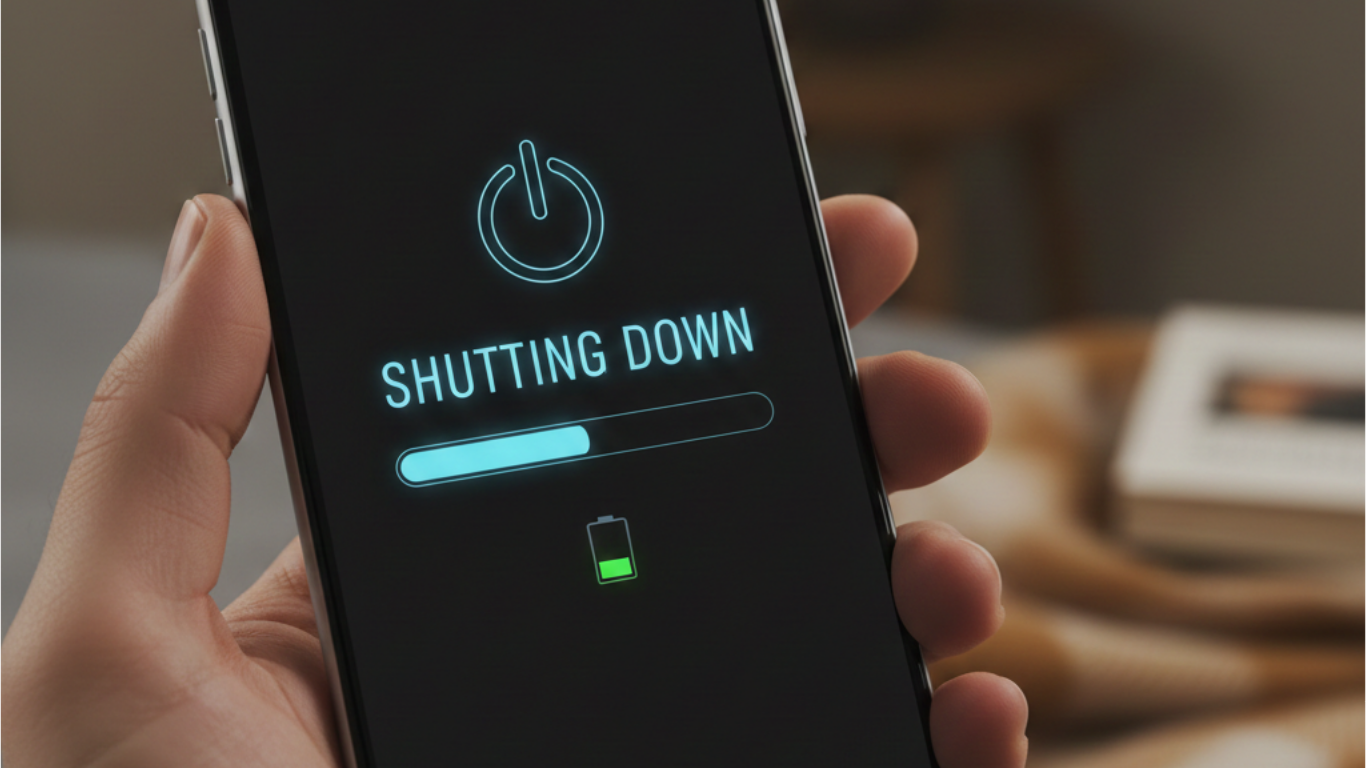
2. Phone Shuts Down Even with Battery Remaining
What You Notice
- Phone powers off at 20%, 30%, or even 40%
- Sudden shutdowns during calls or usage
Why It Happens
A degraded battery cannot deliver stable voltage, causing the phone to shut down to protect internal components.
How Expert Repair Fixes It
Replacing the battery restores proper voltage delivery and eliminates unexpected shutdowns.
3. Phone Overheats During Normal Use
What You Notice
- Phone becomes hot while browsing or calling
- Heat even when phone is idle or charging
Why It Happens
A failing battery generates excess heat due to chemical instability or internal resistance.
Why This Is Dangerous
Overheating can:
- Damage internal components
- Affect screen performance
- Pose safety risks
How Expert Repair Fixes It
Professional diagnostics confirm battery-related overheating, followed by safe battery replacement.
4. Phone Performance Feels Slower Than Before
What You Notice
- Apps take longer to open
- Phone lags or stutters
- Frequent freezes
Why It Happens
Modern operating systems throttle performance when battery health is poor to prevent crashes.
How Expert Repair Fixes It
Replacing the battery removes performance throttling and restores smooth operation.
5. Battery Percentage Jumps or Is Inaccurate
What You Notice
- Battery percentage drops suddenly
- Phone jumps from 40% to 10% instantly
- Inconsistent readings
Why It Happens
Battery calibration fails when the battery degrades, causing inaccurate readings.
How Expert Repair Fixes It
A new battery paired with proper calibration restores accurate battery monitoring.
6. Phone Takes Extremely Long to Charge
What You Notice
- Charging takes hours
- Battery percentage increases very slowly
Why It Happens
A degraded battery absorbs charge inefficiently. Sometimes this overlaps with charging port issues.
How Expert Repair Fixes It
Professionals diagnose whether the issue is:
- Battery-related → Battery Replacement
- Port-related → Charging Repair
7. Phone Only Works When Plugged In
What You Notice
- Phone shuts off immediately when unplugged
- Battery drains instantly
Why It Happens
The battery can no longer store charge at all—this is a critical failure stage.
How Expert Repair Fixes It
Immediate battery replacement is required to restore mobile use.
8. Battery Swelling or Screen Lifting
What You Notice
- Screen lifting from edges
- Phone feels thicker or uneven
- Pressure under the screen
Why It Happens
Failing batteries can swell due to internal gas buildup.
Why This Is Urgent
Battery swelling can:
- Crack screens
- Damage internal components
- Become a safety hazard
How Expert Repair Fixes It
Immediate battery replacement prevents screen damage and safety risks.
9. Battery Drains Faster After Minor Drops or Water Exposure
What You Notice
- Battery life worsens after a drop
- Charging issues after moisture exposure
Why It Happens
Impact or moisture damages battery cells or connectors.
How Expert Repair Fixes It
Professionals assess internal damage and replace the battery if necessary, sometimes alongside internal cleaning or data recovery.
10. Phone Dies in Cold or Warm Conditions
What You Notice
- Phone shuts down in cold weather
- Battery drains faster in heat
Why It Happens
Aged batteries are more sensitive to temperature changes.
How Expert Repair Fixes It
New batteries handle temperature fluctuations more efficiently.
Why Ignoring Battery Warning Signs Is a Bad Idea
Delaying battery replacement can lead to:
- Charging port damage
- Screen damage from swelling
- Data loss
- Motherboard stress
Early replacement prevents these cascading failures.
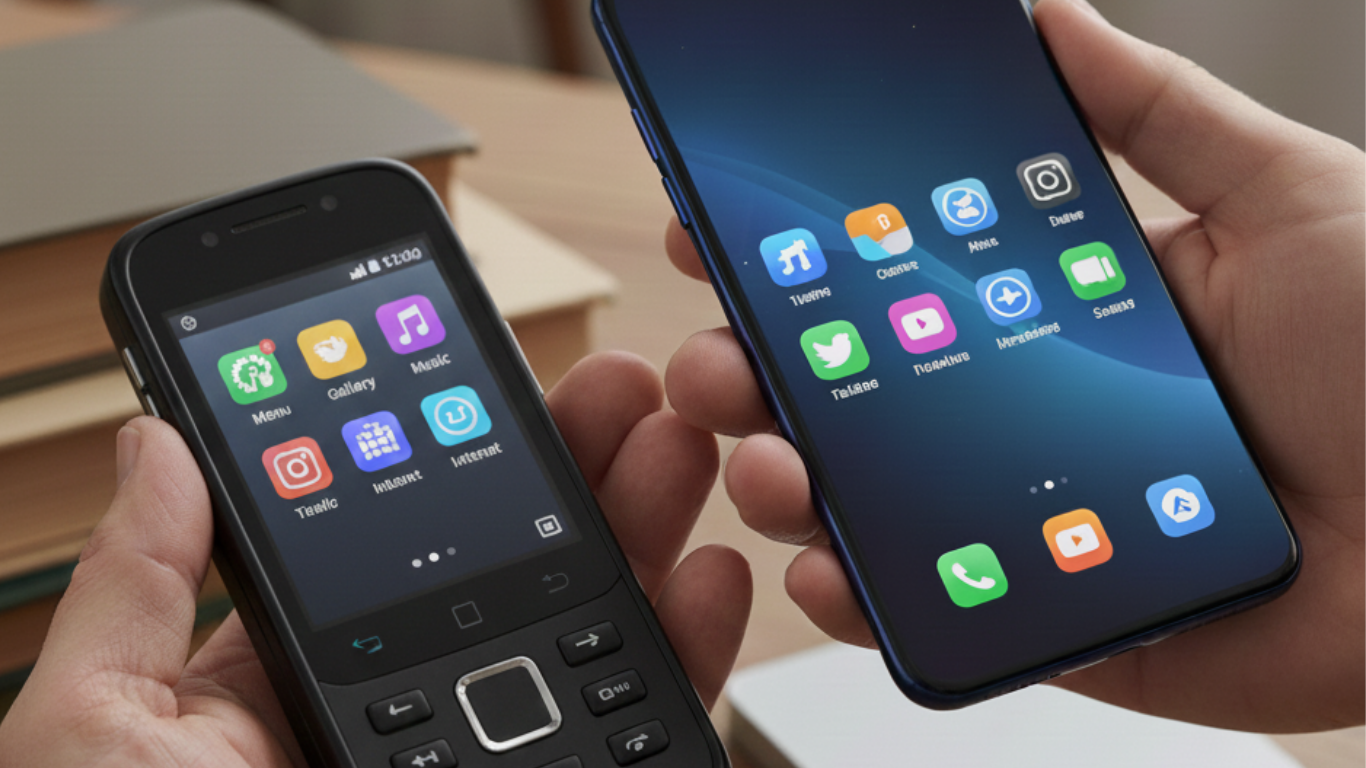
Battery Replacement vs Buying a New Phone
Many users replace phones unnecessarily due to battery issues.
Why Replacement Isn’t Necessary
- Battery replacement costs far less
- Your data stays intact
- Same-day service
- No learning curve
Professional repair is almost always the better choice.
How Experts Confirm Battery Failure
Professional services use:
- Battery health diagnostics
- Voltage testing
- Thermal monitoring
This ensures the problem is battery-related—not something else.
Best Time to Replace Your Phone Battery
You should replace your battery when:
- Daily usage becomes unreliable
- Performance drops noticeably
- Overheating starts
- Charging becomes inconsistent
Replacing early saves money and protects other components.
Battery Replacement as Preventive Maintenance
Just like servicing a vehicle, replacing a battery at the right time:
- Improves performance
- Prevents major damage
- Extends phone lifespan

Choosing a Professional Battery Replacement Service
Look for:
- Diagnostic-first approach
- Original-quality batteries
- Safe installation practices
- Post-repair testing
Avoid low-cost, low-quality replacements—they fail quickly and risk safety.
Conclusion: Don’t Wait Until Your Phone Fails Completely
Your phone always warns you before the battery fails completely. Recognizing the signs and choosing professional battery replacement restores performance, improves safety, and saves money.
If your phone shows any of these symptoms, replacing the battery now is the smartest move you can make.
FAQs
How long does a phone battery last before replacement?
Usually 1.5–3 years depending on usage.
Can battery replacement improve phone speed?
Yes, many phones perform noticeably better.
Is battery replacement safe?
Yes, when done by trained professionals.
Can battery issues affect other phone parts?
Yes, especially the screen and charging system.
Is battery replacement worth it?
Absolutely—it’s far cheaper than buying a new phone.