

Your smartphone camera is one of the most-used features on your device. From daily photos and videos to video calls, work scans, and social media content—it’s always in use. So when the camera suddenly stops working, shows a black screen, or starts taking blurry photos, the frustration is immediate.
Many users assume a broken camera means it’s time for a new phone. In reality, most camera issues are repairable. With professional Camera Repair, you can fix the problem at its source, restore image quality, and avoid the cost of replacing your device.
In this detailed guide, we’ll break down the top reasons smartphone cameras stop working, how to identify the cause, and what actually fixes the issue.
Why Smartphone Camera Failures Are Increasing
Phone cameras today are incredibly advanced—but that also makes them more sensitive. Larger sensors, optical stabilization, and multi-lens setups mean even minor issues can cause major performance drops.
Camera problems are more common today because:
-
Phones are thinner and more delicate
-
Cameras are used constantly
-
Advanced software relies on perfect hardware alignment
-
One damaged component can disable the entire camera system
Understanding the reason behind the failure is the key to effective Camera Repair.
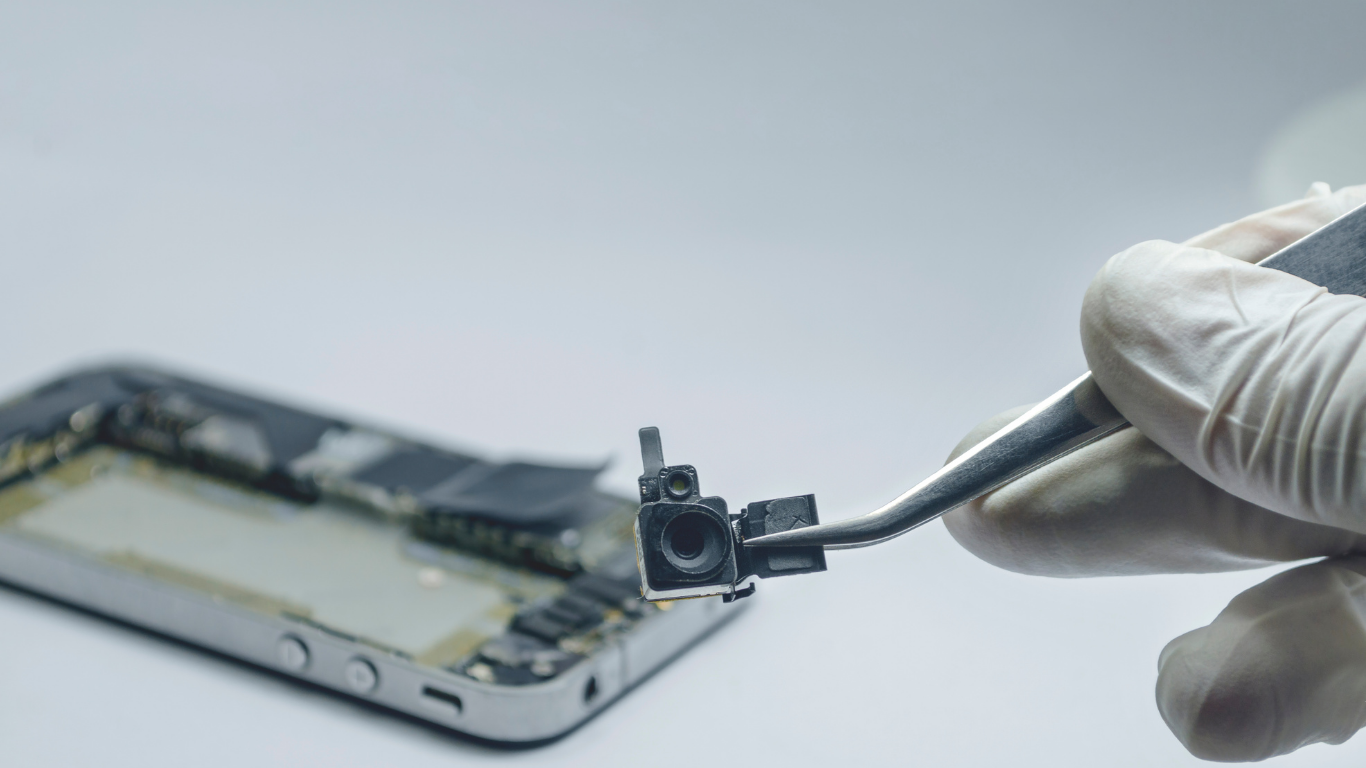
Physical Damage: The #1 Reason Cameras Stop Working
Drops and Impact Damage
Even a short fall can damage the camera internally—sometimes without cracking the screen.
Common symptoms:
-
Blurry or shaky images
-
Camera unable to focus
-
Camera app opens but shows nothing
Impact damage often misaligns the camera sensor or damages tiny stabilizing motors. These issues cannot be fixed with software and require professional Camera Repair.
Cracked or Scratched Camera Lens
A cracked lens doesn’t just affect appearance—it directly ruins photo quality.
What happens when the lens breaks:
-
Light enters incorrectly, causing glare
-
Dust and moisture seep inside
-
Image clarity degrades over time
Lens damage is one of the most common reasons people seek Camera Repair—and one of the most fixable.
Water & Moisture Exposure: A Silent Camera Killer
How Moisture Affects Smartphone Cameras
Even phones with water resistance aren’t immune to damage. Over time, moisture can:
-
Fog the inside of the lens
-
Corrode camera connectors
-
Short internal components
Warning Signs of Moisture Damage
-
Hazy or cloudy photos
-
Condensation visible under the lens
-
Camera stops working days after water exposure
Putting your phone in rice may dry the outside—but internal corrosion continues. Professional Camera Repair involves proper drying, cleaning, and component replacement when necessary.
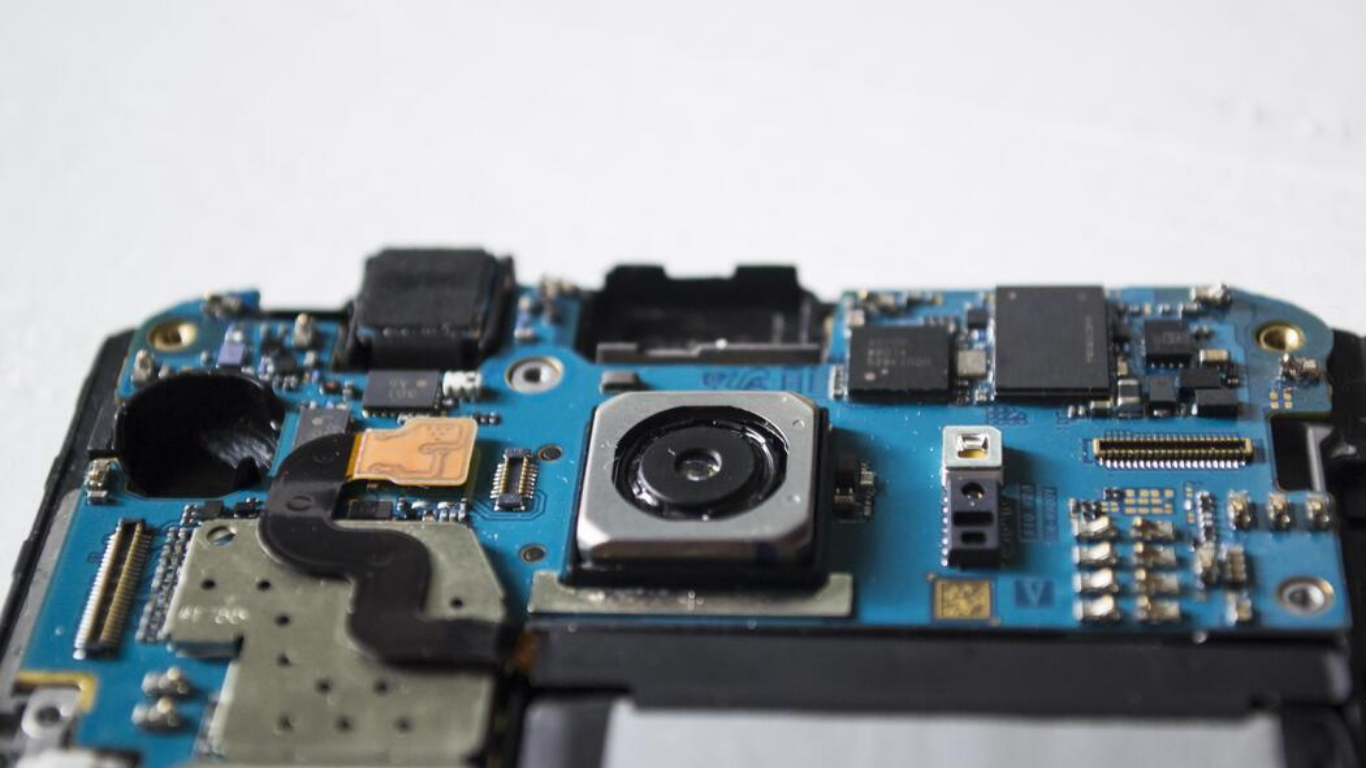
Software & App-Related Camera Issues
Not all camera failures are physical. Software problems can mimic hardware damage.
Common Software Camera Problems
-
Camera app crashing
-
Black screen when opening the camera
-
Camera not detected by the system
Causes
-
OS update bugs
-
Corrupted app data
-
Permission conflicts
-
Third-party camera apps
How Camera Repair Addresses Software Issues
Professional diagnostics distinguish software faults from hardware failures—saving time and money by fixing only what’s needed.
Dust, Dirt & Debris Inside the Camera
How Dust Gets Inside
-
Micro cracks in lens glass
-
Worn seals
-
Frequent pocket or outdoor use
Once inside, dust scatters light across the sensor, resulting in constant blur or spots in photos.
Why DIY Cleaning Is Risky
Opening a phone without proper tools can:
-
Damage connectors
-
Scratch the sensor
-
Worsen the problem
Camera Repair involves controlled disassembly and precision cleaning to restore clarity safely.
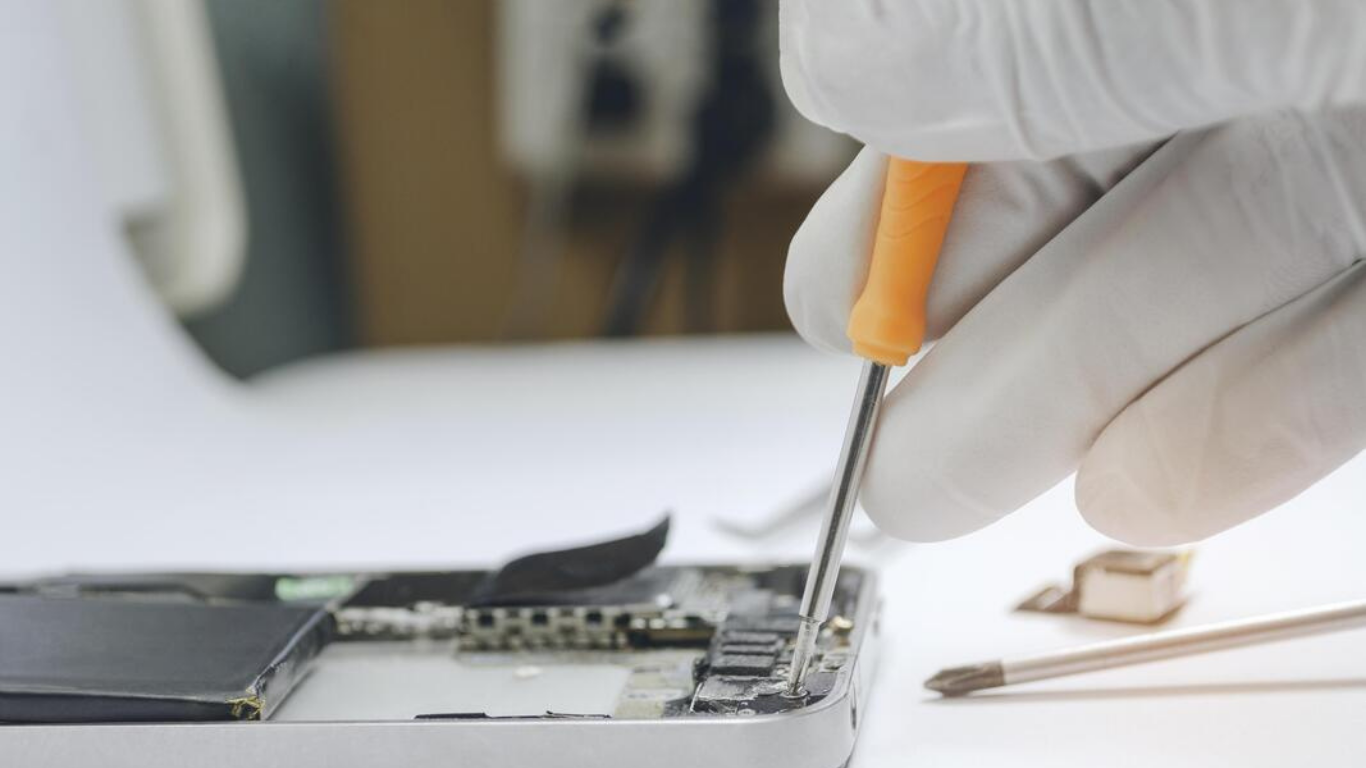
Front Camera vs Rear Camera Failures
Why Rear Cameras Fail More Often
Rear cameras are larger, more complex, and exposed to more impact. They handle:
-
High-resolution photography
-
Optical stabilization
-
Multiple lenses
This makes them more vulnerable to damage.
Common Front Camera Problems
-
Blurry selfies
-
Camera not working during video calls
-
Face recognition failure
Front and rear cameras are separate components, so Camera Repair targets the affected module specifically.
Internal Connector & Hardware Failures
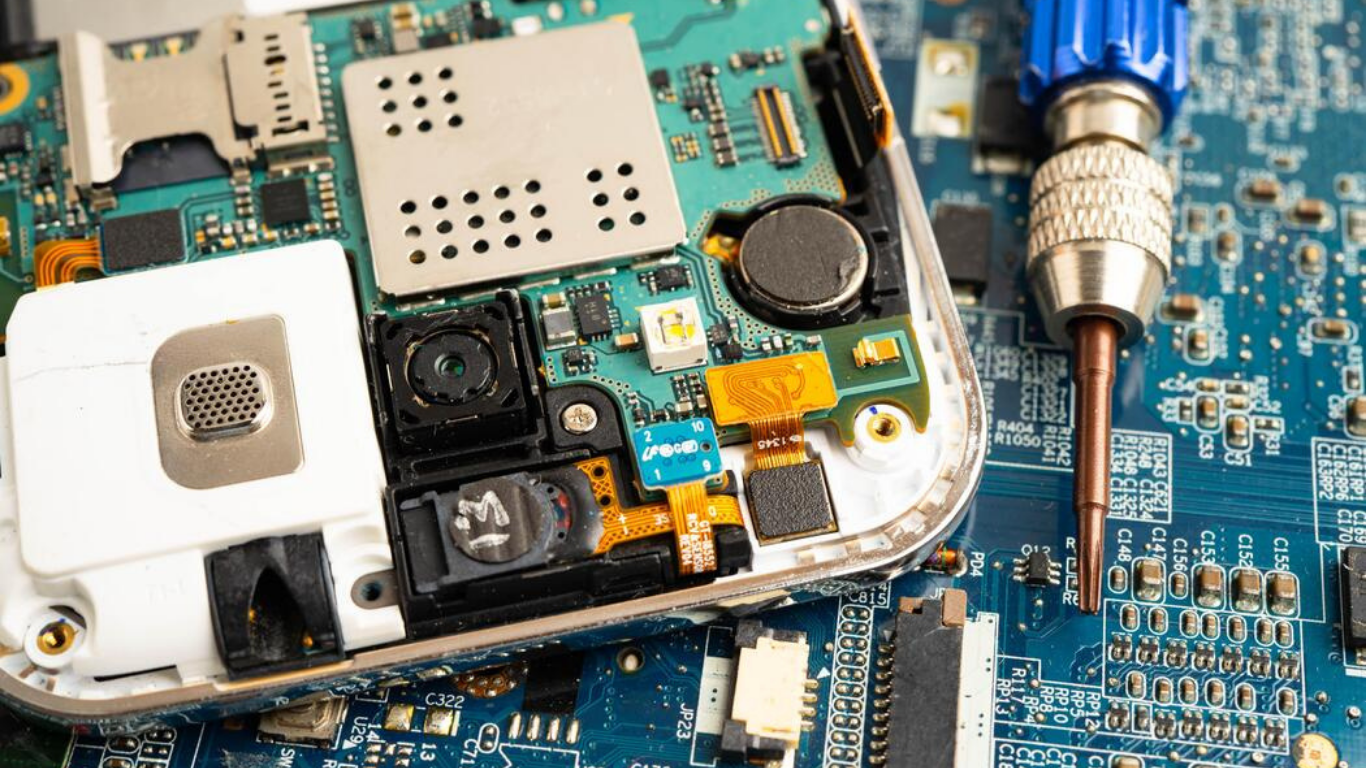
Inside your phone, tiny connectors link the camera to the motherboard. A slight disconnection can disable the camera entirely.
Symptoms of Connector Damage
-
Camera works intermittently
-
Camera fails after a drop
-
Camera not detected at all
This type of issue requires professional Camera Repair—attempting DIY fixes often causes more damage.
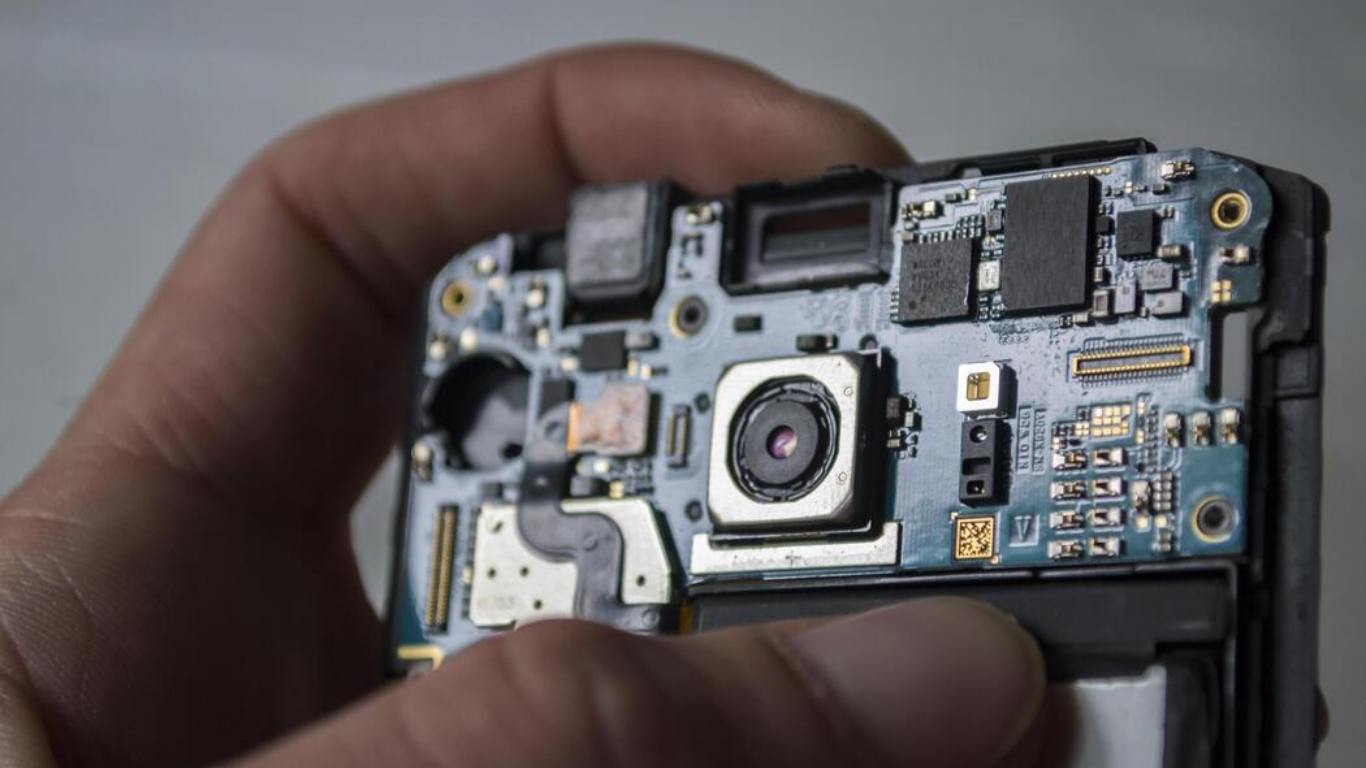
Warning Signs You Shouldn’t Ignore
Ignoring early camera issues can turn a simple repair into a costly one.
Watch for:
-
Camera shaking or clicking sounds
-
Sudden black screen
-
Overheating when using the camera
-
Delayed shutter response
Early Camera Repair prevents long-term damage.
How Professional Camera Repair Fixes These Issues
Step 1: Advanced Diagnostics
Technicians test:
-
Front and rear cameras
-
Focus accuracy
-
Image stabilization
-
Software and hardware communication
Step 2: Precise Repair
Depending on the issue:
-
Lens glass replacement
-
Camera module replacement
-
Connector repair or reseating
Step 3: Calibration & Quality Testing
After repair, the camera is calibrated for:
-
Sharp focus
-
Correct colors
-
Stable performance
This ensures photos look natural—not just functional.
DIY Fixes vs Professional Camera Repair
What You Can Try at Home
-
Restarting the phone
-
Updating software
-
Cleaning the outer lens
What You Should Avoid
-
Opening the phone
-
Blowing air into the lens
-
Using liquid cleaners
Modern smartphones are tightly sealed. Professional Camera Repair protects both the camera and the rest of the device.
Repair or Replace: What Makes More Sense?
Choose Camera Repair If:
-
The phone is under 4 years old
-
The camera is the only issue
-
Repair costs are reasonable
Consider Replacement If:
-
Multiple major components are failing
-
Repair exceeds phone value
In most cases, Camera Repair is the smarter and more economical choice.
Cost Benefits of Camera Repair
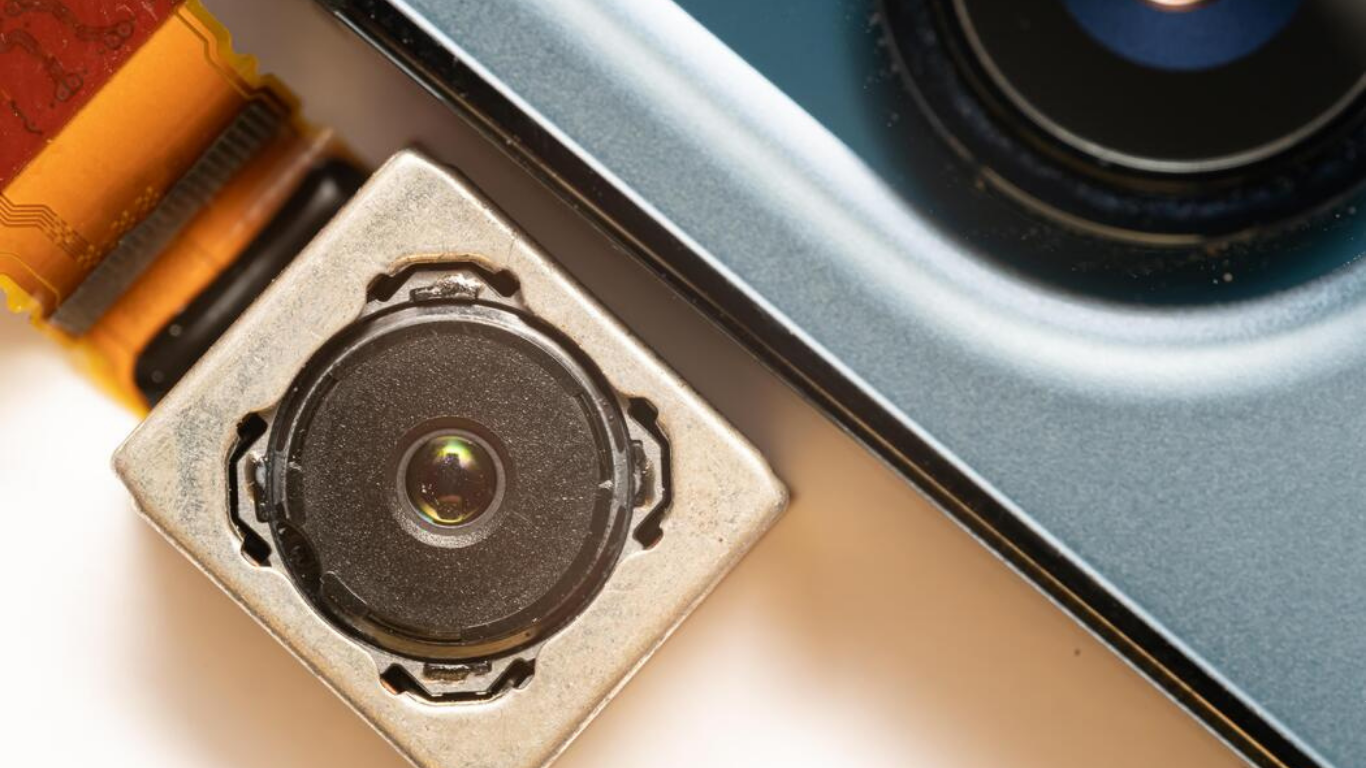
Compared to replacing your phone, Camera Repair:
-
Costs significantly less
-
Preserves your data
-
Restores full functionality
It’s also a more sustainable option.
Why Local Camera Repair Matters on Vancouver Island
Choosing local Camera Repair offers:
-
Faster turnaround times
-
No shipping risks
-
Expertise with climate-related issues like moisture
Local repair keeps your device—and community—working better.
How Camera Repair Restores Phone Value
A working camera:
-
Improves resale value
-
Enhances daily usability
-
Extends device lifespan
It’s one of the most impactful repairs you can make.
Final Thoughts
A non-working smartphone camera doesn’t mean your phone is finished. From physical damage and moisture exposure to software glitches and connector issues, most problems have proven solutions.
With professional Camera Repair, you can restore clarity, reliability, and confidence in your phone’s camera—often faster than you expect.
If your camera has stopped working, don’t wait for the issue to worsen. Timely Camera Repair brings your smartphone back to life—and puts crystal-clear photos back in your hands.
Frequently Asked Questions
1. What is the most common reason a smartphone camera stops working?
The most common reason is physical damage from accidental drops. Even if the screen doesn’t crack, internal camera components can shift or disconnect, requiring professional Camera Repair to restore functionality.
2. Why does my phone camera show a black screen but the phone works fine?
A black camera screen usually points to a faulty camera module, loose internal connector, or software conflict. Camera Repair diagnostics help determine whether the issue is hardware- or software-related before any repair is done.
3. Can software updates cause camera problems?
Yes. Operating system updates can sometimes cause camera apps to crash or stop responding due to compatibility issues. If restarting or updating doesn’t help, Camera Repair professionals can identify deeper system or hardware conflicts.
4. How does moisture damage affect smartphone cameras?
Moisture can cause condensation inside the camera lens and corrode internal connectors. This is especially common in coastal regions like Vancouver Island. Early Camera Repair can prevent permanent camera failure.
5. Is dust inside the camera a serious issue?
Yes. Even tiny dust particles can scatter light across the camera sensor, causing constant blur or dark spots in photos. Professional Camera Repair safely cleans internal components without risking further damage.
6. Can one camera fail while the other still works?
Absolutely. Front and rear cameras are separate components, so one can stop working while the other functions normally. Camera Repair targets the specific camera that’s faulty rather than replacing unnecessary parts.
7. Is Camera Repair worth it if my phone is a few years old?
In most cases, yes. If your phone is otherwise functioning well, Camera Repair is far more cost-effective than replacing the device and helps extend its usable life.