

Few things are more frustrating than plugging in your phone and realizing it’s still at the same battery percentage minutes later. You change the cable, switch sockets, restart the phone—and yet, charging remains slow, unstable, or doesn’t work at all. For many users in Victoria, this has become an increasingly common problem as smartphones age and daily usage increases.
What most people don’t realize is that charging problems are rarely random. They are almost always signs of an underlying issue—often inside the charging system itself. In many cases, timely Charging repair can resolve these issues completely, without replacing the phone or risking long-term damage.
This blog breaks down why phones stop charging properly, what’s really happening inside the device, and how professional Charging repair helps restore safe, reliable power flow.
The Most Common Charging Problems People Face
Charging issues don’t look the same for everyone. Some are subtle at first, while others appear suddenly.
Phone Charges Very Slowly
Even when using an original or fast charger, the battery percentage crawls up slowly. This often points to resistance inside the charging port or internal connectors.
Charging Keeps Disconnecting
If charging starts and stops repeatedly without you touching the cable, it’s usually due to an unstable internal connection—one of the clearest signs that Charging repair is needed.
Phone Charges Only at Certain Angles
When the cable has to be bent or held in a specific position, the charging port pins are likely loose or worn.
No Charging Response at All
No vibration, no sound, no charging symbol—this typically means the charging circuit or port has failed internally.
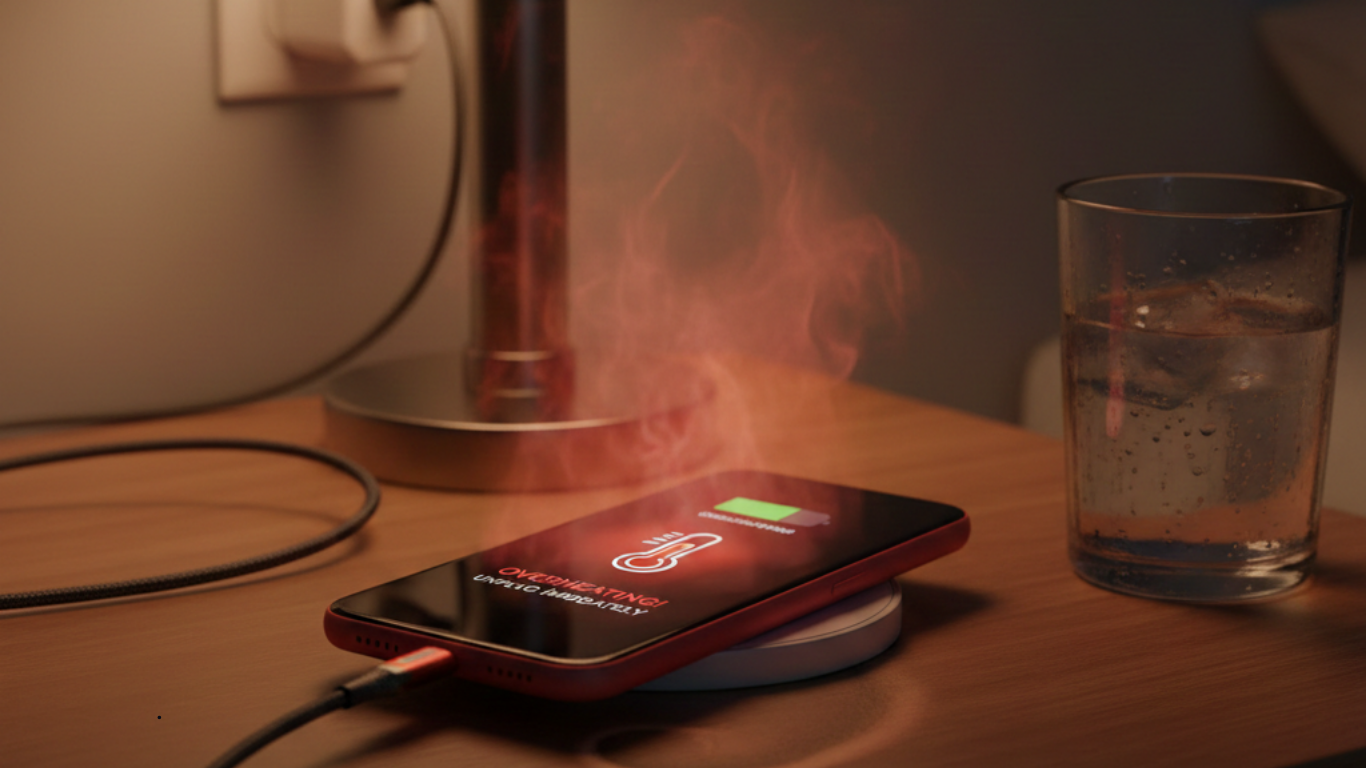
Phone Gets Hot While Charging
Heat near the charging area is a serious warning sign. It usually indicates electrical resistance or short-circuiting inside the charging system.
Why Your Phone Isn’t Charging Properly (The Real Reasons)
Many users assume the charger or battery is always the problem. In reality, charging issues are often caused by less obvious internal factors.
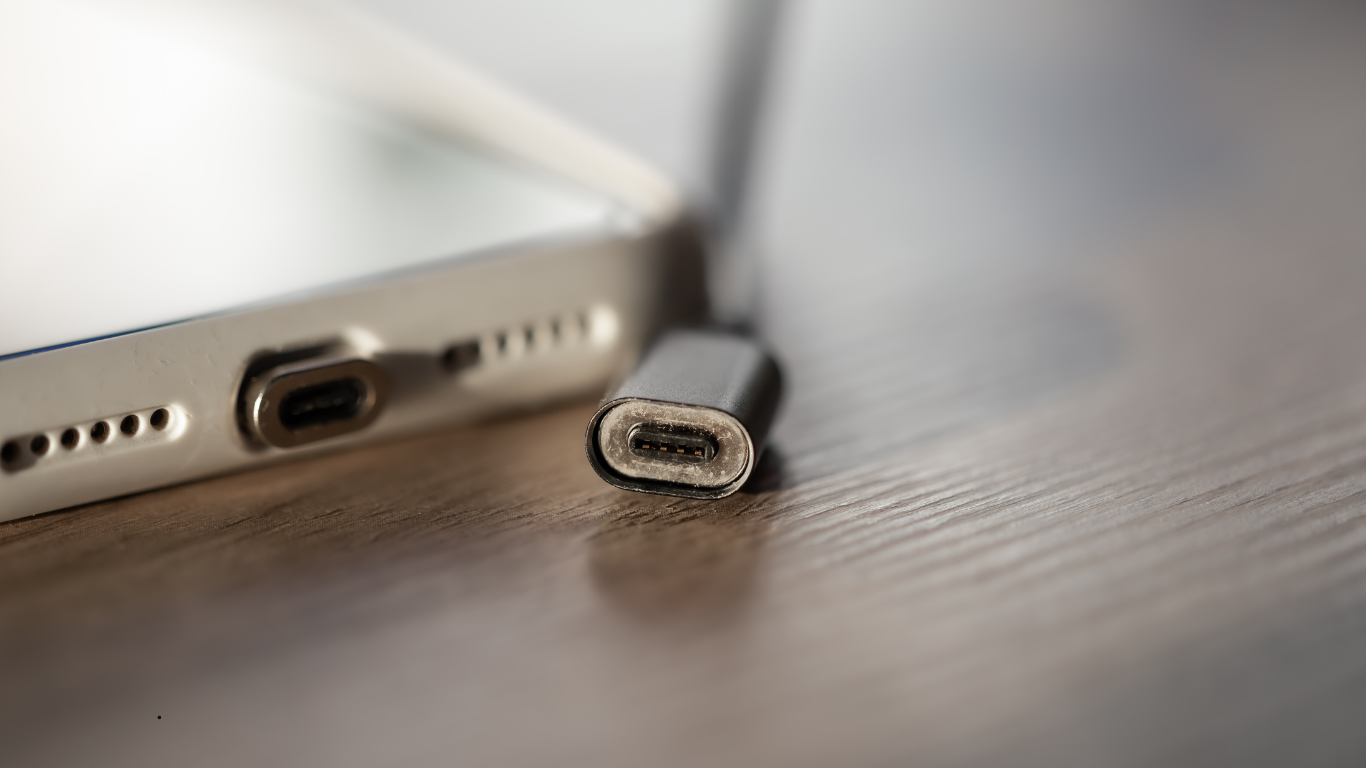
Dust, Lint, and Internal Blockage
Phones carried in pockets collect lint, dust, and debris. Over time, this debris gets compressed inside the charging port, preventing the cable from making proper contact.
DIY cleaning attempts often push debris deeper, damaging connectors and making professional Charging repair necessary.
Charging Port Wear and Tear
Charging ports are mechanical components. Every plug-in and unplug puts stress on tiny internal pins. After years of use, these pins can loosen or bend.
This wear is gradual, which is why charging issues often start small and worsen over time.
Moisture and Corrosion
Humidity, rain, sweat, or accidental spills can introduce moisture into the charging port. Even if the phone works afterward, corrosion can slowly develop inside.
Corrosion reduces conductivity and eventually leads to unstable or failed charging—often weeks after exposure.
Power Management Circuit Issues
The charging port is connected to a power management circuit that regulates voltage and current. If this circuit is damaged due to poor-quality chargers or power surges, charging problems occur even if the port looks fine.
Professional diagnostics are essential before attempting Charging repair in such cases.
Software vs Hardware Charging Issues
Sometimes charging problems are caused by software bugs or system glitches. However, when:
-
The problem persists across updates
-
Multiple chargers don’t work
-
Charging fails even when the phone is off
the issue is almost always hardware-related and requires Charging repair.
How Professional Charging Repair Solves These Problems
Professional Charging repair focuses on identifying the exact cause of charging failure—rather than guessing or replacing parts unnecessarily.
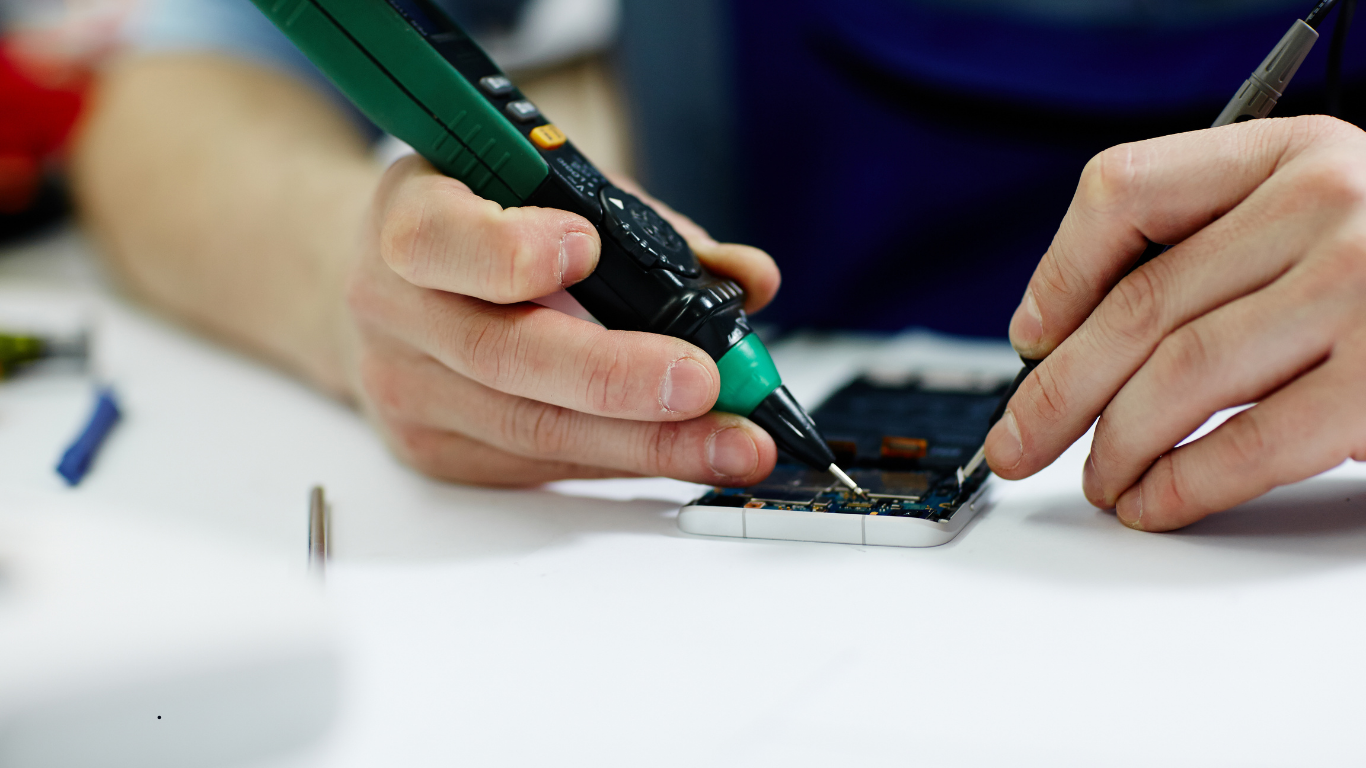
Step 1: Full Charging System Diagnosis
Technicians test:
-
Charging port condition
-
Cable and adapter response
-
Battery health
-
Power flow through the charging circuit
This ensures the correct repair approach from the start.
Step 2: Precision Charging Port Cleaning
Specialized tools are used to safely remove compacted debris and residue from inside the port. This restores proper contact without damaging connectors.
In many cases, this step alone restores normal charging speed.
Step 3: Micro-Level Connector Repair
If internal pins are loose or misaligned, micro-tools are used to realign them. This delicate process is a core part of professional Charging repair and cannot be done safely at home.
Step 4: Power Stability & Safety Testing
After repair, the phone is tested with certified chargers to ensure:
-
Stable charging
-
Normal charging speed
-
No overheating
-
No random disconnections
Only after passing these checks is the phone cleared for use.
Why DIY Charging Fixes Usually Make Things Worse
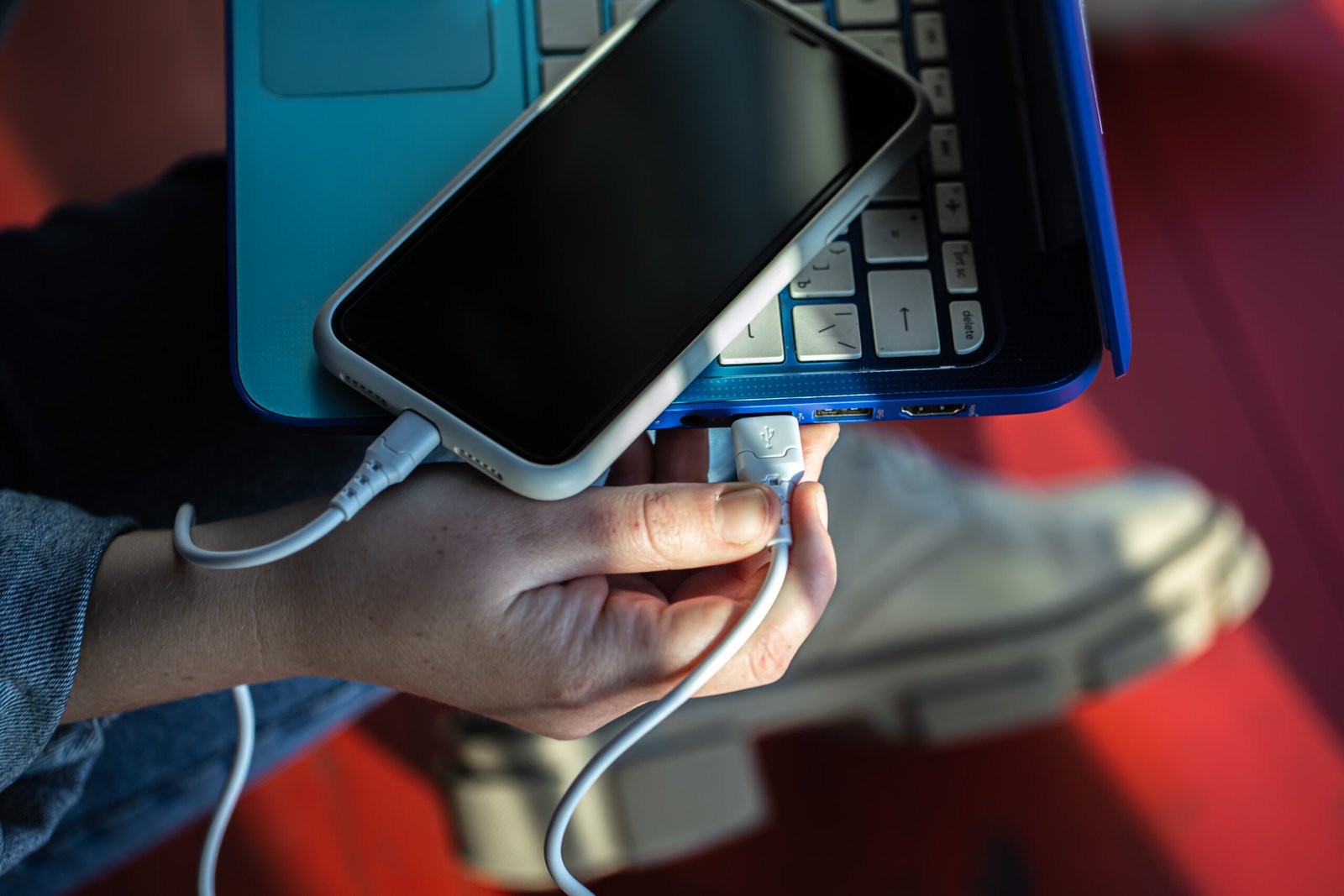
Online videos often promote quick DIY fixes, but these usually reduce the success rate of professional Charging repair later.
Common mistakes include:
-
Using pins, needles, or paper clips
-
Blowing compressed air forcefully
-
Applying heat using hair dryers
-
Forcing the cable repeatedly
These actions often bend or break charging pins permanently.
When Charging Repair Is the Right Solution
Charging repair is usually sufficient when:
-
The port is dirty but intact
-
Pins are slightly misaligned
-
Corrosion is minimal
-
Charging is inconsistent but not completely dead
Early Charging repair prevents damage from spreading to the battery or motherboard.
When Charging Repair Alone Isn’t Enough
In some cases, deeper intervention is needed:
-
Broken or missing charging pins
-
Burnt or heavily corroded ports
-
Structural damage from force or liquid exposure
A technician can determine this only after proper inspection—never by assumption.
Charging Repair vs Battery Replacement
Many phones receive unnecessary battery replacements due to misdiagnosed charging issues.
Likely a Charging Issue If:
-
Charging works only at angles
-
Charging disconnects randomly
-
Battery health appears normal
Likely a Battery Issue If:
-
Battery drains extremely fast
-
Phone shuts down unexpectedly
-
Charging works normally but doesn’t last
Correct diagnosis during Charging repair saves money and time.
How Long Does Charging Repair Take?
Most Charging repair procedures are quick:
-
Cleaning and minor repairs: 30–60 minutes
-
Advanced micro-repairs: A few hours
Compared to full replacements, Charging repair is faster and preserves original components.
How Charging Repair Protects Your Phone Long-Term
Fixing charging issues early offers long-term benefits:
-
Protects battery health
-
Prevents motherboard damage
-
Ensures stable power delivery
-
Extends overall phone lifespan
Many phones replaced due to charging problems could have lasted years longer with timely Charging repair.
How to Avoid Charging Problems in the Future
Once repaired, these habits help prevent repeat issues:
-
Use certified chargers only
-
Avoid charging in damp environments
-
Don’t force cables into the port
-
Avoid charging while gaming or overheating
-
Keep the charging port clean
Prevention reduces the need for repeated Charging repair.
Final Thoughts
If your phone isn’t charging properly, it’s not just an inconvenience—it’s a warning sign. Whether charging is slow, unstable, or completely non-functional, ignoring the issue can lead to battery damage or motherboard failure.
Professional Charging repair focuses on fixing the root cause, not masking the symptom. With early intervention, most charging issues can be resolved quickly, safely, and affordably—without replacing your phone or risking your data.
If charging problems persist, timely Charging repair is the smartest decision you can make.