

Quick Summary
Computer takes forever to start? Slow startup times are often caused by too many startup programs, outdated software, limited storage, aging hard drives, failing SSDs, insufficient RAM, or hidden hardware issues. This guide explains the most common reasons your computer boots slowly, practical ways to improve startup performance, and when professional Computer Repair in Victoria is the best solution to restore speed and reliability.
In this guide, you’ll learn:
- The most common reasons your computer takes a long time to start.
- How startup programs affect boot speed and overall performance.
- The difference between software issues and hardware problems.
- When upgrading to an SSD or adding more RAM is worth considering.
- Practical ways to speed up your computer without replacing it.
- Signs it’s time to seek professional Computer Repair in Victoria.
Introduction
A slow computer startup is one of the most frustrating problems for both home users and businesses. You press the power button expecting to start work, attend an online meeting, browse the internet, or simply check your emails, only to spend several minutes staring at a loading screen. While occasional delays can happen after major updates, consistently slow boot times are usually a sign that something inside your computer needs attention.
If your computer takes forever to start, it’s often a sign that something is affecting its performance. Modern computers are designed to start much faster than older systems, especially those equipped with solid-state drives (SSDs). If your desktop or laptop now takes several minutes to reach the desktop, opens programs slowly, or becomes unresponsive immediately after startup, the issue could be caused by aging hardware, unnecessary startup programs, storage problems, software conflicts, or even hidden hardware failures.
Many people assume the only solution is buying a brand-new computer. In reality, that is often unnecessary. A professional inspection can identify the real cause of slow startup times and, in many cases, restore excellent performance through optimisation, hardware upgrades, or targeted repairs. Simple improvements such as replacing an old hard drive with an SSD or removing unnecessary startup applications can dramatically reduce boot times and improve your overall computing experience.
At Blackapple Cellular, we regularly help customers looking for Computer Repair in Victoria after experiencing slow startup, poor performance, frequent freezing, or hardware problems. Our experienced technicians perform complete diagnostics to determine exactly why a computer has become slow and recommend the most effective solution.
In this guide, you’ll learn what causes slow startup times, which hardware and software problems affect boot speed, when an SSD upgrade makes sense, and how professional computer repair can often save you from replacing your entire system.
What Causes Slow Startup Times on Modern Computers
Although today’s computers are much faster than previous generations, they still rely on many components working together during startup. If just one of these components begins performing poorly, the entire boot process can become noticeably slower.
Understanding the most common causes of slow startup helps identify whether the issue can be solved with maintenance or requires professional repair.
Too Many Startup Programs
One of the most common reasons computers start slowly is that too many applications automatically launch every time the system powers on.
Examples include:
- Cloud storage services
- Chat applications
- Music software
- Printer utilities
- Antivirus programs
- Update managers
Each additional startup application consumes processing power, memory, and storage resources before you even begin using your computer.
Disabling unnecessary startup programs often produces immediate improvements.
Traditional Hard Drives Are Much Slower Than SSDs
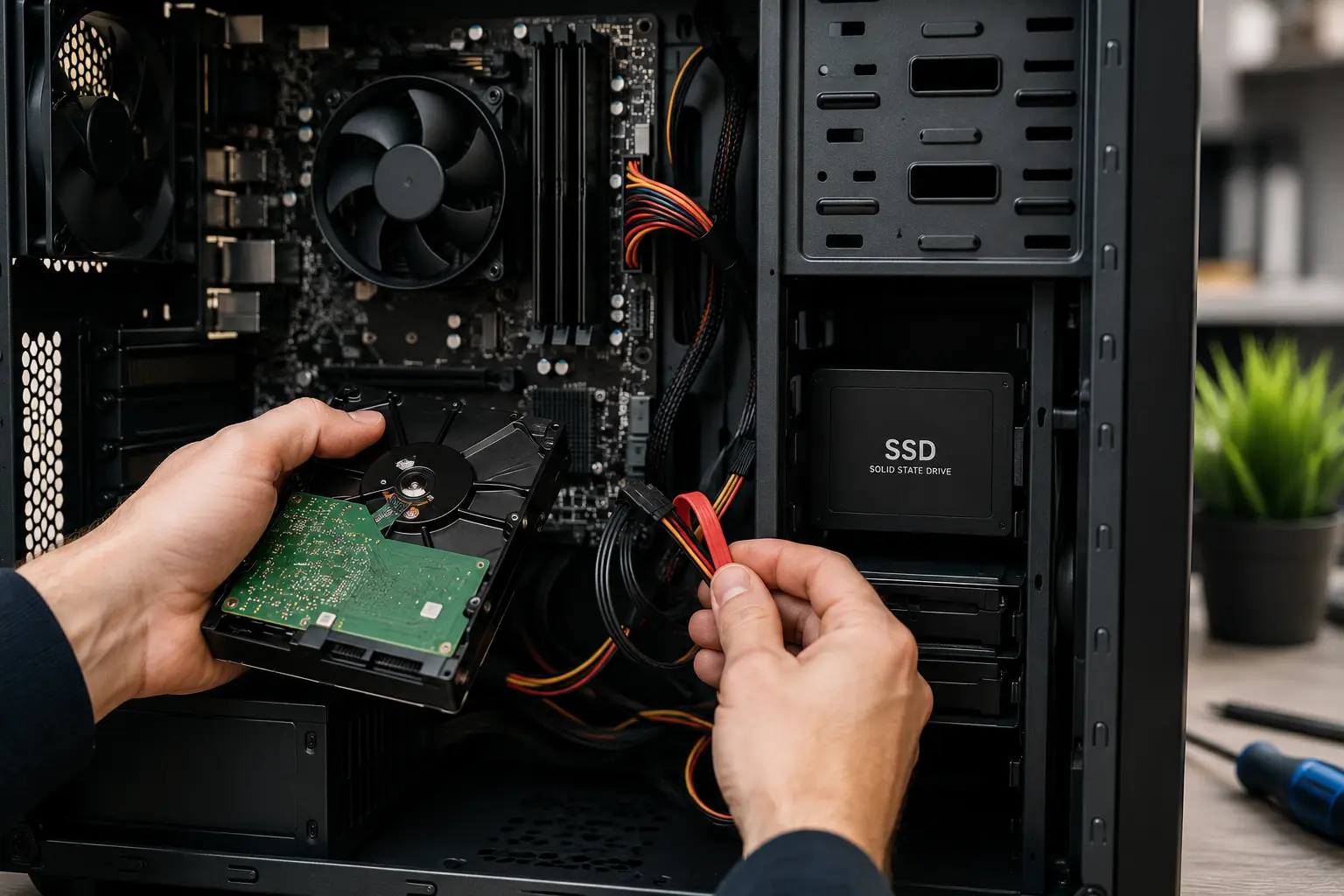
Many older computers still use mechanical hard disk drives (HDDs).
Although reliable, HDDs are significantly slower than modern SSDs because they rely on spinning disks and moving read/write heads.
As hard drives age, startup times often become even longer.
Low Available Storage
When the system drive becomes almost full, Windows or macOS has less room to manage temporary files and virtual memory.
This often causes:
- Slower boot times
- Delayed login
- Sluggish applications
- Reduced overall responsiveness
Keeping sufficient free storage helps maintain better system performance.
Outdated Software
Operating system updates frequently improve startup efficiency and system stability.
Running outdated software may result in:
- Longer boot times
- Driver conflicts
- Compatibility problems
- Security risks
Regular updates help keep the system running smoothly.
Malware or Unwanted Software
Malicious software and unnecessary background applications often run automatically during startup.
This increases processor usage and delays system loading.
Professional diagnostics help identify hidden software that affects performance.
Hardware Aging
Every computer experiences normal wear over time.
Older storage drives, memory modules, batteries (in laptops), and internal components gradually become less efficient, affecting startup speed.
At Blackapple Cellular, our technicians provide trusted Computer Repair in Victoria and Computer repair in Langford, helping customers identify whether slow startup is caused by software, storage, or hardware problems.
Hardware Problems That Affect Boot Speed
While software is often responsible for slow startup times, hardware issues can also have a major impact on how quickly your computer boots. As components age, they become less efficient and may eventually struggle to keep up with modern operating systems and applications.
Professional diagnostics help determine whether your slow computer is suffering from hardware failure or simply needs optimisation.
An Aging Hard Drive
Traditional hard disk drives (HDDs) are one of the biggest causes of slow boot times.
Unlike SSDs, HDDs contain moving mechanical parts that gradually wear out after years of use.
Common signs include:
- Long Windows loading screens
- Clicking noises
- Slow file access
- Delayed application launches
- Freezing during startup
Replacing an aging hard drive with an SSD often produces the biggest performance improvement.
Insufficient RAM
Random Access Memory (RAM) allows your computer to run multiple programs smoothly.
If your system doesn’t have enough RAM, startup becomes slower because the operating system relies more heavily on the storage drive.
Common symptoms include:
- Slow login
- Browser lag
- Programs taking longer to open
- Poor multitasking
Upgrading memory may significantly improve performance depending on your computer model.
Failing SSD
Although SSDs are much faster than traditional hard drives, they also experience wear after years of heavy use.
A failing SSD may cause:
- Boot errors
- Random freezes
- Missing files
- Slow startup
- Unexpected crashes
Professional testing identifies SSD health before complete failure occurs.
Motherboard Problems
The motherboard connects every major component inside your computer.
Faults affecting the motherboard may delay communication between:
- Processor
- Storage
- Memory
- Graphics
- Power supply
These issues often produce inconsistent startup behaviour.
Overheating Components
Computers that overheat during startup may automatically reduce processor speed to protect internal hardware.
Dust buildup, failing cooling fans, or blocked ventilation commonly contribute to excessive temperatures.
Professional internal cleaning often restores proper cooling performance.
Software Issues That Slow Everything Down
Even powerful computers become slow when unnecessary software consumes system resources.
Many software-related problems develop gradually, making them difficult to notice until startup times become frustratingly long.
Too Many Startup Applications
Every application configured to launch automatically adds additional time during startup.
Common examples include:
- Microsoft Teams
- Discord
- Spotify
- Adobe Creative Cloud
- Dropbox
- OneDrive
Disabling unnecessary startup programs usually produces immediate improvements.
Background Services
Many programs continue running long after you’ve closed them.
Background services may:
- Use processor resources
- Consume memory
- Access storage
- Download updates
Reducing unnecessary background activity improves both startup speed and overall performance.
Corrupted System Files
Unexpected shutdowns, malware, or failed updates sometimes damage important operating system files.
Symptoms may include:
- Long loading screens
- Error messages
- Random crashes
- Failed updates
Professional repair tools can often restore damaged system files safely.
Outdated Drivers
Drivers allow hardware components to communicate with the operating system.
Old or incompatible drivers may cause:
- Slow boot times
- Device errors
- Hardware conflicts
- Performance issues
Keeping drivers updated improves system stability.
Malware and Unwanted Programs
Although modern security software provides good protection, unwanted software still affects many computers.
Malware may:
- Launch automatically
- Consume processor resources
- Slow startup
- Reduce internet performance
Professional computer diagnostics include malware inspection when required.
When an SSD Upgrade Is Worth It
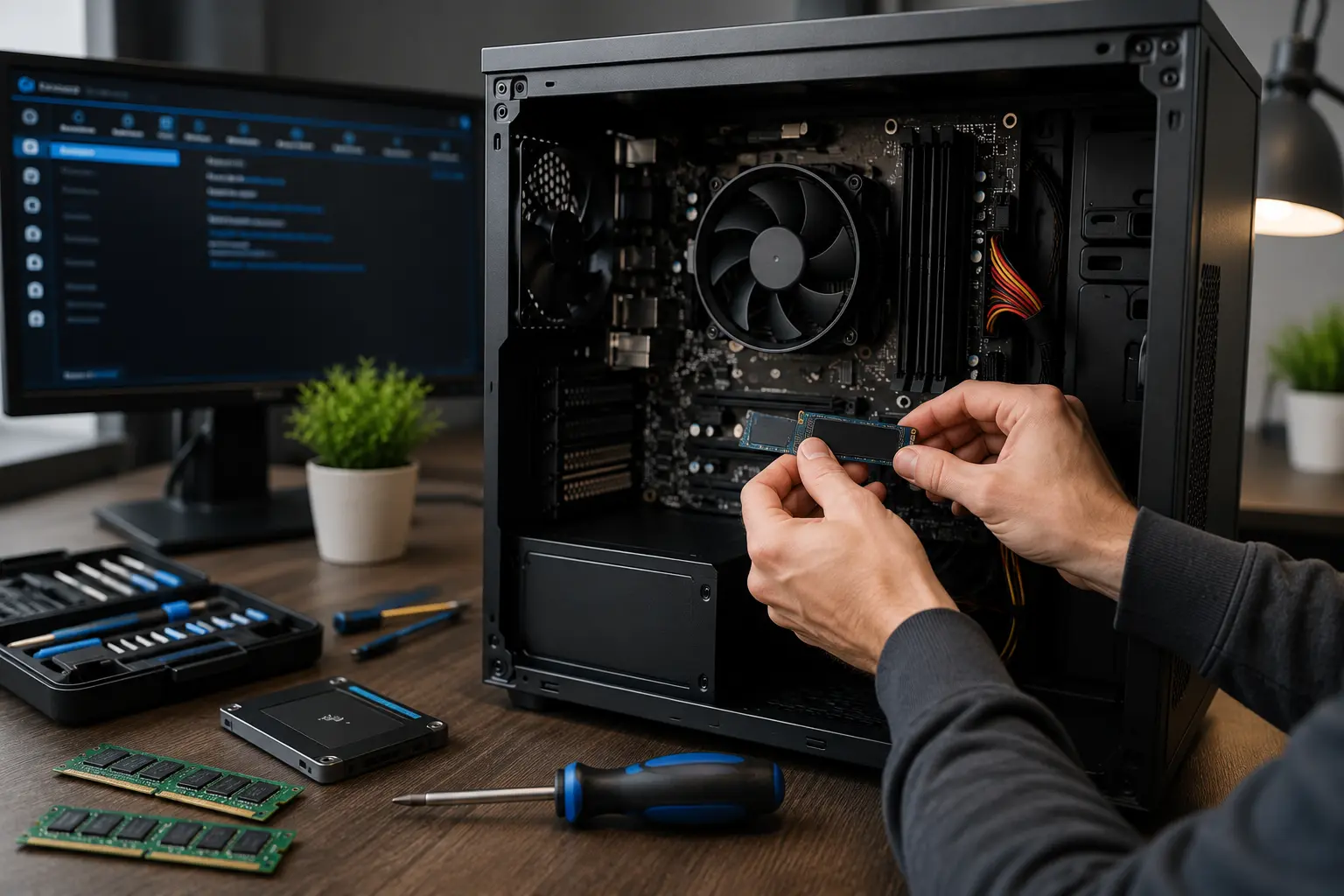
For many older computers, replacing a traditional hard drive with a solid-state drive (SSD) is one of the most effective upgrades available.
Rather than replacing the entire computer, an SSD upgrade often restores excellent everyday performance.
Faster Boot Times
One of the biggest advantages of SSD technology is dramatically improved startup speed.
Many users notice:
- Faster Windows loading
- Quicker login
- Immediate desktop responsiveness
- Reduced waiting time
This alone often transforms the user experience.
Improved Application Performance
Applications installed on an SSD typically:
- Open faster
- Load projects quicker
- Save files more rapidly
- Respond more smoothly
This benefits both personal and professional users.
Better Reliability
Unlike traditional hard drives, SSDs contain no moving mechanical parts.
This makes them:
- More durable
- More resistant to vibration
- Less likely to suffer mechanical failure
They also operate silently.
Lower Power Consumption
SSDs consume less power than traditional hard drives.
Laptop users may notice:
- Longer battery life
- Lower operating temperatures
- Quieter operation
These improvements enhance overall usability.
Is an SSD Upgrade Right for You?
Professional technicians evaluate:
- Computer age
- Storage requirements
- Existing hardware
- Upgrade compatibility
This helps determine whether upgrading provides better value than replacing the computer.
Professional Computer Tune-Up vs Buying a New PC
Many people assume slow performance means it’s time to buy a new computer.
However, professional diagnostics often reveal that simple repairs or upgrades provide excellent results at a much lower cost.
When a Tune-Up Makes Sense
A professional tune-up is usually worthwhile if your computer:
- Starts slowly
- Freezes occasionally
- Has enough processing power
- Meets your everyday needs
Tune-ups commonly include:
- Software optimisation
- Startup management
- Malware removal
- Storage cleanup
- Performance testing
When Hardware Upgrades Are Better
If your computer remains reliable but feels outdated, upgrading components such as:
- SSD
- RAM
may provide years of additional performance.
When Replacement Is the Better Option
Replacement may be appropriate if:
- Multiple major components have failed.
- Repair costs approach the value of a newer system.
- The computer no longer supports current software.
- Hardware limitations prevent meaningful upgrades.
Professional advice helps you make the most cost-effective decision.
Conclusion
If your computer takes forever to start, it isn’t just inconvenient—it often indicates underlying software or hardware issues that deserve attention. While startup delays can be caused by unnecessary applications, limited storage, or outdated software, aging hard drives, failing SSDs, insufficient RAM, and overheating components are also common contributors. Understanding the real cause is the first step toward restoring fast and reliable performance.
Simple maintenance such as managing startup programs, keeping software updated, and freeing storage space can improve responsiveness. However, if your computer continues to boot slowly or struggles with everyday tasks, professional diagnostics can identify whether optimisation, hardware upgrades, or repairs are the best solution.
At Blackapple Cellular, we provide trusted Computer Repair in Victoria using advanced diagnostic tools and experienced technicians who specialise in improving computer performance. Whether you’re searching for Computer repair near you, reliable Computer Repair Near You in Victoria, or professional Computer repair in Langford, we’re committed to helping your desktop or laptop run faster without unnecessary replacement.
People Also Ask
How much does it cost to fix a slow computer in Victoria, BC?
Diagnostics and basic tune-ups usually cost $50–$120 CAD, while SSD upgrades with data transfer typically run $120–$250 CAD depending on storage size.
Is it better to upgrade to an SSD or buy a new computer?
Upgrading to an SSD is usually far cheaper and can make an older computer 5x to 10x faster, saving you hundreds compared to buying a new PC.
How long should a computer take to start up?
Computers with an SSD should boot in 10–30 seconds. If your system takes over 1–2 minutes, it likely has software clutter or a failing hard drive.
Will I lose my files during a repair or SSD upgrade?
No. Safe computer repair includes full data backups and drive cloning, keeping all your photos, documents, and settings intact.
How long does a repair take at Blackapple Cellular?
Most diagnostics, software tune-ups, and SSD upgrades at our Victoria and Langford locations are completed within 24 to 48 hours.
Frequently Asked Questions About Slow Computers
Why does my computer take so long to start?
Slow startup is commonly caused by too many startup programs, aging hard drives, limited storage, outdated software, or hardware problems.
Will adding more RAM make my computer start faster?
Additional RAM can improve startup performance if insufficient memory is causing the operating system to rely heavily on storage.
Is an SSD better than a traditional hard drive?
Yes. SSDs provide much faster startup, quicker application loading, improved reliability, and better overall responsiveness.
Can viruses slow down my computer?
Yes. Malware and unwanted software often consume processor resources and increase startup times.
Is upgrading cheaper than buying a new computer?
In many situations, upgrading an SSD or adding RAM is far more affordable than purchasing a new computer.
When should I seek professional computer repair?
If your computer remains slow after cleaning storage, disabling startup programs, or updating software, professional diagnostics are recommended.