iPhone Screen repair and How to Fix Them Safely
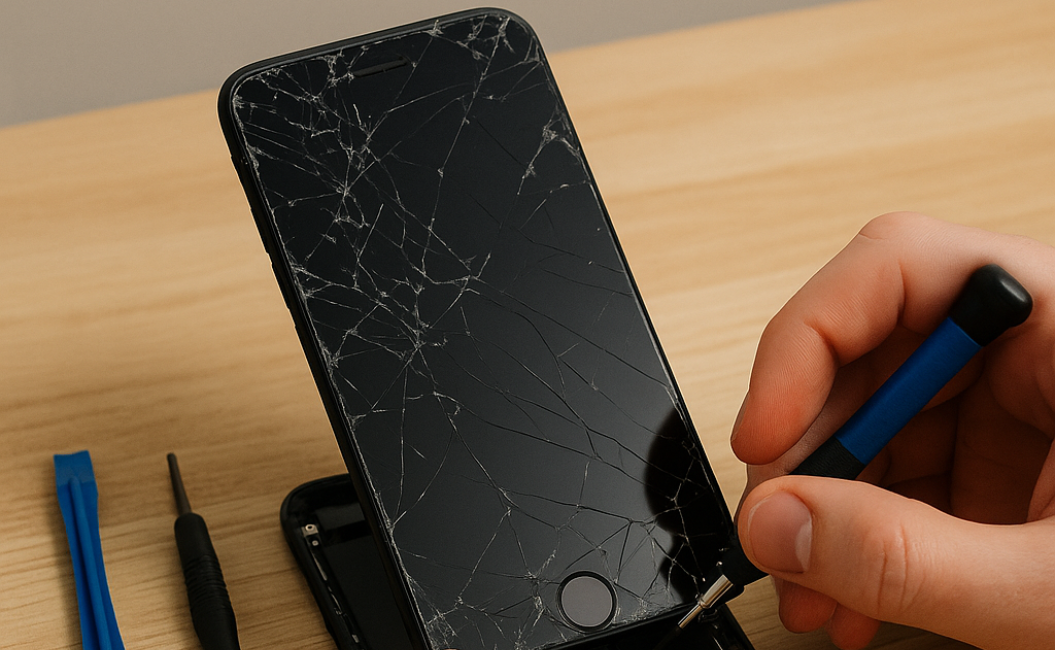
It only takes one accidental drop to turn a perfectly working iPhone into a device with cracked glass, touch issues, or display problems. Even though modern iPhones are built with durable materials, everyday accidents can still damage important components like the screen, battery, charging port, or camera. That’s why professional iPhone screen repair is one of the most common services requested by iPhone users today.
At Blackapple Cellular, customers regularly visit with damaged screens, battery problems, and devices affected by liquid exposure. The good news is that most issues can be repaired safely and affordably without replacing the entire phone.
1. Cracked or Broken Screen
Professional iPhone screen repair is important because even a small crack can affect touch sensitivity, display quality, and internal components over time. Visiting a trusted iPhone repair shop like Blackapple Cellular ensures your device is repaired using quality replacement parts and proper diagnostic tools for long-lasting performance.
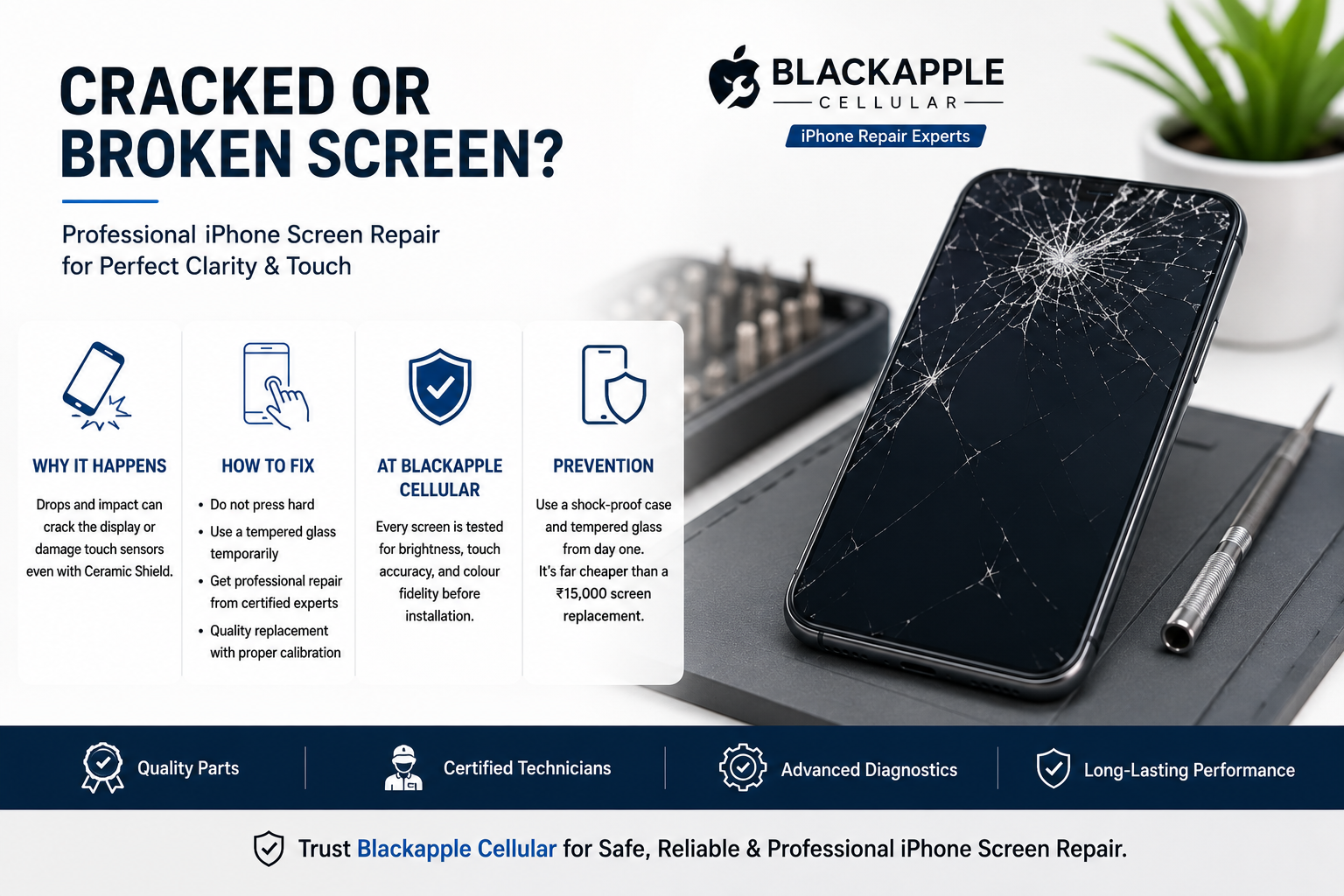
Why It Happens
Drops and impact are the obvious culprits. Even with Apple’s Ceramic Shield, one bad fall on concrete can crack the display or damage touch sensors underneath.
How to Fix
- Do Not Press Hard: If touch still works, avoid applying pressure — this can worsen internal damage.
- Use a Tempered Glass Temporarily: It prevents shards from falling and protects your fingers.
- Professional Repair: Screen replacements should always be handled by certified technicians who use genuine displays with proper calibration.
- At Blackapple Cellular: Every screen is tested for brightness, touch accuracy, and colour fidelity before installation.
Prevention
Invest in a shock-proof case and tempered glass from day one. It’s far cheaper than a ₹15,000 screen replacement.
2. Battery Draining Fast or Swelling
A common iPhone battery issue includes fast battery drain, overheating, unexpected shutdowns, or slow charging speeds. Professional battery replacement at a reliable iPhone repair shop can help restore battery performance safely and improve your device’s overall lifespan.
Signs of Trouble
- Battery health below 80 %
- Phone heats up while charging
- Sudden percentage drops
- Slight bulge on the back or screen lift
Why It Happens
Constant over-charging, cheap cables, or exposure to high temperatures degrade lithium-ion cells.
Safe Fix
- Check Settings → Battery → Battery Health & Charging.
- Disable “Background App Refresh” for unused apps.
- If the issue persists, get a battery replacement using OEM-grade parts.
- Avoid online “DIY battery kits” — improper fitting can short-circuit the motherboard.
At Blackapple Cellular, replacements are done under controlled static-free conditions, ensuring full safety and warranty retention.
3. Water or Liquid Damage
A fast iPhone water damage fix can prevent internal corrosion and protect important components like the motherboard, charging port, and speakers. If your iPhone has been exposed to liquid, visiting a professional iPhone repair shop quickly increases the chances of successful recovery and helps avoid long-term hardware damage.
Common Scenarios
A spilt coffee, a rainy commute, or dropping your phone in a sink — water finds its way into speakers, charging ports, and logic boards.
Immediate Steps
- Turn off the phone immediately — don’t press any buttons.
- Do not use a hair dryer. Heat can warp components.
- Gently wipe the exterior and keep the device upright.
- Bring it to a professional repair shop within 6–12 hours.
What Professionals Do
Technicians open the device, remove the battery, clean corrosion using isopropyl solution, and dry it in a controlled heat chamber.
At Blackapple Cellular, specialised ultrasonic cleaning restores water-damaged boards in 70 % of cases.
4. Charging Port or Cable Issues
Charging problems are sometimes connected to hidden internal damage, dust buildup, or even an underlying iPhone battery issue. Professional diagnostics at a trusted iPhone repair shop can identify whether the issue is related to the charging port, cable, or battery system itself.
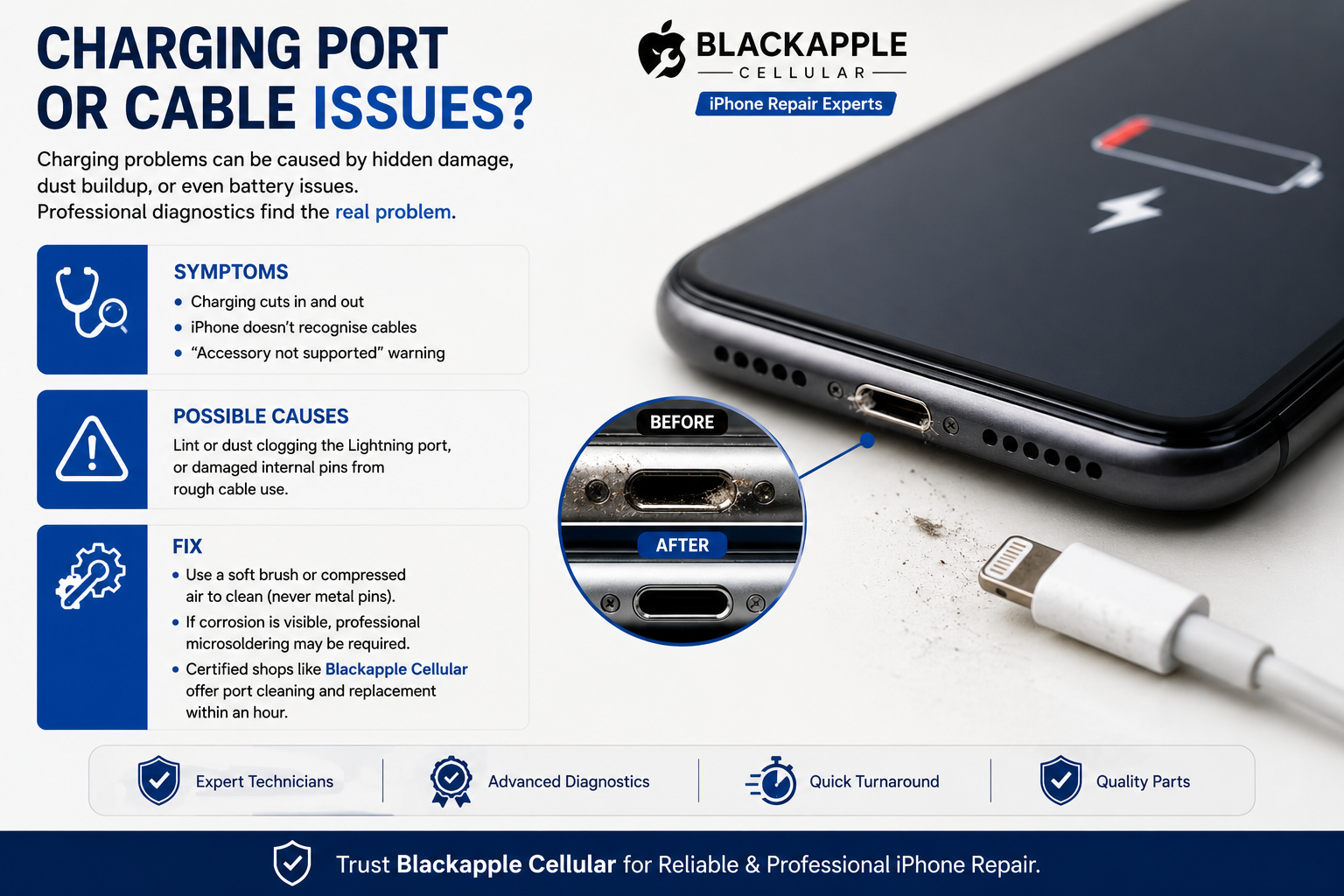
Symptoms
- Charging cuts in and out
- iPhone doesn’t recognise cables
- “Accessory not supported” warning
Possible Causes
Lint or dust clogging the Lightning port, or damaged internal pins from rough cable use.
Fix
- Use a soft brush or compressed air to clean (never metal pins).
- If corrosion is visible, professional microsoldering may be required.
- Certified shops like Blackapple Cellular offer port cleaning and replacement within an hour.
5. Camera Malfunctions
After drops or accidental impact, camera problems may appear alongside display damage, making professional iPhone screen repair and camera diagnostics equally important. Skilled technicians can inspect both external and internal components to restore image quality and device functionality safely.
Common Problems
- Blurry images or a foggy lens
Â
- Shaking viewfinder (stabiliser failure)
Â
- “Camera not available” error
Â
Why It Happens
Physical drops, moisture, or magnetic interference from third-party cases can misalign camera sensors.
Fix
- Restart and test in Safe Mode (if on Beta iOS).
Â
- Avoid third-party camera apps if lagging occurs.
Â
- For hardware issues, get a camera module replacement using genuine parts — Apple’s camera calibration requires precision equipment.
Â
At Blackapple Cellular, technicians realign sensors and run post-repair calibration using Apple-grade diagnostics.
6. Speaker or Microphone Problems
Audio problems can develop after physical damage or moisture exposure, especially if your device previously required an iPhone water damage fix. A professional iPhone repair shop can diagnose speaker, microphone, or internal audio component failures before the problem becomes worse.
Indicators
Calls sound muffled, or the mic doesn’t pick up your voice during recordings.
Solutions
- Clean the grill gently with a soft brush.
- Update to the latest iOS (software glitches can affect audio).
- If hardware-related, speaker mesh or mic flex cable replacement solves the issue.
Pro Tip: Avoid poking pins or needles into speaker holes — it tears the mesh and ruins sound quality.
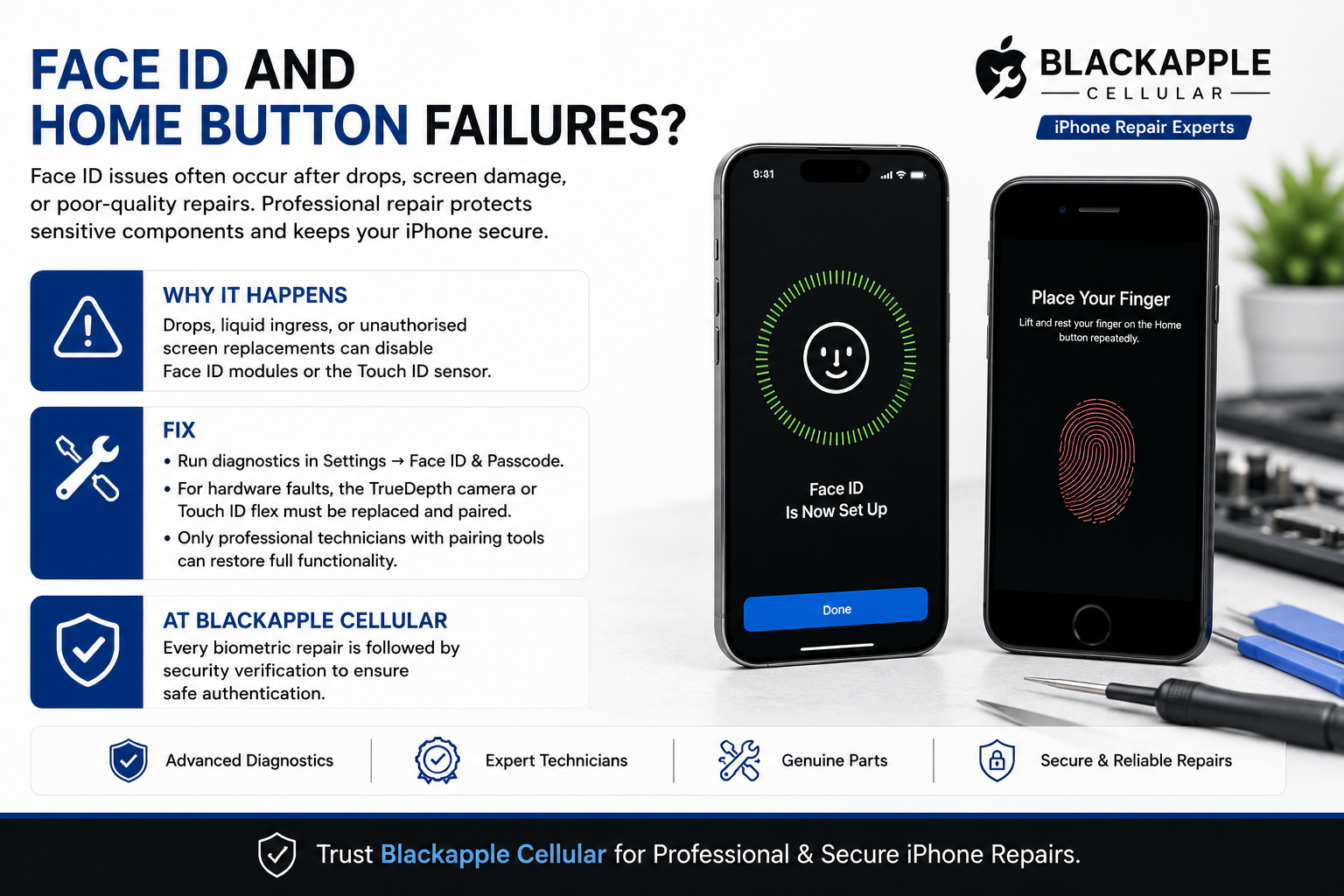
7. Face ID and Home Button Failures
Face ID issues often occur after drops, screen damage, or poor-quality repairs, which is why professional iPhone screen repair is important for protecting sensitive components. Experienced technicians use proper repair methods to maintain device security and functionality.
Why It Happens
Drops, liquid ingress, or unauthorised screen replacements can disable Face ID modules or the Touch ID sensor.
Fix
- Run diagnostics in Settings → Face ID & Passcode.
- For hardware faults, the TrueDepth camera or Touch ID flex must be replaced and paired.
- Only professional technicians with pairing tools can restore full functionality.
At Blackapple Cellular, every biometric repair is followed by security verification to ensure safe authentication.
8. Software Glitches and Boot Loop
Software crashes and boot loops may sometimes be linked to hardware damage, overheating, or an ongoing iPhone battery issue. A trusted iPhone repair shop can perform full diagnostics to identify whether the problem is software-related or caused by damaged internal components.
Symptoms
- Apple logo stuck on boot
- Apps crashing repeatedly
- Sudden restarts
Quick Fixes
- Force restart your iPhone.
- Update via iTunes or Finder.
- If the issue persists, reinstall iOS (DFU mode).
When to Seek Help
If the phone remains stuck even after restoration, it’s likely a logic board issue. Professional micro-soldering or chip re-balling may be required, something only a certified lab should perform.
9. DIY vs Professional Repairs
While DIY fixes may seem cheaper initially, professional iPhone screen repair and hardware diagnostics provide safer, more reliable results. Choosing an experienced iPhone repair shop helps reduce the risk of additional damage and ensures quality testing after every repair.
DIY Repairs:
- âś… Cheaper upfront
- ❌ High risk of voiding warranty
- ❌ No guarantee of safety or longevity
Professional Repairs:
- âś… Use of genuine or OEM-grade parts
- âś… Proper tools & ESD-safe environment
- âś… Post-repair quality checks
Blackapple Cellular combines both affordability and reliability. Each device is inspected through a 25-point checklist before being handed back to customers.
10. Cost Comparison: Repair vs Replace
Damage Type | Average Repair Cost (₹) | Replacement Cost (₹) | Recommendation |
Screen Crack | 8,000 – 15,000 | 60,000 + | ✅ Repair |
Battery Fault | 3,000 – 6,000 | 60,000 + | ✅ Repair |
Water Damage | 2,000 – 12,000 | 60,000 + | ✅ Repair (if within 24 hrs) |
Face ID Module | 7,000 – 12,000 | 60,000 + | ⚖️ Depends on model |
Motherboard Issue | 10,000 – 20,000 | 60,000 + | ⚖️ Evaluate first |
Data based on average market rates 2025 – verified by Blackapple Cellular technicians.
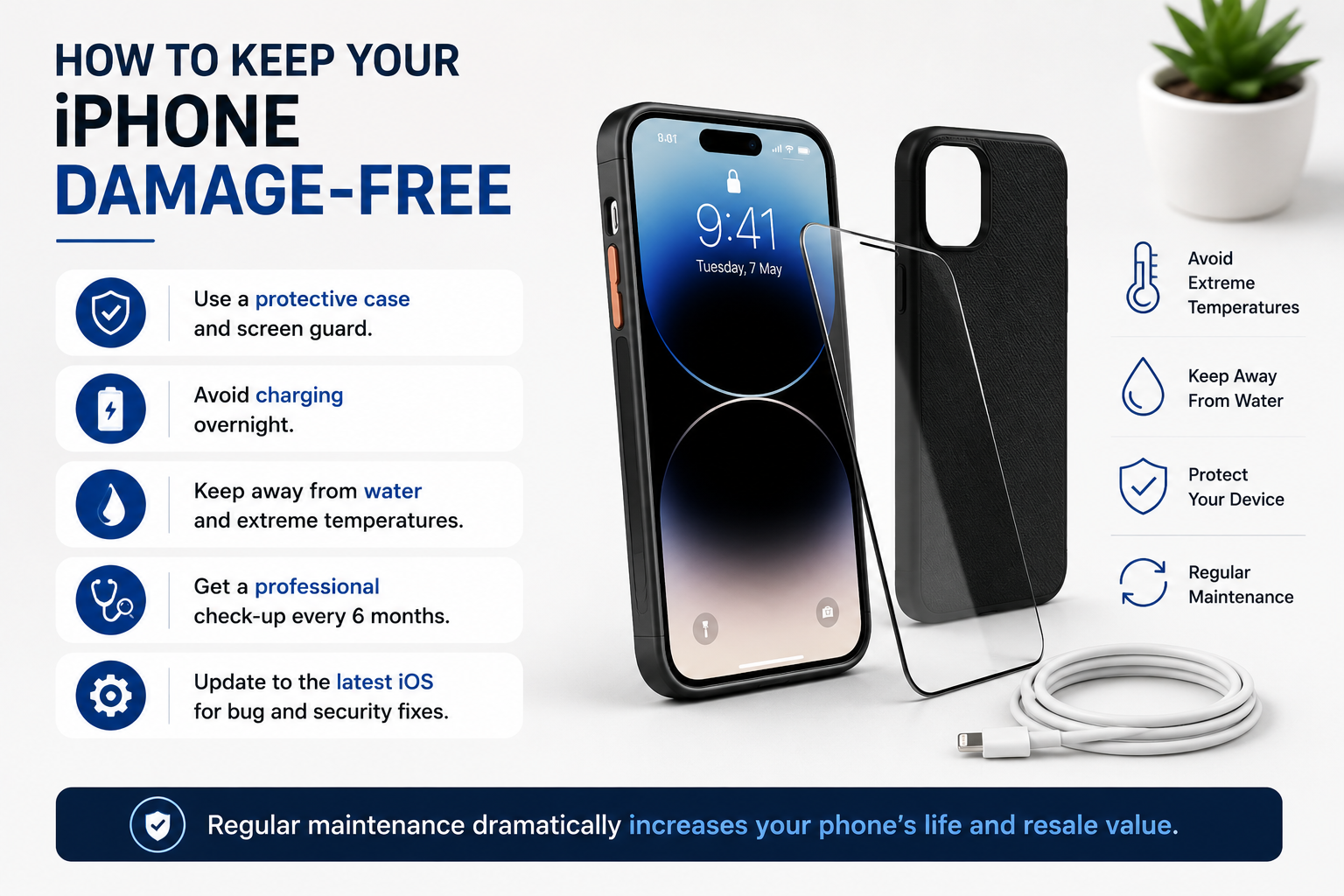
11. How to Keep Your iPhone Damage-Free
12. Conclusion
Whether you need professional iPhone screen repair, help with an iPhone battery issue, or a reliable iPhone water damage fix, choosing an experienced iPhone repair shop ensures your device receives safe, high-quality repair solutions. At Blackapple Cellular, every repair is handled with careful diagnostics, quality parts, and professional service to help restore your iPhone’s performance and reliability.
Your iPhone is more than a gadget; it’s your photos, memories, and work in one sleek frame. When something breaks, taking shortcuts often costs more in the long run.
Whether it’s a cracked screen, battery issue, or water damage, a professional diagnosis ensures your device works like new again. At Blackapple Cellular, every repair combines authentic parts, expert hands, and transparent pricing, so you can walk out with full peace of mind.
So next time your iPhone misbehaves, skip the DIY videos — just walk into your nearest Blackapple Cellular service centre and get it fixed safely.
FAQs
Q1: My iPhone has minor cracks, but it works fine. Should I replace the screen?
Yes. Even hairline cracks can worsen or affect touch sensitivity over time.
Q2: Is it safe to charge a swollen battery?
No. Unplug immediately and visit a service centre — swollen batteries may burst.
Q3: Can I use rice to dry a water-damaged iPhone?
No. Rice absorbs surface moisture only and leaves dust residues inside. Get it professionally dried.
Q4: Are third-party screens okay to use?
Only if OEM-grade. Cheap copies reduce brightness, touch response, and resale value.
Q5: Does Blackapple Cellular offer a warranty after repair?
Yes. All repairs include a limited warranty on parts and labour.