

Quick Summary
To prevent smartphone data loss, protecting your smartphone data is always easier than recovering it after it’s lost. This guide explains the most common causes of data loss, including hardware failure, water damage, accidental deletion, and software issues. You’ll also learn practical backup habits, ways to protect your files, and when professional help is the safest option to recover important photos, videos, documents, and personal information.
In this guide, you’ll learn:
- The most common reasons phones lose important files
- Simple backup habits that keep your data secure
- How to protect photos, videos, and documents from unexpected loss
- What to do after accidental deletion or device damage
- When it’s time to seek professional assistance for file recovery
Introduction
To prevent smartphone data loss, it’s important to act before something goes wrong. Many people only think about recovering their files after a phone suddenly stops turning on, suffers water damage, experiences software corruption, or is accidentally dropped. Unfortunately, by then, some data may already be at risk. While professional recovery services can often retrieve lost files, taking preventive steps is always the safest and most reliable approach.
Many people only begin thinking about data recovery after something has already gone wrong. A phone may suddenly stop turning on, suffer water damage, experience software corruption, or be accidentally dropped. Unfortunately, by the time these situations occur, some data may already be at risk. While professional recovery services can often retrieve lost files, prevention remains the safest and most reliable approach.
The good news is that protecting your smartphone data doesn’t require advanced technical knowledge. Simple habits such as creating regular backups, updating your software, monitoring storage space, and responding quickly to warning signs can significantly reduce the risk of losing valuable information.
At Blackapple Cellular, we frequently assist customers seeking Cell phone data recovery Langford after unexpected hardware failures or accidental damage. Many of these situations could have been avoided through regular backups and early action when warning signs first appeared.
In this guide, we’ll explore the most common causes of smartphone data loss, explain practical ways to protect your files, and discuss when professional recovery becomes the safest solution if your device stops working.
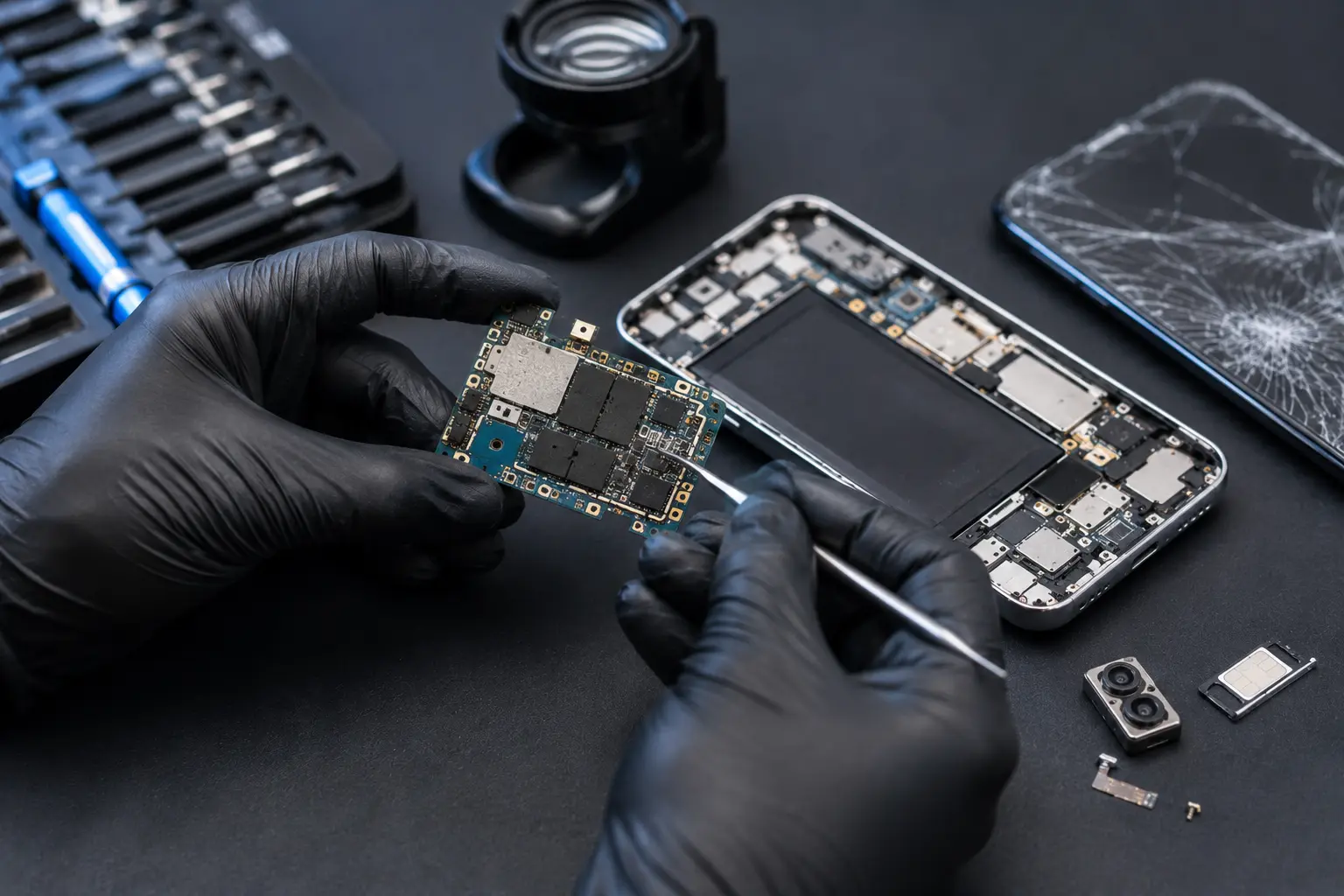
The Most Common Reasons People Lose Their Mobile Data
Many smartphone owners believe data loss only occurs after dramatic accidents such as dropping a phone into water or completely breaking the device. In reality, data is often lost because of everyday situations that develop gradually over time.
Understanding these common causes helps you take preventive action before valuable files disappear permanently.
Accidental Deletion
One of the leading causes of data loss is simple human error.
Photos, videos, contacts, or important documents can easily be deleted accidentally while organising files or clearing storage space.
Without a recent backup, recovering deleted information may become much more difficult.
Hardware Failure
Like any electronic device, smartphones experience normal wear over time.
Components such as:
- Batteries
- Motherboards
- Internal storage
- Charging circuits
may eventually fail, preventing access to stored data even though the files themselves remain intact.
Water Damage
Liquid exposure remains one of the most serious threats to smartphone data.
Even a small amount of moisture can affect:
- Internal storage connections
- Motherboard circuits
- Battery terminals
- Charging components
Early professional assessment greatly improves recovery possibilities if water damage occurs.
Physical Impact
A dropped smartphone may continue functioning initially while internal damage gradually worsens.
Loose connectors, damaged storage components, or motherboard faults can eventually prevent access to important files.
Protective cases help reduce this risk, but professional inspection is recommended after significant impacts.
Software Corruption
Failed updates, malware, or operating system errors can sometimes prevent smartphones from booting correctly.
Although the hardware remains healthy, software corruption may temporarily block access to stored data.
Professional diagnostics determine whether software repair can safely restore access.
Theft or Device Loss
Unfortunately, smartphones are sometimes lost or stolen.
Without regular backups, replacing the physical device may also mean losing years of valuable personal information.
Cloud backups provide one of the best safeguards against this situation.
Easy Backup Habits Everyone Should Follow
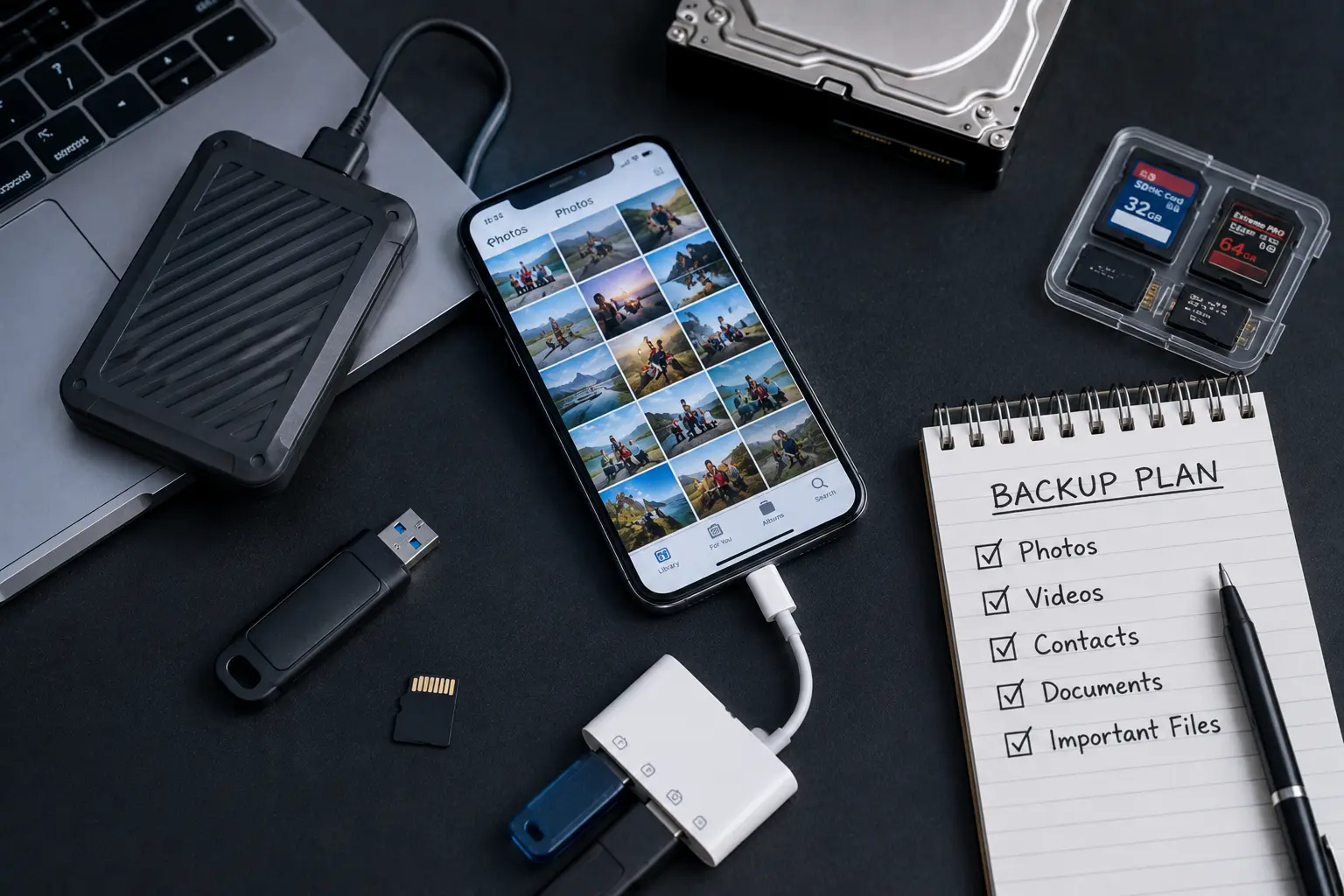
One of the simplest ways to protect your smartphone data is by creating regular backups. Many people believe backups are only necessary for businesses or technology professionals, but anyone who stores photos, videos, contacts, or important documents on a smartphone should make data protection part of their routine.
A backup creates a second copy of your information, allowing you to restore it if your device is lost, damaged, stolen, or stops working unexpectedly.
Enable Automatic Cloud Backups
Most smartphones offer built-in cloud backup services that work automatically once they are enabled.
Cloud backups can safely store:
- Photos
- Videos
- Contacts
- Calendars
- Messages
- Documents
- Application data
Automatic backups reduce the risk of forgetting to save important information manually.
Transfer Important Files Regularly
Although cloud storage is extremely useful, keeping another copy of important files on a computer or external storage device provides additional protection.
This is especially helpful for:
- Business documents
- Family photographs
- Important videos
- Personal records
Having multiple copies greatly reduces the risk of permanent data loss.
Keep Your Software Updated
Software updates do much more than introduce new features.
They also:
- Improve security
- Fix system bugs
- Increase stability
- Reduce the risk of software corruption
Keeping your smartphone updated helps protect both your device and your stored information.
Monitor Available Storage
A phone with almost no available storage may experience:
- Failed updates
- App crashes
- Camera problems
- File saving errors
Regularly removing unnecessary files and transferring large videos helps maintain healthy system performance.
Check Your Backup Regularly
Creating a backup is only useful if it works.
Occasionally verify that:
- Backups completed successfully.
- Recent photos are included.
- Contacts are synchronised.
- Documents are accessible.
This simple habit provides confidence that your information can be restored if needed.
How Water Damage and Physical Damage Affect Stored Data
Many people assume that data disappears immediately after a phone is dropped in water or suffers a heavy impact. Fortunately, this is not always true. In many situations, the data remains stored safely inside the phone even though the device itself no longer functions correctly.
However, the type of damage greatly influences recovery success.
Water Damage
Water is particularly dangerous because corrosion continues developing long after the phone appears dry.
Moisture may affect:
- Motherboard circuits
- Storage connections
- Battery terminals
- Charging components
The longer corrosion remains untreated, the greater the risk of permanent hardware damage.
Early professional assessment significantly improves the chances of successful recovery.
Physical Impact
A hard drop can damage:
- Display connectors
- Storage connections
- Motherboard components
- Internal flex cables
Even when the screen breaks, the internal memory often remains unaffected.
Professional technicians determine whether temporary repairs can restore access to important files.
Electrical Damage
Power surges or charging faults may damage charging circuits without affecting stored information.
Although the phone may no longer turn on, the storage chip may still contain all your valuable files.
Professional diagnostics identify the safest recovery method.
Why Immediate Action Matters
If your smartphone has experienced water damage or severe physical impact:
- Stop using the device.
- Avoid repeated attempts to power it on.
- Do not connect it to a charger if water exposure occurred.
- Seek professional assistance as soon as possible.
Quick action often makes the difference between successful recovery and permanent data loss.
When DIY Fixes Fail and Expert Help Becomes Necessary
While cloud backups and preventive habits provide excellent protection, there are situations where professional recovery becomes the only practical solution.
When hardware damage prevents the phone from functioning, specialized equipment and technical expertise are required to retrieve the stored information safely.
Hardware Failure Requires Professional Equipment
Recovering data from damaged smartphones often involves working with delicate internal components.
Professional technicians use specialized tools designed to:
- Inspect storage chips
- Diagnose motherboard faults
- Restore temporary functionality
- Safely access internal memory
Attempting recovery without proper equipment may reduce the chances of success.
Water-Damaged Devices Need Immediate Attention
Water damage is one of the most time-sensitive situations.
Corrosion spreads gradually through internal circuits.
Early Phone data recovery Campbell River assessments improve the likelihood of preserving valuable information before additional damage occurs.
DIY Recovery Can Make Things Worse
Many online videos recommend opening smartphones or using unknown recovery software.
Unfortunately, these methods may:
- Damage internal connectors
- Overwrite existing data
- Corrupt storage
- Reduce professional recovery success
If your files are important, professional assessment is the safest approach.
Every Recovery Is Different
Successful recovery depends on:
- Device model
- Type of damage
- Storage condition
- Previous repair attempts
- Overall hardware health
Professional diagnostics determine the most appropriate recovery strategy for each individual case.
Tips to Keep Your Photos and Files Safe
Protecting your smartphone data doesn’t require expensive software or complicated technical knowledge.
Small everyday habits greatly reduce the likelihood of permanent data loss.
Back Up Frequently
Create automatic backups whenever possible.
Regular backups remain the most effective protection against unexpected hardware failure.
Protect Your Phone Physically
Using:
- A quality protective case
- Screen protector
- Water-resistant pouch during outdoor activities
helps reduce accidental damage.
Avoid Cheap Charging Accessories
Low-quality chargers may contribute to electrical problems that affect both hardware and stored data.
Certified charging accessories help maintain safe operation.
Respond Quickly to Warning Signs
Don’t ignore symptoms such as:
- Random restarts
- Battery swelling
- Slow charging
- Overheating
- Water exposure
Early inspection often prevents larger problems.
Store Important Files in Multiple Locations
Keeping copies of valuable information in more than one location greatly reduces the risk of permanent loss.
Many users combine:
- Cloud storage
- Computer backups
- External storage devices
for additional protection.
Conclusion
Your smartphone contains some of your most valuable digital information, from irreplaceable family photos and personal videos to important work documents and contacts. While modern smartphones are more reliable than ever, accidental drops, water damage, hardware failures, and software issues can occur without warning. Taking simple preventive steps today can save you from significant stress and potential data loss in the future.
Regular backups, careful handling, software updates, and prompt attention to warning signs are some of the most effective ways to protect your information. However, if your smartphone becomes damaged or stops working unexpectedly, professional assistance offers the best opportunity to recover your important files safely.
At Blackapple Cellular, we provide trusted Cell phone data recovery Langford using advanced diagnostic tools and secure recovery techniques. Whether you require Phone data recovery Campbell River, Data recovery services near you in Langford, or expert assistance after accidental damage, our experienced technicians are committed to helping recover your valuable photos, videos, and files while protecting your device throughout the recovery process.
How often should I back up my smartphone?
Automatic daily or weekly backups provide excellent protection for most users, especially if you frequently take photos or store important documents.
Can I recover data if my phone won’t turn on?
Yes. In many cases, professional technicians can recover data even if the device itself no longer powers on.
Is water-damaged phone data always recoverable?
Not always, but early professional assessment significantly improves recovery success before corrosion spreads further.
Are cloud backups enough?
Cloud backups provide excellent protection, but keeping additional copies of critical files offers even greater security.
Can a broken screen cause data loss?
Usually not. Many smartphones continue storing data normally even when the display no longer functions.
When should I seek professional data recovery?
If your phone has suffered water damage, severe impact, motherboard failure, or refuses to power on, professional evaluation is recommended before attempting DIY recovery.