

Tablets have quietly become one of the most important devices in our daily lives. From students attending online classes and professionals working on the go, to families streaming movies and seniors video-calling loved ones—tablets do it all. So when your tablet suddenly slips from your hands, refuses to charge, or starts acting strangely, the disruption feels immediate and frustrating.
If you’re on Vancouver Island, finding reliable, fast, and affordable Tablet Repair services can make all the difference. The good news? Most tablet problems are completely fixable—often quicker and more affordably than people expect.
In this in-depth guide, we’ll walk you through everything you need to know about tablet repair services on Vancouver Island: the most common problems, the brands that can be repaired, what the repair process looks like, how much it usually costs, and how to decide whether repair is the right choice for you.
Why Tablet Repair Matters More Than Ever
Tablets today are powerful devices. Many cost almost as much as laptops, and replacing them every time something goes wrong simply doesn’t make sense—financially or environmentally.
Professional Tablet Repair helps you:
-
Extend the life of your device
-
Save hundreds of dollars compared to buying new
-
Protect your data and settings
-
Reduce electronic waste
Whether it’s a cracked screen or a failing battery, timely repair often restores your tablet to near-new performance.
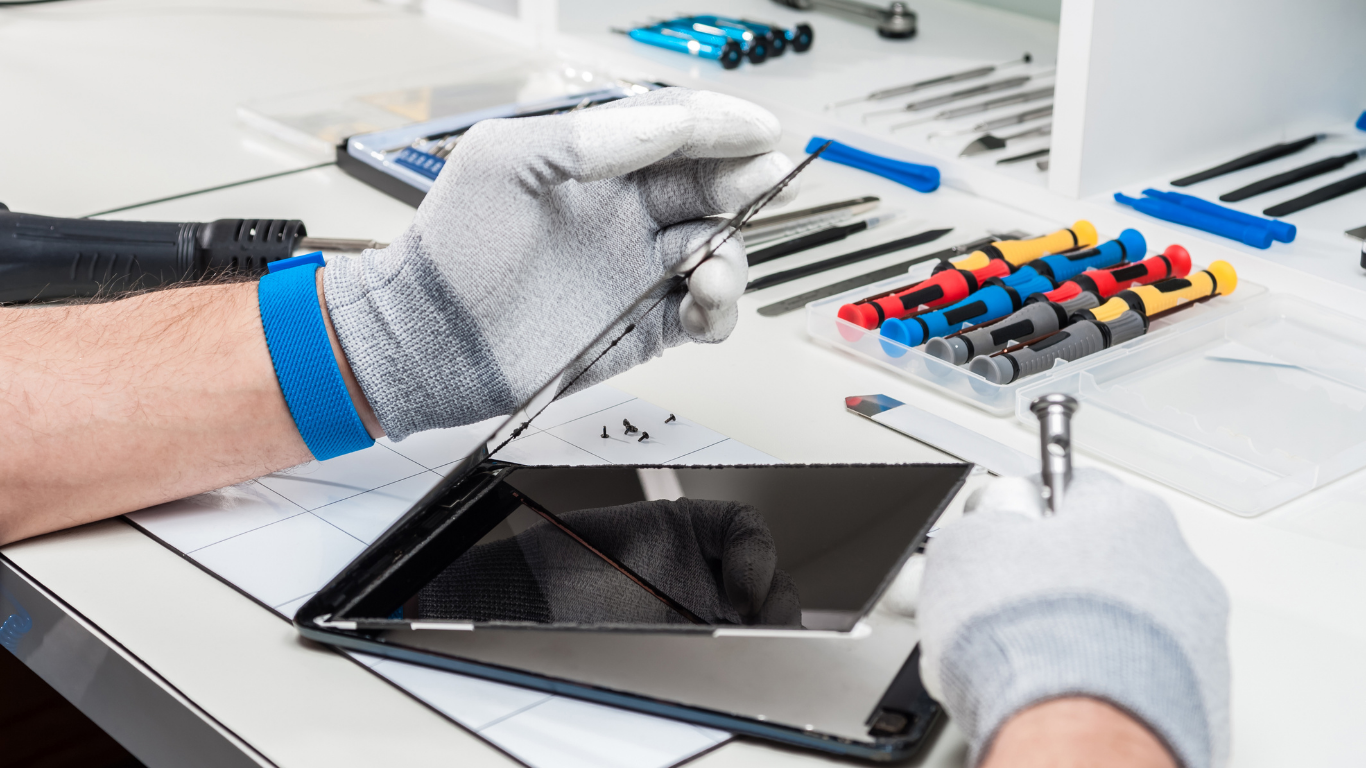
Major Tablet Brands We Repair
One of the biggest misconceptions is that only certain tablets can be repaired. In reality, professional technicians handle a wide range of brands and models.
Apple iPad
From classic iPads to iPad Air, Mini, and Pro models:
-
Cracked or shattered glass
-
Touchscreen issues
-
Battery replacements
-
Charging port repairs
iPads require precision tools and experience, especially newer models with laminated displays—something trained repair technicians specialize in.
Samsung Galaxy Tab
Samsung tablets are known for vibrant displays, but they’re not immune to:
-
AMOLED screen damage
-
Battery degradation
-
Software freezes
-
Charging issues
Proper Tablet Repair ensures original-quality parts and accurate calibration.
Microsoft Surface Tablets
Surface devices blur the line between tablet and laptop. Repairs often include:
-
Screen replacement
-
Battery issues
-
Power button and port problems
These devices require advanced disassembly skills, making professional repair essential.
Lenovo, Huawei & Amazon Fire Tablets
More budget-friendly tablets still deserve expert care. Common repairs include:
-
Broken screens
-
Weak batteries
-
Software troubleshooting
Even affordable tablets can be worth repairing if the fix is done right.
Common Tablet Problems We Fix Every Day
Tablet issues often start small—but ignoring them can lead to bigger, costlier problems. Here are the most common ones technicians see across Vancouver Island.
Cracked or Broken Screens
A cracked screen isn’t just cosmetic.
-
Touch sensitivity may fail
-
Glass shards can worsen internal damage
-
Moisture and dust can enter the device
Screen replacement is one of the most common and effective Tablet Repair solutions.
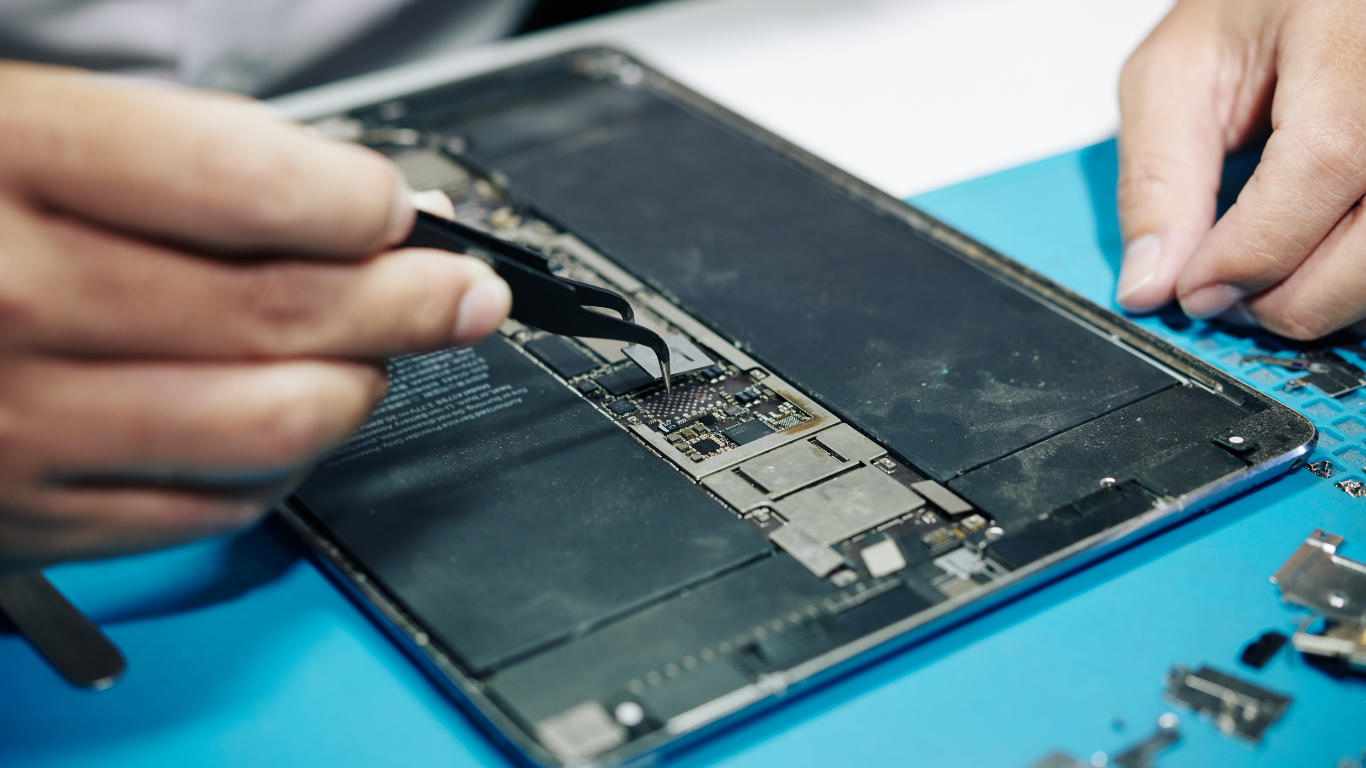
Touchscreen Not Responding
If your tablet doesn’t register taps or swipes properly:
-
The digitizer may be damaged
-
Internal connectors could be loose
-
Software conflicts might be interfering
Professional diagnostics identify the exact cause instead of guessing.
Battery Draining Too Fast
Over time, all tablet batteries wear out. Signs include:
-
Rapid power loss
-
Tablet shutting down at high percentages
-
Device overheating
Battery replacement can dramatically improve performance and daily usability.
Charging Port Issues
If your tablet:
-
Only charges at certain angles
-
Doesn’t recognize the charger
-
Stops charging completely
The charging port may be damaged or clogged. Skilled Tablet Repair can clean, repair, or replace it safely.
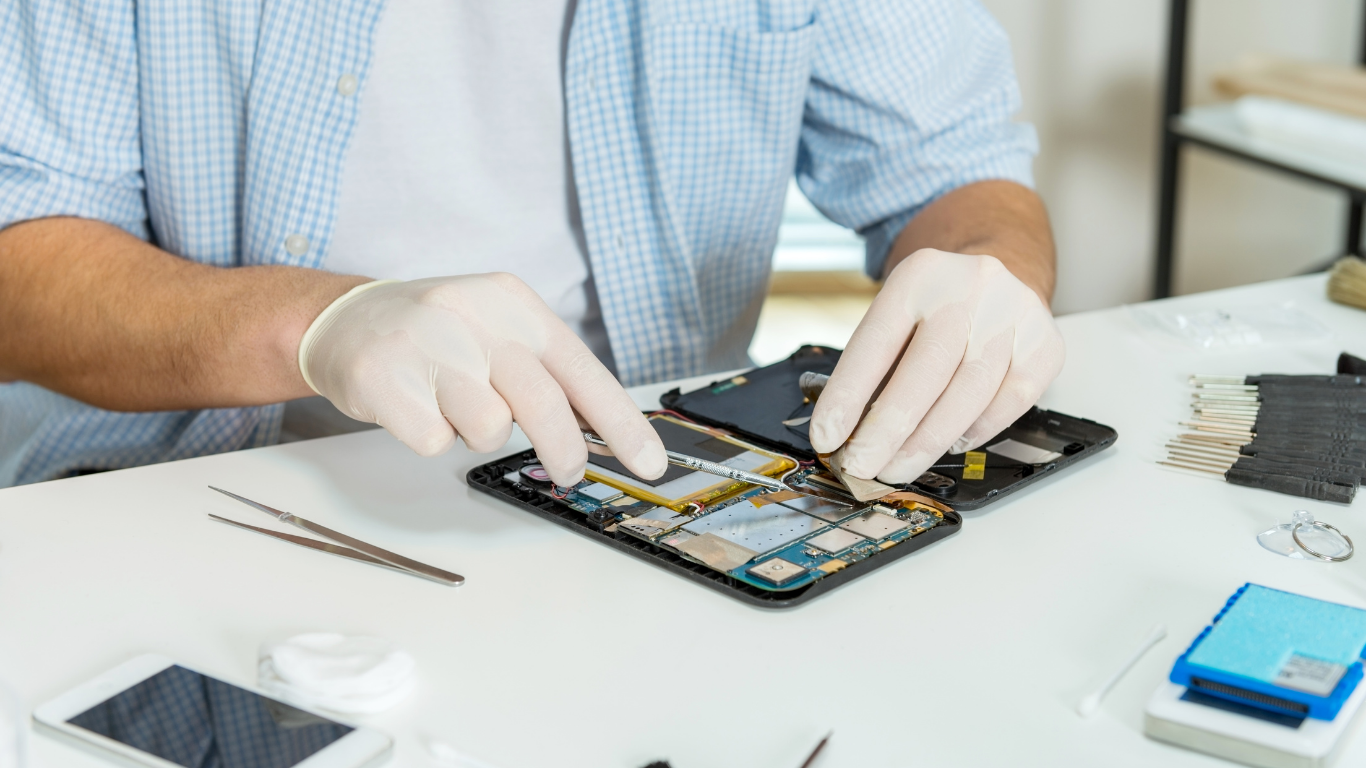
Speaker, Camera & Button Problems
Small components matter more than you think:
-
No sound during calls or videos
-
Blurry camera output
-
Power or volume buttons not responding
These issues are often quick fixes when handled by professionals.
Software & Performance Problems
Not all tablet problems are physical.
-
Tablets freezing or crashing
-
Apps not opening
-
Failed updates
Software repair and optimization can restore smooth performance without replacing the device.
How Professional Tablet Repair Works (Step-by-Step)
If you’ve never repaired a tablet before, the process may seem mysterious. In reality, it’s straightforward and transparent.
1. Inspection & Diagnosis
Your tablet is examined to:
-
Identify visible and hidden damage
-
Test components like battery, display, ports, and software
You’ll know exactly what’s wrong before any work begins.
2. Clear Pricing
A reliable Tablet Repair service always:
-
Explains repair options
-
Shares costs upfront
-
Avoids hidden charges
This helps you decide whether repair makes sense for your situation.
3. Professional Repair
Using specialized tools and quality replacement parts, technicians:
-
Carefully disassemble the tablet
-
Replace or repair damaged components
-
Reassemble with precision
Tablets are delicate—this step is where experience truly matters.
4. Testing & Quality Check
Before returning your device:
-
Touch, display, battery, and charging are tested
-
Cameras, speakers, and buttons are checked
-
Software functionality is verified
Only after passing all tests is the tablet considered ready.
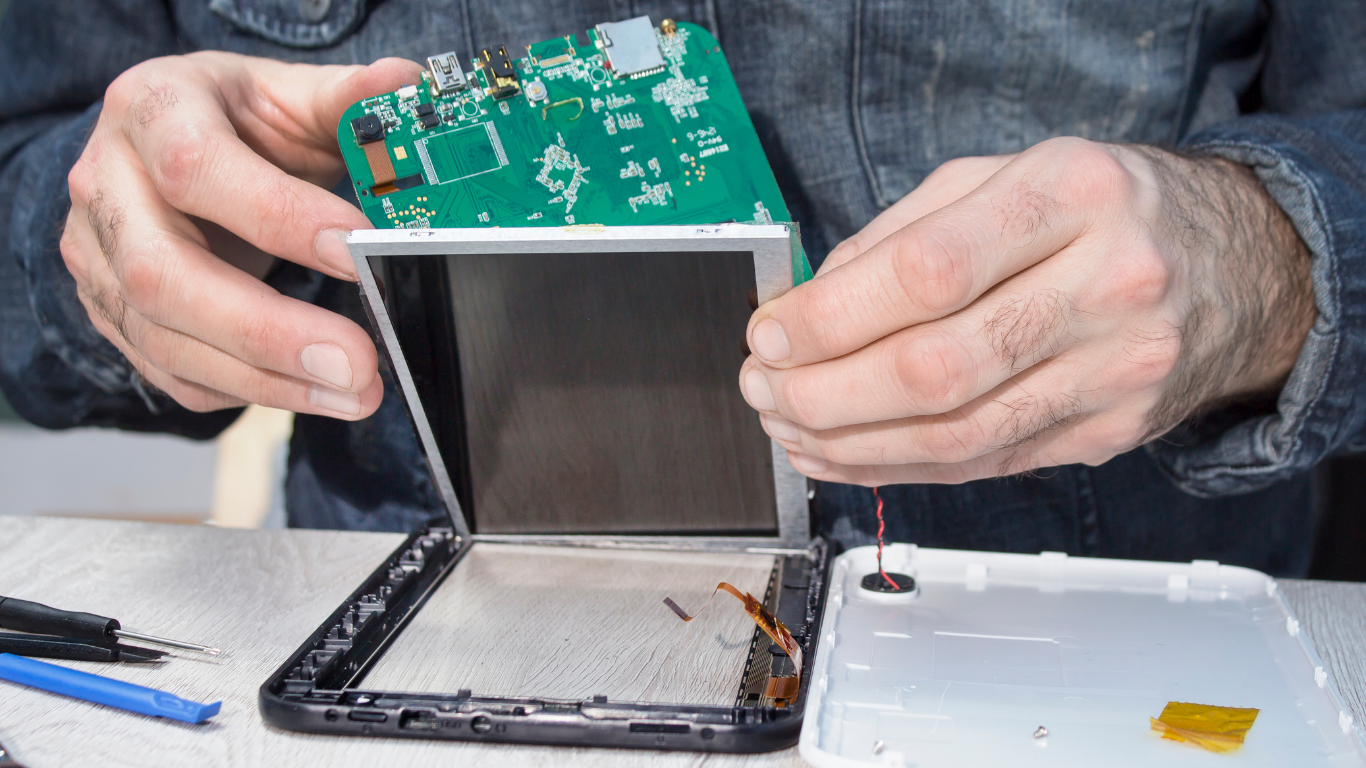
Same-Day & Express Tablet Repair Options
One of the biggest advantages of local repair services on Vancouver Island is speed.
Many common repairs—such as screen replacements, battery swaps, or charging port fixes—can often be completed:
-
The same day
-
Within a few hours, depending on model and parts availability
This is especially helpful for students, remote workers, and businesses that rely on their tablets daily.
Cost of Tablet Repair in Vancouver Island
While prices vary by model and issue, repairs are usually far more affordable than replacement.
Typical Cost Ranges
-
Screen replacement: Moderate to high, depending on model
-
Battery replacement: Generally affordable
-
Charging port repair: Lower to moderate cost
-
Software repair: Often the most budget-friendly
A professional Tablet Repair assessment ensures you’re not overpaying—or replacing a device unnecessarily.
Repair vs Replacement: How to Decide
Not sure whether to repair your tablet or buy a new one? Ask yourself:
-
Is the tablet less than 4–5 years old?
-
Is the repair cost significantly lower than replacement?
-
Does the tablet still meet your performance needs?
If the answer is yes, repair is usually the smarter choice.
Why Local Tablet Repair on Vancouver Island Is a Smart Choice
Choosing a local repair service offers advantages that mail-in or big-box options often can’t match.
Faster Turnaround
No shipping delays—your tablet stays on the island.
Personal Support
You can talk directly to technicians and ask questions.
Warranty on Repairs
Most professional services offer warranties for peace of mind.
Supporting Local Businesses
Your money stays within the Vancouver Island community.
When Tablet Repair May Not Be Worth It
Honesty matters. In rare cases, replacement might be the better option:
-
Severe motherboard damage
-
Extremely outdated models
-
Repair cost close to new tablet price
A trustworthy technician will tell you this upfront.
Final Thoughts
A malfunctioning tablet doesn’t automatically mean it’s time to upgrade. In fact, most tablet issues—from cracked screens to weak batteries—are easily fixable with professional Tablet Repair.
On Vancouver Island, local repair services offer fast turnaround, expert care, and real savings—helping you get back to work, study, or relaxation without unnecessary expense.
Before you replace, consider repair. Your tablet—and your wallet—will thank you.
Frequently Asked Questions
1. How long does tablet repair usually take?
Most tablet repairs, such as screen or battery replacement, can be completed the same day. Some complex issues may take longer depending on the tablet model and part availability.
2. Is tablet repair cheaper than buying a new tablet?
Yes, in most cases. Professional Tablet Repair typically costs far less than replacing your device, especially if the tablet is less than a few years old and still performs well.
3. Can cracked tablet screens be fully repaired?
Absolutely. Cracked screens are one of the most common tablet issues and can usually be replaced entirely, restoring touch sensitivity and display clarity.
4. Do repaired tablets work like new after repair?
When repaired by experienced technicians using quality parts, tablets often function just like they did before the damage—sometimes even better if an aging battery is replaced.
5. What tablet brands can be repaired?
Most major brands can be repaired, including Apple iPads, Samsung Galaxy Tabs, Microsoft Surface, Lenovo, Huawei, and Amazon Fire tablets.
6. Is my data safe during tablet repair?
Yes. Professional Tablet Repair focuses on fixing hardware or software issues without accessing or erasing personal data. However, backing up important data is always recommended.
7. When should I replace my tablet instead of repairing it?
Replacement may be a better option if the tablet has severe internal damage, is very old, or if repair costs are close to the price of a new device. A trusted technician will guide you honestly.