

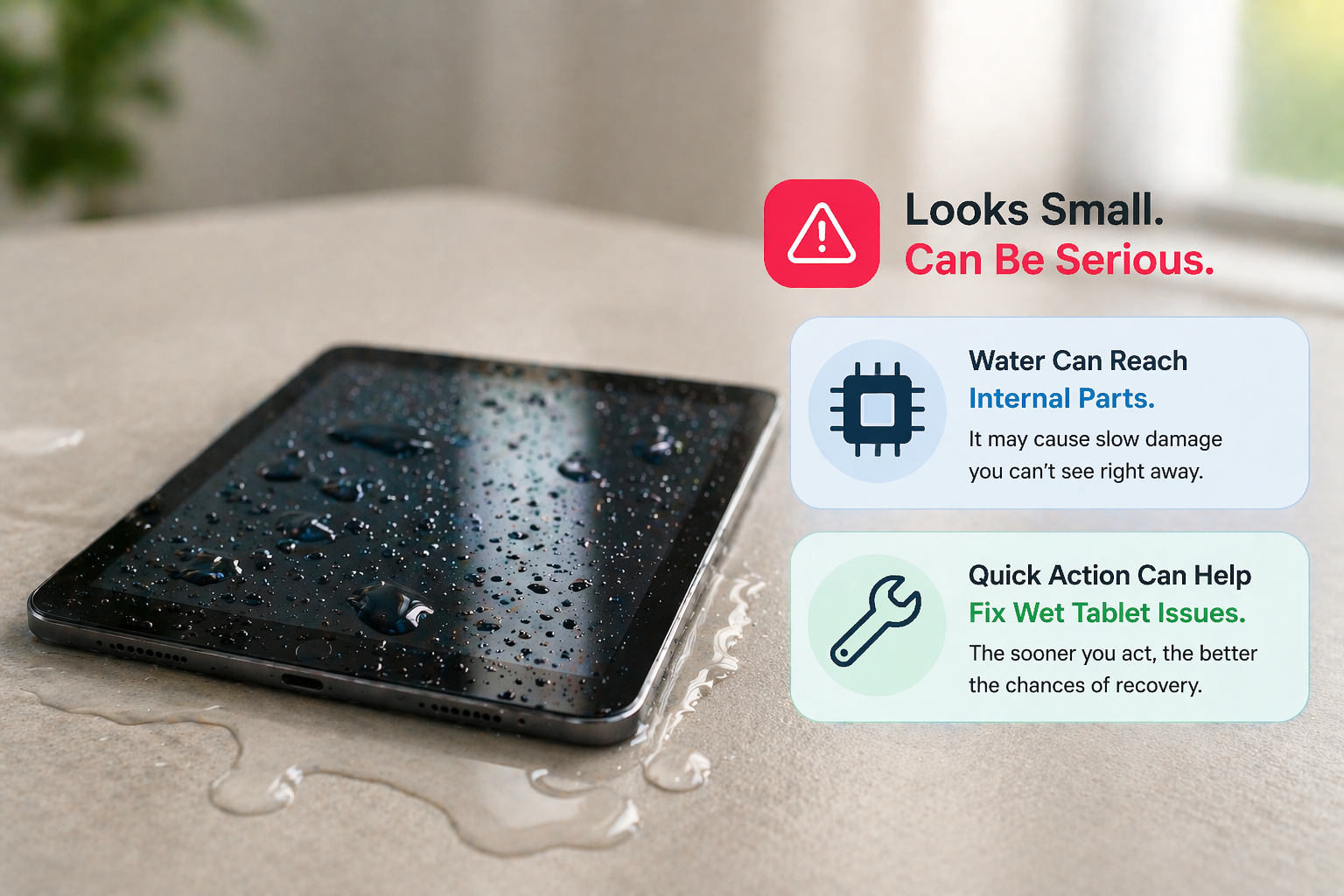
Tablet water damage can seem like a simple issue at first—maybe just a few drops on the screen or a quick spill. But what happens inside your device is often far more serious than what you see on the outside. Water can slowly affect internal components, leading to performance issues or even complete failure if not handled properly.
The good news is that with the right steps and quick action, you can often fix wet tablet problems before they turn into long-term damage.
What Do You Do If Your Tablet Gets Wet?
The first thing you do matters the most. Acting quickly can prevent deeper internal damage.
Here’s what you should do immediately:
- Turn off the tablet right away
- Do not charge or plug it in
- Remove covers, accessories, or cases
- Wipe the surface gently with a dry cloth
Avoid shaking the device or pressing buttons too much, as this can push water deeper inside and worsen tablet water damage.
How to Bring a Tablet Back to Life?
If your tablet has stopped working after exposure to water, don’t panic. There are still chances to recover it.
Start with proper drying:
- Place the device in a dry, well-ventilated area
- Use silica gel packets if available
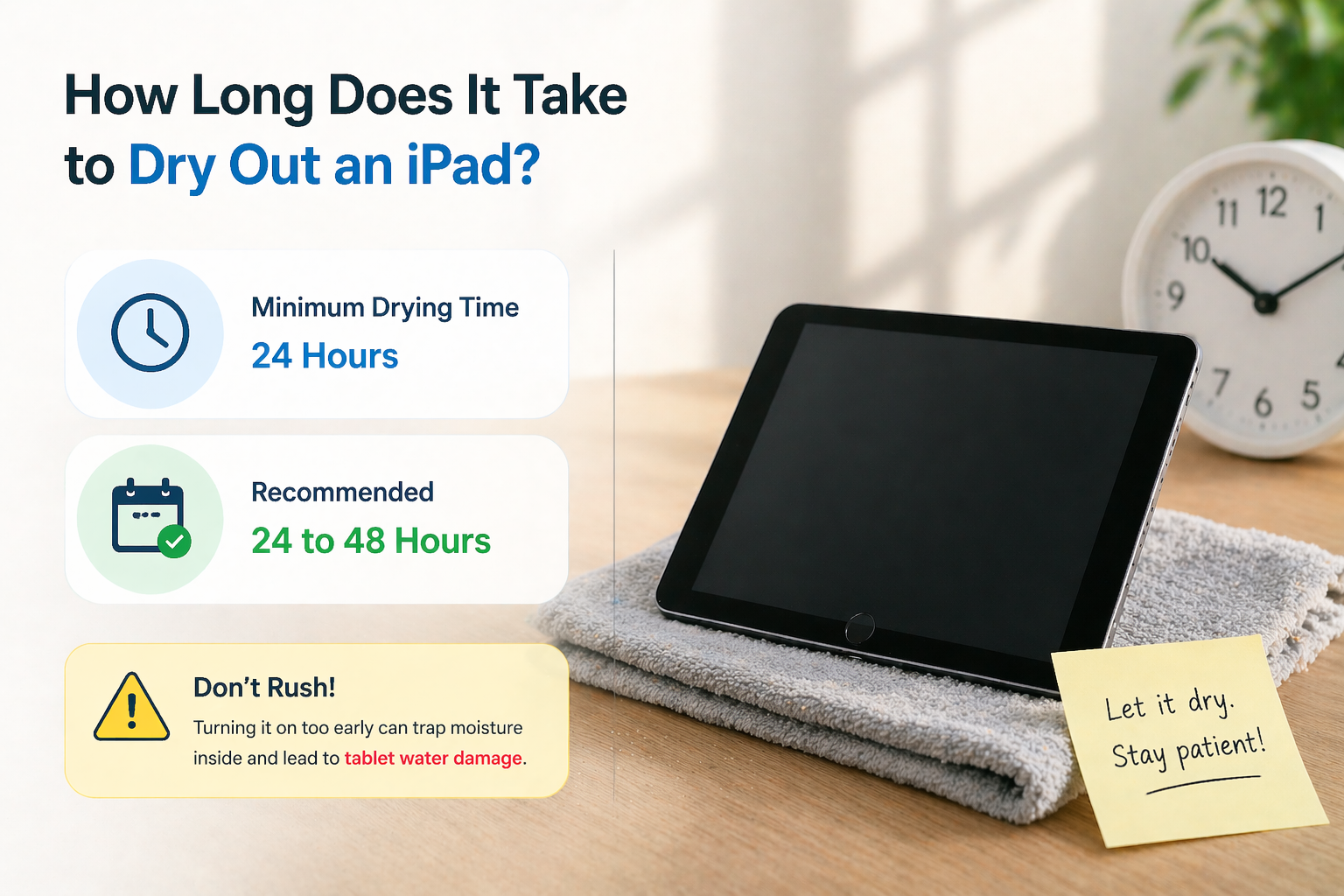
- Let it rest undisturbed for 24–48 hours
If the device still doesn’t respond, it may be time to seek professional help to safely fix wet tablet issues. Experts can clean and repair components affected by internal damage.
In many cases, understanding how these repairs are handled in real technician profiles and practical repair scenarios can give you a clearer idea of what to expect.
How Long Does It Take to Dry Out an iPad?
Drying time is important and should never be rushed.
In most cases:
- Minimum drying time, 24 hours
- Recommended, 24 to 48 hours
Turning the device on too early is one of the biggest mistakes. Even if the outside looks dry, moisture may still remain inside, continuing to cause tablet water damage.
What Do You Do If Your Pills Get Wet?
This question often comes up due to confusion with similar situations. While tablets (devices) and pills are completely different, the key idea is similar moisture can affect their functionality or effectiveness.
In the case of your device, internal damage caused by water is the real concern. Unlike pills, your tablet can often be repaired if handled correctly and early.
What Does Water Damage on a Tablet Look Like?
Not all damage is visible right away. In many cases, tablet water damage shows symptoms over time.
Here are some common signs:
- Device not turning on
- Screen flickering or becoming unresponsive
- Charging issues
- Overheating
- Unusual behavior or slow performance
These signs indicate that water has affected internal circuits and may require repair to fully fix wet tablet problems.
What Actually Happens Inside Your Tablet?
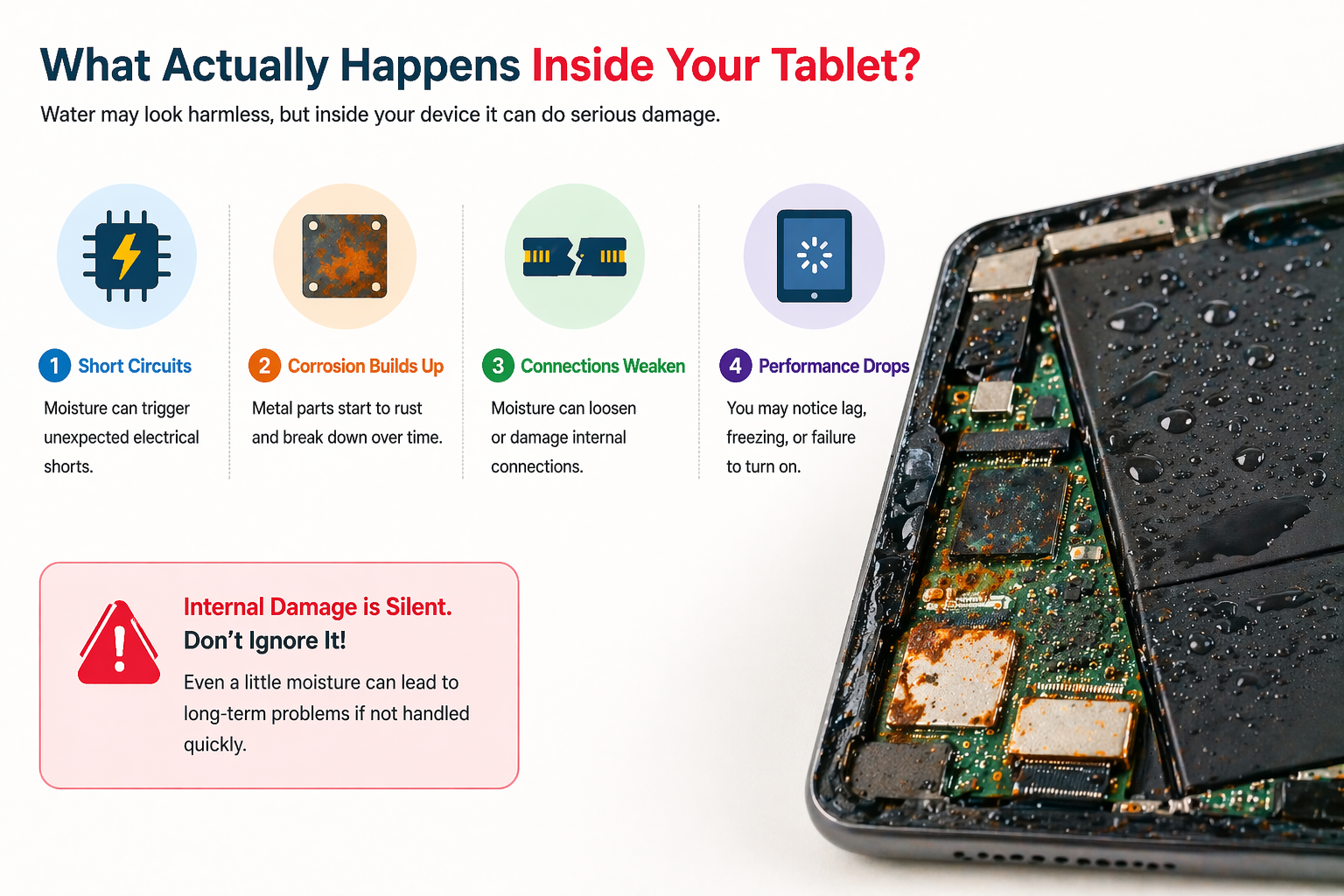
When water enters your device, it doesn’t just sit there—it starts affecting delicate components.
Here’s what happens internally:
- Moisture can cause short circuits
- Metal components may start corroding
- Connections between parts can weaken
- Performance issues begin to appear
This is why internal damage is often more serious than visible damage. Even a small amount of moisture can lead to long-term problems if ignored.
When Should You Consider Repair?
If your tablet shows any signs of malfunction after drying, it’s best not to wait.
You should consider repair when:
- The device doesn’t turn on
- Display or touch is not working properly
- Charging becomes inconsistent
- Performance drops noticeably
A professional repair service can properly clean and restore components, helping you effectively fix wet tablet issues caused by tablet water damage.
Final Thoughts: Act Early, Save Your Device
Tablet water damage can feel like a major problem, but it doesn’t always mean your device is permanently damaged. The key is to act quickly and avoid common mistakes.
Simple steps like turning off the device, drying it properly, and not rushing to turn it back on can make a huge difference. If needed, professional repair can safely handle internal damage and restore your tablet.
In many cases, choosing to fix wet tablet issues early can save you money, time, and the hassle of replacing your device.
FAQs
1. Can a water damaged tablet be repaired?
Yes, most tablets can be repaired if treated early.
2. How long should I let my tablet dry?
At least 24–48 hours before turning it on.
3. What are the first signs of water damage?
Screen issues, charging problems, and device not turning on.
4. Can I fix a wet tablet at home?
Basic drying can help, but professional repair is safer for internal issues.
5. Is water damage permanent?
Not always—early action can prevent serious long-term damage.