

A wet tablet can instantly cause panic, especially when your device suddenly stops working. Whether it slipped into water, got caught in the rain, or had something spilled on it, the situation feels serious. But the truth is, not all water exposure leads to permanent damage. With the right steps and quick action, you can often prevent long-term issues and even repair wet tablet problems before they get worse.

How to Fix a Tablet That Got Wet?
The first few minutes after your tablet gets wet are extremely important. Acting quickly can make a big difference in saving your device.
Here’s what you should do immediately:
- Turn off the tablet right away
- Do not plug it in or try to charge it
- Remove any covers, cases, or accessories
- Gently wipe off visible water using a soft cloth
Avoid pressing buttons repeatedly, as this can push moisture deeper inside and increase moisture damage.
Is the Rice Trick Safe for My Samsung?
Many people believe that putting a wet tablet in rice helps absorb moisture. While this method is popular, it’s not always the safest or most effective solution.
Rice can sometimes:
- Leave dust particles inside the device
- Fail to remove deeper internal moisture
- Give a false sense of drying while damage continues
Instead of relying only on rice, it’s better to use controlled drying methods or seek help if the issue persists.
How to Get Liquid Out of a Tablet?
Removing liquid from inside the device requires patience and the right approach.
Here are safer alternatives:
- Place the tablet in a dry, well-ventilated area
- Use silica gel packets if available
- Keep the device in a cool, dry place for 24 to 48 hours
These methods help reduce internal moisture gradually and lower the risk of serious moisture damage.
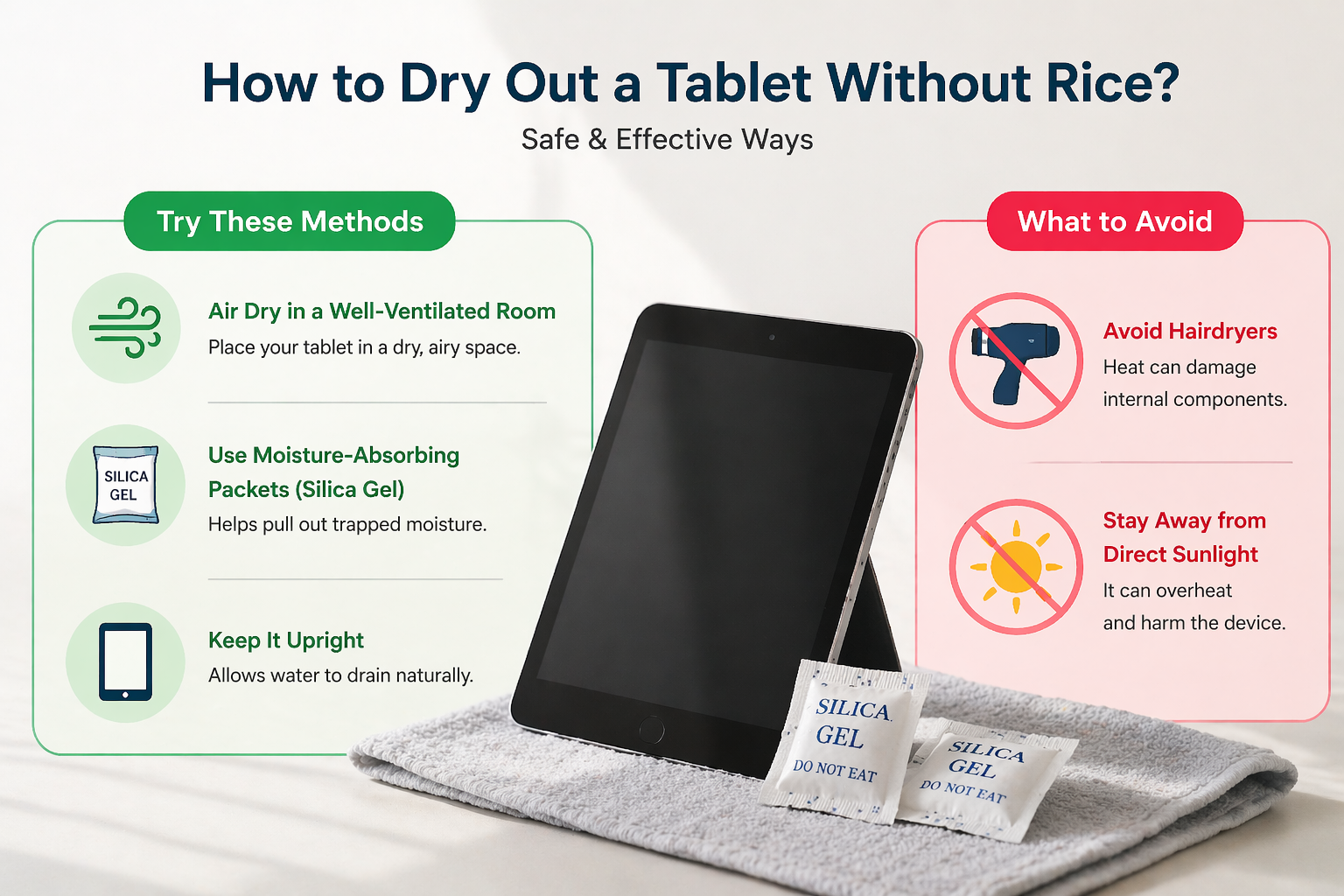
How to Dry Out a Tablet Without Rice?
If you don’t want to use rice, there are better and safer options available.
Try these methods:
- Air drying in a well ventilated room
- Using moisture absorbing packets (silica gel)
- Keeping the tablet upright to allow water to drain
Avoid using heat sources like hairdryers or placing the device in direct sunlight, as this can damage internal components rather than fix them.
How to Tell If a Tablet Has Water Damage?
Even if your tablet looks fine from the outside, internal issues may still exist.
Watch out for these signs:
- Device not turning on
- Screen flickering or becoming unresponsive
- Charging problems
- Overheating
These are clear indicators that your wet tablet may have deeper internal issues that need attention.
When Should You Consider Repair?
If your tablet continues to show problems after drying, it’s time to consider professional help.
You should look to repair wet tablet issues when:
- The device doesn’t power on
- Touch or display is not working properly
- Charging becomes inconsistent
- The device heats up unusually
A technician can safely clean internal components and prevent further moisture damage, increasing the chances of full recovery.
In many cases, seeing how similar issues are handled in practical repair situations and user experiences can help you decide the next step more confidently.
Why Acting Early Matters
Delaying action is one of the biggest mistakes people make. Moisture left inside the device can slowly corrode internal parts, making the problem worse over time.
Taking quick steps after noticing a wet tablet can:
- Reduce repair costs
- Prevent permanent damage
- Improve chances of recovery

Final Thoughts: What Actually Works
A wet tablet doesn’t always mean your device is beyond repair. With the right approach, patience, and timely action, you can often bring it back to working condition.
Simple steps like turning it off, drying it properly, and avoiding risky DIY methods can go a long way. If the issue continues, choosing to repair wet tablet problems professionally is the safest option.
Understanding how to handle moisture damage early can save you both time and money, while also extending the life of your device.
FAQs
1. Can a wet tablet be fixed?
Yes, most tablets can be fixed if action is taken quickly.
2. Is rice a good method to dry a tablet?
It may help slightly, but it’s not the most reliable or safest method.
3. How long should I let my tablet dry?
At least 24–48 hours before turning it on again.
4. What is the biggest mistake after water damage?
Trying to charge or turn on the device too soon.
5. When should I seek repair?
If your device shows issues like screen problems, charging failure, or not turning on.