

Quick Summary
Face ID Stops Working due to software glitches, accidental drops, water damage, or hardware failures. This guide explains the most common causes, safe troubleshooting steps, and when professional repair is the best way to restore your iPhone’s facial recognition.
In This Guide, You’ll Learn:
- Why Face ID Stops Working on an iPhone.
- The most common Face ID issues and their causes.
- Safe troubleshooting steps you can try at home.
- When professional repair is the right solution.
- Tips to help prevent future Face ID problems.
- When it’s time to visit a trusted iPhone repair technician.
Introduction
Face ID Stops Working can quickly turn a convenient feature into a frustrating problem. Face ID is designed to let you unlock your iPhone, authorize payments, sign in to apps, and protect sensitive information with just a glance. Since it works so smoothly, most users never think about the advanced technology behind it—until it suddenly stops responding or fails to recognize their face.
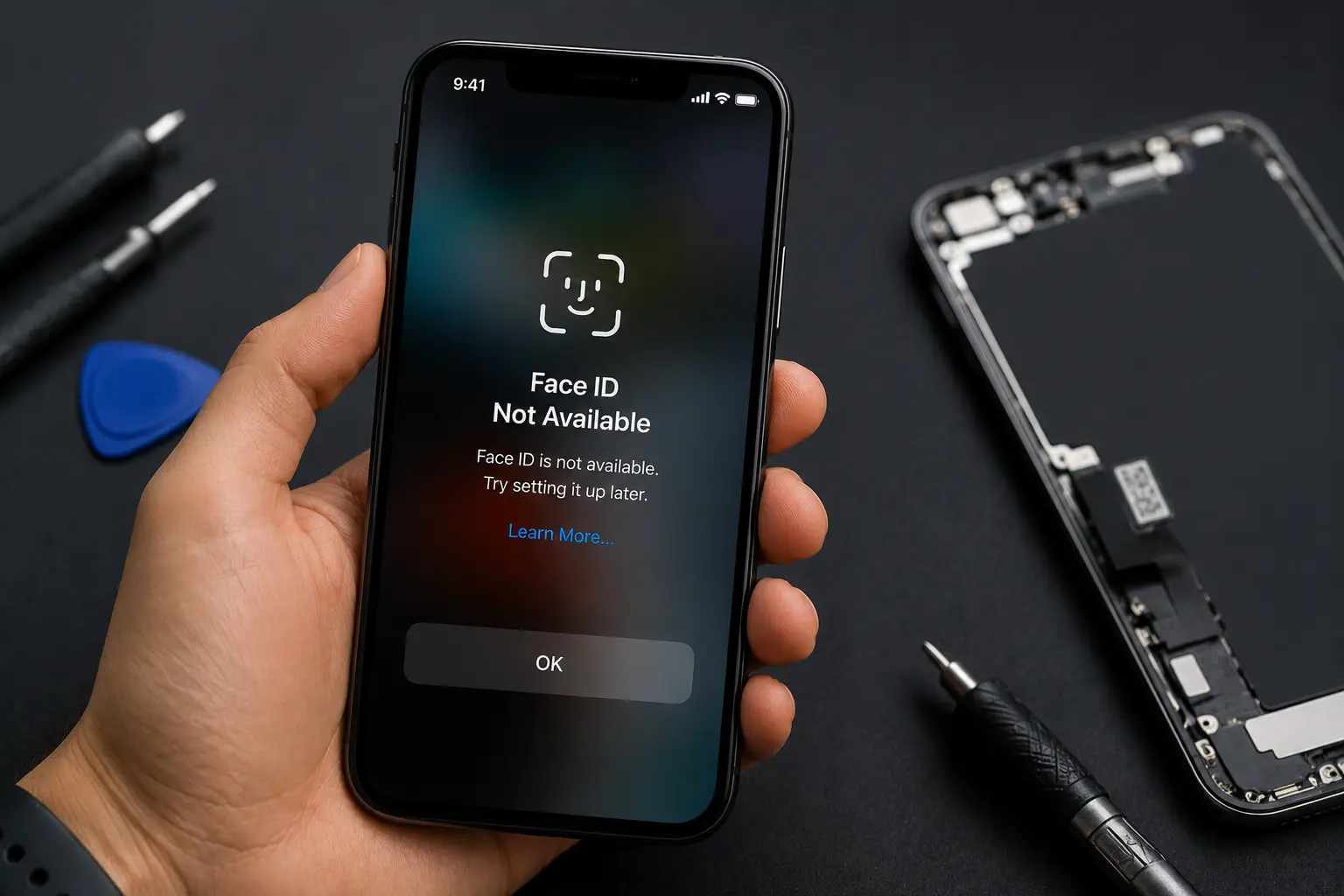
A common situation many iPhone owners experience is dropping their phone accidentally. Sometimes the damage is obvious, such as a cracked screen or dented frame. In other cases, the phone looks almost perfect on the outside, but Face ID suddenly stops working. You may see messages like “Face ID Not Available“ or notice that your device simply refuses to recognize your face.
This often leaves people wondering whether the problem is caused by software, a loose internal connection, or permanent hardware damage. Unfortunately, many users continue using their phones without realizing that a drop can affect much more than the display. The impact may disturb delicate internal components that are responsible for facial recognition, even if there are no visible signs of damage.
The good news is that not every Face ID issue means your iPhone is beyond repair. In many situations, professional diagnostics can identify the exact cause and determine whether the feature can be restored safely.
At Blackapple Cellular, our technicians regularly help customers seeking iPhone repair in Victoria after accidental drops. Using professional diagnostic equipment and years of repair experience, we carefully inspect Face ID systems to identify the underlying issue before recommending the most appropriate solution.
In this guide, we’ll explain how Face ID works, why it can stop functioning after a drop, how water damage can affect facial recognition, and when professional repair is the best option.
How Face ID Works and Why It Is So Sensitive
Most people think Face ID simply uses the front camera to recognize a face. In reality, it’s one of the most advanced security systems ever built into a smartphone.
Instead of relying on a single camera, Face ID uses a collection of highly precise sensors known as the TrueDepth Camera System. These components work together to create an accurate three-dimensional map of your face rather than relying on a simple photograph.
When you look at your iPhone, several things happen almost instantly:
- The infrared camera detects your face.
- The dot projector projects thousands of invisible infrared dots onto your face.
- The flood illuminator ensures Face ID works even in low light.
- The Secure Enclave inside Apple’s processor compares the facial map with your encrypted data.
This entire process takes less than a second, making Face ID both fast and extremely secure.
However, this sophisticated technology is also why Face ID is particularly sensitive to physical impact.
Unlike larger components such as the battery or display, the sensors responsible for Face ID are incredibly small and require perfect alignment. Even a slight shift inside the phone can prevent the system from functioning correctly.
For example, a strong drop may:
- Misalign the infrared camera.
- Damage the dot projector.
- Loosen delicate internal connectors.
- Affect tiny flex cables near the front camera.
- Damage the logic board that communicates with Face ID components.
In many situations, these issues cannot be identified simply by looking at the outside of the phone. Everything may appear normal, yet Face ID refuses to initialize because one small component has moved out of alignment.
Apple also designs Face ID with strict security measures. If the system detects a hardware fault, it disables facial recognition entirely rather than allowing inaccurate authentication. This protects your personal information but also means that even minor internal damage can prevent Face ID from working.
Because these components are paired electronically with your device, they require specialized repair techniques and diagnostic tools. Randomly replacing parts without proper testing can actually make repairs much more difficult.
Understanding how sensitive Face ID is helps explain why even a seemingly harmless drop can affect one of your iPhone’s most valuable features.
The Most Common Reasons Face ID Stops Working After a Drop
Dropping your iPhone doesn’t always result in visible damage. Sometimes the display remains intact, the phone powers on normally, and every other function appears to work perfectly—except Face ID.
This happens because the impact energy travels throughout the phone’s internal structure. While the exterior may absorb part of the force, delicate components inside can still become damaged or disconnected.
Below are the most common reasons Face ID stops working after an accidental drop.
1. Internal Connector Becomes Loose
The front camera assembly is connected to the logic board through extremely thin flex cables.
A sudden impact may slightly loosen these connectors without causing visible external damage. Even a tiny shift can interrupt communication between Face ID components.
2. Damage to the TrueDepth Camera System
The TrueDepth camera consists of multiple sensors working together.
If one sensor becomes damaged, Face ID may stop functioning entirely because Apple requires every component to operate correctly for security reasons.
3. Dot Projector Damage
The dot projector is responsible for projecting thousands of invisible infrared points onto your face.
It’s one of the most delicate components inside an iPhone.
If the projector is damaged during a drop, Face ID typically becomes unavailable.
4. Front Camera Module Misalignment
Even without breaking, the front camera assembly can shift slightly after impact.
Since Face ID depends on precise alignment between multiple sensors, this small movement may prevent accurate facial recognition.
5. Logic Board Damage
In more severe drops, microscopic cracks may develop on the logic board.
Although the phone may continue operating normally, communication between Face ID components and the processor may be interrupted.
Diagnosing motherboard-related issues requires specialized repair equipment and professional inspection.
6. Previous Repair Problems
If your iPhone has undergone poor-quality repairs in the past, a minor drop can sometimes expose existing weaknesses.
Loose connectors, improperly installed components, or damaged cables from previous repairs may become disconnected more easily.
7. Software Errors Triggered After Impact
Although hardware damage is more common, software issues occasionally occur after an unexpected shutdown caused by a drop.
Restarting the device or updating iOS may resolve these cases, but persistent Face ID errors should always be professionally diagnosed.
At Blackapple Cellular, our experienced technicians provide trusted iPhone repair services by thoroughly testing every Face ID component before recommending repairs. This ensures customers receive accurate solutions instead of unnecessary part replacements.
Can Water Damage Also Affect Face ID Performance?
Many people associate Face ID issues only with accidental drops, but water damage is another major reason why Face ID can stop working. Even though newer iPhone models are designed with water-resistant technology, they are not completely waterproof. Over time, the water-resistant seals can wear down, making it easier for moisture to enter the device after accidental exposure.
Liquid damage doesn’t always happen because your phone was submerged in water. Everyday situations like getting caught in heavy rain, spilling a drink, or using your iPhone in a humid environment can also allow moisture to reach sensitive internal components. Since the True Depth camera system sits near the top of the phone, even a small amount of liquid can interfere with its operation.
One of the biggest concerns with water exposure is corrosion. When moisture reaches the tiny connectors that power Face ID, corrosion can begin to form on the metal contacts. This may interrupt communication between the sensors and the logic board, causing Face ID to stop responding or display warning messages.
Common signs of water-related Face ID problems include:
- Face ID suddenly becomes unavailable after water exposure.
- The front camera appears blurry or foggy.
- Face recognition works intermittently.
- The phone displays hardware-related error messages.
- Face ID stops working days after the water incident.
In many cases, the damage is not immediately visible. Corrosion often develops gradually, meaning the feature may continue working for a short time before eventually failing.
If your iPhone has been exposed to liquid and Face ID no longer works correctly, avoid charging the device repeatedly or attempting to dry it using household methods such as rice. These methods rarely remove internal moisture and may delay proper repair.
Professional diagnostics can determine whether the issue is caused by corrosion, damaged sensors, or another internal fault. Acting quickly significantly increases the chances of a successful repair before permanent damage spreads to other components.
Is Face ID Repair Possible or Will You Need a New Phone?
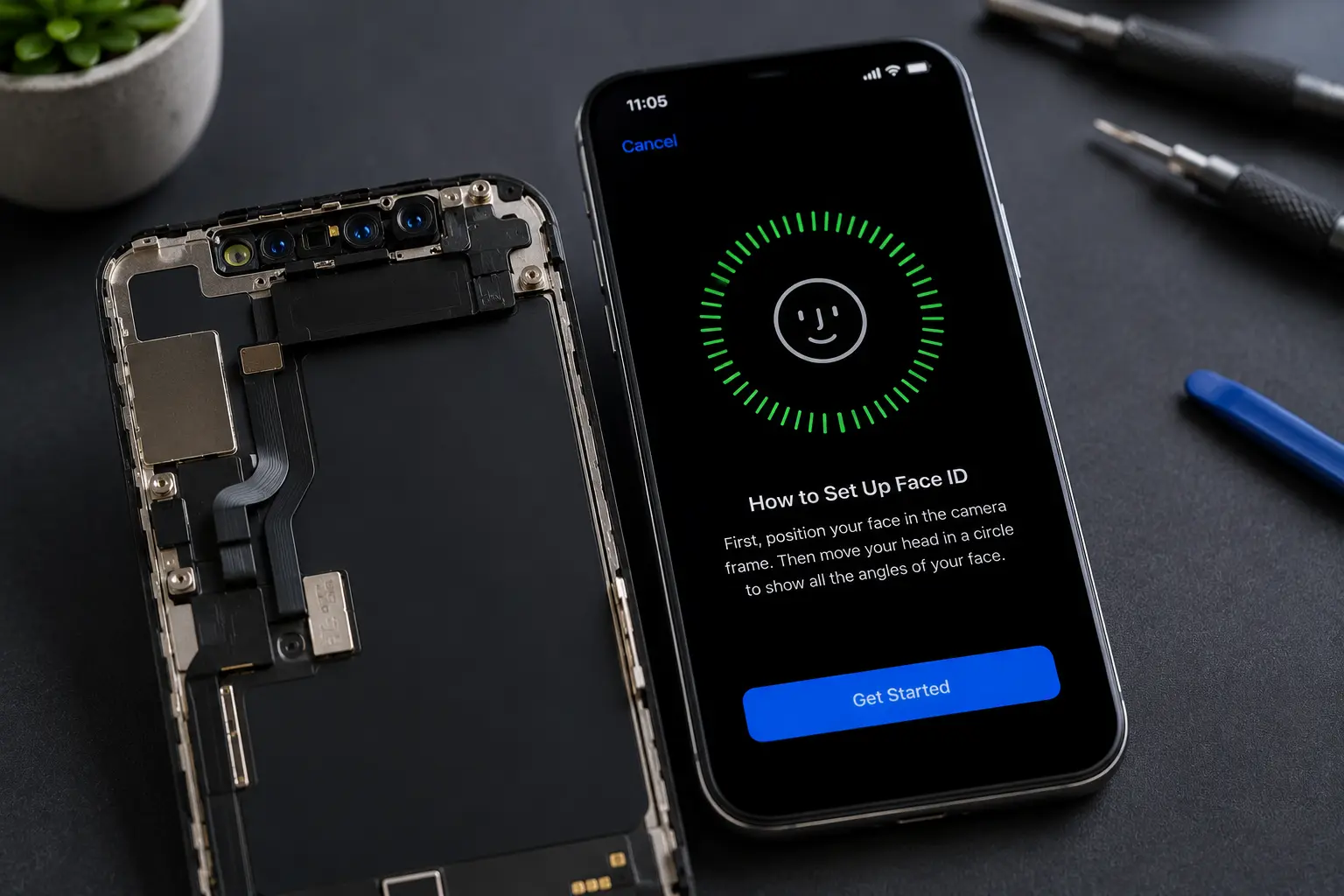
One of the first questions customers ask after Face ID stops working is whether they need to replace the entire phone. The good news is that Face ID problems do not always mean your iPhone is beyond repair.
The solution depends entirely on what caused the failure.
Software-Related Problems
If the issue is caused by a software glitch, an interrupted update, or corrupted settings, the problem may be resolved through system troubleshooting without replacing any hardware.
Loose Internal Connections
A drop can sometimes loosen connectors inside the phone without permanently damaging them. In these cases, technicians may be able to restore normal functionality after carefully inspecting and reconnecting the affected components.
Damaged Flex Cables
Certain Face ID components are connected through delicate flex cables. If these cables are damaged, the repair process becomes more complex and requires specialized equipment and expertise.
Hardware Damage
If the impact has damaged important parts of the TrueDepth camera system or the logic board, repairs become more technical. Because Apple pairs several Face ID components to each individual device, replacing parts incorrectly can permanently disable the feature.
This is why accurate diagnostics are essential before making repair decisions.
At Blackapple Cellular, our technicians evaluate the entire Face ID system before recommending a solution. Instead of assuming the worst, we identify exactly which component is causing the issue and explain the available repair options.
Many customers are surprised to learn that professional repair is often significantly more affordable than purchasing a brand-new iPhone.
Why DIY Repairs Can Make Face ID Problems Worse
The internet is full of repair videos promising quick fixes for almost every smartphone problem. While these tutorials may appear simple, Face ID is one of the most delicate systems inside an iPhone.
Attempting a DIY repair without proper tools or experience can create additional problems that are far more expensive to fix.
Face ID Components Are Extremely Fragile
The sensors responsible for facial recognition are incredibly small and precisely calibrated. Even slight damage during disassembly can affect alignment and prevent the system from working correctly.
Unlike replacing a phone case or screen protector, Face ID repairs involve sensitive hardware that requires professional handling.
Incorrect Repairs Can Permanently Disable Face ID
Apple pairs several Face ID components with each specific device.
Installing incompatible parts or accidentally damaging original components can permanently disable Face ID, even if the phone continues working normally.
This makes professional diagnostics particularly important before replacing any internal parts.
Risk of Additional Internal Damage
Opening an iPhone without proper tools increases the risk of damaging:
- Battery connectors
- Display cables
- Front camera assembly
- Logic board components
- Water-resistant seals
A simple repair attempt can quickly become much more expensive if additional parts are damaged during the process.
Loss of Water Resistance
Modern iPhones rely on carefully installed waterproof seals.
Improper reassembly after DIY repairs may reduce the phone’s resistance to moisture, increasing the likelihood of future water damage.
Professional Repairs Save Time and Money
Although DIY repairs sometimes appear less expensive initially, unsuccessful repairs often require additional professional work later.
Having the device inspected correctly the first time usually saves both money and frustration while protecting the phone’s long-term reliability.
Professional Face ID Diagnostics and Repair Process
Every Face ID repair begins with understanding why the feature stopped working.
Rather than replacing parts immediately, our technicians follow a structured diagnostic process that identifies the exact cause before recommending repairs.
Initial Inspection
We begin by checking the phone for:
- External impact damage
- Screen condition
- Signs of liquid exposure
- Previous repair history
This helps identify visible clues that may explain the problem.
Advanced Diagnostic Testing
Using professional diagnostic equipment, we evaluate:
- True Depth camera performance
- Face ID sensor communication
- Front camera functionality
- Internal connectors
- Logic board health
This allows us to accurately identify which component is causing the failure.
Software Verification
Some Face ID issues originate from software rather than hardware.
Our technicians check:
- iOS version
- System errors
- Camera functionality
- Security settings
This ensures no software issue is overlooked before recommending hardware repairs.
Repair Recommendations
Once diagnostics are complete, customers receive a clear explanation of:
- The exact problem
- Available repair options
- Estimated repair time
- Repair costs
This transparent approach allows customers to make informed decisions without unnecessary pressure.
At Blackapple Cellular, our goal is always to provide honest advice, professional workmanship, and reliable iPhone repair in Langford, iPhone repair in Campbell, and iPhone repair Victoria for customers experiencing Face ID issues.
Conclusion
Face ID is one of the most advanced security features available on modern smartphones, but its precision also makes it sensitive to physical impact and internal damage. Whether your iPhone has been dropped, exposed to water, or simply stopped recognizing your face unexpectedly, ignoring the issue can lead to further complications over time.
The most important step is identifying the real cause before attempting any repairs. Professional diagnostics help determine whether the problem is related to software, internal connectors, the TrueDepth camera system, or another component entirely. This ensures that repairs are accurate, cost-effective, and focused on restoring your device without unnecessary part replacements.
If your Face ID has stopped working after an accidental drop, trust the experienced technicians at Blackapple Cellular. We provide reliable iPhone repair services backed by professional diagnostics, quality workmanship, and transparent recommendations to help get your iPhone working the way it should again.
Frequently Asked Questions
Why did my Face ID stop working after dropping my iPhone?
A drop can damage or misalign the delicate True Depth camera components, loosen internal connectors, or affect the logic board, preventing Face ID from functioning correctly.
Can Face ID stop working even if my screen isn’t cracked?
Yes. Internal components may be damaged even when there are no visible signs of external damage.
Can water damage permanently disable Face ID?
If moisture damages important sensors or causes corrosion, Face ID may stop working. Early professional inspection improves the chances of successful repair.
Can I repair my Face ID myself?
Because Face ID relies on highly sensitive and paired Apple components, DIY repairs are not recommended. Incorrect repairs may permanently disable facial recognition.
Does replacing the screen fix Face ID?
Not necessarily. While some Face ID problems are related to screen damage, many originate from internal sensors or connectors. Professional diagnostics are needed to determine the actual cause.
How long does Face ID diagnosis usually take?
Most diagnostic inspections can be completed within a short period. After testing, technicians explain the issue and recommend the most suitable repair solution.